World Cup 2026 Sports Star Selfie Video Generator: Turn Your Photo Into a Walkout Clip
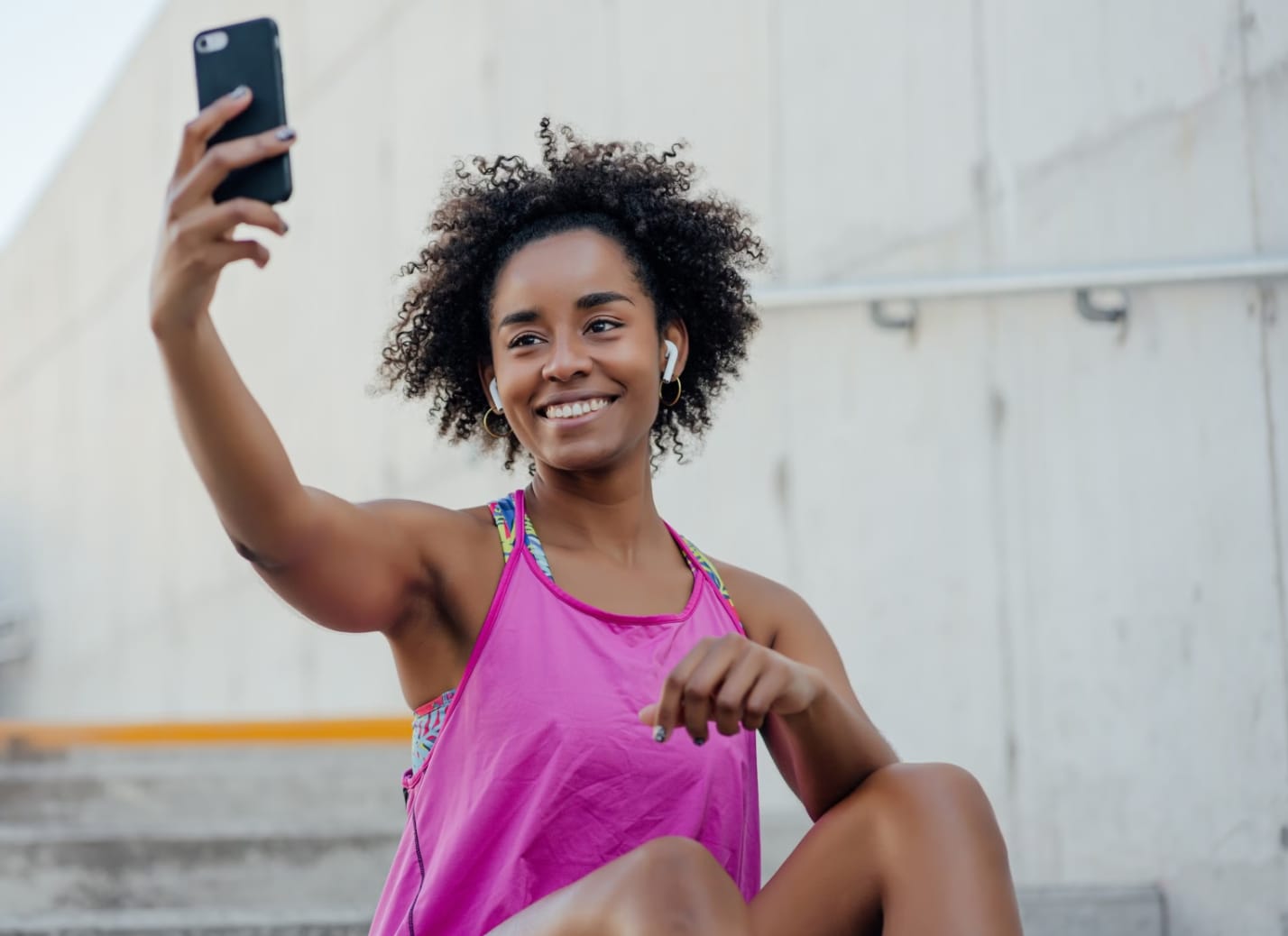
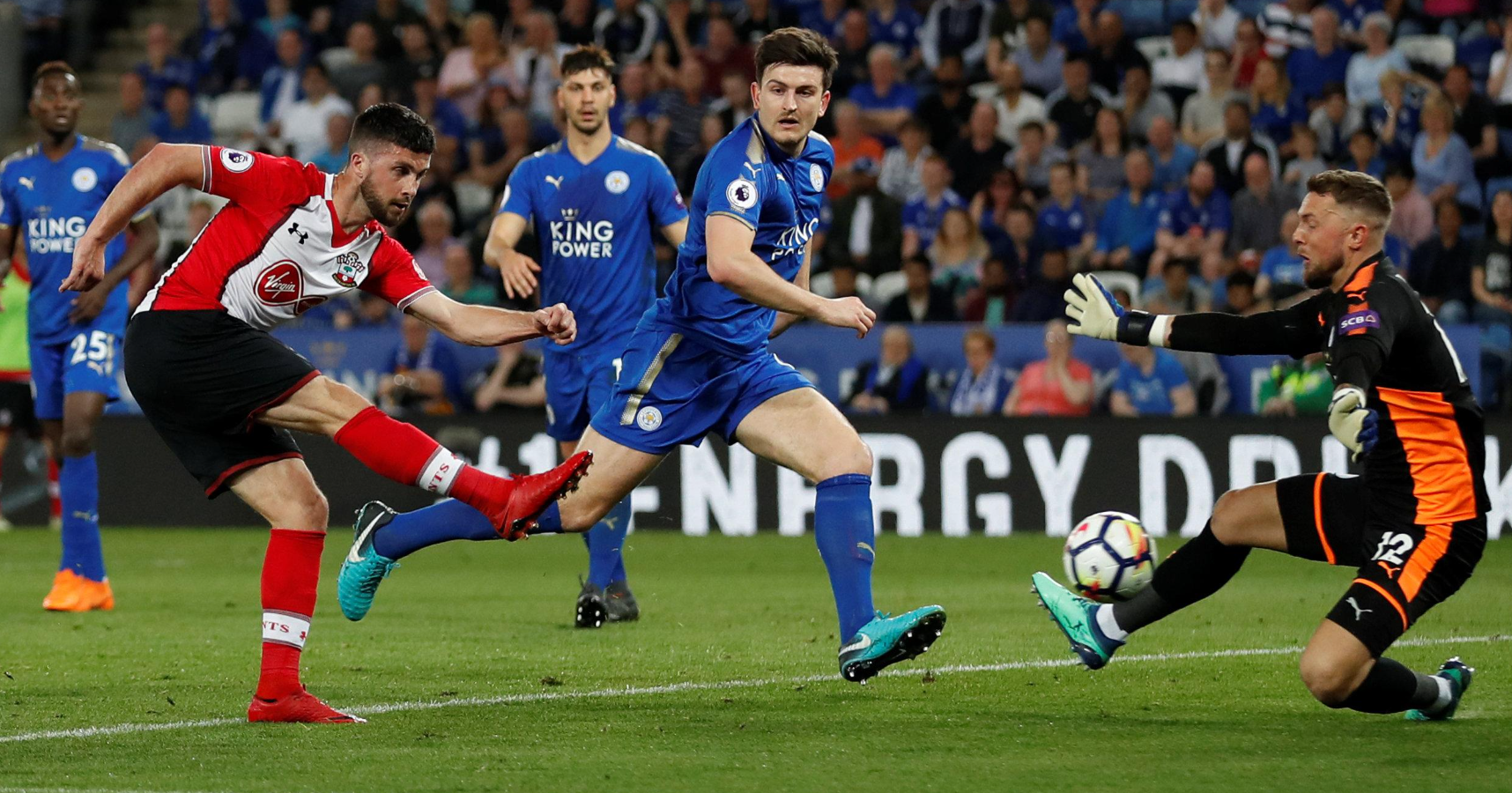
The FIFA World Cup 2026 runs from June 11 to July 19 across the United States, Canada, and Mexico. For most fans, standing beside Lionel Messi or Cristiano Ronaldo in a stadium tunnel is a fantasy. A practical selfies with sports stars generator free workflow now makes that fantasy shareable — not as a fake news claim, but as clearly labeled AI fan content you create yourself.
This guide explains how to use VidpexAI Image to Video as the best selfies with sports stars generator for short, cinematic clips. You upload your photo, write a prompt describing the World Cup moment you want, and VidpexAI animates your still into motion. No video-editing background required.
Why Fans Want a Selfies with Sports Stars Generator App in 2026
World Cup fever is not only about match results. Fans want tunnel shots, anthem moments, and celebration reels that feel personal. A dedicated selfies with sports stars generator app on your phone sounds ideal, but browser-based tools often deliver better quality with less storage drain.
VidpexAI works in the web. Its all-in-one platform combines image to video, text to video, AI image generation, and avatar tools — so you can build a still composite first, then animate it. That two-step flow is what separates a flat photo with celebrity AI free output from a true AI celebrity selfie video generator result.
What Makes VidpexAI Different From a Basic Filter
Many apps overlay a medal or flag and call it done. VidpexAI's image to video engine adds cinematic camera movement, natural motion, and optional audio to a source image. Supported upload formats include JPEG, JPG, PNG, and WEBP up to 50MB. You can work in Start Image, Between Images, or Reference Images mode depending on how many visuals you supply.
The platform also offers access to advanced video models including Wan AI, Kling AI, and Seedance AI through its model hub — useful when you want a selfie with celebrity AI clip that feels broadcast-ready rather than slideshow-like.
For creators comparing tools, the best selfies with sports stars generator category is really about motion quality plus honest pricing. VidpexAI checks both boxes: a real selfie with celebrity AI animation path, not a static sticker overlay, and transparent credit rules when you scale beyond the selfies with sports stars generator free entry point.
How VidpexAI Powers an AI Selfie With Celebrity Generator Workflow
VidpexAI does not ship a single button labeled "celebrity selfie." What it provides is more flexible: an AI selfie with celebrity generator pipeline you control with your own photo and prompt. That honesty matters — you describe the scene; the AI interprets it.
Think of it as an AI celebrity selfie video generator you direct. The still image sets the cast; your prompt sets the story. A photo with celebrity AI free trial lets you validate the concept before spending credits on variations — ideal for agencies testing World Cup campaign hooks.
Step 1: Prepare Your Source Photo
Use a clear, front-facing selfie with even lighting. Avoid heavy sunglasses, extreme blur, or cropped faces. If you already have a composite still — you beside a player — upload it directly. If not, use VidpexAI's AI image generator within the same account to create a reference still, then move to image to video.
Step 2: Open Image to Video and Upload
Upload your image. Choose Start Image for a single-photo animation, or Reference Images when you want the model to follow multiple visual cues. The prompt field supports up to 4,000 characters — enough room for detailed World Cup entrance or World Cup walkout directions.
Step 3: Write a World Cup Scene Prompt
Strong prompts mention location, lighting, camera motion, and mood. Examples:
- "Fan selfie beside Argentina's captain, slow World Cup walkout through stadium tunnel, crowd roar, broadcast lighting, subtle camera push-in."
- "Two friends flanking a football star at the World Cup entrance, confetti, national flags, handheld phone-camera feel."
VidpexAI delivers MP4 downloads suitable for TikTok, Instagram Reels, and YouTube Shorts.
Step 4: Generate, Review, and Download
Hit generate and review the preview. If motion looks off, adjust the prompt or try Reference Images mode with a clearer player photo. VidpexAI advertises video generations without watermarks on its image to video page — a major advantage when you are testing several free AI selfie with celebrities generator online ideas before sharing.
Anyone hunting a free AI selfie with celebrities generator online should know the full pipeline: still creation (optional) → image to video → export. VidpexAI keeps all three stages inside one account.
Choosing the Best Selfies With Sports Stars Generator for Video Output
Not every selfies with sports stars generator free tool exports video. Many stop at a JPEG composite. VidpexAI's core advantage is motion: your AI celebrity selfie video generator output includes parallax, camera drift, and optional audio — the ingredients that make a World Cup walkout clip feel alive on TikTok.
When evaluating an AI selfie with celebrity generator, ask three questions: Does it support your photo format? Can you describe the scene in a prompt? Does the selfie with celebrity AI result export as MP4 without a watermark on the free tier? VidpexAI answers yes to all three on its image to video page. A photo with celebrity AI free edit alone may get likes. A video of that same moment — tunnel lights pulsing, crowd blur in the background — typically earns more shares.
World Cup 2026 Star Ideas: From Messi to Kane
Below are prompt-ready concepts fans search for during the tournament. Each pairs a popular player with a scene type you can describe in VidpexAI's prompt box after uploading your photo.
Legend Tier: Messi and Ronaldo
World Cup AI selfies with Messi remain the most requested fan edit worldwide. Describe a tunnel walk beside Argentina's number 10, blue-and-white kit, calm expression, slow dolly forward. Fans searching World Cup AI selfies with Messi usually want the iconic World Cup walkout pace — unhurried, eyes forward, crowd noise building. World Cup AI selfies with Cristiano Ronaldo suit high-energy World Cup entrance prompts — Portugal kit, intense stare, stadium lights flaring as the camera tracks backward. For World Cup AI selfies with Cristiano Ronaldo, specify "tunnel to pitch transition" to nail the World Cup entrance drama.
Golden Generation: Mbappé, Haaland, Bellingham, and Kane
World Cup AI selfies with Mbappé shine in French kit beside the trophy backdrop. World Cup AI selfies with Haaland fit Norway's anthem moment or a training-ground handshake. World Cup AI selfies with Bellingham and World Cup AI selfies with Harry Kane are trending among English-speaking fans planning group-chat hype videos before knockout rounds.
VidpexAI Pricing and Free Access: What to Expect
VidpexAI uses a freemium, credit-based model. According to the public pricing page:
Plan Type | What You Get |
Free tier | Access to core tools including image to video; suitable for trials and light use |
VidpexAI Premium | Monthly or yearly subscription; cancel anytime |
Credit packs | One-off purchases |
Entry paid unlock | Approximately $9.99/month with 350 bonus credits (as stated in VidpexAI's own 2026 comparison articles) |
Credits deduct per generation depending on the tool and model selected. Heavier models or longer outputs may consume more credits than a basic Start Image render. Check your balance inside the dashboard before batch-producing fan clips.
Compared with single-purpose apps, VidpexAI's selfies with sports stars generator free tier sits inside a broader creative suite. You are not locked into one trick — the same account handles text to video, avatars, and image generation if your campaign needs more than a single AI selfie with celebrity generator clip.
Tips for Believable World Cup Selfie Videos
Match lighting to the scene. A night-match prompt pairs poorly with a sunlit beach selfie. Reshoot or adjust your prompt. Iterate prompts, not just faces. Most failed clips trace back to vague prompts. Specify camera direction, kit colors, and tunnel vs. pitch context. Use Reference Images for tricky angles. Side profiles and group shots improve when you supply a clear player reference still alongside your selfie.
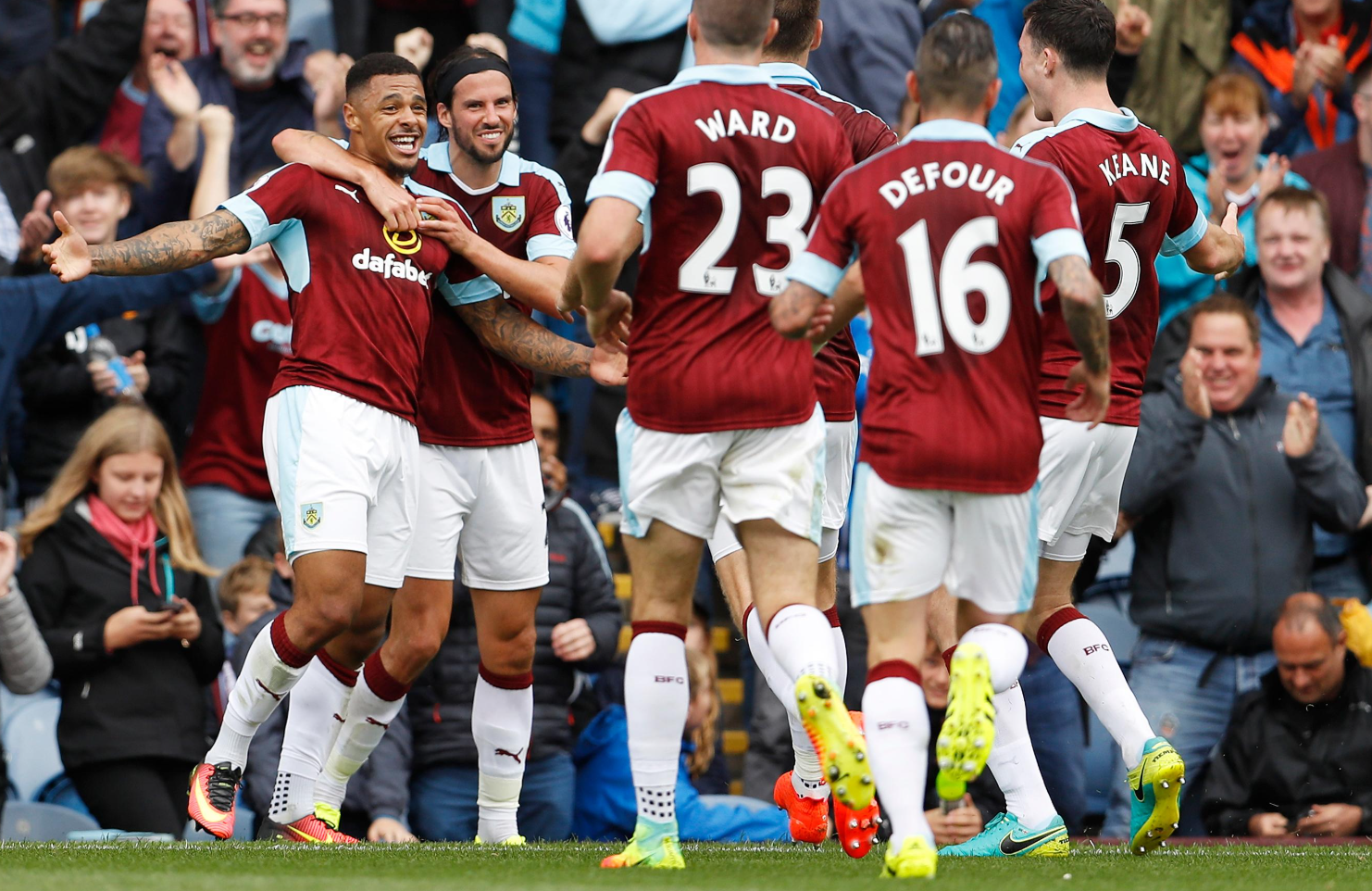
Treat it as a video tool first. Even the top selfies with sports stars generator app competitors often export stills only. VidpexAI's AI celebrity selfie video generator strength is MP4 output ready for Reels, which is where World Cup fan content actually spreads.
FAQ about World Cup Selfie Videos
My uploaded face looks distorted in the video. What went wrong?
Distortion usually comes from low-resolution source files, extreme head angles, or partial face occlusion. Re-upload a sharper front-facing photo at least 1024 pixels wide. Simplify your prompt to focus on subtle motion — a slow zoom rather than a dramatic spin — and try Start Image mode before Reference Images.
Which image to video mode should I use for a two-person selfie scene?
Start Image works when your uploaded file already shows you and the player together. If you only have separate photos, create a composite still first using VidpexAI's image generator or face swap, then animate. Reference Images helps when you upload your portrait plus a separate player photo so the model follows both visual cues.
Can I generate clips longer than a few seconds?
VidpexAI's image to video output is optimized for social-length clips. Exact duration limits depend on the model and settings selected at generation time. For longer storytelling, export multiple segments and stitch them in any basic editor, or explore VidpexAI's text to video tool for scene-by-scene builds.
Do free generations include watermarks on image to video exports?
VidpexAI generates videos with no watermarks. Paid credits and subscriptions expand volume and model access. Always confirm current terms on the live site before commercial client delivery.
What file format and size limits apply to uploads?
JPEG, JPG, PNG, and WEBP are supported, with a 50MB per-file ceiling on the image to video uploader. Convert HEIC iPhone photos to JPG if your browser fails to read them.
Ethan Brooks
Ethan Brooks leads AI videos and AI avatar workflows. With 12+ years specializing in generative AI, Ethan has produced AI-driven campaigns for global brands and tested every major model. He writes about prompts and future of visual storytelling.