AI World Cup Jersey Changer: Upload Your Photo and Turn Fan Looks into Video (2026 FIFA World Cup)
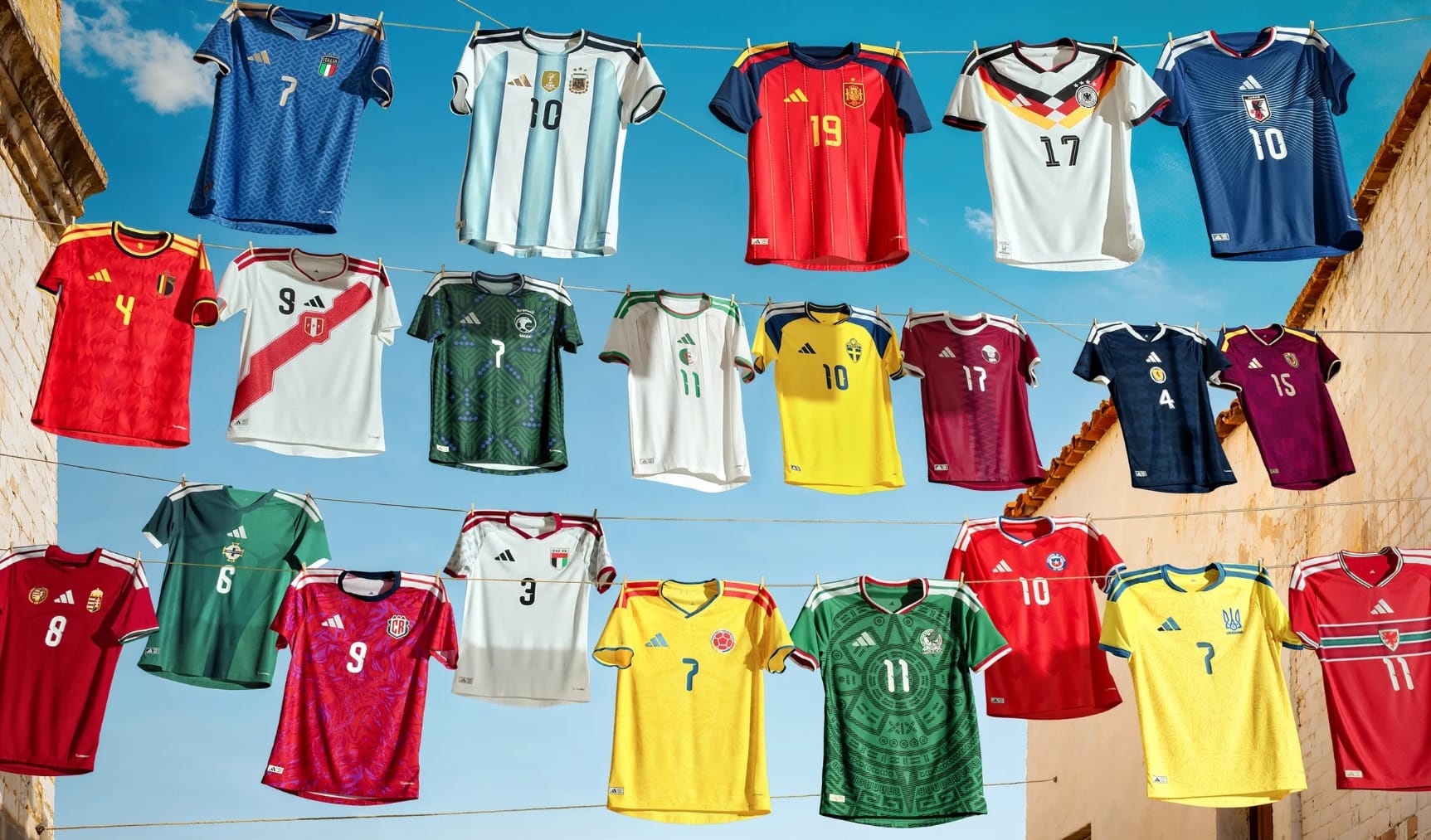
The 2026 FIFA World Cup is arriving across the United States, Canada, and Mexico — and fan culture is already moving faster than the group-stage draw. Supporters want more than a static profile picture in their team colors. They want a short clip that feels alive in the feed: stadium energy, subtle jersey movement, celebration motion, and music synced to the moment.
That is exactly where an AI world cup jersey changer workflow built on image to video makes sense. You upload a clear photo and VidpexAI animates it into a shareable MP4 in minutes. No video editing skills. No desktop software. Whether you searched for an AI world cup jersey changer, a world cup jersey generator, or an AI football jersey generator, the outcome you actually need for social media is often motion, not another still frame.
This guide focuses exclusively on VidpexAI Image to Video — what it does, what it does not do, and how to get strong world cup fan jersey transformation clips during the tournament.
Why Fans Need a World Cup Jersey Generator That Outputs Video
Match-day content has changed. A single jersey selfie rarely stops the scroll anymore. Fans want world cup jersey try-on moments they can feel — a slow stadium zoom, fabric shifting as you raise your arms, crowd bokeh behind your team colors. A world cup jersey generator in 2026 is not only about wearing a kit in a photo. It is about turning that photo into video content for TikTok, Instagram Reels, YouTube Shorts, and WhatsApp groups. Static images sit in your camera roll; animated clips get shared when your nation scores. That shift is why fans now search for a world cup jersey generator that exports video, not just stills.
VidpexAI’s image to video tool handles that motion stage directly. Upload JPEG, JPG, PNG, or WEBP files up to 50MB, choose an animation mode, add a motion prompt and optional music, then download MP4. That is the full AI world cup jersey changer pipeline this article covers — photo in, fan video out. No separate image editor required.
What VidpexAI Image to Video Does (and What It Does Not)
An AI world cup jersey changer powered by image to video transforms a still image into a moving clip. It adds camera motion, natural movement, transitions, and effects to photos you already have.VidpexAI Image to Video accurately supports:
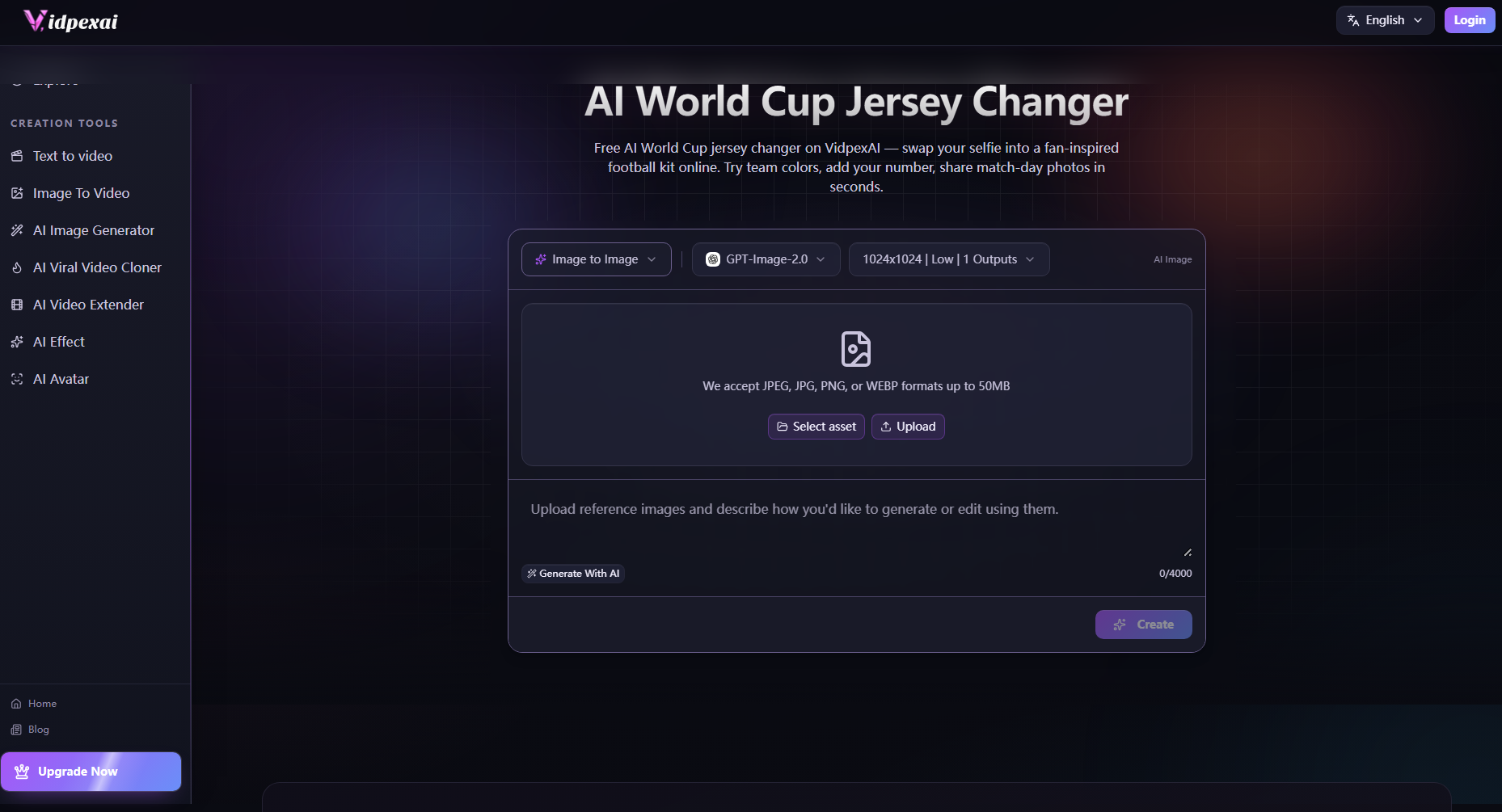
- Start Image — animate a single jersey fan photo into a hero clip
- Between Images —Create a transition between two photos (for example, a plain-shirt portrait and a separate jersey portrait you already own)
- Reference Images — guide animation style with additional visual references
- Motion prompts — describe the movement you want (stadium zoom, celebration, subtle fabric motion)
What it does not do: it is not an image editor that digitally paints a new shirt onto your body in a still photo. If your source image or prompts does not include a jersey, the video will animate whatever clothing appears in that photo. That honesty keeps expectations realistic and saves you from regenerating clips that cannot fix a missing kit in the source frame.
How to Create a World Cup Fan Jersey Video with VidpexAI Image to Video
Step 1: Upload Your Jersey Fan Photo
For any world cup jersey try-on or team jersey try-on video, your source photo is the foundation. A reliable AI world cup jersey changer process starts with a strong still.Use these basics:
- Front-facing or slight three-quarter angle
- Team jersey clearly visible on chest and shoulders
- Even lighting on face and torso
- Minimal motion blur
- Uncluttered background (stadium wall, plain backdrop, or home setup all work)
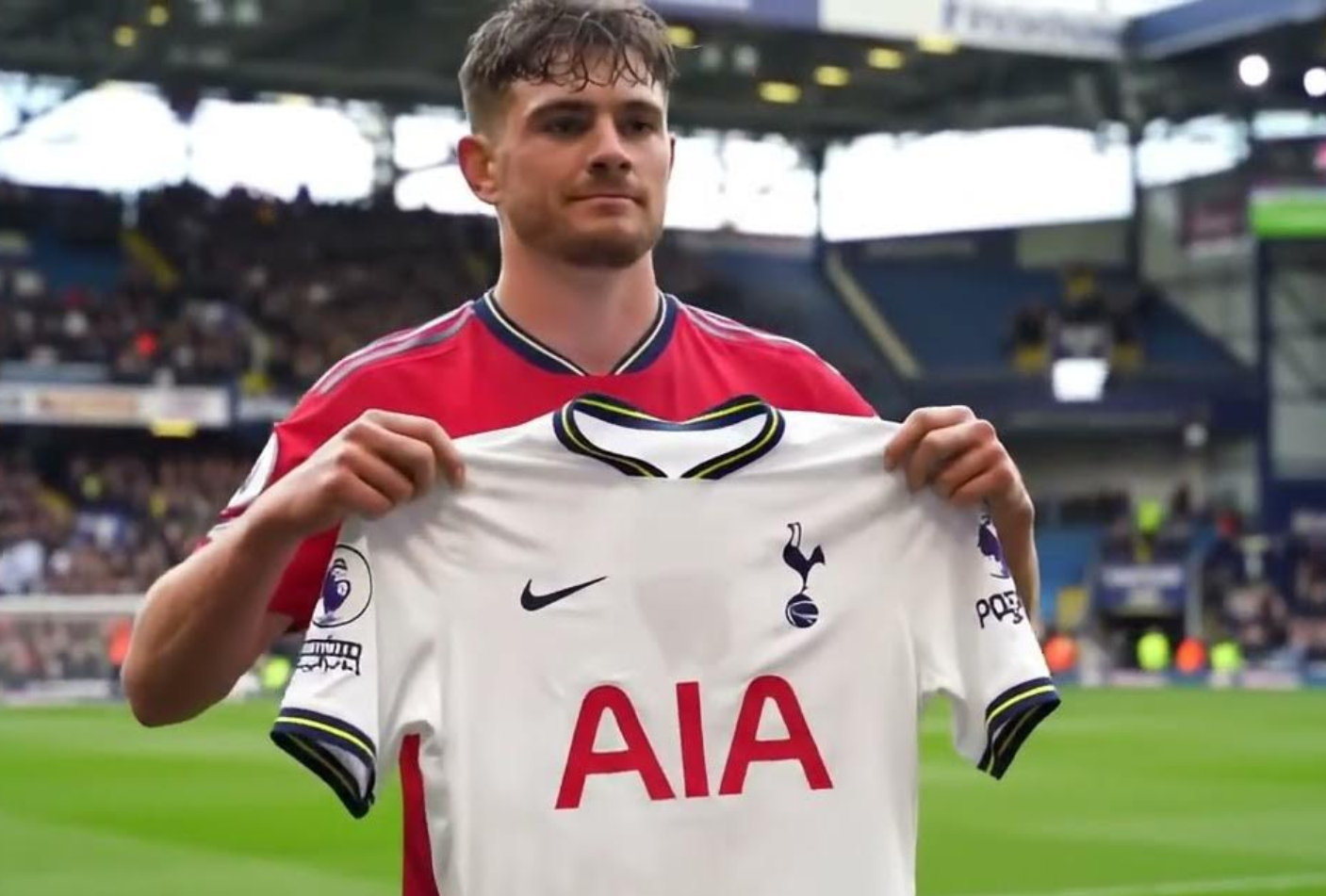
VidpexAI accepts JPEG, JPG, PNG, and WEBP up to 50MB on the image-to-video page. Phone camera exports usually fit comfortably within that limit.
Step 2: Choose Your Image to Video Mode
Open VidpexAI Image to Video and pick the mode that matches your 2026 fifa world cup jersey try-on story:
Start Image — Ideal when you already have one strong fan portrait and need a celebration loop or profile video.Even if you only have a casual everyday photo, you can still generate a dynamic video of yourself wearing your favorite team's jersey through detailed prompts.
Between Images — Best for before-and-after storytelling. Upload two photos: for example, a casual portrait and a second photo where you are already wearing your team kit. VidpexAI generates a transition clip between them — a powerful world cup fan jersey transformation format for Reels and Shorts. Both photos must be yours; the tool animates the transition, it does not create the jersey still for you.
Step 3: Customize Animation, Prompts, and Music
This step is where an AI soccer jersey generator search and an AI football jersey generator search converge — both audiences want the same result: a believable fan video.Write a short motion prompt inside VidpexAI. Examples:
"Slow cinematic zoom, subtle jersey fabric movement, stadium crowd lights in background, celebratory energy."
"Gentle parallax, fan raising arms in team colors, match-day atmosphere."
For a 2026 fifa world cup jersey try-on clip, name the mood (tunnel walk, goal celebration, anthem moment) rather than only the country — the jersey is already in your uploaded photo. Keep prompts simple: one camera move plus one subject action per generation usually produces cleaner results than stacking five effects.
Step 4: Generate, Preview, and Download Your MP4
Hit generate. VidpexAI processes your image through AI image to video and returns a social-length clip. Preview the result, regenerate if needed, then download MP4 for free per the tool’s stated experience.A polished world cup jersey try-on video should feel like a stadium moment, not a slideshow. VidpexAI’s motion models add the depth and movement that static world cup jersey generator outputs cannot deliver on their own.Because VidpexAI runs in the browser, you can iterate from a phone or laptop during live matches — no AI world cup jersey changer download of desktop editing software required.
Pricing and Access: AI World Cup Jersey Changer Free Options on VidpexAI
Creators often ask about an AI world cup jersey changer free path before committing budget.Here is an accurate summary based on VidpexAI’s current public offering:
Aspect | What VidpexAI Offers |
Free entry | You can start on VidpexAI without heavy upfront setup; the platform promotes free access to try image to video online. |
Image to Video | The image-to-video page highlights free online conversion, MP4 download, and unlimited free generations without watermarks for that tool’s stated experience. |
Credits & Premium | High-volume or advanced use runs on VidpexAI’s credit system. The Pricing page lists Premium plans, one-off credit packs (including limited-time discounts). |
Paid step-up reference | A practical paid upgrade around $9.99/month with 350 bonus credits for expanded generation capacity — verify live pricing before purchase, as promotions change. |
VidpexAI is cost-competitive for creators who need repeatable photo-to-video output across a month-long tournament. You are paying for generation capacity, not for a licensed FIFA product.
There is no need to hunt for an AI world cup jersey changer download of desktop software. VidpexAI works in the browser. Your downloadable file is the finished MP4 video — which is usually what users actually want when they search “download” anyway.
Who VidpexAI Image to Video Is For
World Cup Content Creators and Influencers:If you publish daily during match weeks, VidpexAI shortens the gap between a jersey selfie and a post-ready clip. One upload, one motion prompt, one MP4.
Fan Communities and Watch Parties:Team jersey try-on videos are perfect for group chats and watch-party intros. Each friend uploads their jersey photo to VidpexAI, animates it, and you compile the clips into a squad hype reel.
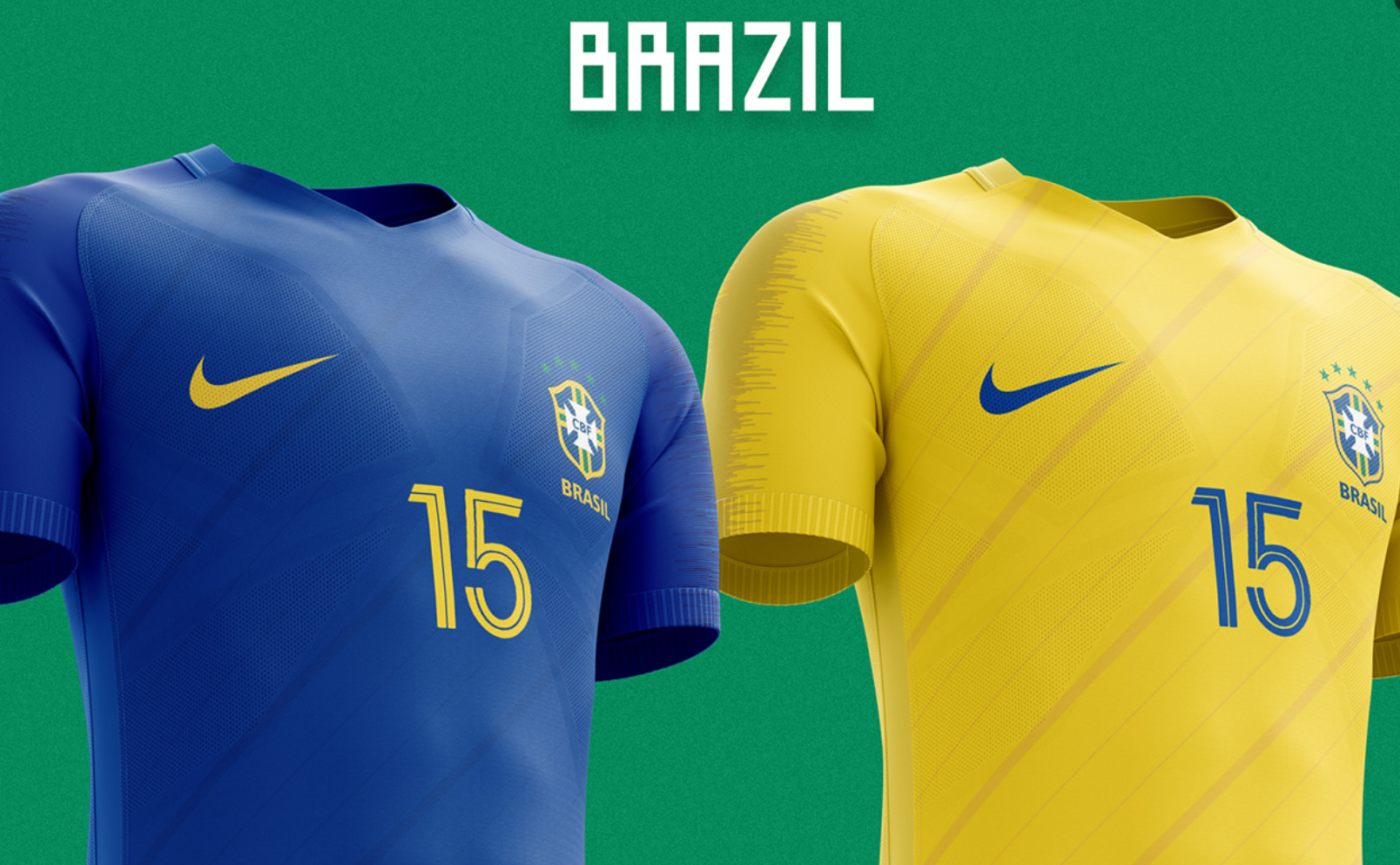
Small Brands and Football Campaigns:Sports bars, apparel shops, and local sponsors can turn customer jersey photos into short promotional clips without a video crew. Obtain portrait consent before publishing.
Casual Fans Who Want One Good Clip: You do not need a content calendar. One afternoon on VidpexAI Image to Video can produce a profile-worthy world cup jersey try-on clip for the opening match.
Tips for Better Jersey Fan Videos (From Real Usage)
- Start with the kit visible. Image to video animates your photo — it does not add a jersey that is not there. Wear your shirt or use a photo that already shows it.
- Keep motion prompts simple. One camera move plus one celebration gesture reduces artifacts.
- Use Between Images for reveal stories. Pair a casual photo with a jersey photo for a strong world cup fan jersey transformation transition.
- Regenerate rather than over-prompt. If motion looks odd, simplify the prompt and try again on VidpexAI.
Frequently Asked Questions about World Cup Jersey Changer
Do I need video editing skills to use VidpexAI Image to Video?
No. You upload a photo, choose an animation mode, write a short motion prompt, and download MP4. VidpexAI handles the image to video conversion — no timeline editing or plugins required.
Why does my jersey look blurry or warped in the video?
Common causes include low-resolution source photos, harsh shadows on the chest, or overly complex motion prompts. Upload a sharper image, ensure the jersey is well lit, and simplify your prompt in VidpexAI Image to Video — avoid extreme spins or fast zooms on the first try.
Which photo formats does VidpexAI Image to Video accept?
VidpexAI accepts JPEG, JPG, PNG, and WEBP files up to 50MB. PNG often preserves sharper badge edges; JPG works well for most phone selfies if resolution is high.
How long does it take to generate a jersey fan video?
VidpexAI is designed for quick social-length output. Most generations complete in seconds to a short wait, depending on queue and settings. Exact timing varies by demand.
Is there a free way to try image to video before paying?
Yes. Many users start with an AI world cup jersey changer free trial through VidpexAI’s free image-to-video experience described on the product page. If you plan daily posts through the entire tournament, budget for credits or Premium so limits do not interrupt your schedule.
What is the difference between Start Image and Reference Images mode?
Start Image animates one primary photo. Reference Images lets you add extra visuals to guide the style of motion — useful when you want stadium lighting or atmosphere references alongside your jersey portrait. Both are part of the same VidpexAI image to video tool.

Ethan Brooks
Ethan Brooks leads AI videos and AI avatar workflows. With 12+ years specializing in generative AI, Ethan has produced AI-driven campaigns for global brands and tested every major model. He writes about prompts and future of visual storytelling.