Pollo.ai Alternative 2026: Image to Video AI — Pollo.ai vs VidpexAI Compared Review
30-Second Comparison Snapshot
One-line verdict: Pollo.ai is the stronger pick if you want a multi-engine sandbox and the highest stylized peaks in image to video; VidpexAI is the stronger Pollo.ai alternative if you publish ads, products, or event stills weekly and need fewer retries before posting.
Key differentiators
- Engine freedom vs. workflow speed: Pollo bundles Runway, Kling, Luma, and Pika; VidpexAI routes image to video ai through Wan 2.6, Sora 2, Seedance 2.0, and PixVerse C1 inside Story Scenes and product paths.
- Peak look vs. first-pass reliability: Pollo can look more cinematic on a great seed; VidpexAI is steadier on portraits and product labels in our tests.
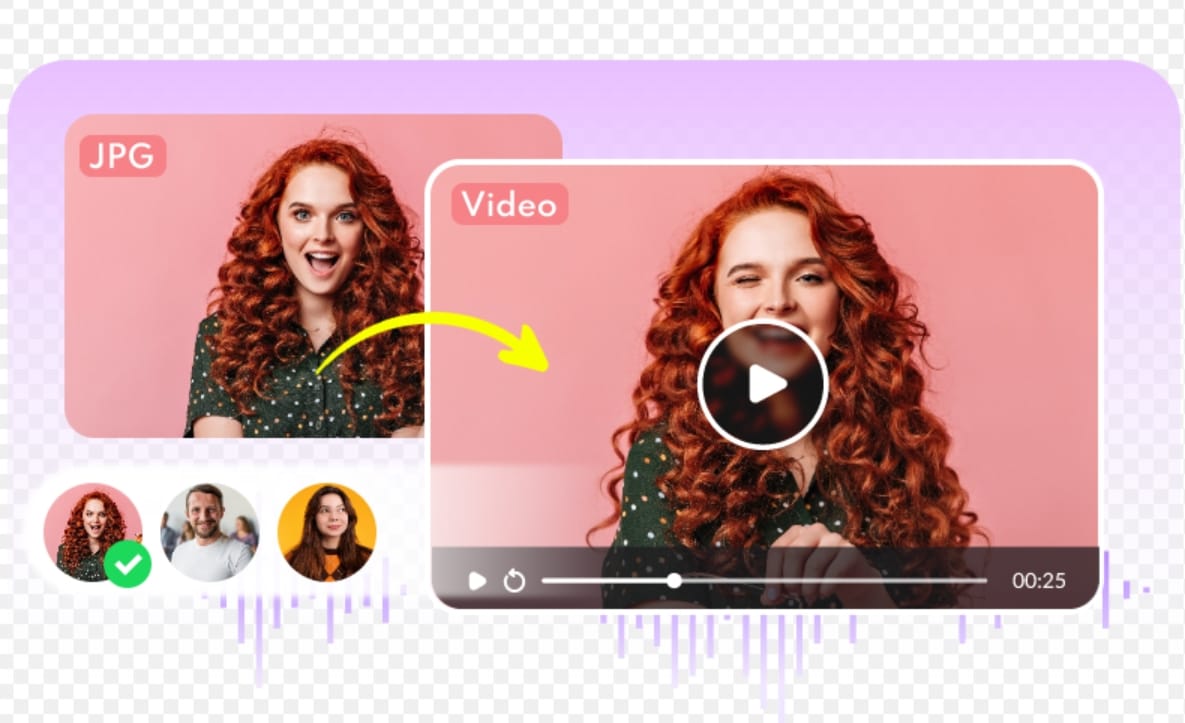
- Templates: Pollo is prompt-first; VidpexAI offers wedding, birthday, memorial, and product photo to video ai presets.
- Credits: Both burn credits under heavy iteration—Pollo spikes on premium engines; VidpexAI’s $9.99 entry is easier to forecast for teams scaling from image to video ai free trials.
Quick picks
Goal | Pick |
Best multi-model playground | Pollo.ai |
Best peak stylized / cinematic image to video | Pollo.ai (with re-rolls) |
Best templates & photo to video speed | VidpexAI |
Best first-pass consistency (portrait / product) | VidpexAI |
Best value if you generate occasionally | Pollo.ai |
Best value if you publish weekly with many retries | VidpexAI (slight) |
Core Comparison Table (2026)
Dimension | Pollo.ai | VidpexAI | Notes |
Multi-model access | 9.5 | 8.0 | Pollo leads on engine choice |
Ease of use (beginners) | 8.5 | 8.5 | Tie |
Ease of use (power users) | 8.5 | 7.8 | Pollo for engine hopping |
Peak image to video quality | 8.5 | 8.0 | Pollo’s best runs look more “film” |
First-pass consistency | 7.5 | 8.0 | VidpexAI on portrait/product |
Story / ad templates | 6.5 | 9.0 | VidpexAI Story Scenes |
Still-image stack (pre-animation) | 7.5 | 8.5 | VidpexAI Gemini / GPT Image paths |
Avatar & motion tools | 7.5 | 8.0 | Both useful; both imperfect |
Time to first export | 7.0 | 8.0 | VidpexAI queues more predictable in our runs |
Pricing (light use) | 8.0 | 7.5 | Pollo fine if you don’t iterate much |
Pricing (heavy iteration) | 6.5 | 7.5 | Fewer dead runs on VidpexAI |
Creative sandbox | 9.0 | 7.5 | Pollo for experimenters |
Commercial repeatability | 7.0 | 7.8 | VidpexAI for weekly publishing |
Overall | 8.1 / 10 | 8.3 / 10 | Narrow edge to VidpexAI |
What Using Pollo.ai Actually Feels Like
Pollo.ai’s pitch is simple and true: one login, many video engines. You upload a still or type a prompt, pick Kling or Runway or Luma, adjust motion, and wait. For creators who already enjoy comparing models, that feels like freedom—not friction.
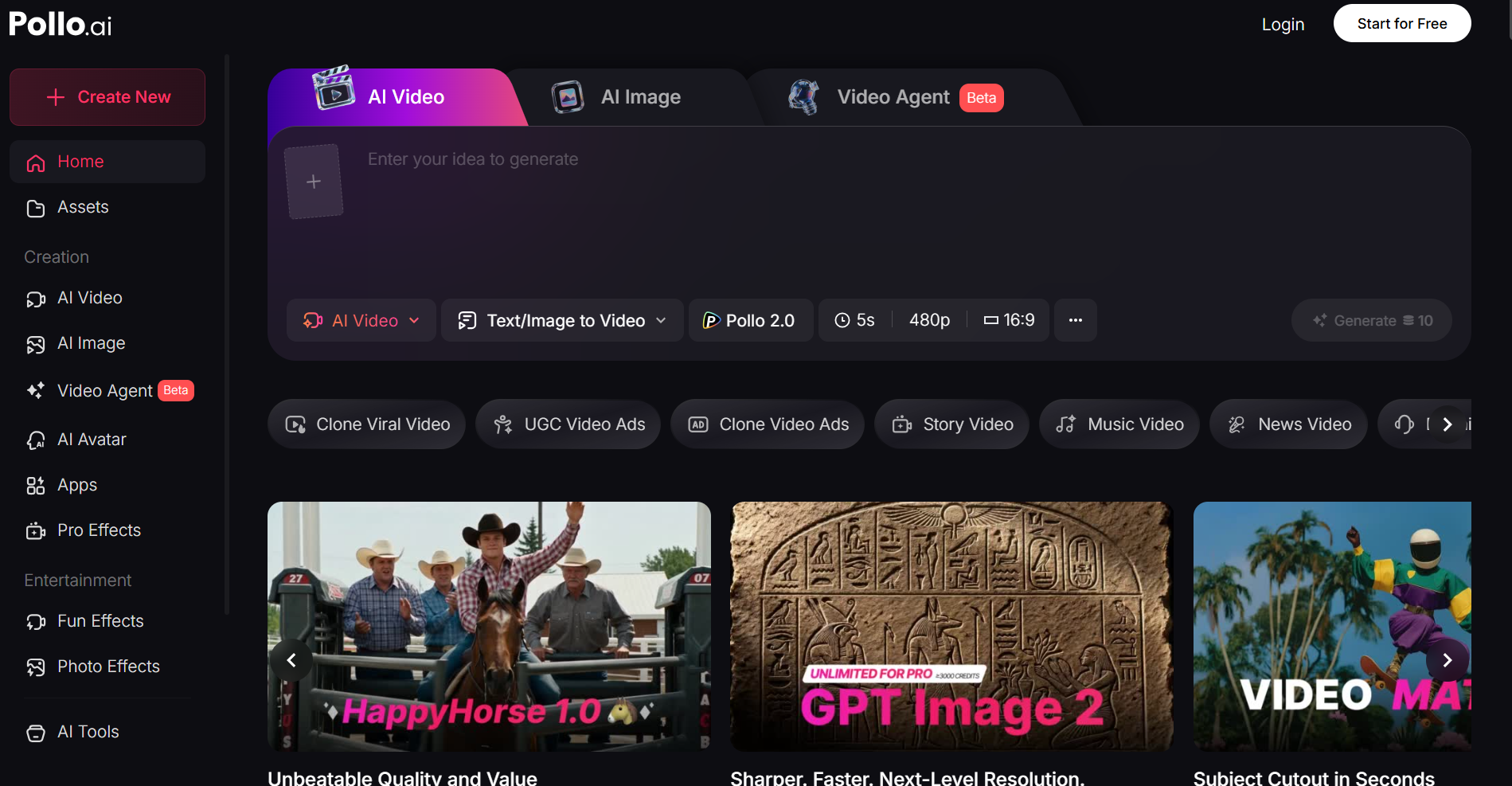
The first session often impresses. Stylized shorts, anime-adjacent motion, high-contrast ad looks—Pollo can deliver real image to video punch when the engine and seed align. I’ve had Kling routes that looked ready for a Reels ad with almost no color work.
The second week teaches patience. You’re not fighting a confusing UI; you’re managing variance. The same portrait prompt can look gorgeous once and odd the next—cheek shimmer, hand morphing, label warp on products. That doesn’t make Pollo “bad.” It makes Pollo a lab.Where Pollo.ai works well
- Creators who know which engine fits today’s mood
- Stylized and cinematic experiments (meme pages, concept reels, mood boards)
- Image to video free exploration before you commit to a production stack
- Users who already pay for separate tools and want one credit wallet instead
Where Pollo.ai struggles
- Credit math on premium models — ten iterations for one SKU ad adds up fast
- No built-in wedding/product story flows — you bring your own prompt system
- Client deadlines — you need buffer for re-rolls unless you already know your winning engine
Pricing (2026): Free tier = small test pool. Paid = monthly credits; premium engines cost more per clip. Light users can do well; daily publishers should track cost per usable export, not per click.
Pollo.ai scores | /10 |
Features / model breadth | 9.5 |
Ease of use | 8.5 |
Peak visual quality | 8.5 |
Output consistency | 7.5 |
Template workflows | 6.5 |
Pricing value | 7.5 |
Commercial repeatability | 7.0 |
Overall | 8.1 |
What Using VidpexAI Actually Feels Like
VidpexAI plays a different game. Less “pick twelve engines,” more “ship this product loop or wedding clip.” Story Scenes, product-to-ad paths, and an integrated still stack (Nano Banana, Wan 2.5, Gemini, GPT Image) mean you often fix the frame before you animate—sensible for ai image to video work where bad inputs cause bad motion.
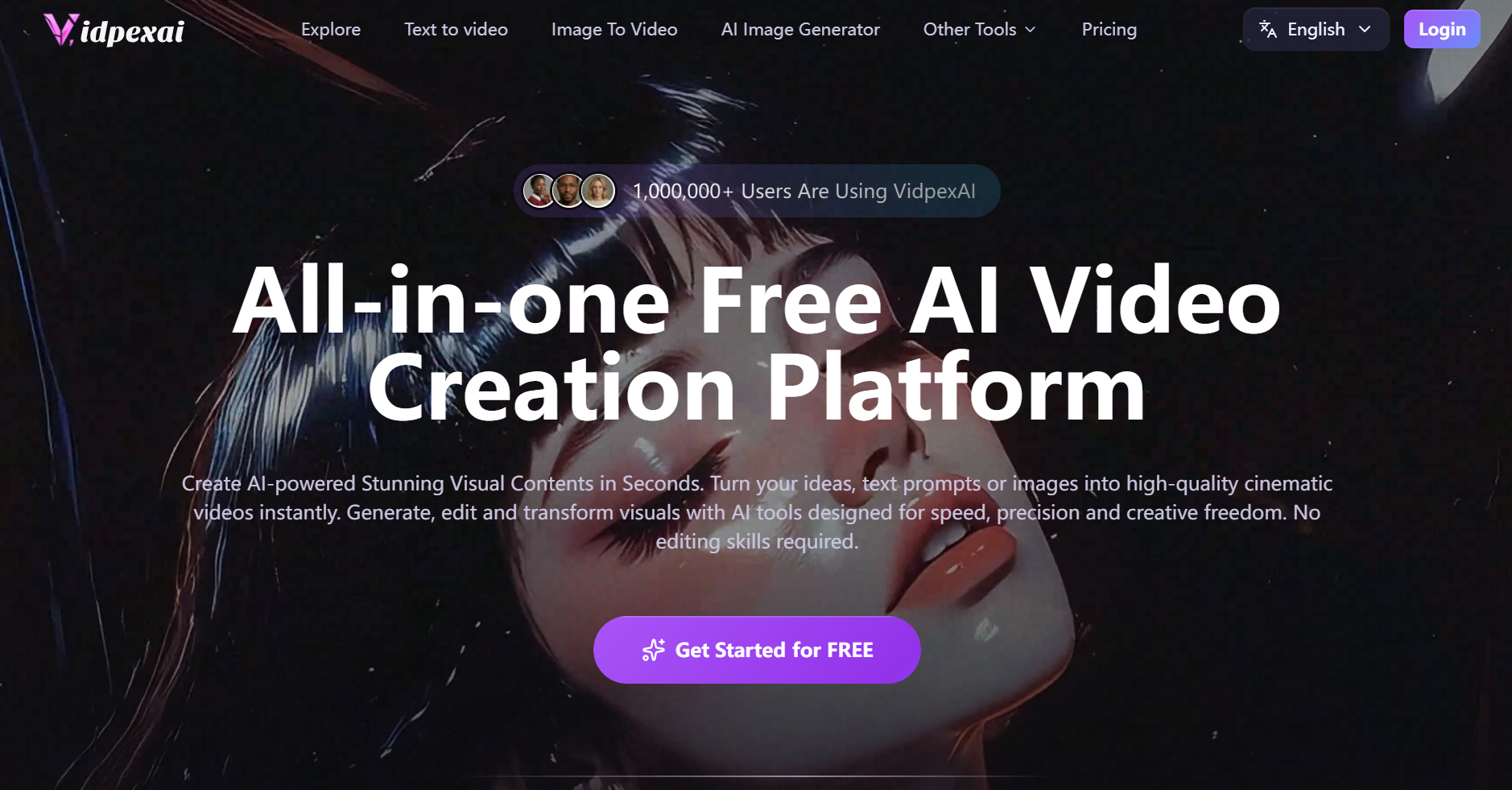
I liked that rhythm for commercial work. Upload a product shot, run a low-motion photo to video ai preset, check label legibility, post. For event stills, the wedding scene needed fewer prompt edits than Pollo’s blank dashboard—real time saved, not marketing fluff.
VidpexAI is not flawless—and a review that only nods at “lots of menus” isn’t credible. Here’s what actually frustrated us:
Real limitations
- Template sameness — Story Scenes are fast, but multiple exports can share similar camera grammar; distinct brand looks still need custom prompts or model switches.
- Less sandbox joy — If you love hopping Runway → Pika → Luma daily, guided paths can feel narrow at first.
- Credits still bite — $9.99 plus bonus credits helps entry, but heavy Sora 2 / top Wan iteration eats budget; this isn’t unlimited free image to video ai.
- Complex motion — Street parallax and busy crowds still warp; 5–8 seconds remains the comfort zone.
- Avatar and clothes tools — Convenient for UGC-style drafts; teeth, hair edges, and fabric physics still fail often enough that TVC clients may need polish elsewhere.
Where VidpexAI works well
- Weekly ad and e-commerce image to video online batches
- Wedding, birthday, memorial photo to video without writing prompts from zero
- Teams wanting image + video + avatar in one browser tab
VidpexAI scores | /10 |
Features / integrated stack | 8.0 |
Ease of use | 8.5 |
Peak visual quality | 8.0 |
Output consistency | 8.0 |
Template workflows | 9.0 |
Pricing value | 7.8 |
Commercial repeatability | 7.8 |
Overall | 8.3 |
How We Tested (May 2026)
We ran 36 paired generations (18 per platform): same prompts, same source images, 5-second MP4, mostly 1080×1920 (9:16). Three seeds each. Measured queue time from Generate → download.
Portrait prompt (medium motion)Soft window light, subtle head turn and blink, natural skin texture, shallow depth of field, no morphing hands, cinematic but realistic
Product prompt (low motion)Slow push-in on product label, light sweep across packaging, text stays sharp, studio tabletop, ad-ready
Street prompt (higher motion)Gentle parallax on city street at golden hour, clouds moving slowly, no warped buildings
Batch | Input | Aspect | Motion |
A | Studio headshot (female) | 9:16 | Medium |
B | Outdoor male portrait | 9:16 | Medium |
C | Skincare bottle | 9:16 | Low |
D | Sneaker hero | 1:1 → 9:16 | Low–medium |
E | Wedding couple (licensed stock) | 16:9 | Low |
F | Birthday table | 9:16 | Medium |
Results
Metric | Pollo.ai | VidpexAI |
Usable first try | 12/18 (67%) | 14/18 (78%) |
Portrait face flicker (A+B) | ~22% of runs | ~14% of runs |
Product label readable first try (C+D) | 8/12 | 10/12 |
Best cinematic street (F) | Pollo 2/3 seeds | 1/3 seeds |
Avg. prompt edits before usable | 2.0 | 1.4 (Story Scene) / 1.9 (manual) |
Time to first export (free queue) | 35–180s (model-dependent) | 47–92s |
Balanced read: Pollo won some image to video “wow” frames; VidpexAI won repeatability and setup time—not a double-quality gap, a workflow gap.
Cost note: Two publishable product variants fit VidpexAI’s starter bundle in our runs; matching polish on Pollo needed extra credit top-ups when we used premium Kling/Runway—your totals will vary, but the pattern held on three repeats.
Real Output Examples: Same Prompt, Different Results
Example 1 — Portrait (Prompt A, 9:16, medium motion)
Pollo.ai (Kling): First export had stronger color and “film” feel; one seed showed cheek flicker around 3s. Second seed was Reels-ready.
VidpexAI (Wan 2.6): Slightly flatter grade, but face stable on first seed—less exciting, less risky.
Portrait Video
Pick Pollo if you have time to chase a hero frame. Pick VidpexAI if you need one post today.
Example 2 — Skincare product (Prompt B, low motion)
Pollo.ai (Runway): Beautiful light sweep; “SPF” text warped once, fixed on retry.
VidpexAI (product Story Scene): Conservative motion; label readable first try—less flashy, more ad-safe.
Skincare product AD Video
Pick Pollo for glossy experiments. Pick VidpexAI when CPA and retries matter.
Example 3 — Wedding still (16:9, low motion)
Pollo.ai: One seed drifted on the groom’s jaw; more prompt time.
VidpexAI (wedding Story Scene): Both faces stable; felt like “album motion,” not a trailer.
Wedding Video
Pick VidpexAI for ai photo to video events unless you already own Pollo prompt libraries.
Example 4 — Golden-hour street (Prompt C, higher motion)
Pollo.ai (Luma): Best clouds and contrast; one building warp.
VidpexAI (Seedance 2.0): Milder, safer, less dramatic.
Golden-hour street Video
Pick Pollo for vibe; Pick VidpexAI when you can’t post a ruined skyline.
Scenario Guide: Which Tool Fits Your Week?
Social shorts & stylized memes — Pollo if you like engine-hopping and re-rolls; VidpexAI if you start from one hero still and want dependable ai image to video motion in one session.
E-commerce & paid social — VidpexAI for SKU volume and product scenes; Pollo if you have a favorite engine and in-house prompts that already work.
Weddings, birthdays, memorials — VidpexAI Story Scenes; Pollo only if you’ve built templates yourself.
Students of AI video — Pollo’s image to video generator sandbox teaches models faster.
Agencies on deadlines — VidpexAI’s slightly higher consistency scores matter more than peak cinematic highs.
Image to video ai free online testing — Both offer trials. Pollo teaches engines; VidpexAI gets non-editors to a postable clip faster.
FAQ: Pollo.ai vs VidpexAI
Q1: Is Pollo.ai worth it if I only make a few videos per month? A: It can be—if you use it as a multi-model sandbox and you’re okay re-rolling for a hero clip. If you need a postable portrait or product loop without many retries, VidpexAI’s Story paths often burn fewer credits. Track *cost per usable export*, not just monthly price.
Q2: How fast do Pollo.ai credits run out—and how does VidpexAI pricing actually work? A: Pollo credits drain fastest on premium engines (Kling/Runway) plus heavy iteration; ten versions of one ad adds up quickly. VidpexAI offers a $9.99 entry plan with bonus credits, and you can buy credit packs directly without committing to a full subscription—useful when you have a one-off campaign spike. Neither is “cheap” at scale: compare *usable clips per dollar*, not headline plans alone. Light/occasional use: Pollo can still be fine; weekly publishing with retries: VidpexAI often wins on fewer dead runs.
Q3: Which is better for product photos and readable labels—Pollo or VidpexAI? A: For SKU ads and sharp packaging text, VidpexAI’s product Story Scene plus still stack needed fewer retries in our tests. Pollo can look glossier on a great seed, but label warp showed up more until we re-rolled. Chasing a cinematic hero frame → Pollo; shipping variants under CPA pressure → VidpexAI.
Q4: Why does my face keep flickering on Pollo—and is VidpexAI actually better for portraits? A: Usually engine + seed + motion strength, not “bad prompting.” Try lower motion, switch engine, or change seed before spending more credits. Neither was perfect: ~22% noticeable flicker on Pollo portrait runs vs ~14% on VidpexAI in our batch—but VidpexAI had more first-seed usable faces for the same prompts.
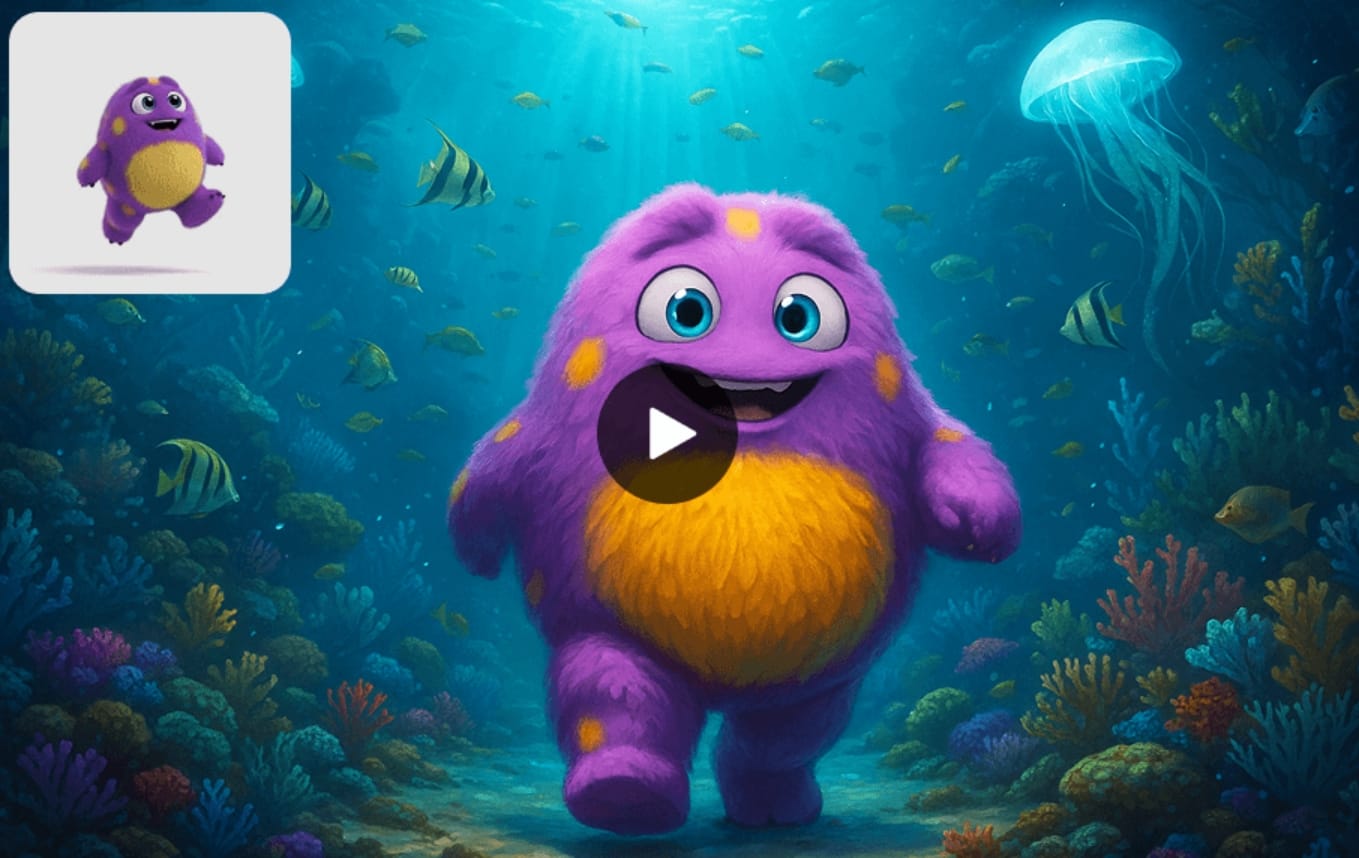
Q5: Wedding / birthday / memorial clips from stills—which tool should I use? A: VidpexAI has one-click Story Scenes for those jobs. Pollo can do it if you already have prompt templates; otherwise you’re building the workflow from scratch. Event clients who want speed over engine experiments → VidpexAI first.
Q6: I’m a total beginner—which won’t waste my time? A: Pollo’s UI is simple; choosing the right engine is the hard part. VidpexAI is easier for “upload → pick scene → export” without learning five models. Pick Pollo if you want to learn engines; pick VidpexAI if you need something postable this week.
Q7: Free tier / watermark—which is less painful for real client tests? A: Both offer image to video ai free trials with limits—often watermarks, caps, or slower queues. Export one test from each on your actual still; compare watermark, resolution, and whether the free file is ad-usable. Don’t decide from homepage demos alone.
Q8: I already pay for Runway or Kling—do I still need Pollo or VidpexAI? A: If one engine already covers your look, you may not need a hub. Pollo makes sense as one wallet for multiple engines. VidpexAI makes sense if you want templates, stills, avatars, and image to video in one tab—and the option to top up credits on demand when a client project lands. Pick based on what you’re still missing, not feature count alone.
Real User Patterns We Keep Seeing
Creators who love Pollo talk about “that one insane Kling render.” Creators who switch to VidpexAI talk about “I stopped throwing away afternoons.” Both are valid—neither platform replaces Premiere for long-form, and both struggle with hands, long clips, and extreme motion.If you’re building a free ai image to video generator trial funnel, measure success by *usable exports per dollar*, not feature count. That’s where VidpexAI’s Story Scenes and still stack tend to pull ahead. If you’re building a style lab, Pollo’s multi-engine wallet is still hard to beat.

Final Verdict and Decision Guide
In summary: Pollo.ai leads on engine choice, stylized peak quality, and creative sandbox freedom. VidpexAI leads on Story templates, still-to-video pipeline, and slightly more predictable image to video ai exports for ads and events.The conclusion: As a Pollo.ai alternative, VidpexAI fits teams who publish often and need repeatable photo to video delivery. Pollo.ai remains an excellent platform—and for some creators, the better primary tool—if exploration and maximum visual range matter more than template speed.Final recommendations
- Choose Pollo.ai if you already love Kling/Runway/Luma, want the widest model menu, and accept re-rolls as part of the craft.
- Choose VidpexAI if you run product ads, event clips, or weekly social batches and want fewer dead-end generations.
- Choose Pollo.ai for occasional image to video free play and stylized experiments on a budget.
- Choose VidpexAI if you’re scaling from image to video ai generator free trials into paid production with clearer upgrade math.
Final scores (2026): VidpexAI 8.3/10 · Pollo.ai 8.1/10 — a narrow win on workflow fit, not a knockout on quality.

Ethan Brooks
Ethan Brooks leads AI videos and AI avatar workflows. With 12+ years specializing in generative AI, Ethan has produced AI-driven campaigns for global brands and tested every major model. He writes about prompts and future of visual storytelling.