How to Make FIFA World Cup 2026 Videos with a Free AI Image to Video Generator
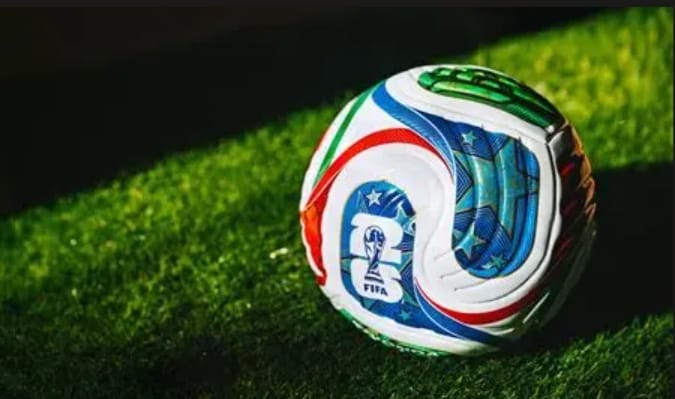
The FIFA World Cup 2026 is already reshaping how fans create and share football content online. Across TikTok, YouTube Shorts, Instagram Reels, and Discord servers, supporters are turning single match-day photos into short world cup video clips — without opening a full video editor.
A modern ai world cup video maker lets you upload a jersey selfie, stadium snapshot, or gaming screenshot and receive a motion clip in under two minutes. If you have been searching for a free image to video workflow that actually works on a phone browser, this guide walks you through the full process from image selection to export.
Whether you need a hype reel before kickoff or a quick reaction post after the final whistle, VidpexAI image to video free tool can bridge the gap between a still image and a scroll-stopping clip. Follow the steps below to build your first world cup video with ai today.
Why FIFA World Cup 2026 Is Driving Demand for AI World Cup Video Makers
The 2026 tournament spans the United States, Canada, and Mexico with 48 national teams — the largest World Cup in history. That scale means more matches, more fan moments, and more daily posting opportunities than any previous edition.
Traditional video editing requires timeline skills, transitions, and often paid software. VidpexAI world cup video maker compresses that workflow: upload one image, describe the motion you want, and let the model handle camera movement, crowd ambience, and pacing.
Fans who already useVidpexAI photo tools for jersey edits or stadium scenes are the natural next audience for world cup video with ai creation. The output fits the vertical, fast-cut style that performs best on short-form platforms.
World Cup Video with AI vs Traditional Editing
A dedicated fifa world cup video maker is built around football use cases — stadium lighting, kit colours, celebration motion, and social-ready aspect ratios. General editors can do the same job, but they take longer and require more manual keyframing.
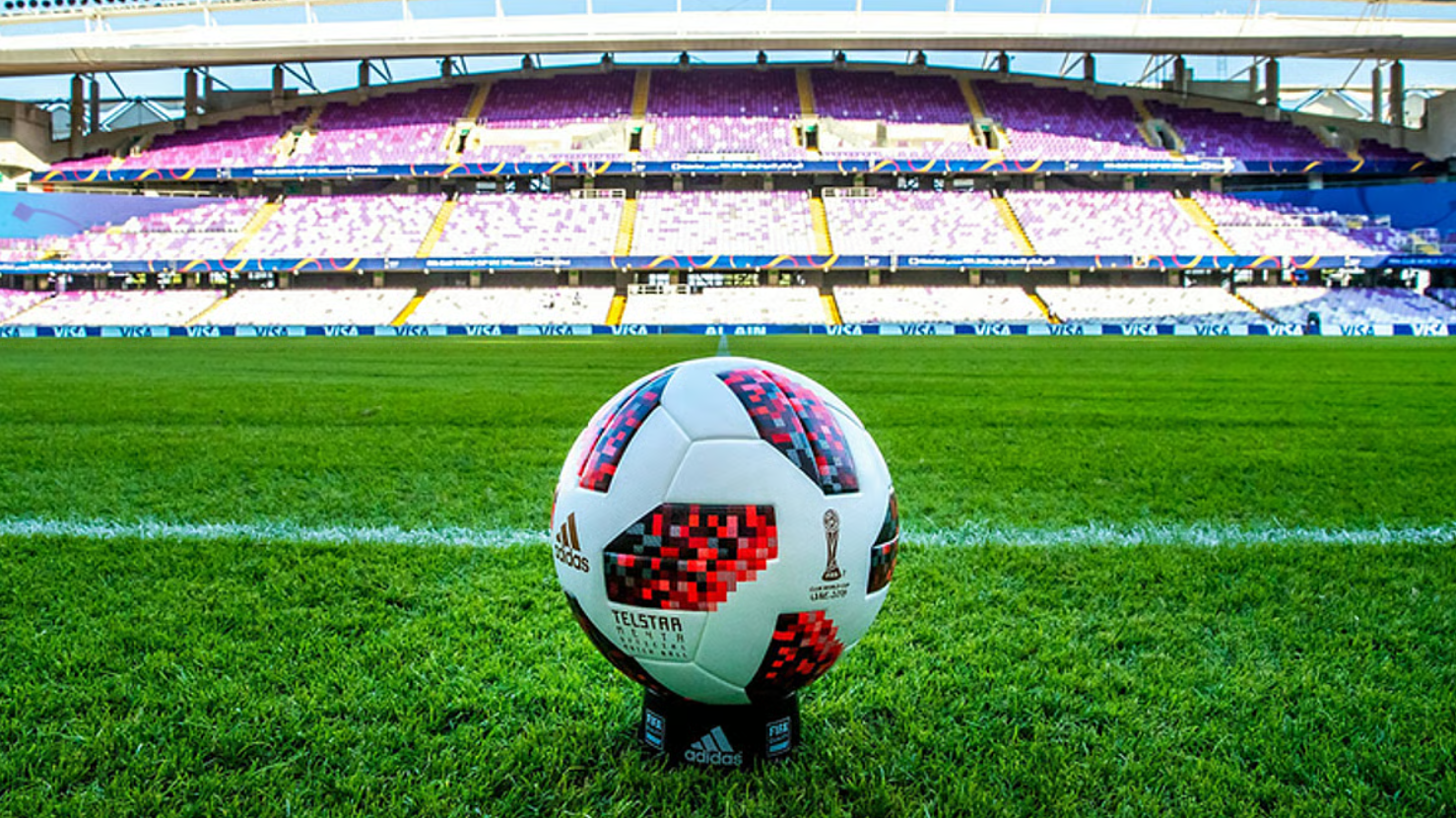
For most supporters, speed matters more than pixel-perfect control. A reliable free image to video workflow delivers a good-enough clip in the time it takes to brew coffee, which is why image-to-video adoption spikes every major match week.
What You Need Before You Start
- One or more football-related images — a selfie in team colours, a stadium photo, a player celebration screenshot, or a gaming capture
- A phone or laptop with a modern browser — most image to video generator free tools run in the cloud; no install required
- A short text prompt — describe the motion (e.g., "slow zoom into stadium crowd with confetti")
- Optional: background audio — crowd noise or a short music loop for Reels and Shorts
You do not need Adobe Premiere, After Effects, or prior editing experience. The entire workflow below works with a free image to video pipeline — no plugins, no timeline, no export queue.
How to Create a World Cup Video with VidpexAI Image to Video Generator
The following four steps mirror what most fifa video maker platforms use. Timings vary by tool, but the logic is the same across providers.
Step 1: Choose Images Built for FIFA World Cup 2026 Content
Start with a clear, well-lit source image. VidpexAI reads faces, kits, and backgrounds more accurately when:
- Your face is forward-facing and unobstructed
- Team colours are visible (jersey, scarf, or flag)
- The background is simple or already football-themed
- Resolution is at least 1080p for sharper output
For FIFA World Cup 2026 posts, popular starting images include national-team jersey selfies, stadium arrival photos, watch-party group shots, and in-game screenshots from football titles.
If you follow fifa club world cup standings or domestic leagues alongside the tournament, you can also animate club-badge graphics — useful for creators who cover both international and club football.
Step 2: Open VidpexAI Image to Video Free Tool
Search for VidpexAI image to video free platform that offers a browser-based upload flow. Look for:
- No watermark on the free tier (or a clearly labelled trial)
- 9:16 vertical export for TikTok and Reels
- 16:9 option for YouTube and world cup live stream bumper overlays
- Generation time under 25 seconds for short clips
Step 3: Upload, Prompt, and Configure Export Settings
Drag your image into the image to video generator free panel. Then set:
Setting | Recommended for World Cup clips |
Aspect ratio | 9:16 for Shorts/Reels; 16:9 for YouTube |
Duration | 5–15 seconds for hype; 15–30 for storytelling |
Motion style | Slow zoom, pan across stadium, subtle jersey fabric movement |
Quality | 1080p minimum; 4K if your tool and plan support it |
In the prompt box, be specific. Instead of "make it cool," try: "The young woman stands in a crowded stadium aisle, watching the live match and cheering with natural claps and raised arms, smiling as the crowd celebrates around her. On the pitch behind her, players in blue and white kits keep running, passing, and dribbling throughout. Slow dolly-in, shallow depth of field, bright floodlights, photorealistic, stable face, smooth motion."
Step 4: Generate, Preview, and Download Your World Cup Video
Click Generate and wait.VidpexAI image to video free services return a preview in 30–120 seconds.Review the clip for:
- Face distortion or warped kit logos
- Unnatural hand or background movement
- Text or watermark placement
If the result is close but not perfect, adjust the prompt and regenerate. Once satisfied, download MP4 and optionally run it through a soccer highlights editor online to add score graphics, team names, or a final bumper sting.
Best Use Cases for a FIFA World Cup Video Maker
Not every clip needs the same treatment, but a versatile fifa world cup video maker handles more than jersey selfies. Streamers use a world cup gaming thumbnail maker workflow to turn FIFA/EA FC screenshots into 3–5 second animated loops for YouTube panels. Broadcasters and watch-party hosts build a world cup live stream bumper — a short flag-and-team intro — with VidpexAI image to video generator free tool instead of keyframing in After Effects. Esports channels running alongside FIFA World Cup 2026 apply the same pipeline to world cup esports highlight video intros: animate a team logo or player card, then splice it into a longer reel.
For everyday posting, generate your base clip first and finish in a soccer highlights editor online — add score bugs, timestamps, or reaction text without rebuilding the whole video. A football clip editor for shorts then trims the strongest 3–8 seconds, adds captions, and exports at 9:16; the opening frame should show motion within the first second to hold TikTok and Reels scrollers. Creators targeting YouTube or broadcast-style pages can drop the animated hero shot into a world cup 4k highlights template with intro slates, lower-thirds, and outro cards. The pattern stays consistent across every channel: image-to-video for motion, one light edit pass for polish.
Pro Tips for Better Results with an Image to Video AI Generator Free
- Use high-contrast source images. Bright, even lighting produces cleaner motion on faces and kits.
- Keep prompts short and visual. Describe camera movement and atmosphere, not abstract emotions.
- Generate 2–3 variants. Slight prompt changes often yield noticeably different motion paths.
- Add audio after export. Crowd ambience or a 15-second music loop increases perceived production value.
- Post vertically by default. Mobile-first formats dominate world cup video discovery during live matches.
- Build before kickoff, publish during buzz. Prepare clips in advance; share in the 2–3 hours before matches and 30–60 minutes after full time.
- Check usage rights. Use your own photos or royalty-free assets; avoid uploading broadcast screenshots you do not own.
Why VidpexAI Free Image to Video Workflow Beats Starting from Scratch
Approach | Time to first clip | Skill required | Best for |
Free image to video AI tool | 2–5 minutes | Low | Fans, casual creators |
Fifa video maker with presets | 3–7 minutes | Low–medium | Football-themed branding |
Full NLE (Premiere, DaVinci) | 30–90 minutes | High | Broadcast-quality packages |
For most supporters, a free image to video tier covers 80% of use cases. Reserve manual editing for clips that need precise score graphics or multi-angle cuts.
FAQs About AI Image to Video World Cup Video Makers
Can I really make a World Cup video from a single photo?
Yes. VidpexAI free image to video AI model analyses your still image and synthesises motion — camera pans, zooms, parallax, and subtle subject movement. Results vary by source quality and prompt, but a clear portrait or stadium shot typically produces a usable 5–15 second clip.
What image size and format work best?
Upload JPG or PNG at 1080p or higher. Avoid heavy Instagram filters on the source file. For world cup 4k highlights template workflows, start with the highest-resolution source available — upscaling after generation rarely improves detail.
How long should a World Cup Shorts clip be?
For TikTok and Reels, 5–15 seconds performs best. Use a football clip editor for shorts to trim the AI output to the strongest opening seconds. For YouTube Shorts, hook viewers in the first 2 seconds with visible motion.
Can I use these clips for a live stream intro or esports broadcast?
Yes. A world cup live stream bumper or world cup esports highlight video intro can be built from an animated logo or player image. Export at 16:9, 1080p or 4K, and verify your tool's commercial-use licence if you monetise the stream.
How does this compare to making a gaming thumbnail or checking FIFA Club World Cup standings content?
Different goals, same toolchain. A world cup gaming thumbnail maker workflow uses short loops for click-through; fifa club world cup standings graphics can be animated for weekly recap posts. The image-to-video step is identical — only the source image and prompt change.
Ready to Post?
The FIFA World Cup 2026 rewards creators who move fast. You do not need a production studio to join the conversation — a free image to video workflow turns one match-day photo into a shareable world cup video in minutes.
Pick a clear source image, choose a reliable ai image to video generator free tool, write a specific motion prompt, and export in the right aspect ratio for your platform. From world cup gaming thumbnail maker loops to world cup live stream bumper intros and football clip editor for shorts finishing touches, the same core process scales across every channel.
Start with one clip before today's match. Refine your prompt, post during peak fan hours, and build from there.

Ethan Brooks
Ethan Brooks leads AI videos and AI avatar workflows. With 12+ years specializing in generative AI, Ethan has produced AI-driven campaigns for global brands and tested every major model. He writes about prompts and future of visual storytelling.