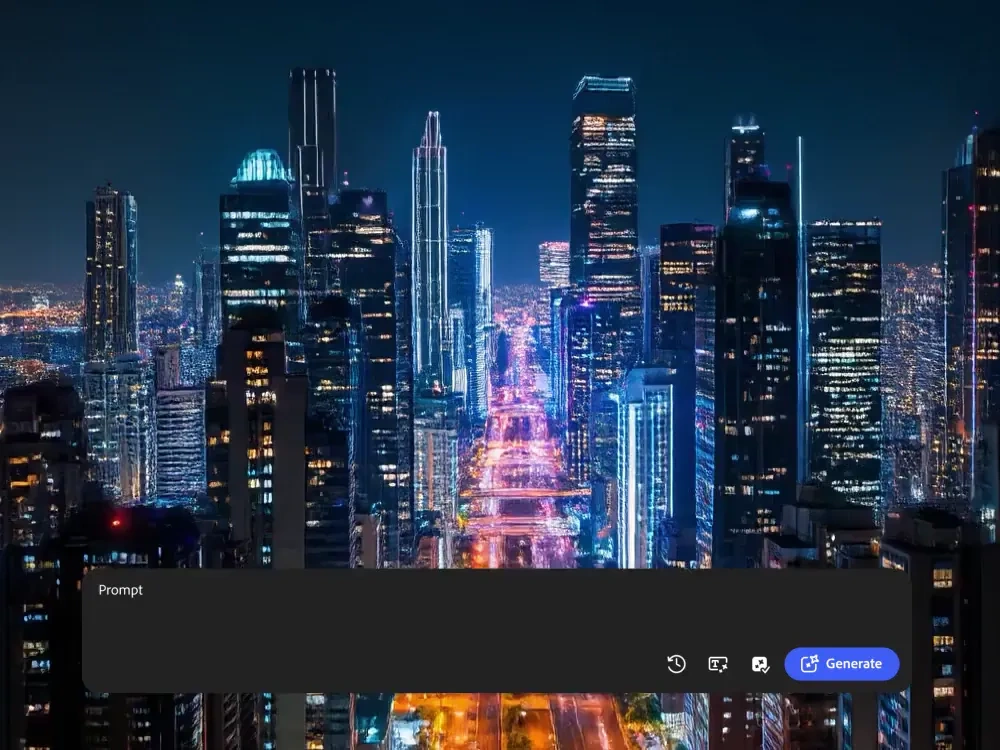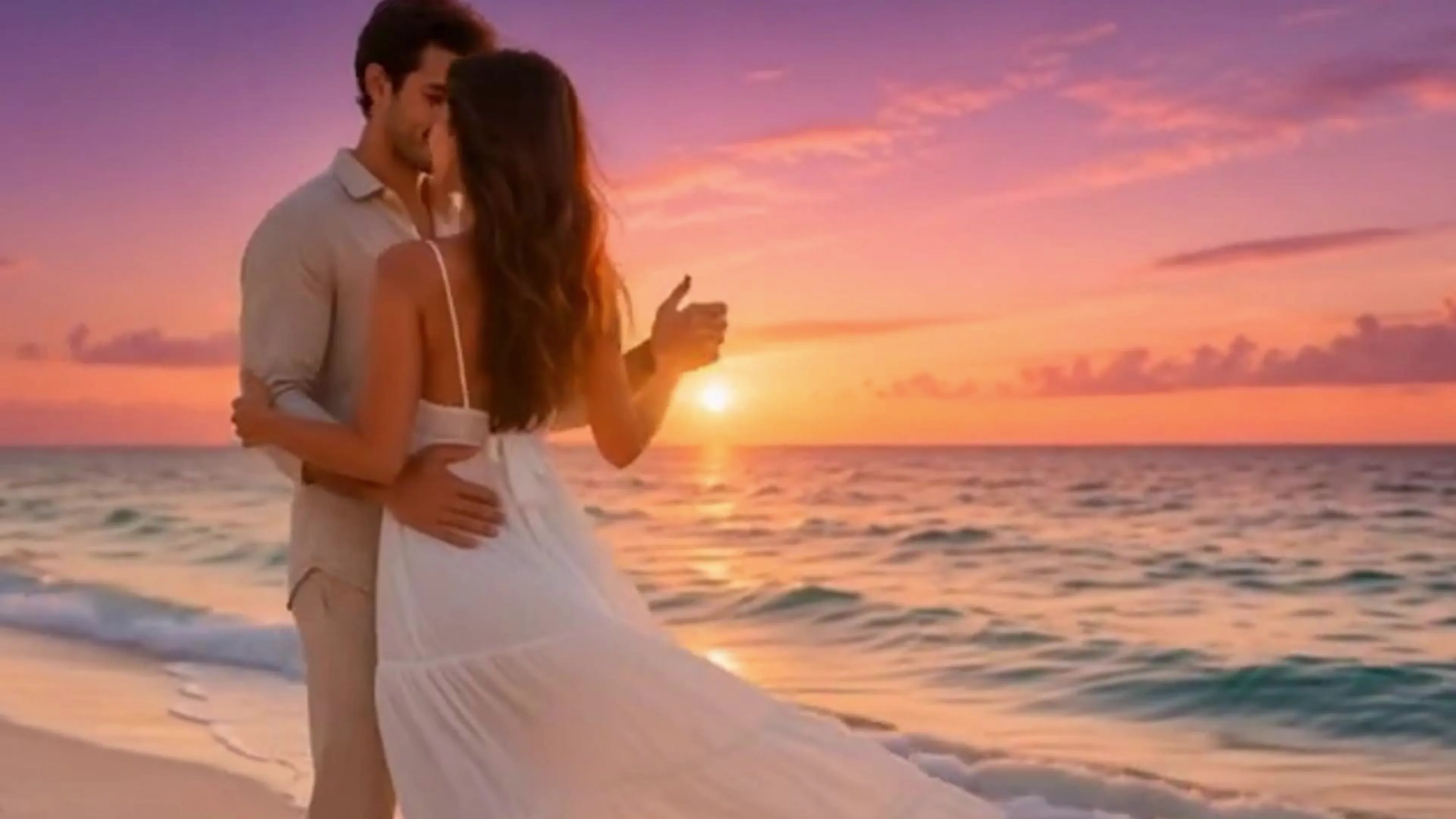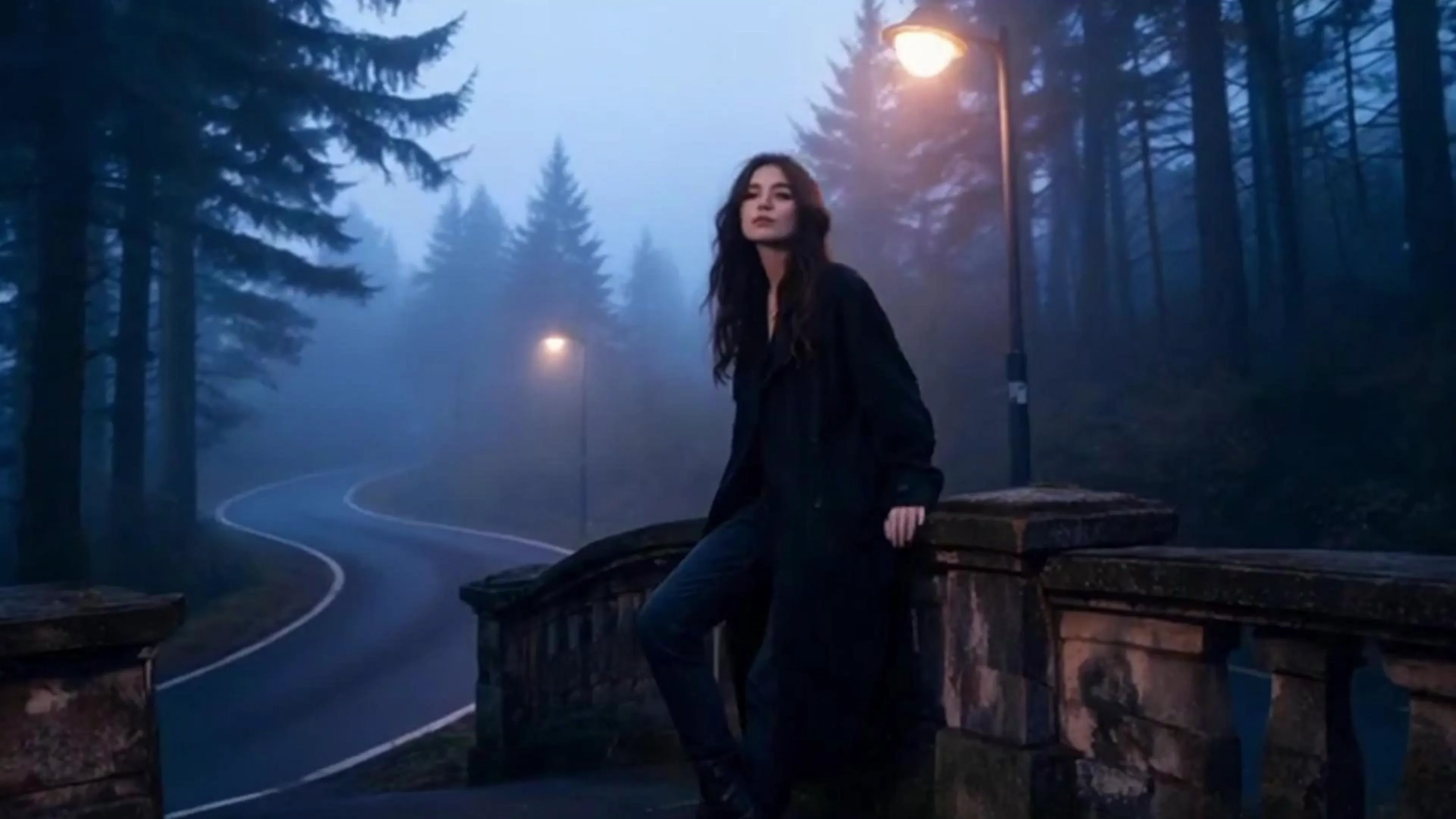
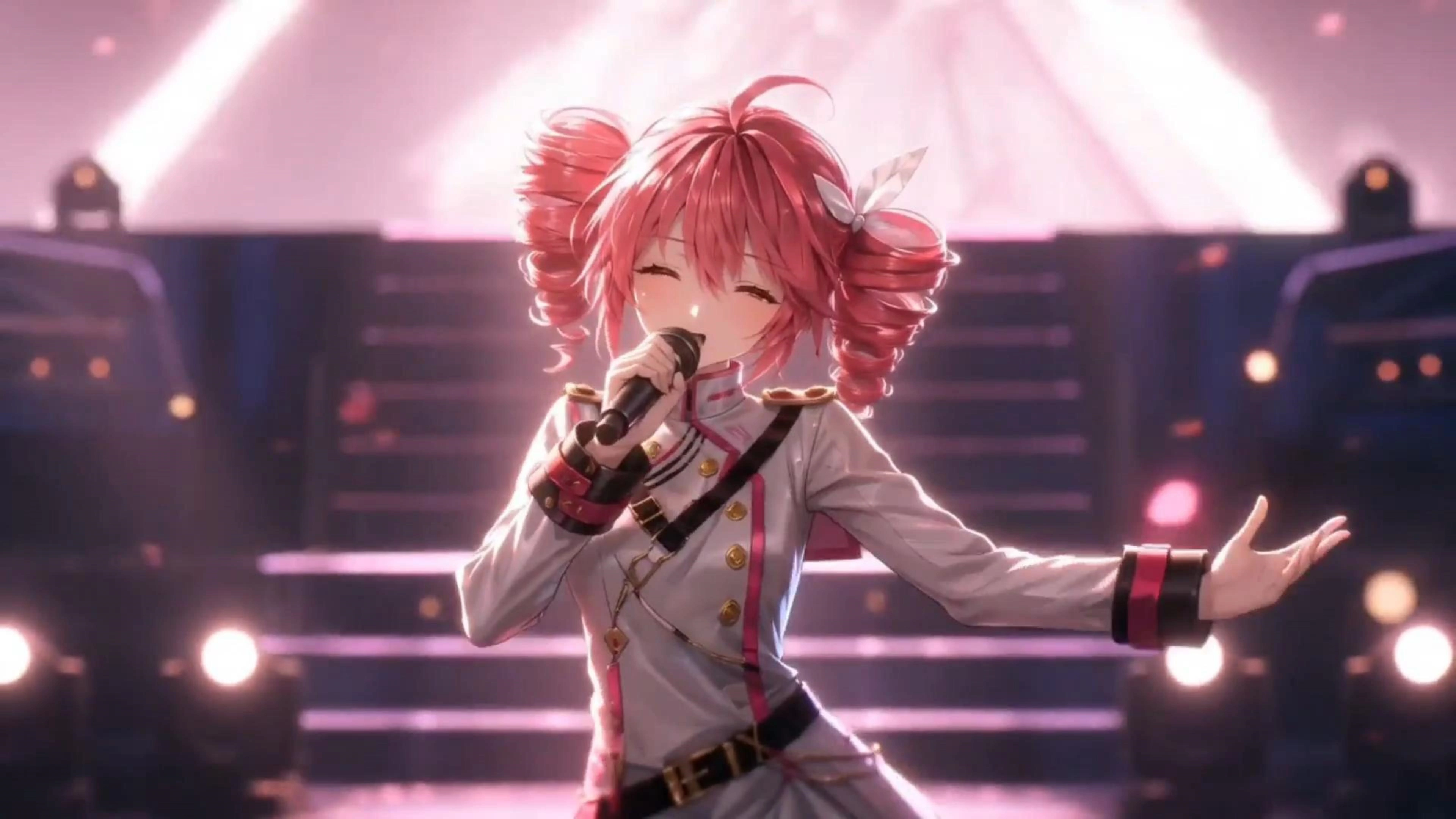
歌手形象照
音频
分辨率
画面比例
请先登录后生成
AI Music Video Generator Free Online

The track is mixed and mastered, and the visuals are still a blank YouTube thumbnail. VidpexAI gives you three routes out: upload a portrait and let the AI music video generator sing the whole song in lip sync, hand the model reference images plus written scene notes for a story-driven cut, or drop one artwork and get a clean release visual with your song title on screen. Audio runs up to eight minutes, so you upload the full song instead of trimming a teaser. Free to start in the browser, no editing timeline to learn.
What is VidpexAI's AI Music Video Generator?

VidpexAI's AI music video generator is a three-mode video studio that builds visuals around an audio file you upload, with each mode taking a different input so you are not forced into one workflow. Singing video takes a clear upper-body portrait of one person and animates the performance in sync with the vocal. Story music video takes the track plus up to nine reference images and your written scene descriptions, then breaks the song into sections and stages them as a narrative. Photo music video takes a single still image, adds motion and an optional song name card, and renders a release-ready visual. Audio accepts MP3, WAV, OGG and M4A up to 50MB and eight minutes, which is why full-length uploads work here rather than sixty-second teasers. The AI music video maker runs entirely in the browser and is free to start.
How Does VidpexAI's AI Music Video Generator Work?
Step 1: Pick the Mode That Matches Your Assets
Have a good portrait? Choose Singing Video. Have a concept and a few visual references? Choose Story Music Video. Only have cover art? Choose Photo Music Video. The mode you pick decides what the AI music video creator asks for next, so nothing is left to guesswork.
Step 2: Upload Audio, Then Images or Scene Notes
Drop an MP3, WAV, OGG or M4A file up to 50MB and eight minutes long. Singing mode wants one clear upper-body portrait with a single person in frame. Story mode accepts zero to nine reference images and free-text scene descriptions. Photo mode accepts a JPEG, JPG, PNG or WEBP up to 20MB, plus an optional song name to display on screen.
Step 3: Generate, Review, Export for Your Platform
The model analyses song structure before rendering, so cuts land on section changes instead of arbitrary intervals. Preview the result, adjust scene notes or swap a reference image, then export in the aspect ratio your platform needs. Previews are free to start; paid credits unlock full-length renders and clean downloads.
What You Can Do with VidpexAI's AI Music Video Generator?

Make One Portrait Sing the Entire Song
You recorded the vocal but never wanted to film yourself performing it. Singing Video takes a single clear upper-body portrait and drives mouth shapes, jaw movement and micro-expressions from the vocal track itself, which is why the framing rule matters: one person, face unobstructed, shoulders in frame. The result reads as a performance clip rather than a photo with a wobbling mouth, and it holds up across a full verse and chorus instead of a six-second loop.

Direct a Story Music Video With Reference Images
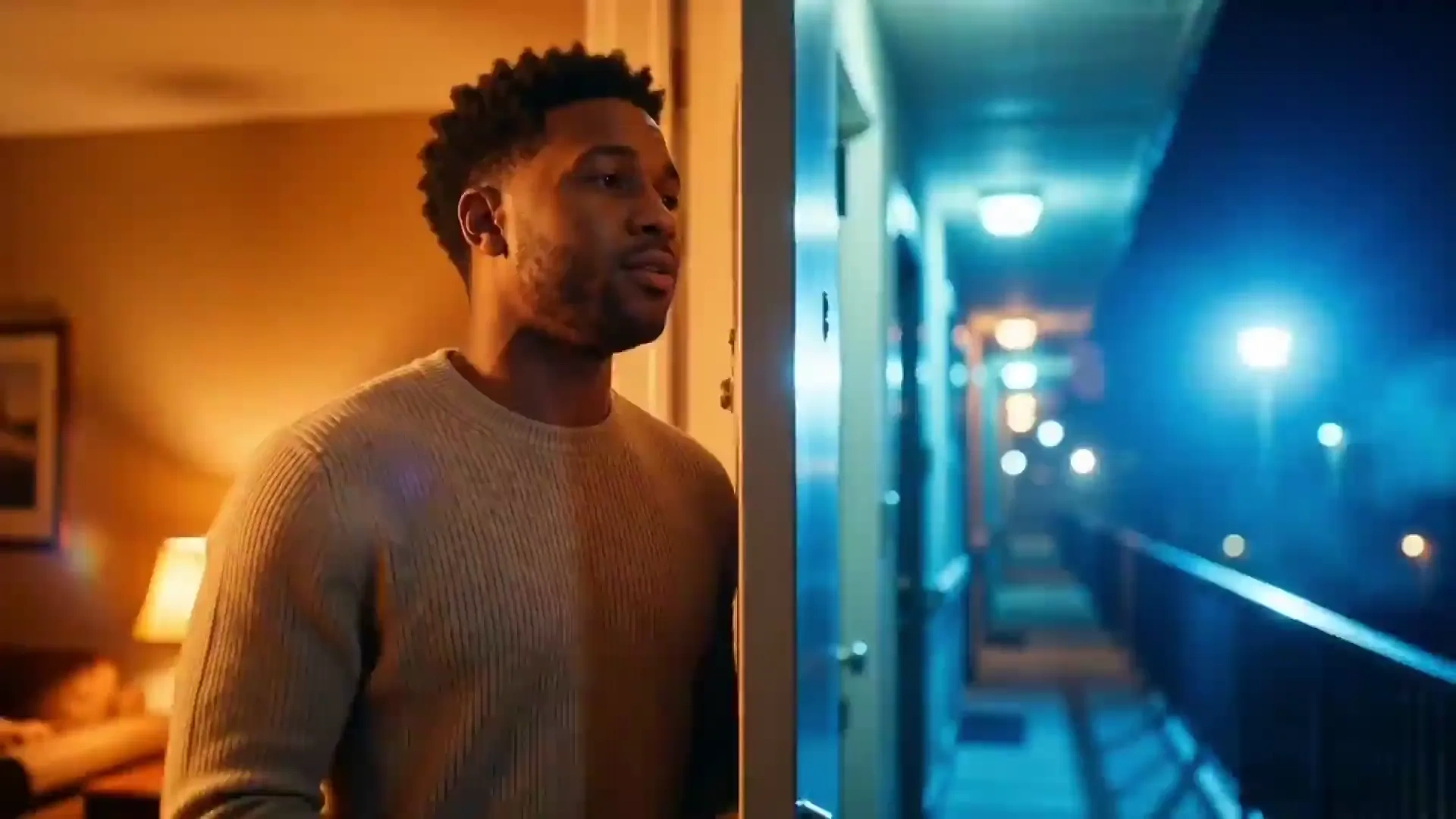
This is the mode for when the song already has a world in your head: a night drive, a breakup at a bus stop, a triumph montage. Write the scenes in plain language and attach up to nine reference images to pin down the character, wardrobe or location, and the model maps your notes onto verse, chorus and bridge boundaries. Because references condition every shot, the same face and setting survive from the first section to the last instead of drifting between clips.

Turn Cover Art and an MP3 into a Release Visual
Distribution deadlines do not wait for a shoot. Photo Music Video takes one JPEG, PNG or WEBP up to 20MB, adds restrained camera motion and light response so the still breathes without warping the artwork, and burns your song name onto the frame as a title card. It is the fastest lane in this AI video generator from music, and the usual choice for Spotify canvas style loops, YouTube full-song uploads and announcement posts.

Ship a Full-Length Cut and Short Hooks From One Track
An eight-minute ceiling means the album closer goes up whole on YouTube, not chopped into a teaser. Render the long version once, then pull the chorus as a vertical clip for Shorts, Reels and TikTok with safe-zone framing intact. Creators who publish weekly reuse the same reference images and scene notes across releases, so episode nine looks like it came from the same visual identity as episode one.
Who is VidpexAI's AI Music Video Generator for?

Independent Artists and Bedroom Producers
Release day needs a visual, and hiring a crew for a single is not happening. Photo mode covers the artwork loop, Singing mode covers the performance clip, and both come from files already sitting on your desktop.

Short-Form Creators and Lyric Channels
Weekly uploads punish slow pipelines. Generating a long cut plus vertical hooks from one upload keeps the schedule alive, and reusable scene notes stop the channel from looking like five different shows.

Teams, Event Hosts and Personal Projects
Brand jingles, wedding first-dance edits, tribute videos and classroom songs. Story mode handles the narrative, and reference images keep the people and places in the video looking like the ones the audience recognizes.
Why Choose VidpexAI's AI Music Video Generator?
Three Modes, Chosen by What You Already Have
Most tools offer one pipeline and hope your assets fit it. Here the mode is the decision: a portrait goes to Singing Video, a concept plus references goes to Story, a single artwork goes to Photo. Fewer wasted renders, clearer expectations before you spend a credit.
Built for Full Songs, Not Sixty-Second Teasers
Audio support reaches eight minutes and 50MB across MP3, WAV, OGG and M4A, and the model reads song structure so transitions land on section changes. That is the difference between a full-length upload and a clip you have to explain in the description box.
Direction Without a Timeline Editor
Up to nine reference images lock character, wardrobe and location, while written scene notes steer the narrative and an optional song name card handles on-screen typography. You get creative control through description rather than keyframes, which keeps first-time users out of frame-by-frame editing.