
Video to Video AI Generator - Reference to Video
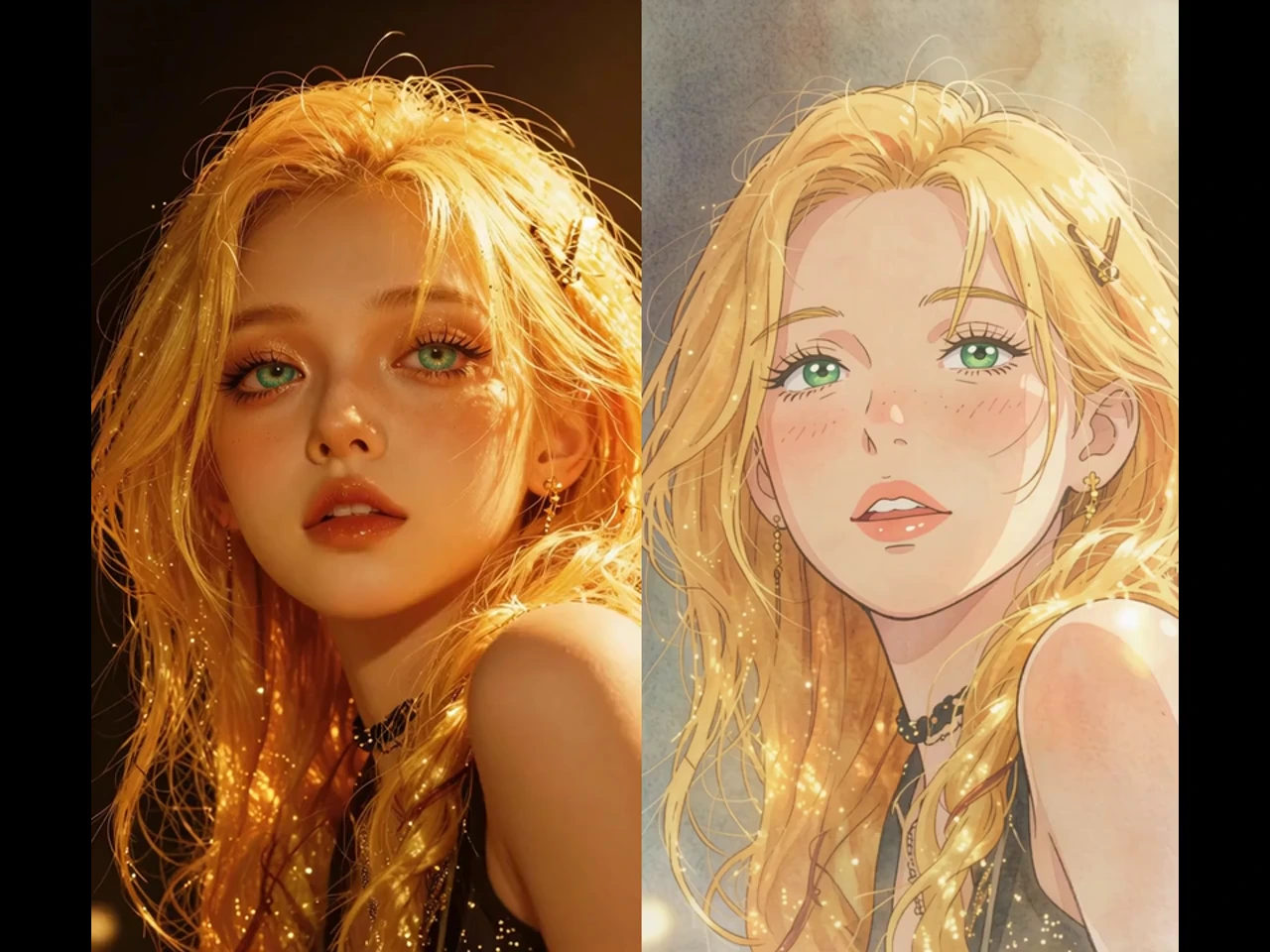
Give any clip a new look with VidpexAI's free video to video online, built for creators who need fresh versions without a reshoot. Upload the footage you already have, describe the style, setting, or light you want, and get a new video that keeps the original motion, all inside your browser.
What is VidpexAI's Video to Video?
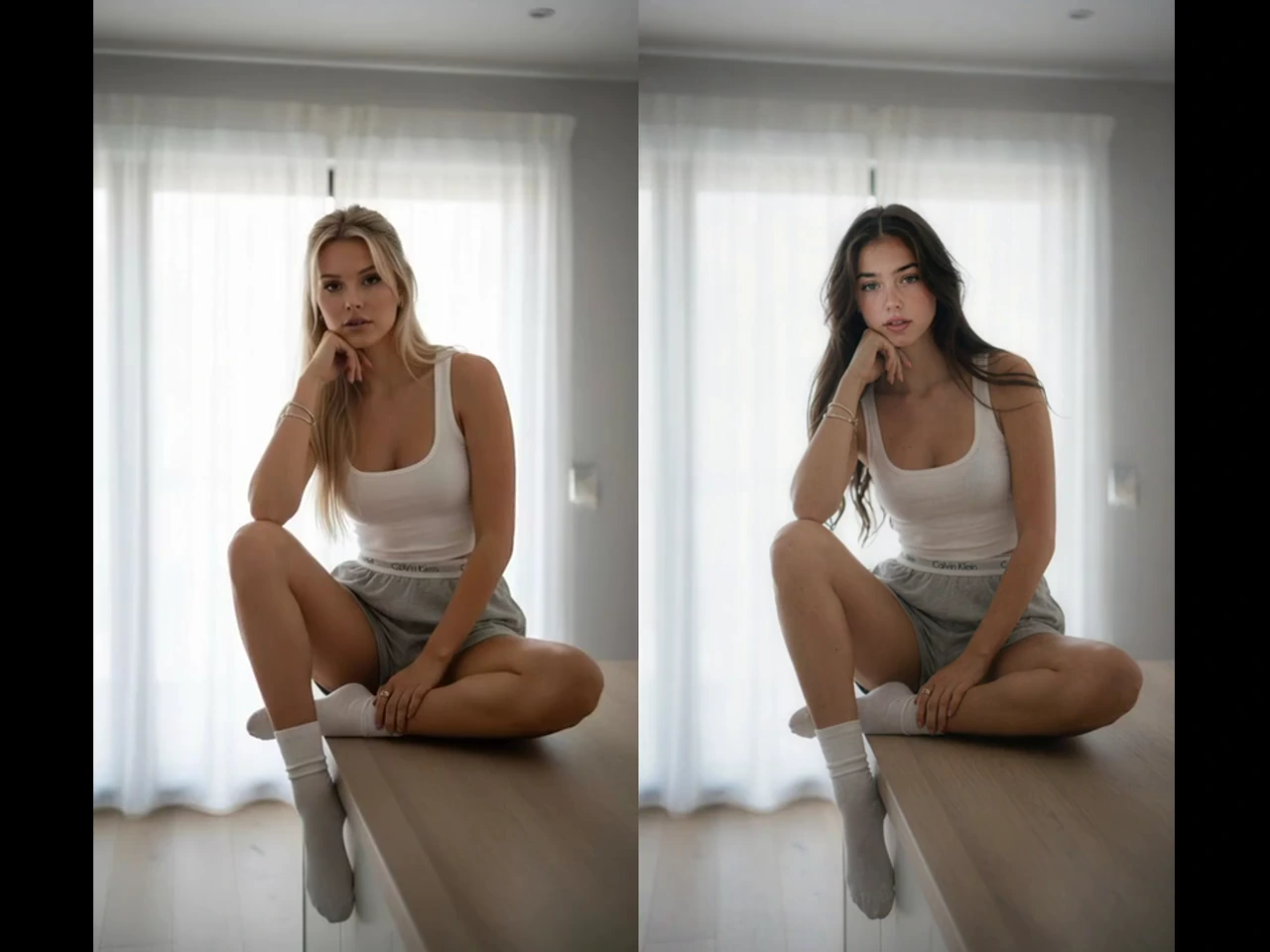
VidpexAI's video to video is an AI restyling tool that reads the motion, framing, and timing of a reference clip and renders a new video around them in the look you describe. It handles style changes, scene swaps, and lighting shifts as AI video transfer, which helps dance choreographers, wedding videographers, and travel vloggers reuse footage they already own. Anyone looking for a video to video AI online tool gets upload, direction and download on one page, with nothing to install.
How Does VidpexAI's Video to Video Generator Work?
Step 1: Upload the Source Clip
Upload a clip in MP4, MOV, or another common format from your computer or phone. Reference to video uses that clip as the motion guide for the new video.
Step 2: Describe the New Look
Write one clear line about the change, such as watercolor style, a snowy street, or neon night light. Restyle AI video applies that line across the clip.
Step 3: Compare and Download
Play the result next to your original clip and check that the motion still matches. Video to video download saves the approved version to your device.
What You Can Do with VidpexAI's Video to Video?
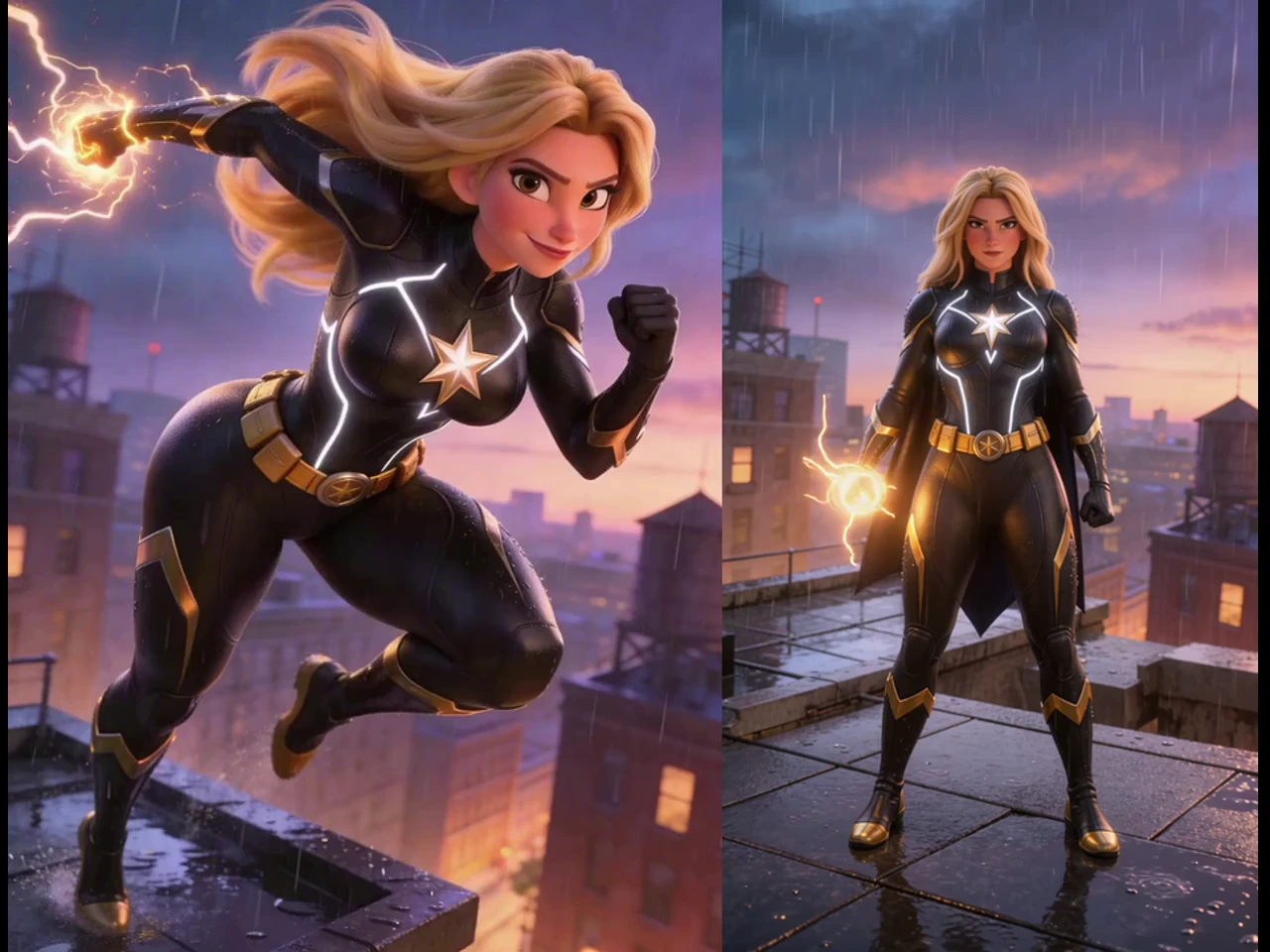
Turn Dance Footage Into a Stylized Video
Video to video AI generator runs keep every step, spin, and pause of a dance clip while the dancer, the room, and the light take on a new style such as anime or clay. A video to video creator can publish one routine in several looks, because the counts and pauses come straight from the original take. Free video to video converter tests show which style suits the routine before you commit to a final export.
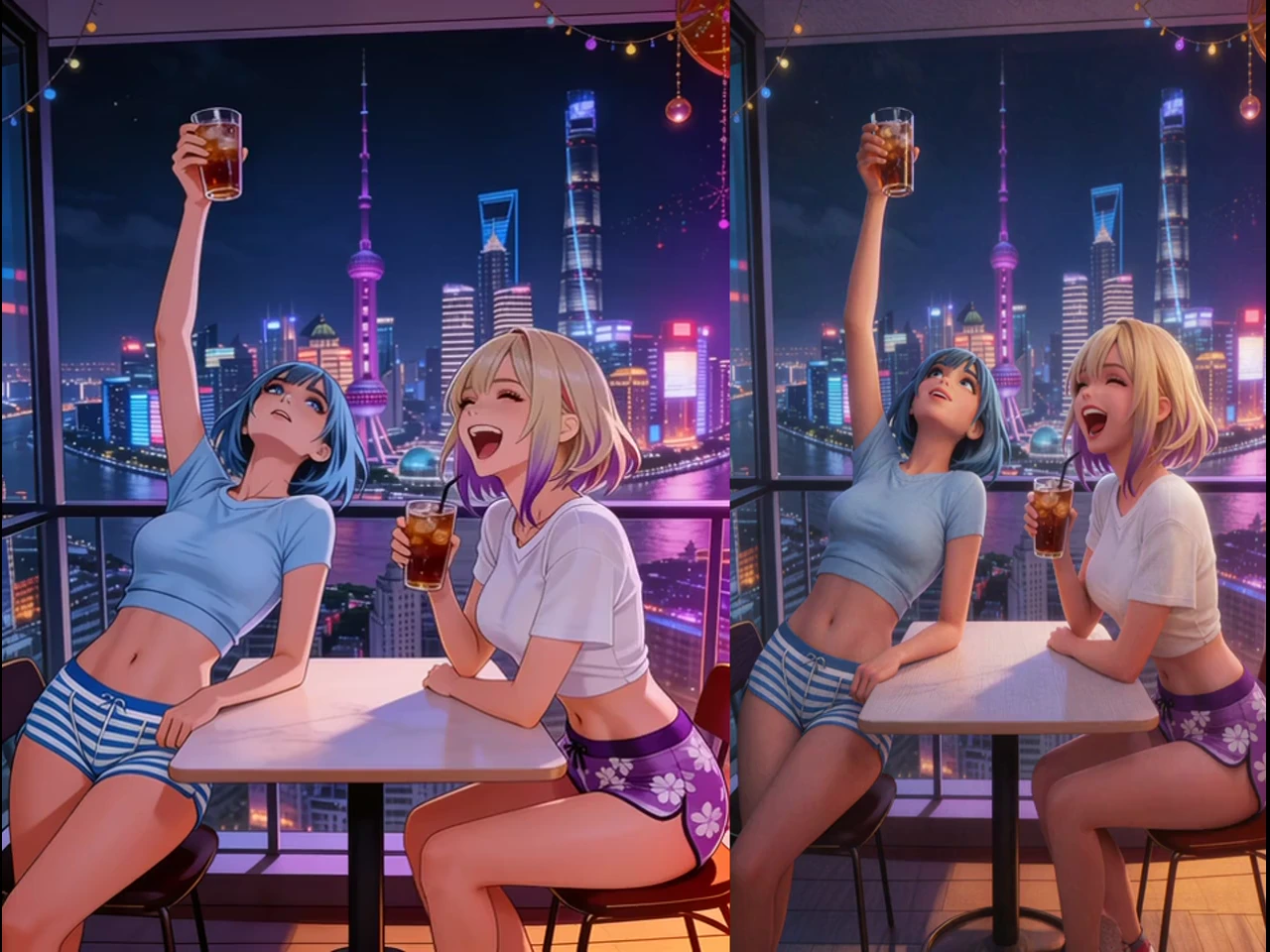
Turn Wedding Clips Into a Film Look
Video to video AI editor work gives wedding footage a cinematic grade or a vintage film texture while the vows, the walk, and the first dance keep their timing. AI video changer prompts can shift a gray afternoon into golden-hour light, which rescues ceremonies shot in bad weather. Deliver the restyle as a bonus edit, and use video to video converter online free drafts to agree on the look with the couple.
Turn Travel Footage Into a YouTube Episode
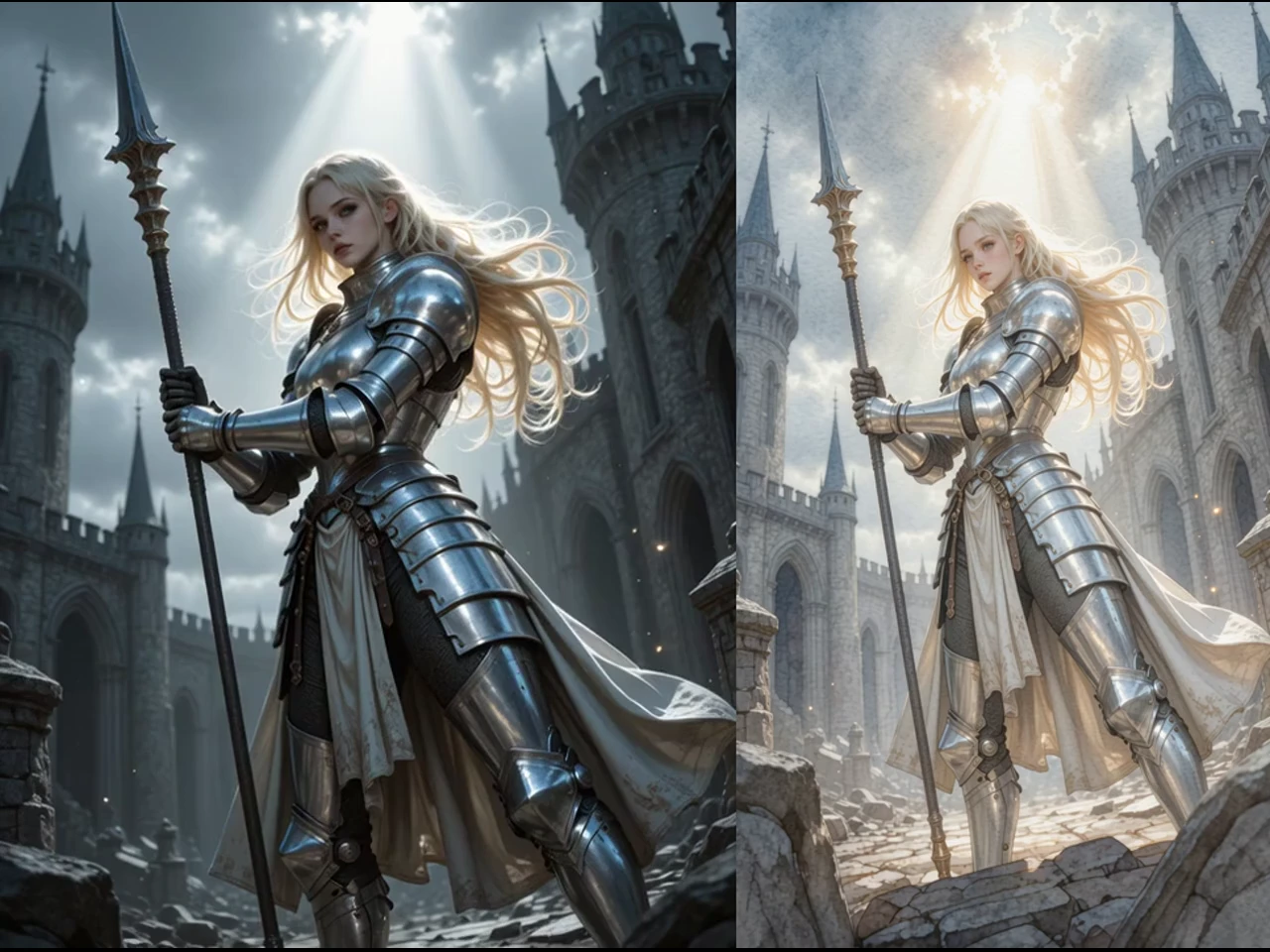
Youtube video to video projects start from your own travel clips and return a restyled version, such as a storybook look for a city walk or a winter take on a summer beach. The pacing of the walk, the camera pans, and the cuts stay as filmed, so video to video youtube uploads still feel like your channel. Once the episode looks right, youtube video to video converter download saves it to your PC for upload.
Turn One Ad Into Several Versions
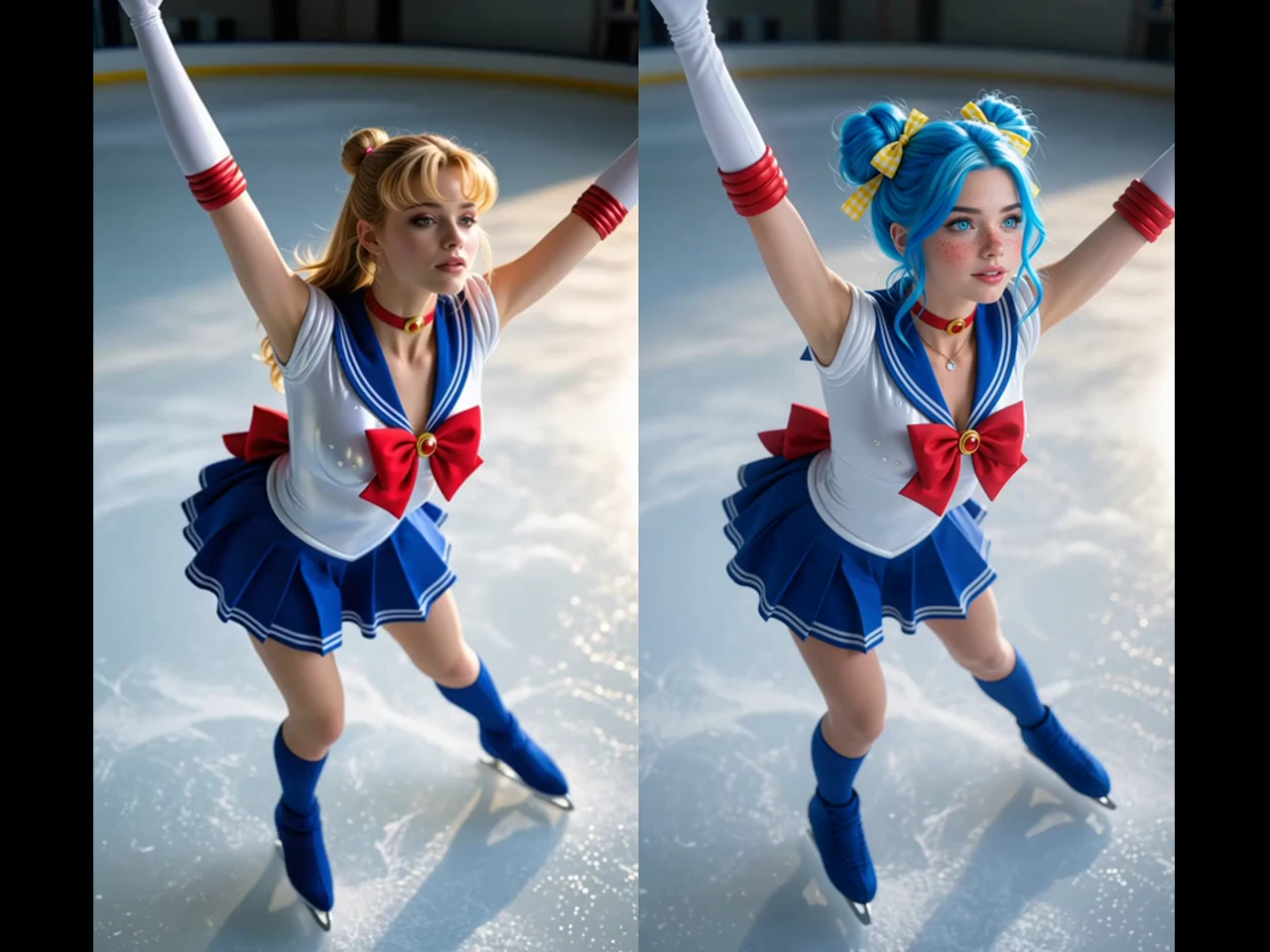
Turn video into another video when one product shot needs a summer, a holiday, and a minimalist version for different campaigns and markets. A video to video converter keeps the product movement and the camera path identical, so every version drops into the same edit without re-timing. Review each version side by side in the online video to video converter, then keep only the ones the client signs off on.
Who is VidpexAI's Video to Video for?

Dance choreographers
A routine filmed once goes stale after one post, and refilming it costs a full day. Video to video AI gives the same take a fresh look for every new upload.

Wedding videographers
Couples want a stylized edit, but nobody gets a second chance to film the ceremony. Video to video maker builds that edit from the footage you captured.

Travel vloggers
Repeat destinations make one episode look just like the last one. Video to video online gives an old clip a new season, style, or mood for the next upload.
Why Choose VidpexAI's Video to Video?
Your Motion, Not a Guess
Text-only generators invent movement and lose the timing you planned. Reference video to video keeps the real motion of your clip and changes only what you describe.
No Install on Any PC
Desktop converters need installs, updates, and a strong graphics card. Video to video converter for pc runs in the browser, so even an office laptop can start a restyle.
Free First Render, Clean Final File
Video to video free access lets you render a real result first. A free download can show a watermark until you move to an eligible plan, and a later trim cuts it down.