
Unrestricted AI Video Generator from Image Free Online
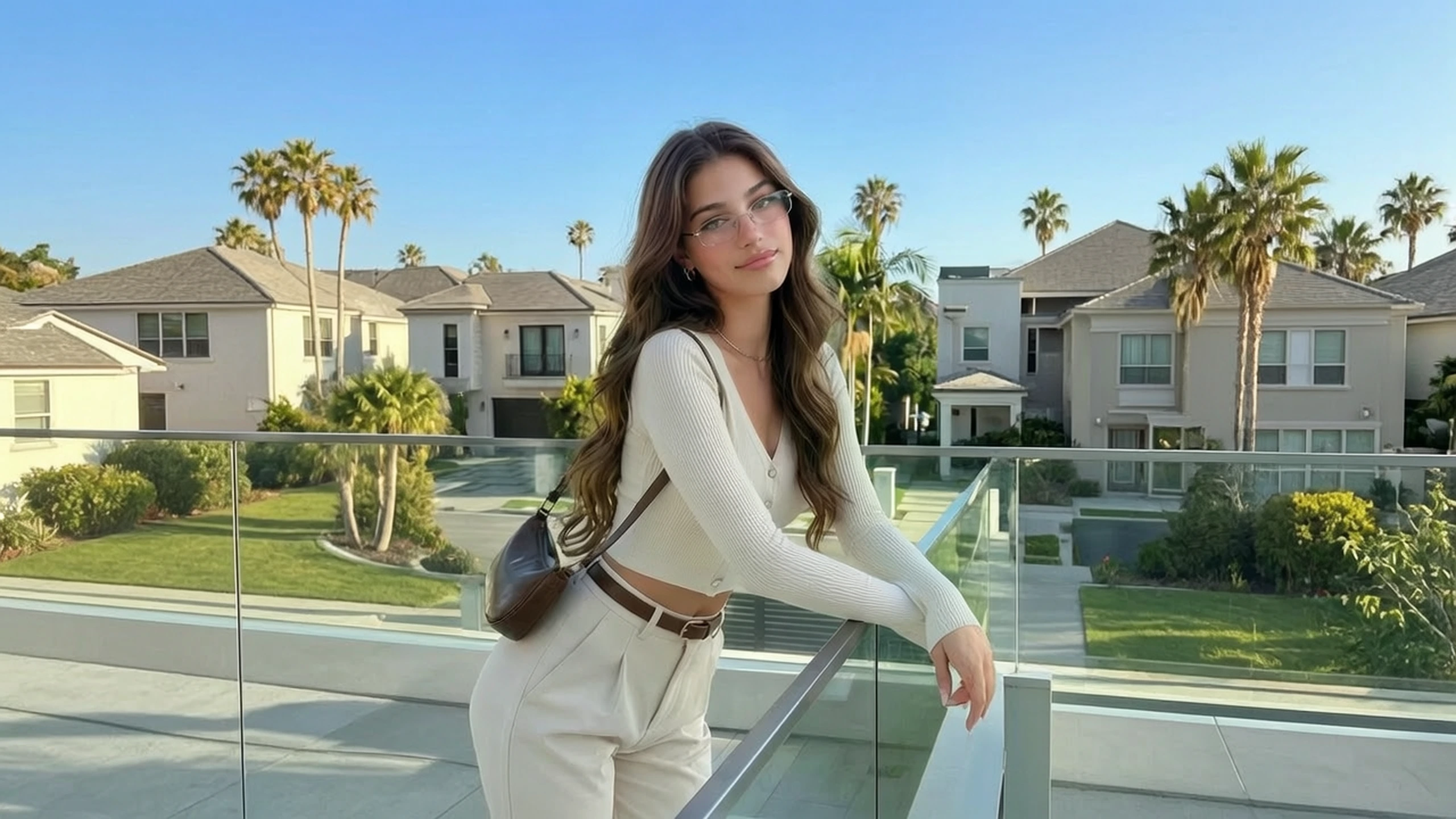
VidpexAI's unrestricted AI video generator opens from a line, a still, or a reference, whichever one already knows the subject. The words handle action and camera, and a picture, when you add one, is what stops the clip from recasting the lead. Unrestricted AI video generator free online session puts that first brief on the free tier, where you can watch it before any plan is in the conversation.
What is VidpexAI's Unrestricted AI Video Generator?
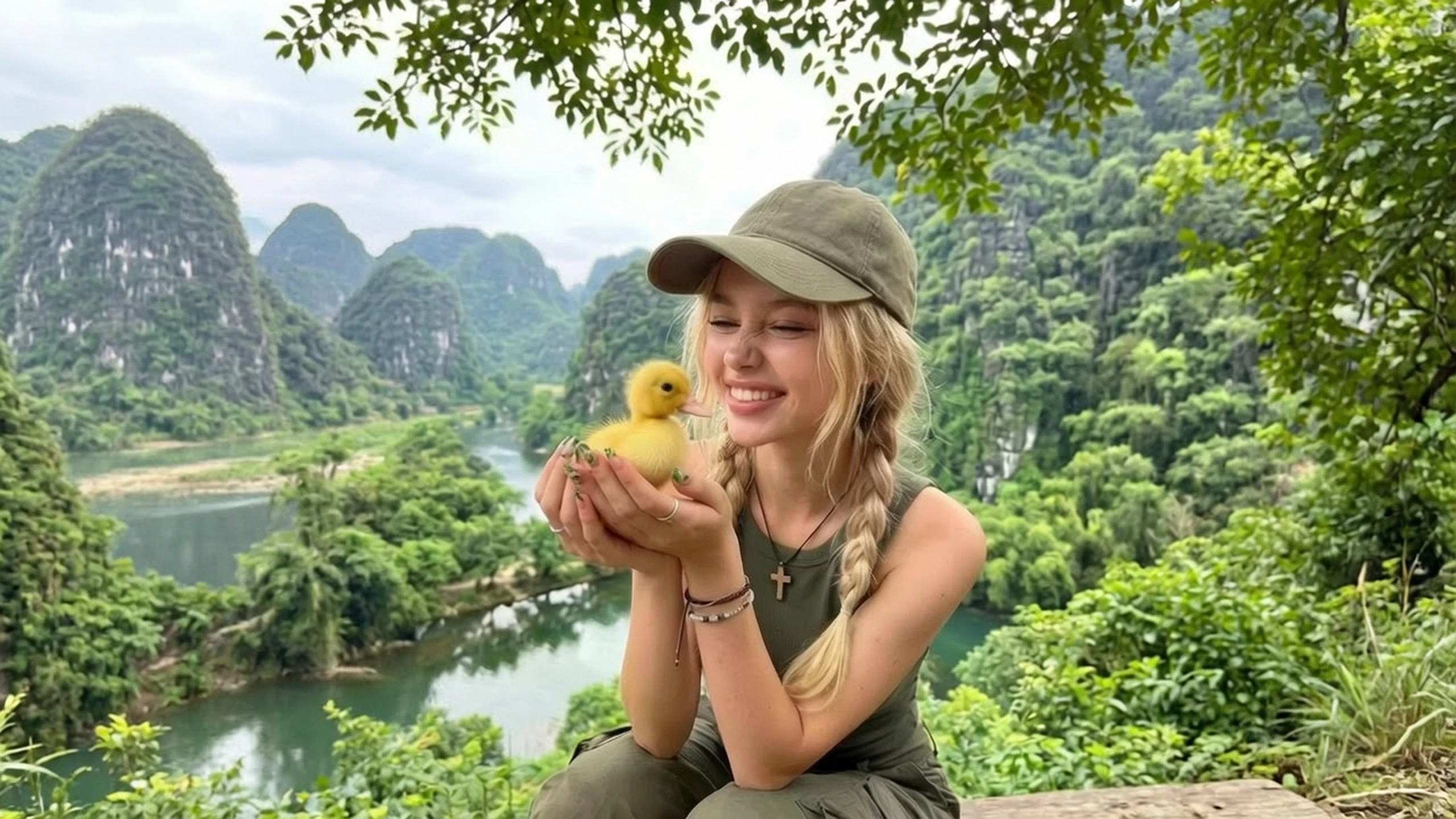
Unrestricted text to video is the door with an empty folder: subject, action, and place all have to live in the sentence. AI video generator from image is for the day the frame already exists and only needs to move. Unrestricted reference to video is the third door, a character sheet or a product angle that later shots are supposed to resemble. Small crews use it to test a shot before they book a camera, or when a filtered tool will not render the idea. An unrestricted AI art generator belongs to still pictures, so it is the wrong room when you came for a clip. Revising one still into another still is a different tool, and nothing on this page is built to stop at a picture.
How Does VidpexAI's Unrestricted AI Video Generator Work?
Step 1: Set the source
Use words alone when you have no picture. Attach a still if that frame is the shot, or a reference if the same face or product has to come back. An unrestricted video generator brief goes soft when the reference shows one person and the sentence describes another.
Step 2: Lock one shot
Keep it to one action and one camera idea, such as a slow push or a locked frame. An AI video generator from text request that also changes the city, the clothes, and the plot will not stay a single shot. With a picture attached, the sentence should say what moves, not who to replace.
Step 3: Judge it against the brief
Watch the clip next to the line or the file you supplied. Output from a no filter AI video maker can still lose a face or a label, and that is a reason to cut the brief down. Another render comes out of the allowance on the account.
What You Can Do with VidpexAI's Unrestricted AI Video Generator?
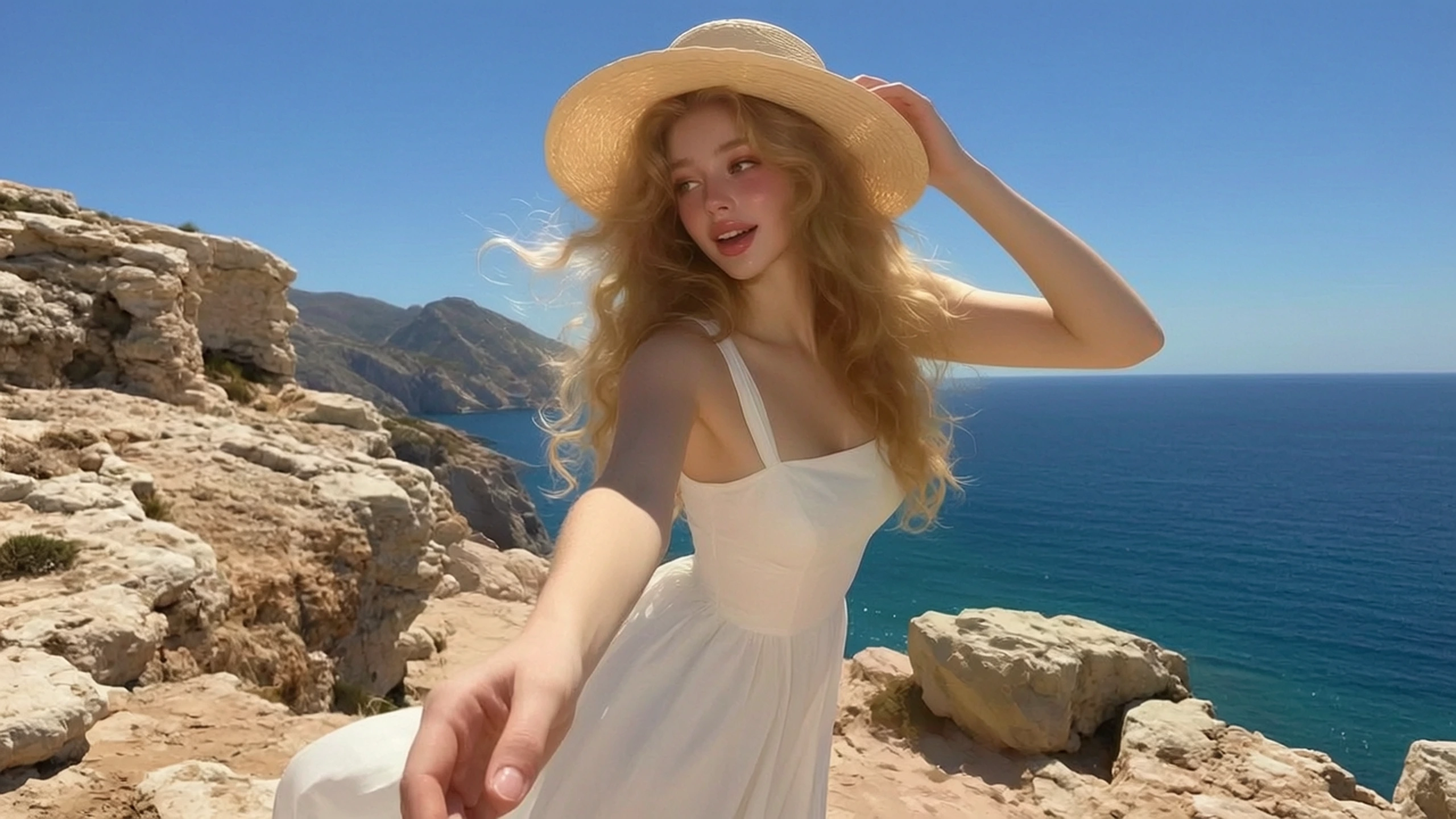
Turn a Sentence Into a Blocking Test
A scene on the page is hard to judge until someone can see the blocking. Unrestricted AI video maker drafts turn that sentence into a shot the room can rewind. Leave it as one action, or the test becomes a trailer instead of a beat.
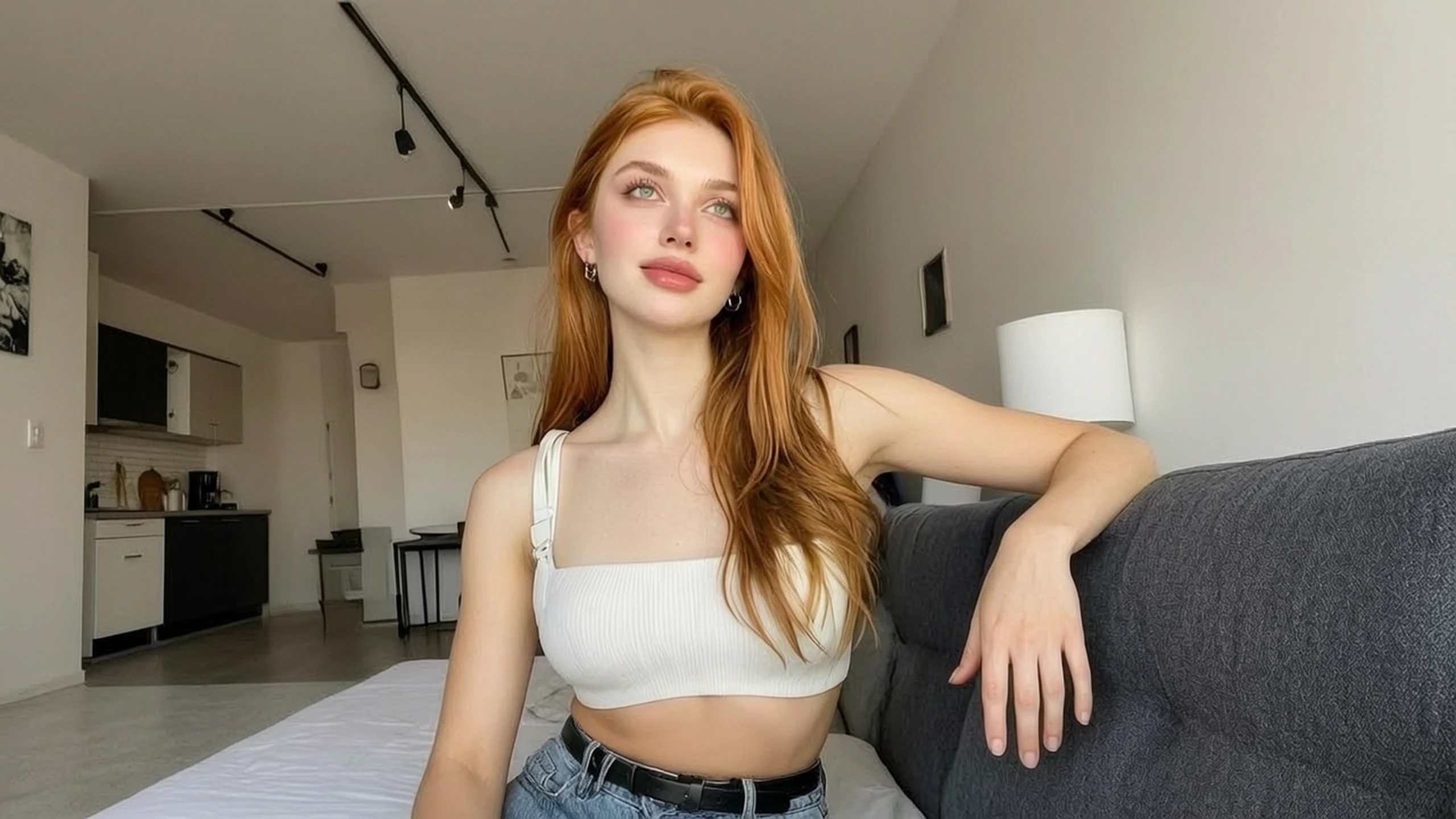
Turn a Finished Frame Into Motion
Sometimes the approved frame has to enter the cut, and nobody is going back to set. Unfiltered AI video maker motion should carry the person and the set already in the file. Ask for a single move, such as a look to camera, and drop the clip if that person leaves.
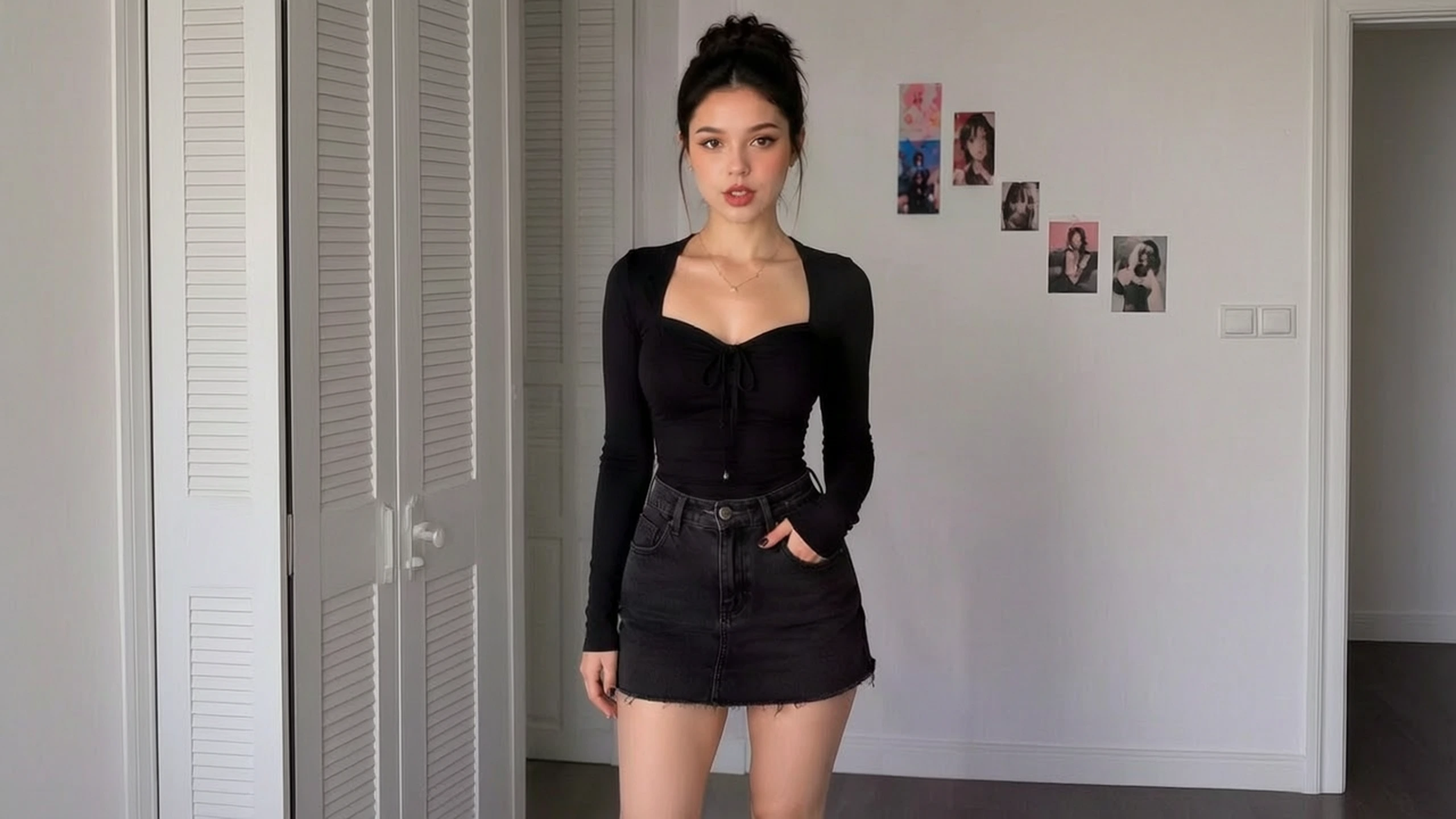
Turn a Reference Sheet Into a Matching Shot
A sheet is useless if the clip invents a cousin of the character. An AI unrestricted video creator clip that starts from the reference is how you check continuity before you animate by hand. A swapped face means the sentence shouted over the reference.
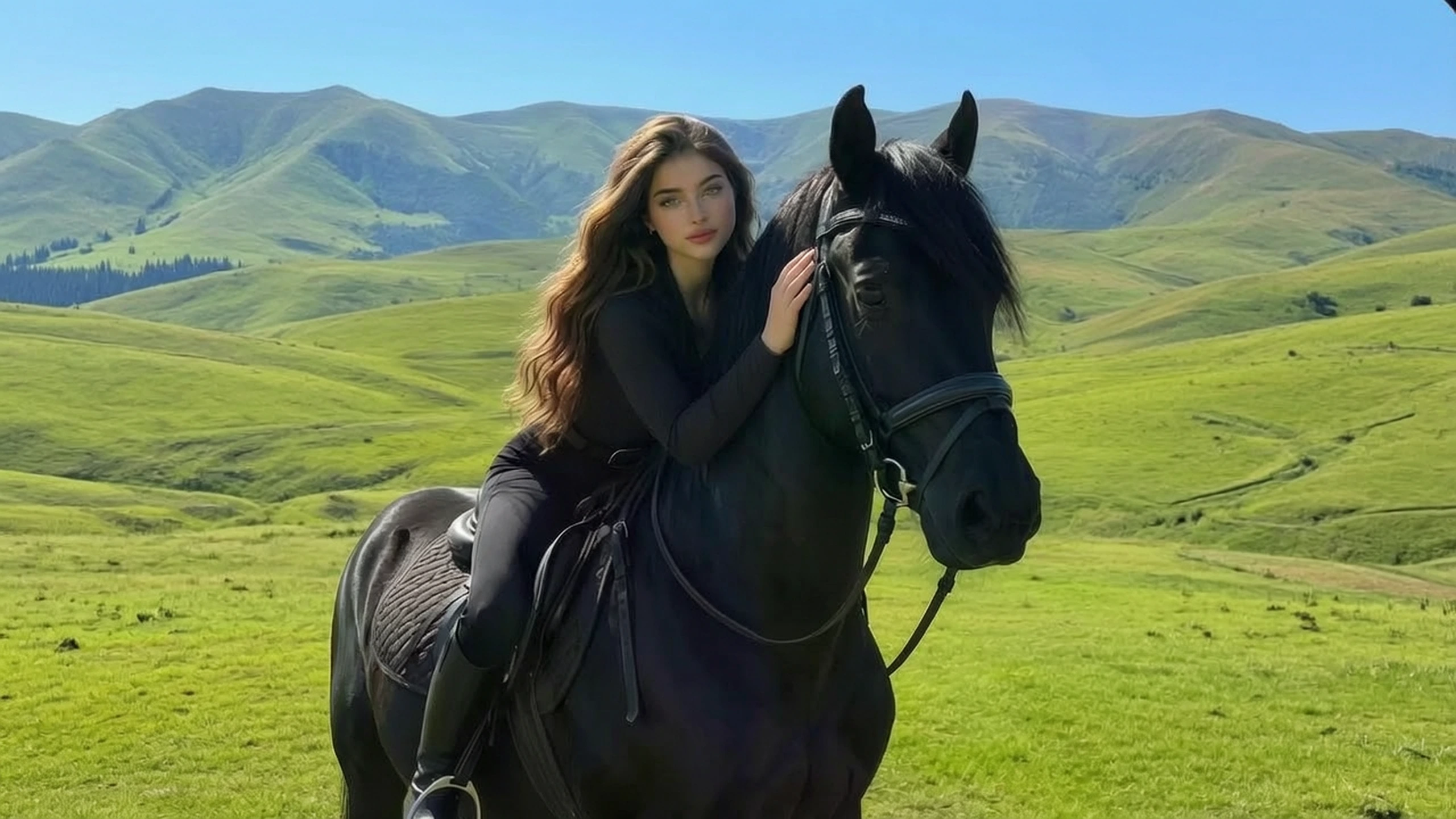
Turn a Rejected Brief Into a Watchable Draft
A fight, a creature, or a costume can die at upload on a filtered site even when the shot is otherwise ordinary. Unfiltered AI video generator is where that refusal stops being the end of the test. The allowance on the account still counts, and the brief is still one shot.
Who is VidpexAI's Unrestricted AI Video Generator for?

Social editors
The post date is fixed and the footage was never shot. Free unrestricted AI video generator time on the free tier shows whether the sentence can hold a shot at all.
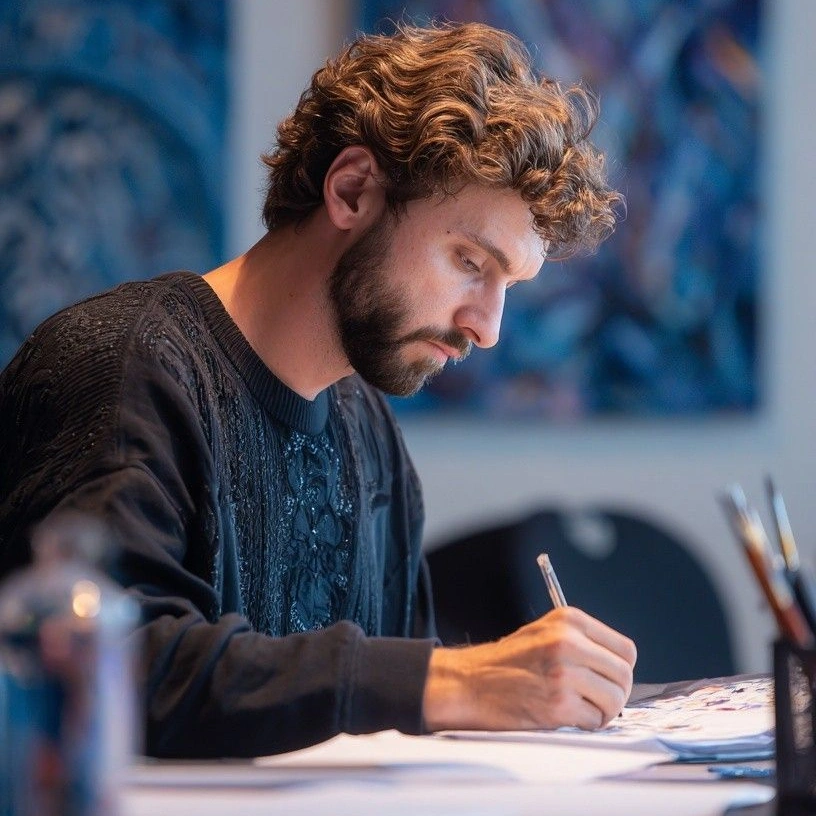
Campaign designers
The key visual is signed, and the plan now wants motion of that same object. No restrictions AI video generator lets the still lead, where a text-only start would guess the logo.
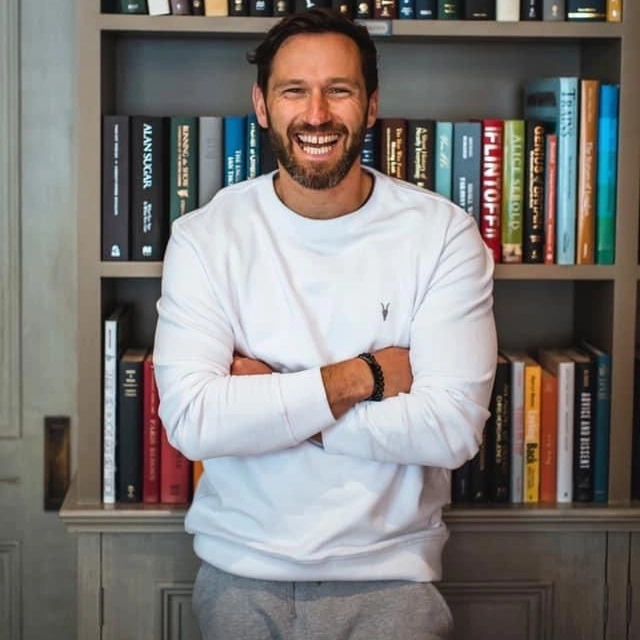
Independent filmmakers
A filtered tool can end the scene before the table read ever sees it. Unrestricted AI video puts a rough moving draft in front of the group, so the argument can be about the shot.
Why Choose VidpexAI's Unrestricted AI Video Generator?
Choose the source first
Words, a still, and a reference do not share a job. Choose the one that already contains the subject, then describe only the motion. An unlimited AI video generator here still ends at the allowance in the account.
Two renders, one shot
Two renders of one shot tell you more than a slogan. If you have a still, run the action from text and from that still, and keep the clip that holds. A box full of scenes is how both the camera and the subject slip.
A free clip, a mark and the still tools
Open the free tier and make one clip before you think about a plan. A mark can remain on that free file, and eligible plans are where it comes off. Free unfiltered AI video generator use stays inside the free tier, and a still you need to retouch belongs in an image tool instead of here.