Unrestricted AI Photo Editor - Text to Image & Image to Image
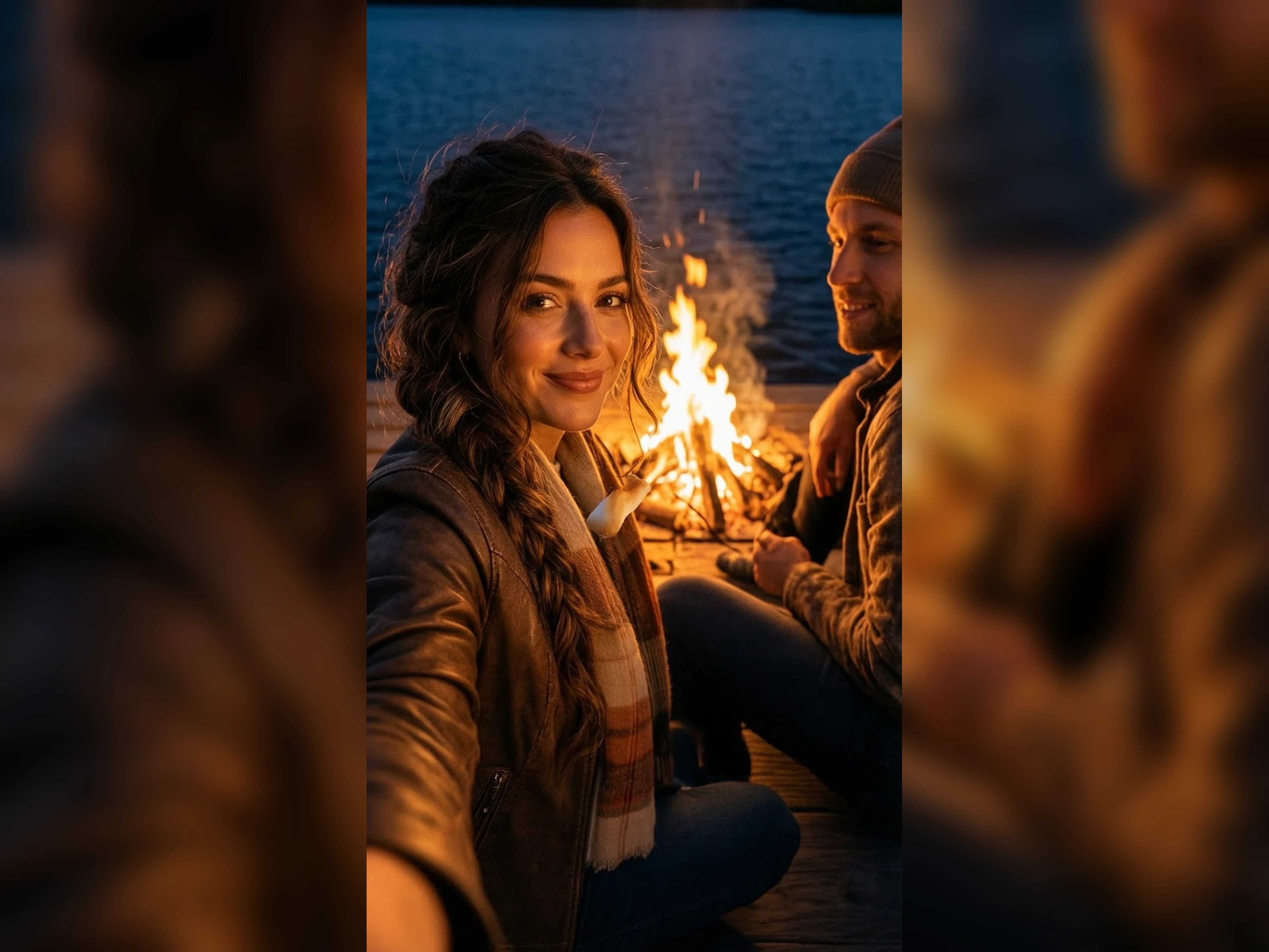
Edit the background, the light, or one detail in a photo you already took, and review the new photo generation on VidpexAI. Unrestricted AI photo editor still completes that edit when a stricter photo tool blocks the subject. Use an unrestricted AI photo editor free edit first, and open a plan only after the photo is worth keeping.
What is VidpexAI's Unrestricted AI Photo Editor?
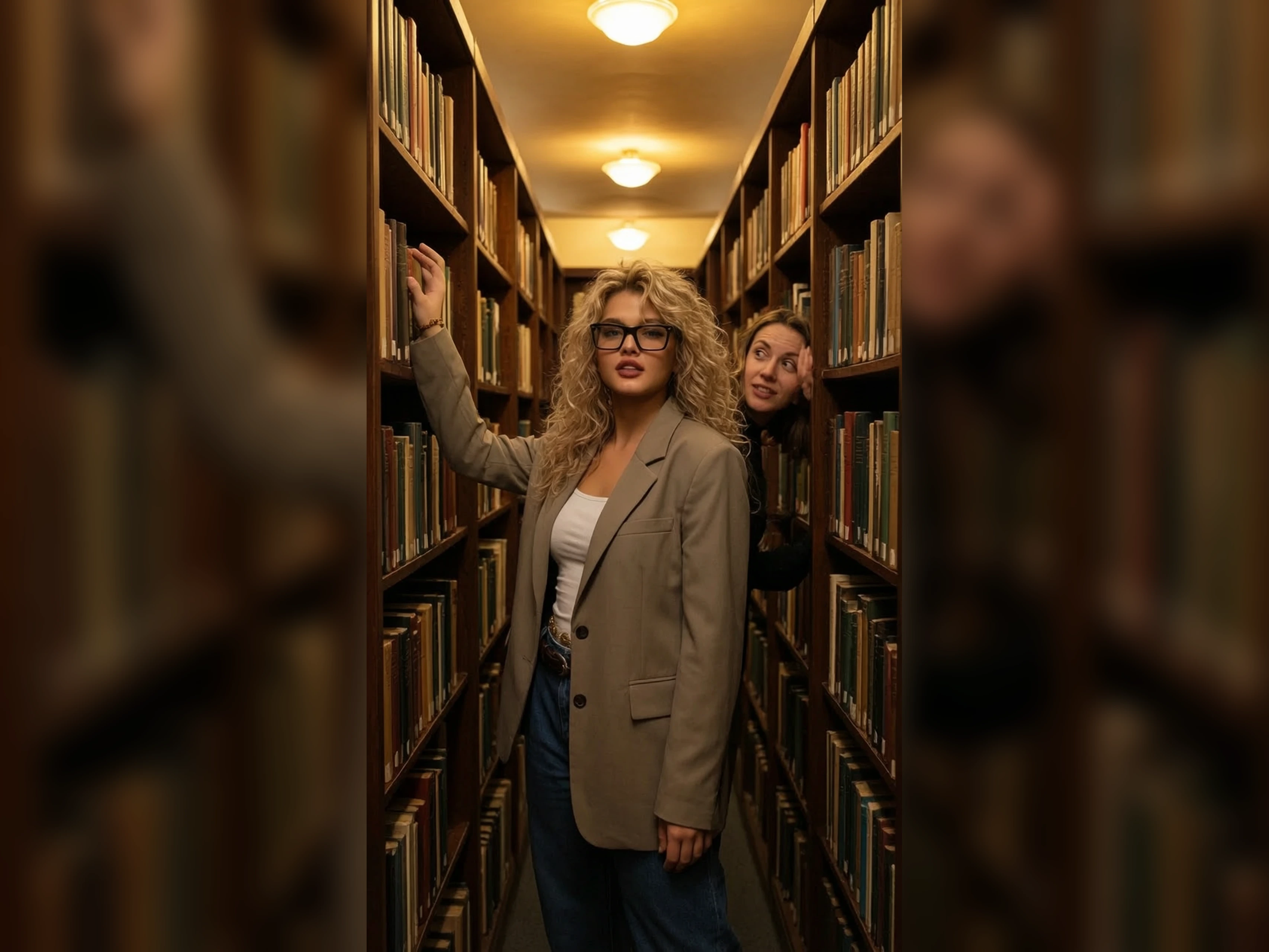
VidpexAI's unrestricted AI photo editor is a prompt editor for photographs. You upload a photo and name one change, and the person, place, or product in that file stays put. If no photo exists yet, the prompt can create a new photograph from the subject, the place, and the light. Headshot photographers, ecommerce photographers, and event photographers choose the path that matches the file they have. AI photo editor no restrictions returns one photo, not a layer stack. The next change is another edit of the photo you kept.
How Does VidpexAI's Unrestricted AI Photo Editor Work?
Step 1: Upload the Photo
Add the photograph you want to change. Photo editor no restrictions works from that file, so the person or product is already in the picture. Start from the prompt alone only when you have no photo yet.
Step 2: Name One Change
Write only the change, such as a new background, new light, or a cleaner setting. AI photo editor with no restrictions follows that one request and leaves the rest of the photo alone. Extra requests in the same line are what move the face or the product.
Step 3: Compare and Edit Again
Generate the edit, then put it beside the original photo. AI photo editor free no restrictions retries come from the allowance on the account. If the subject drifted, shorten the prompt and edit again.
What You Can Do with VidpexAI's Unrestricted AI Photo Editor?
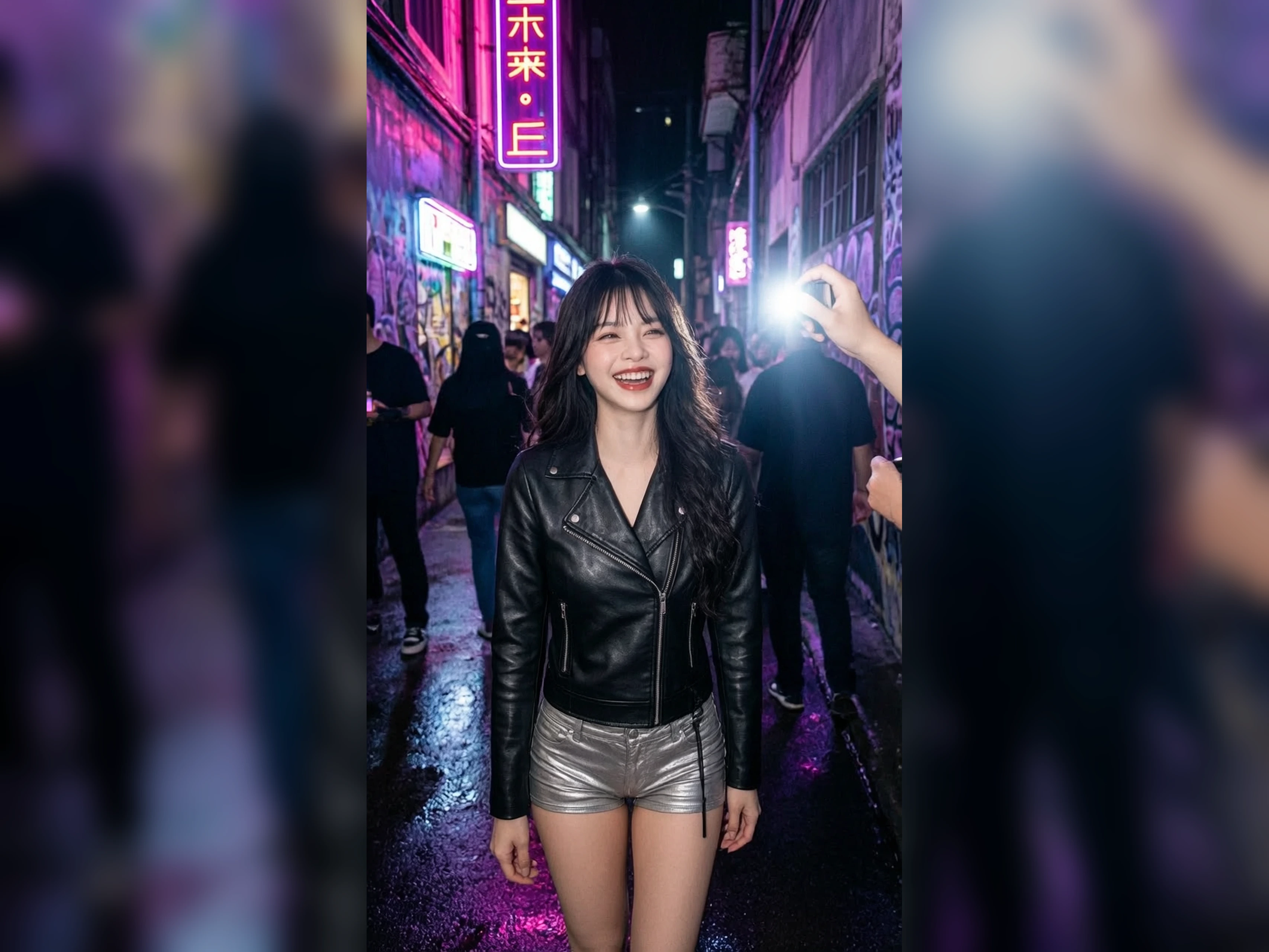
Turn a Headshot Into a New Backdrop
Keep the face from the photo you shot, and replace only the background behind it. AI edit photo no restrictions makes that one change and leaves the expression, the hair, and the shoulders in place. Compare the new photo with the original. A different face means the prompt asked for too much, so name only the background and edit again.
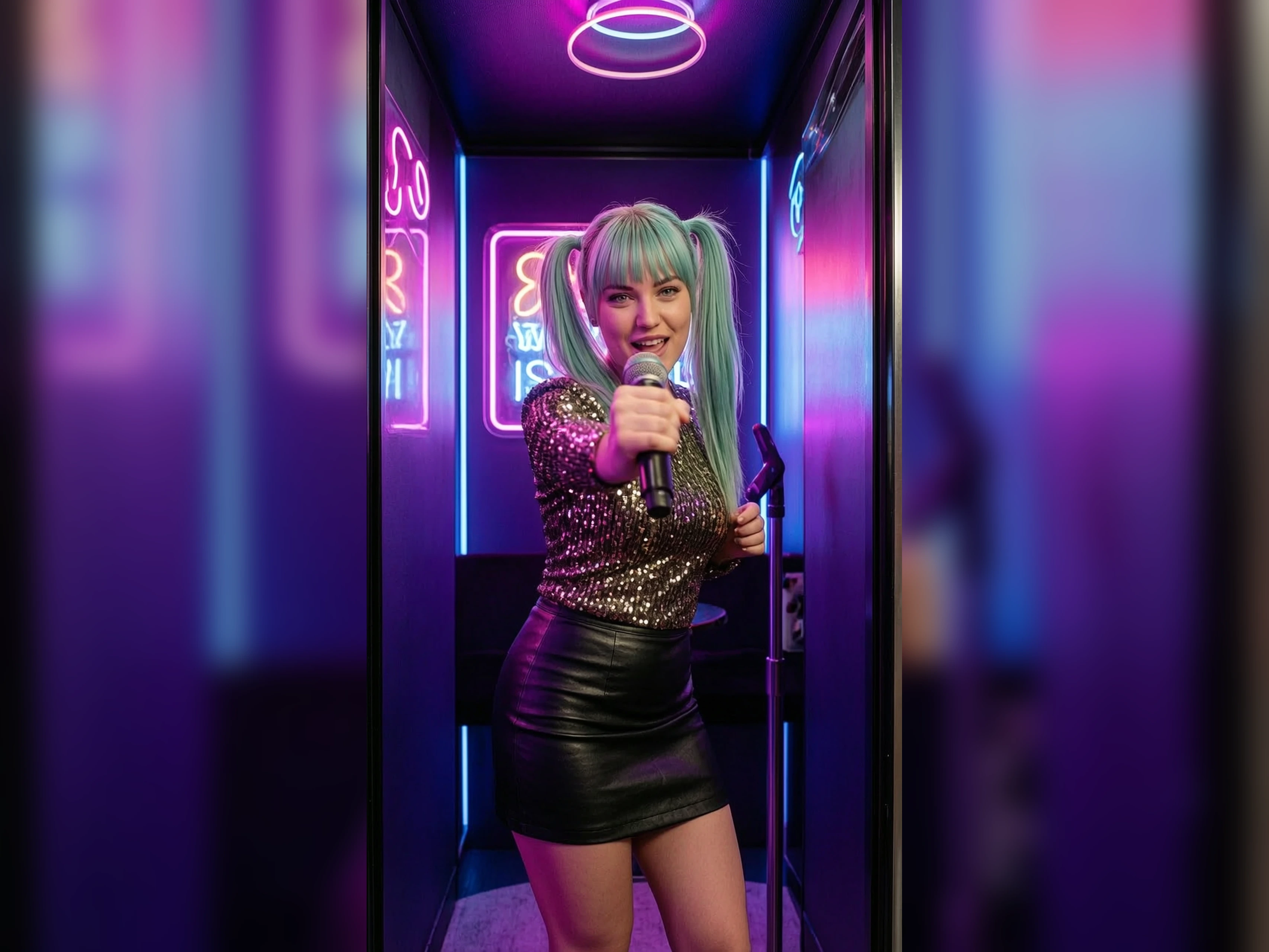
Turn Flat Light Into a Studio Look
The person is right and the light is not. AI photo editor without restrictions can change the light and must leave the face and the clothes where the photo put them. Check the eyes and the jaw after the edit. If either moved, the prompt included more than light, so name the light alone and edit again. Review the edit at full size before you send it.
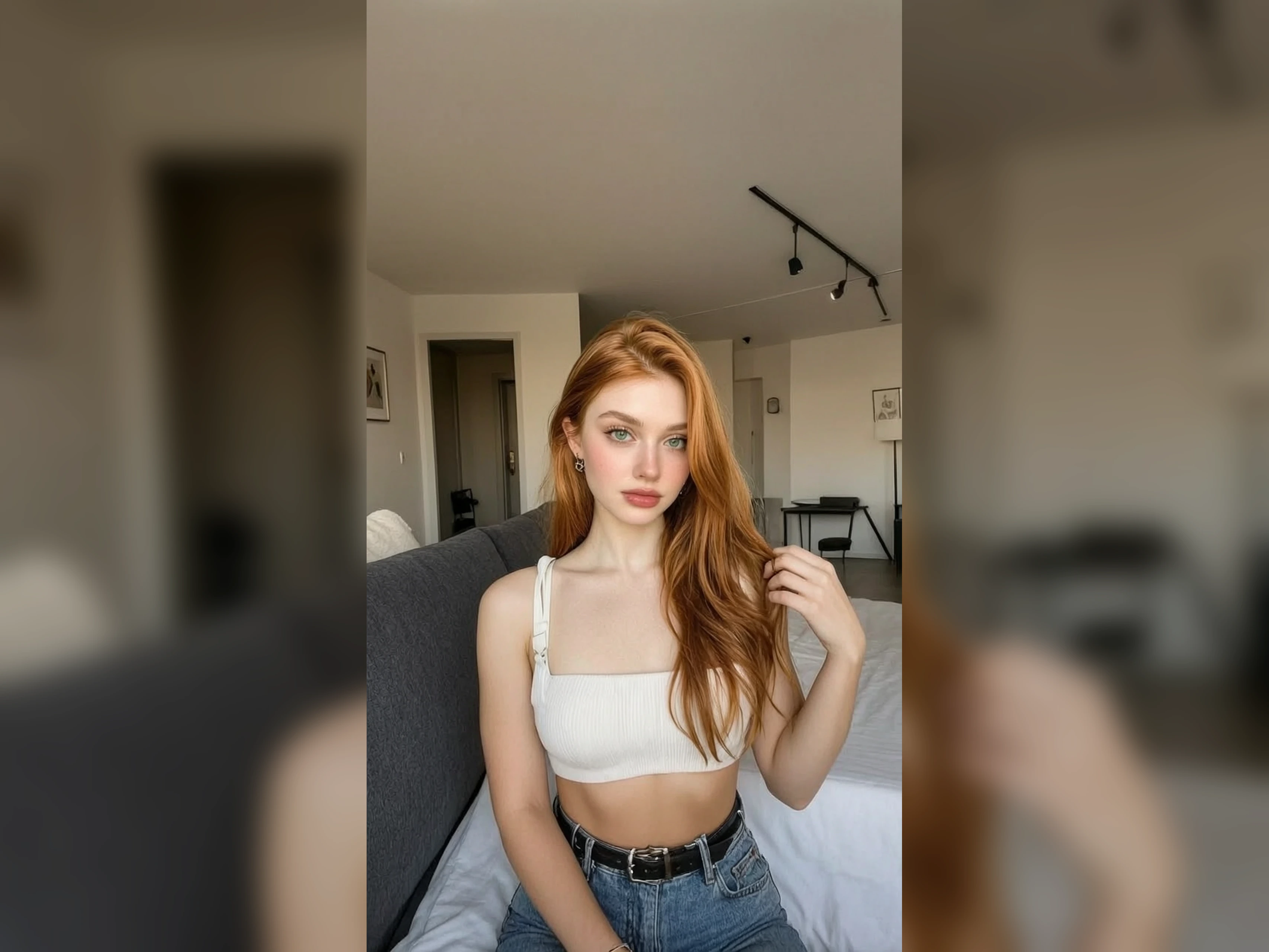
Turn a Table Snap Into a Listing Photo
The product is correct and the table around it is not. Photo AI editor no restrictions keeps the product and clears the setting into a clean listing photo. Match the size and the edges to the original. If the product changes shape, name only the background on the next edit. Send the listing only if the product outline still matches.
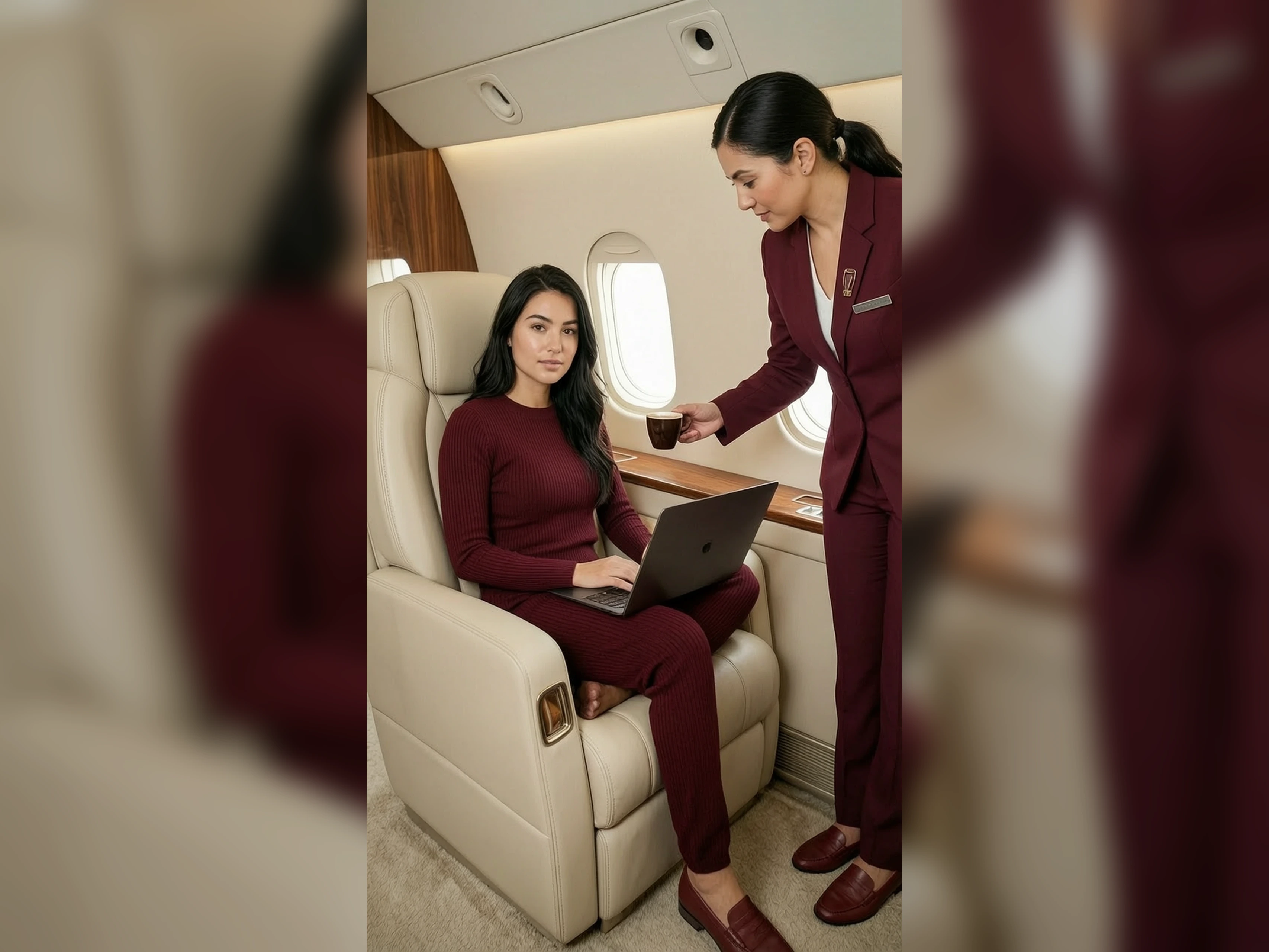
Turn a Blocked Edit Into a Photo
A filtered photo tool can stop an unusual look, a strong pose, or an adult photo you already have the right to edit. AI photo editor no restrictions nsfw is the adult name for this same filter-off photo editor. You write the change. If the result adds people or details you did not write, narrow the prompt and edit again.
Who is VidpexAI's Unrestricted AI Photo Editor for?
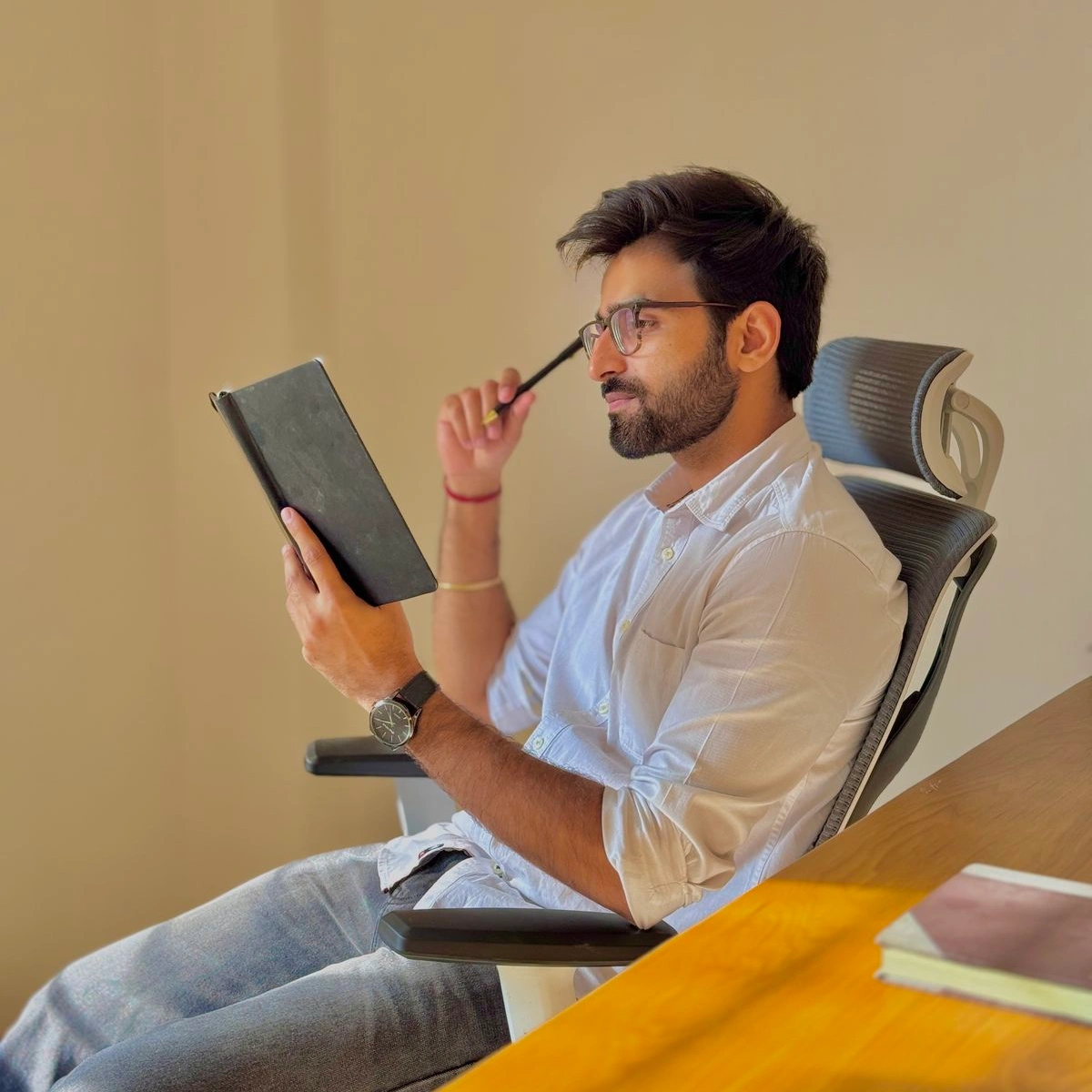
Headshot photographers
A booked headshot needs a new background without a reshoot. Edit photo with AI no restrictions keeps the face and changes the backdrop. Check the hairline before you deliver the file.
Ecommerce photographers
A product photo needs a clean background for the listing. Edit photos with AI no restrictions keeps the product and clears the table around it. Compare the outline with the original before the listing goes up.

Event photographers
The people are right and the room light is wrong. Free AI photo editor unrestricted changes the light and leaves the people in place. If a face shifts, the prompt asked for a new photo instead of a light change.
Why Choose VidpexAI's Unrestricted AI Photo Editor?
The Photo You Shot Stays
A generator that ignores the upload will invent a new face and throw away the photo you shot. AI unrestricted photo editor keeps that photo and changes only what you name, such as the background or the light. If the person changes, shorten the prompt and edit again. You correct one photo instead of starting over.
Blocked Photos Still Edit
A stricter editor stops an unusual or adult photo before you can see the edit. No restriction AI photo editor still returns that photo, so you can keep it or reject a real flaw. Describe the change you want. Details you leave out are what appear as extras. See the edit first, then keep it or reject the flaw.
See the Photo, Then Choose a Plan
Make the edit on the free allowance, and open a plan only after the photo is worth keeping. A mark can stay on that free file until an eligible plan removes it, and commercial use follows that plan's license. Unrestricted AI photo edit is the next pass on the photo you kept, one change at a time. Free AI photo editor with no restrictions on the free allowance still stops at the number on the account.