
Unlimited Image to Video AI Generator Free Online
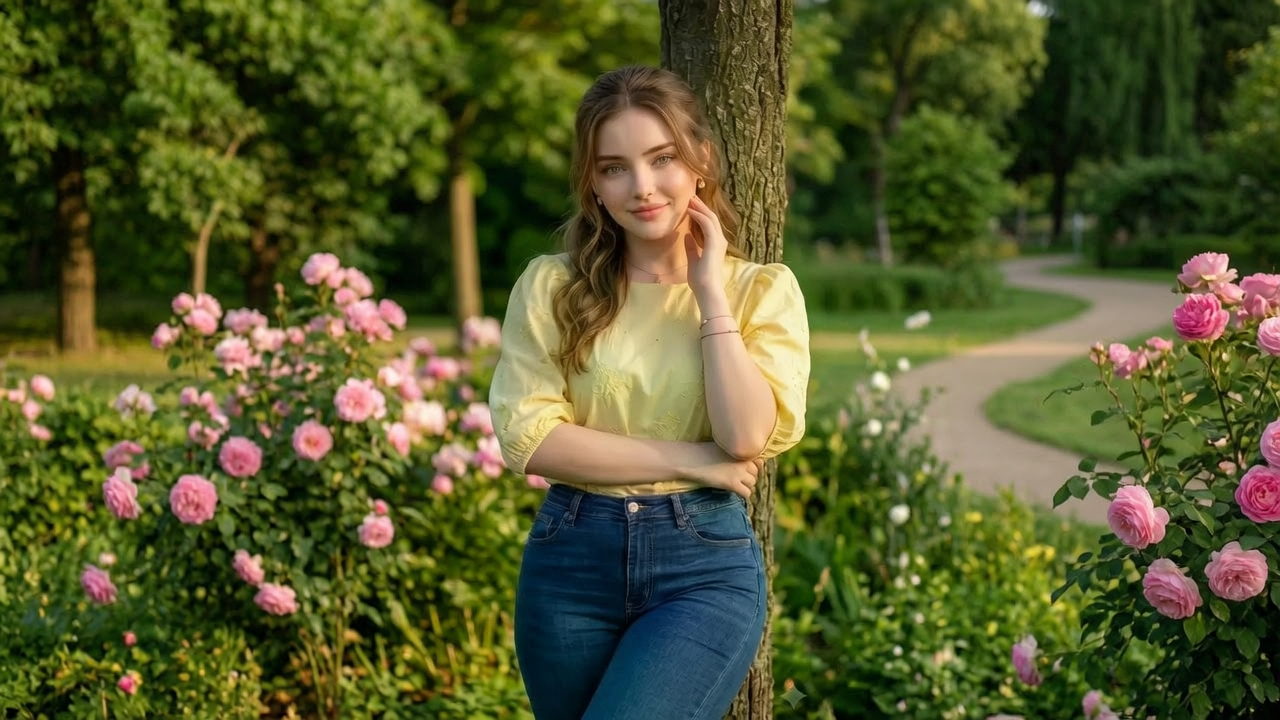
Mainstream generators reject the upload, blur the result or hand back a three-second template loop. VidpexAI takes the same still and animates it as real video: describe the motion, set the camera move and the model carries pose and body contour across frames instead of melting the subject halfway through. This is unrestricted image to video for 18+ creators who need output that is not pre-sanitised, with an optional audio lane when a silent clip is not enough. Upload a JPG, PNG or WEBP, generate privately in the browser, and it is free to start.
What is VidpexAI's Unlimited Image to Video?
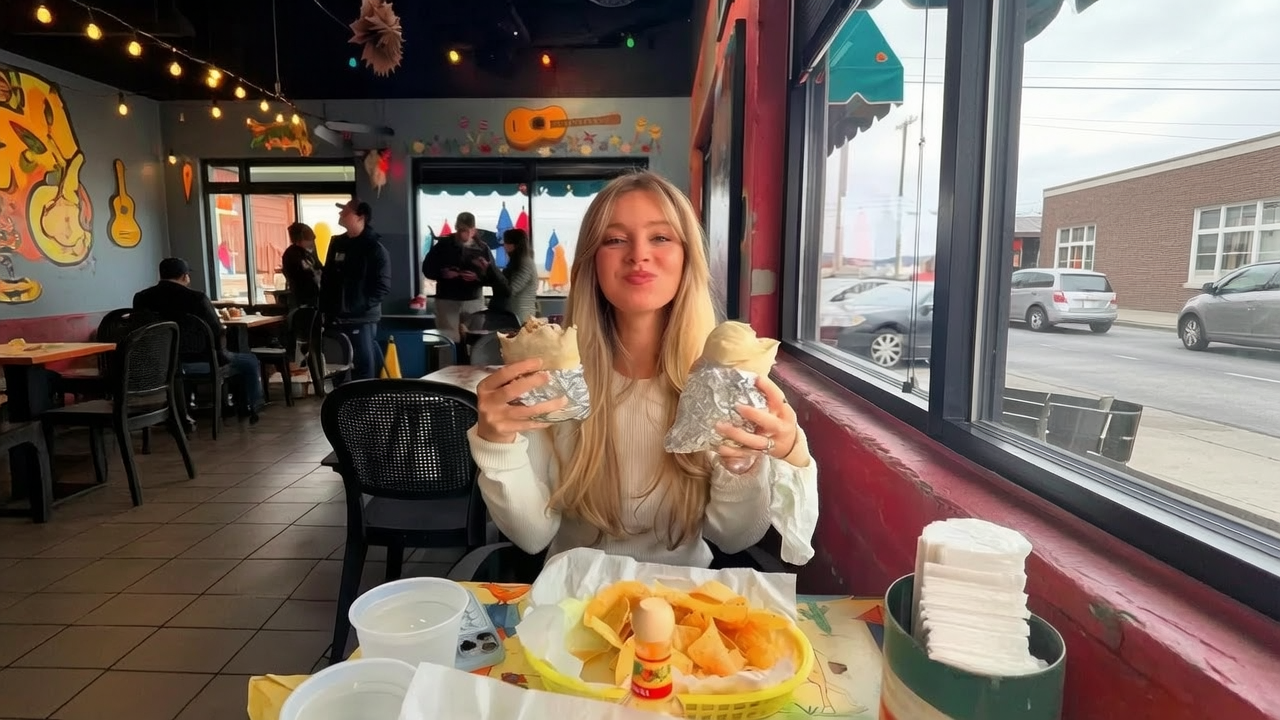
VidpexAI's unlimited image to video is an AI video generator that animates a single still into a moving clip without the content filters and template locks mainstream tools apply. Upload a JPG, PNG or WEBP, describe the motion you want, and the model tracks pose geometry and skin boundaries across the timeline so limbs, edges and camera movement stay coherent rather than flickering between frames. An optional audio lane syncs an uploaded track or voice line to the clip, which is what people actually want when they search for image to video with audio instead of a silent loop. The output is video, not a still and not a slideshow of crossfades, and this uncensored image to video workflow processes privately with no public gallery. Free to start for verified 18+ users, with credits for longer clips and higher resolution.
How Does VidpexAI's Uncensored Image to Video Work?
Step 1: Upload the Still You Want Moving
Drop a JPG, PNG or WEBP straight from your device. A sharp subject with visible limbs and an uncluttered background gives the motion model more to track, which matters far more here than resolution alone when you convert image to video.
Step 2: Set Motion, Camera and Audio
Write a prompt for what should move and how, then pick a camera path such as slow push-in, orbit or handheld drift. Add a track or voice line if you want image to video with audio, and choose clip length and aspect ratio before rendering. No style filter is forced on the output.
Step 3: Render, Review Frame Flow, Export
The clip renders as video with temporal smoothing between frames, so you review actual motion rather than a preview still. Re-roll the prompt if a limb drifts, then export privately. First renders are free to try; credits unlock longer durations and higher resolution.
What You Can Do with VidpexAI's Unlimited Image to Video?
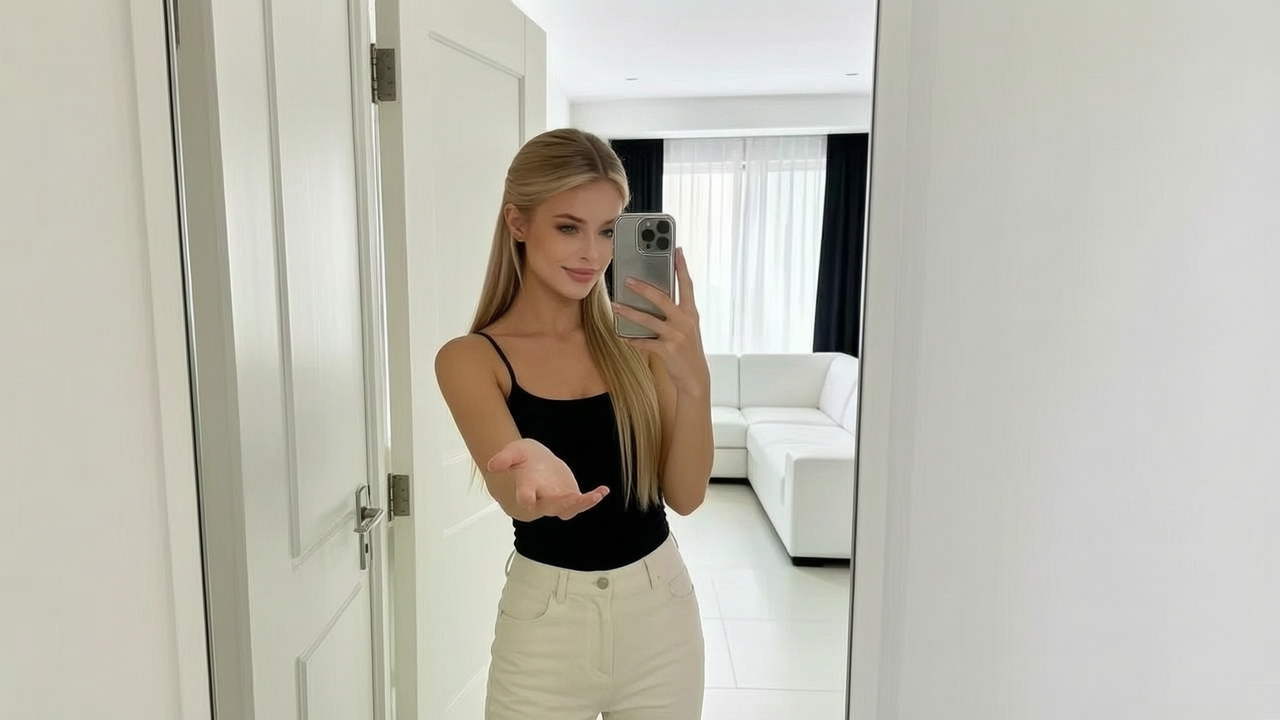
Unrestricted Photo to Video From a Single Frame
You have one good still and no footage, and every mainstream AI image to video generator either rejects it or returns a safe-mode crossfade. Here the still becomes motion: the model locks facial identity and body contour, then moves the subject along the path your prompt describes while lighting stays consistent as the camera travels. That frame-aware tracking is the difference between a clip that holds for eight seconds and a warped face by second three.
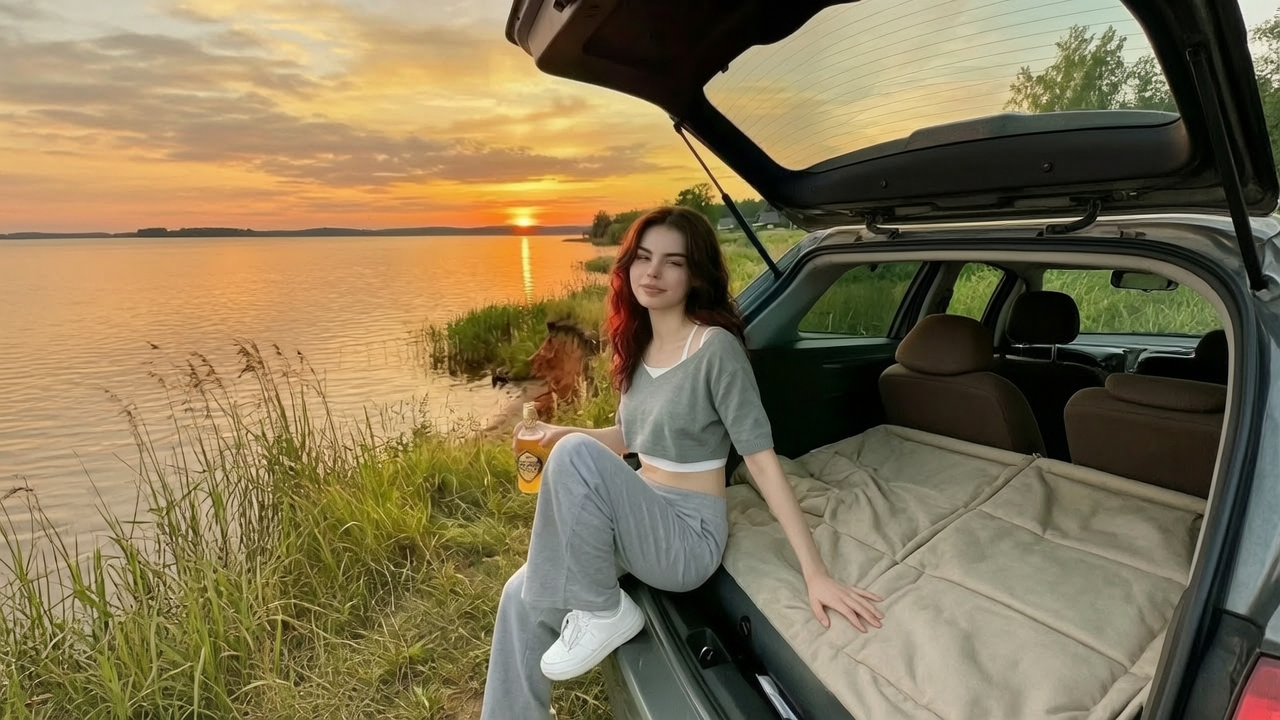
Add Audio or a Voice Line to the Clip
A silent loop dies in a feed, and searches for uncensored image to video with audio AI free exist for a reason. Upload a track, ambience or a spoken line and the render times motion beats against the waveform, so movement lands with the audio rather than drifting out of phase. When the source portrait shows a clear mouth, the mouth motion follows the voice line, which turns a flat image to audio video job into something closer to a performance clip.
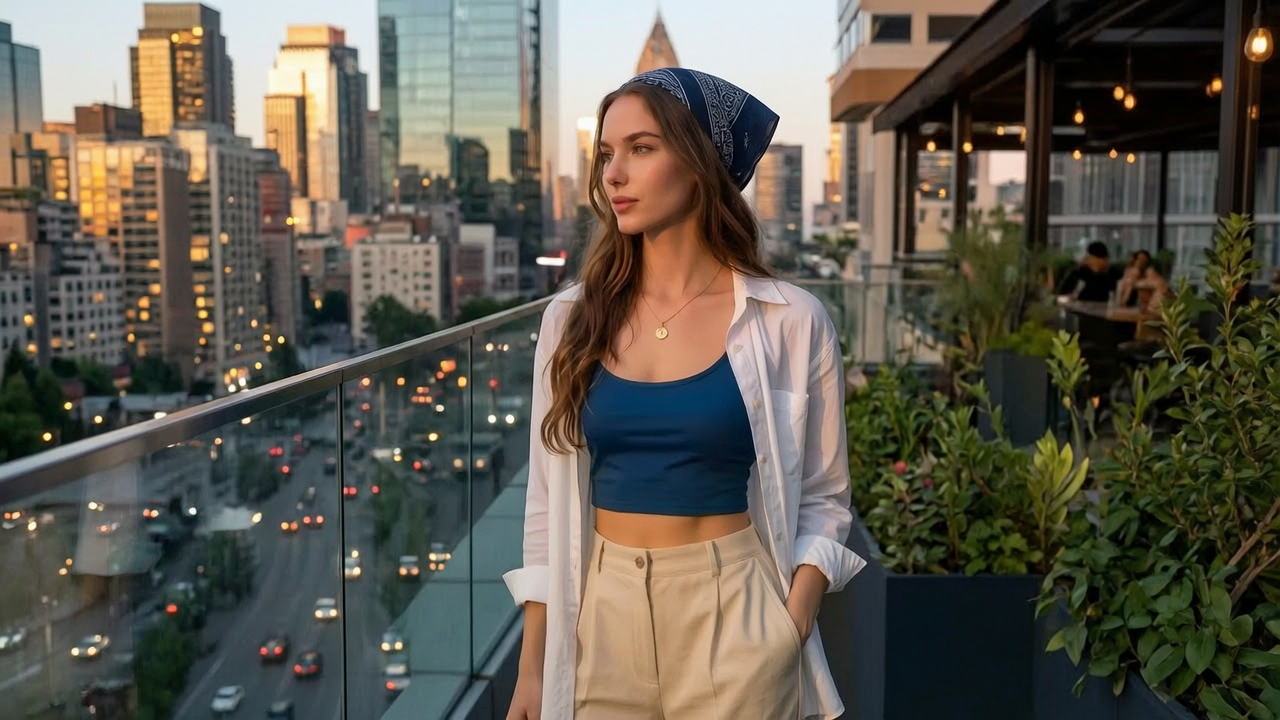
Unfiltered Picture to Video for Adult Projects
Adult creators lose hours to refusals, blurred regions and prompts silently rewritten into something tamer. This lane applies no content filter to the visual result, so a spicy image to video AI free trial actually returns what you described instead of a censored substitute. Body geometry and skin transitions are rebuilt per frame during movement, which keeps NSFW motion believable rather than smeared, and nothing is published to a public feed.
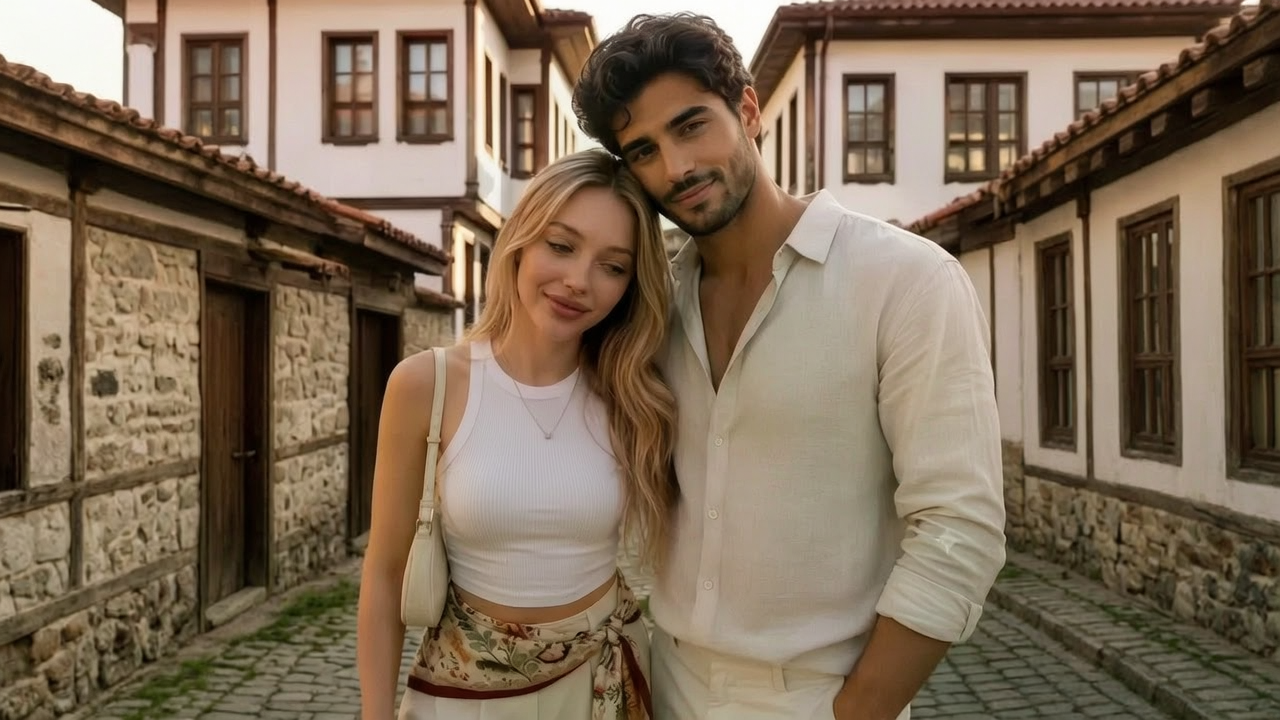
Prompt-Driven Motion, JPG to Video, Batch Sets
Direction happens in words, not keyframes: state the action, pace and camera behaviour and the same image to video AI with prompt setup can produce a slow reveal or an aggressive handheld take. Run a jpg to video job one file at a time, or queue a set and generate video from images with shared motion settings so a series looks like one shoot. Export vertical for social or wide for desktop without re-rendering the whole clip.
Who is VidpexAI's Unlimited Image to Video for?
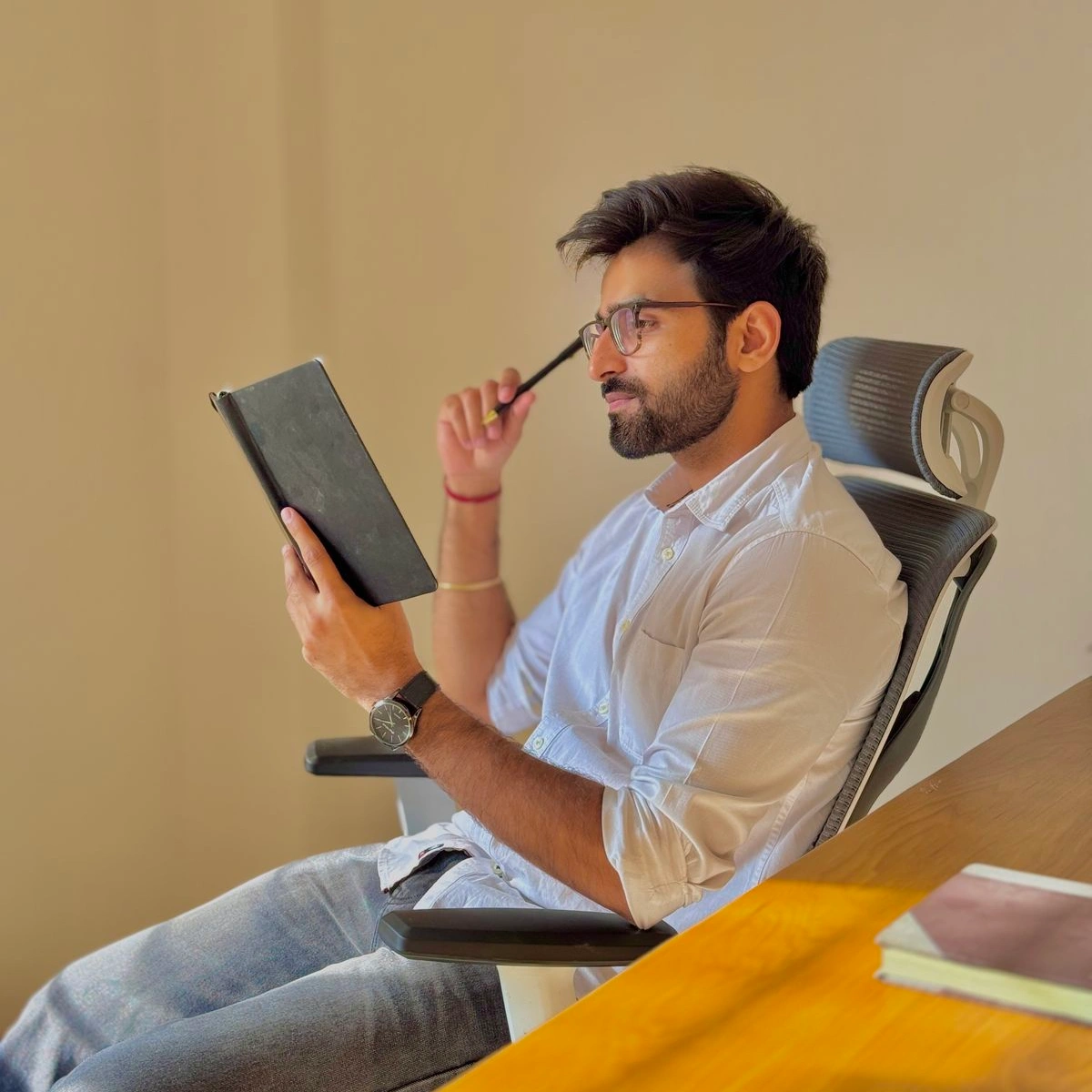
Adult Content Creators
One still can carry a week of posts once it moves. An uncensored photo to video pipeline removes the refusal loop, and private rendering means drafts never surface in a shared gallery before you decide what ships.
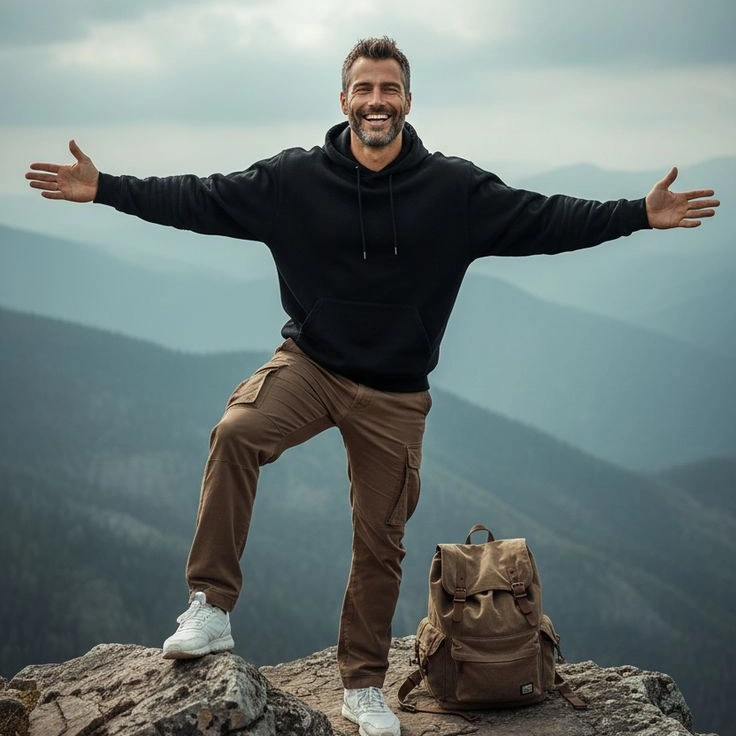
NSFW Editors and AI Artists
Style should come from your prompt, not a locked preset. No filter is layered over the render, so unrestricted motion, grain, camera behaviour and framing stay under your control across a series of clips.
Private Users and Hobbyists
Plenty of people just want to turn a photo into video for themselves. A browser workflow with no install, no public feed and free renders to start suits occasional use better than a subscription-locked desktop suite.
Why Choose VidpexAI's Unlimited Image to Video?
No Content Filter on the Visual Result
General-purpose tools rewrite prompts, blur regions or refuse the upload outright. This is built as an adult, 18+ generator, so an unfiltered image to video request returns the clip you described rather than a sanitised approximation of it.
Motion That Survives the Whole Clip
Identity lock, pose tracking and per-frame skin and edge reconstruction run across the timeline, with temporal smoothing to suppress flicker. Faces stay the same face and limbs stay attached while the camera moves, which is where most single-image animators fall apart.
Private Browser Workflow, Free to Start
Nothing installs, nothing posts to a public gallery, and uploads are processed in isolated jobs you can delete. Start with free renders to judge motion quality, then spend credits only on the longer, higher-resolution version you intend to keep.