
Unfiltered AI Video Generator Free Online
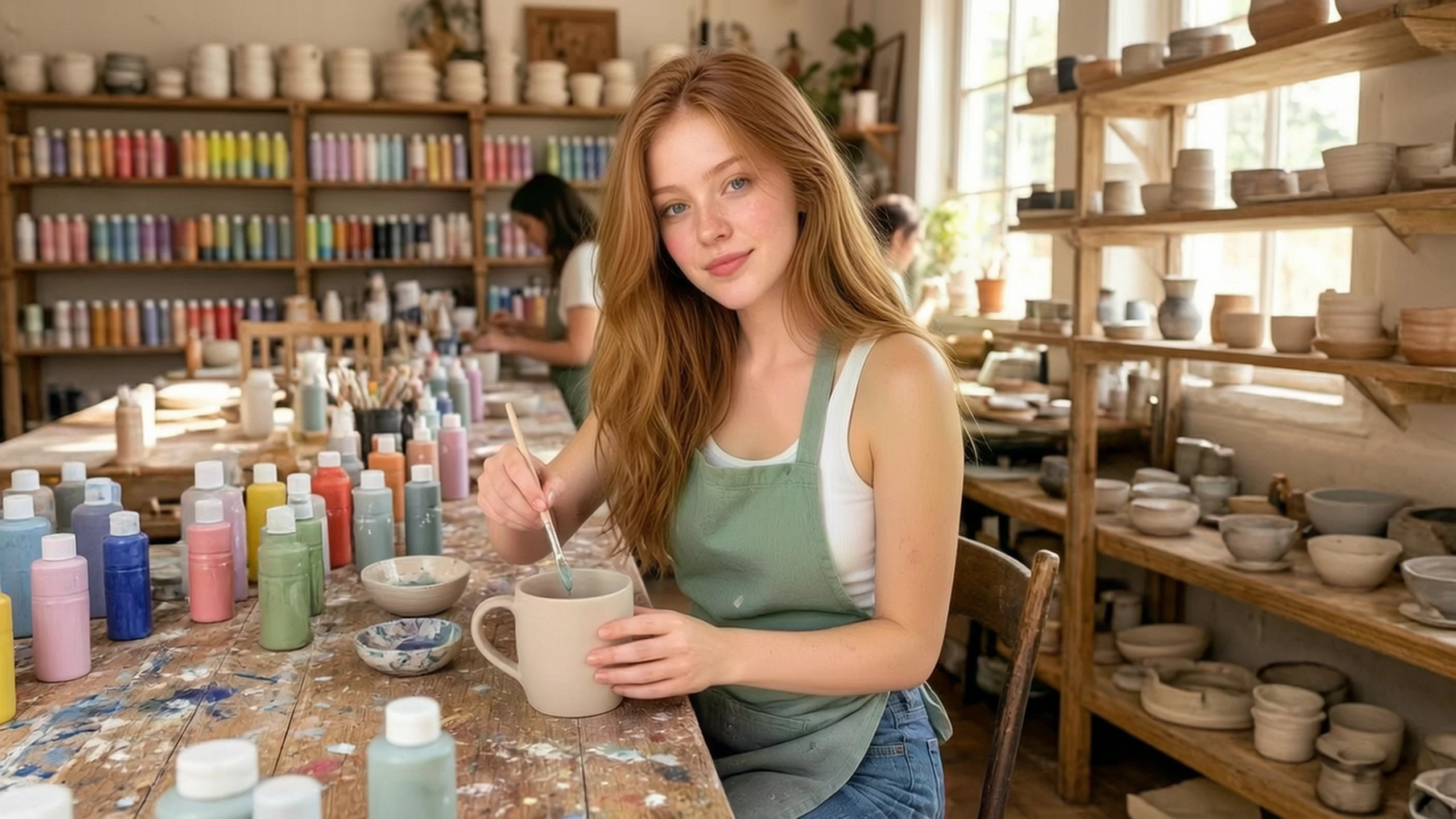
Turn any ideas into a full video with VidpexAI's unfiltered AI video generator. Pick a style, write a prompt or reference image, and get complete scenes with captions and music.
What is VidpexAI's Unfiltered AI Video Generator?
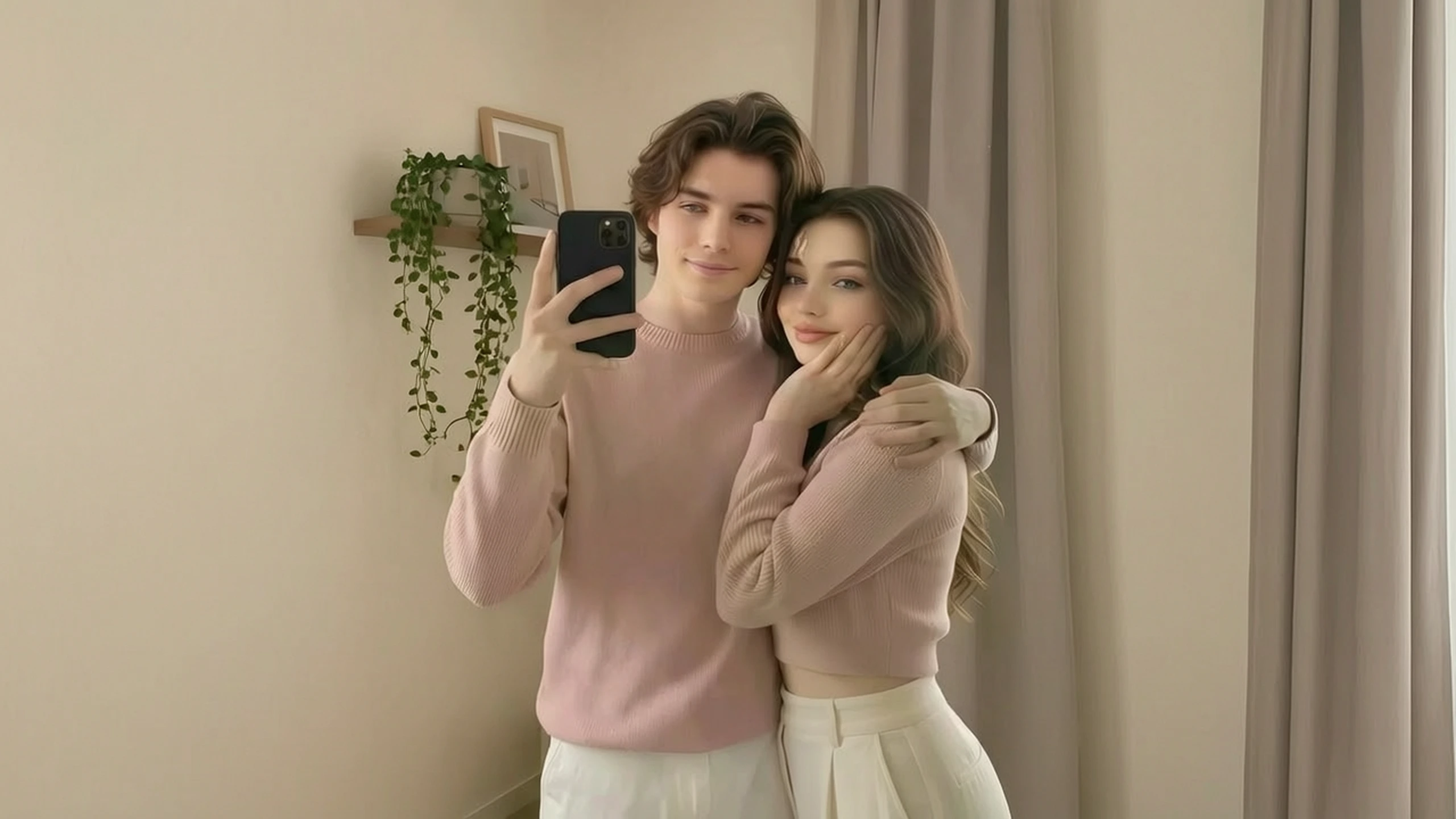
VidpexAI's unfiltered AI video generator is a shot-making tool, and the input decides what the clip may invent. From text, the line has to carry the subject, the action, and the place, because nothing visual is there to hold them. From an upload, the image is already the subject, so the prompt may add only one movement, such as a glance, a step, or a push closer. Trailer editors, motion designers, and series producers choose the input that protects the asset they have. AI video generator unfiltered returns the moving shot, not a titled sequence. Trims and titles belong on an editor after you accept this clip.
How Does VidpexAI's Unfiltered AI Video Generator Work?
Step 1: Choose the Input
Start from a sentence when the shot does not exist yet, or upload an image when a face, a product, or a place must stay. Text to video no filter is the sentence path. Leave the upload empty on that path.
Step 2: Lock One Action
Name one action and where the camera sits. Image to video no filter treats the upload as the subject and should not be asked for a second person or a new place. The same limit applies when you start from words: one action in one place.
Step 3: Play It Back
Play the clip beside the brief or the source image. Free AI video generator no filter retries come out of the allowance on the account. Change one word if the action or the identity drifts.
What You Can Do with VidpexAI's Unfiltered AI Video Generator?
Turn a Line Into a Shot
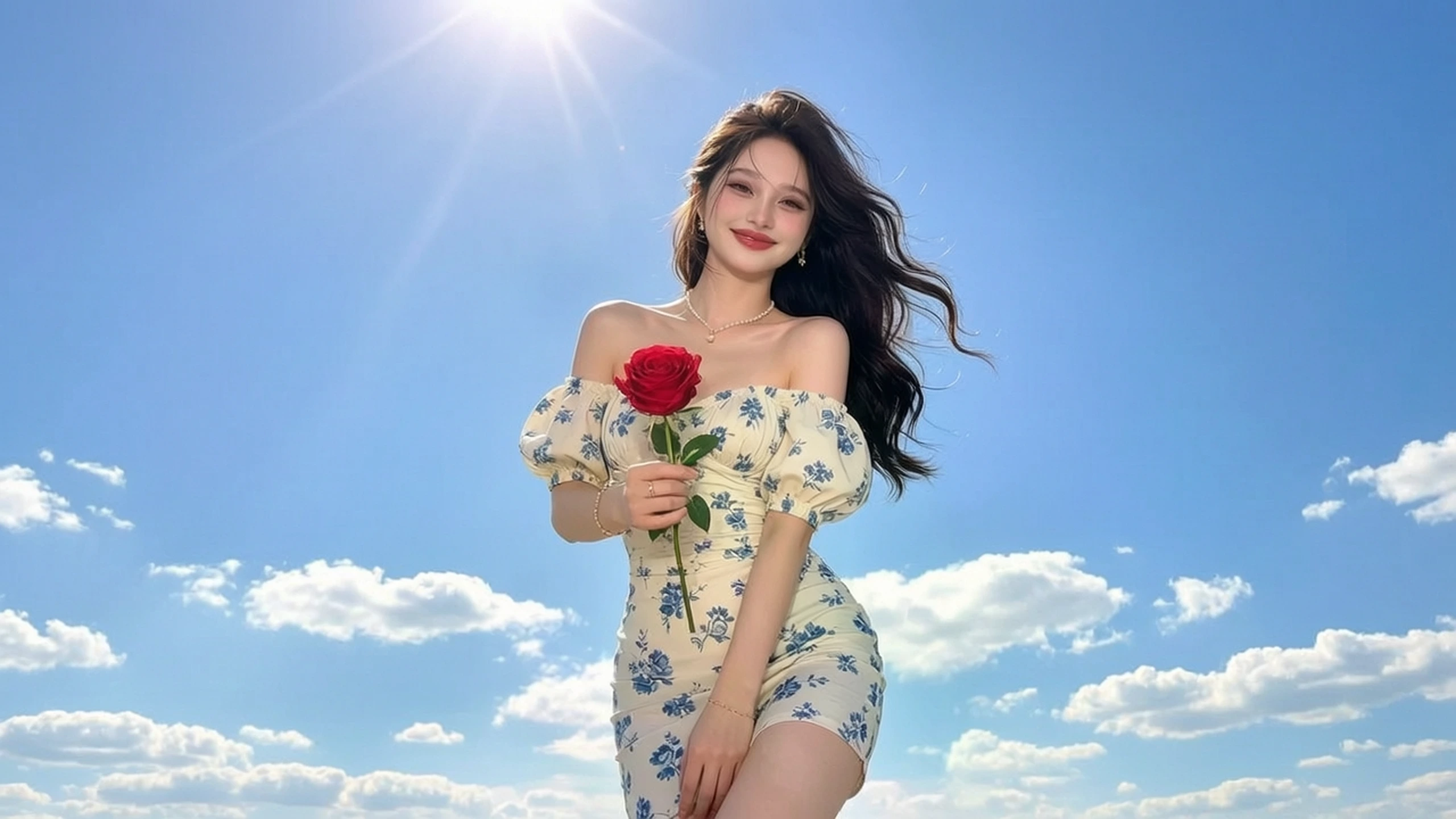
Write the subject, one action, and the place, then generate a clip the cut can judge. AI video maker no filter builds that shot from the sentence alone. Hold the line to a single beat. If a second action appears, delete the extra verb and generate again. Play it against the line before it goes into the timeline.
Turn a Still Into Motion
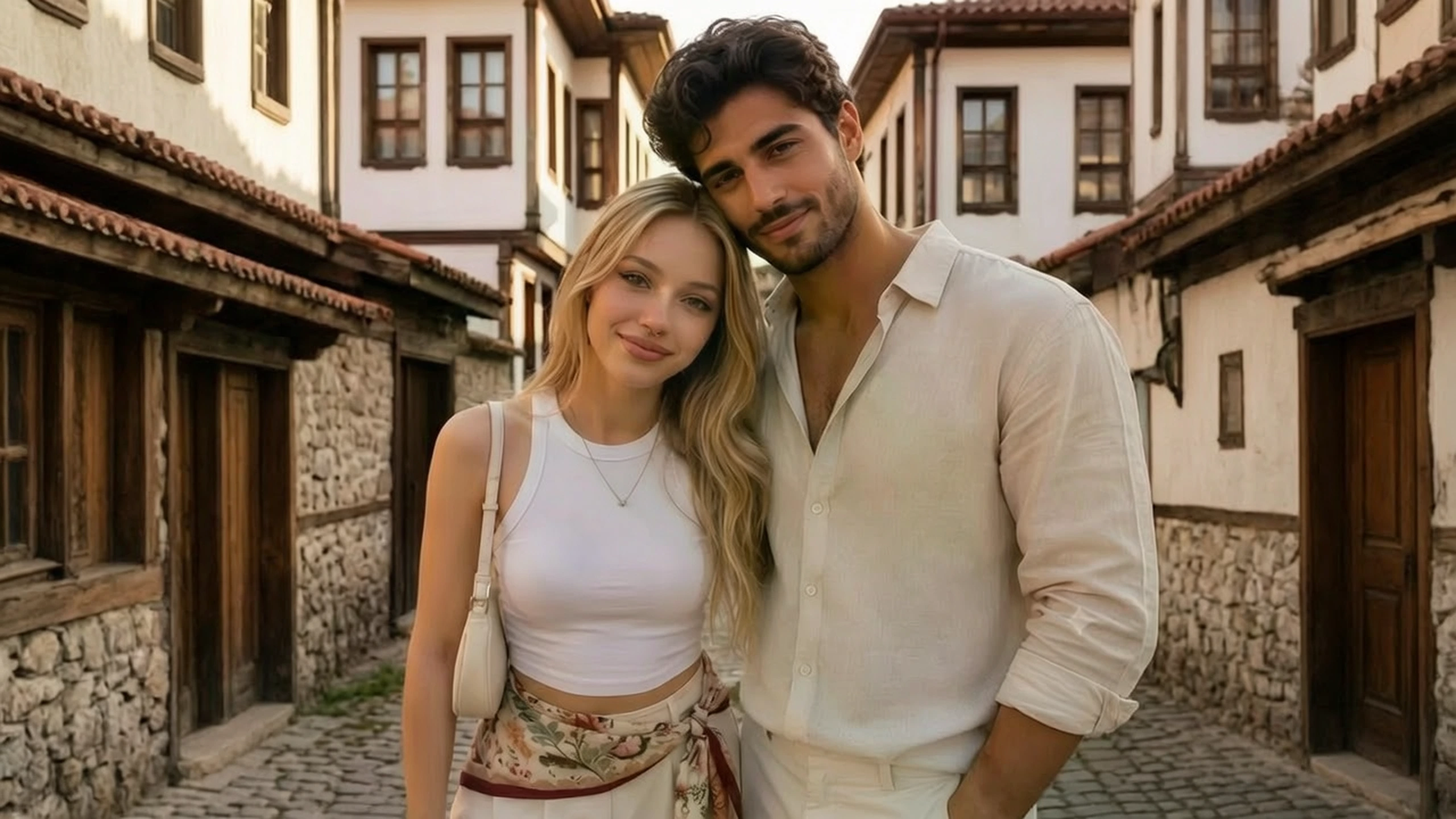
The image already holds the person or the product, and you only need movement. Unfiltered AI video maker keeps that image and adds the motion you name, such as a glance or a slow push in. Set the clip beside the still. If the face or the product changes, the prompt asked for a new scene, so name the motion alone and generate again.
Turn a Blocked Brief Into a Clip
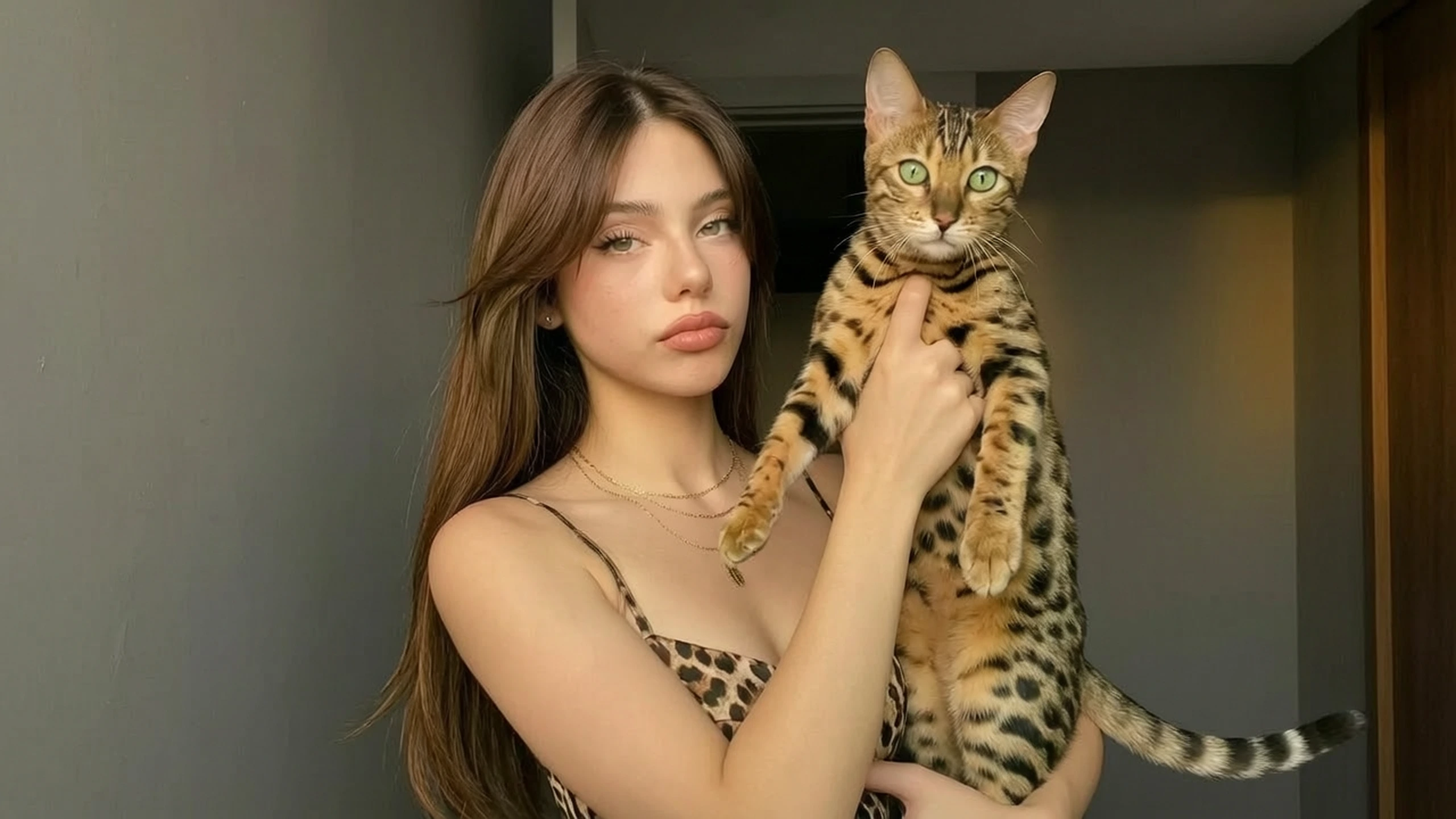
A filtered generator can stop an unusual world, a hard action, or an adult shot before any frame plays. Unfiltered AI nsfw video generator is the adult name for this same filter-off clip tool. You write the shot. If the result adds people or actions you did not write, narrow the line and generate again.
Turn a Note Into a Readable Take
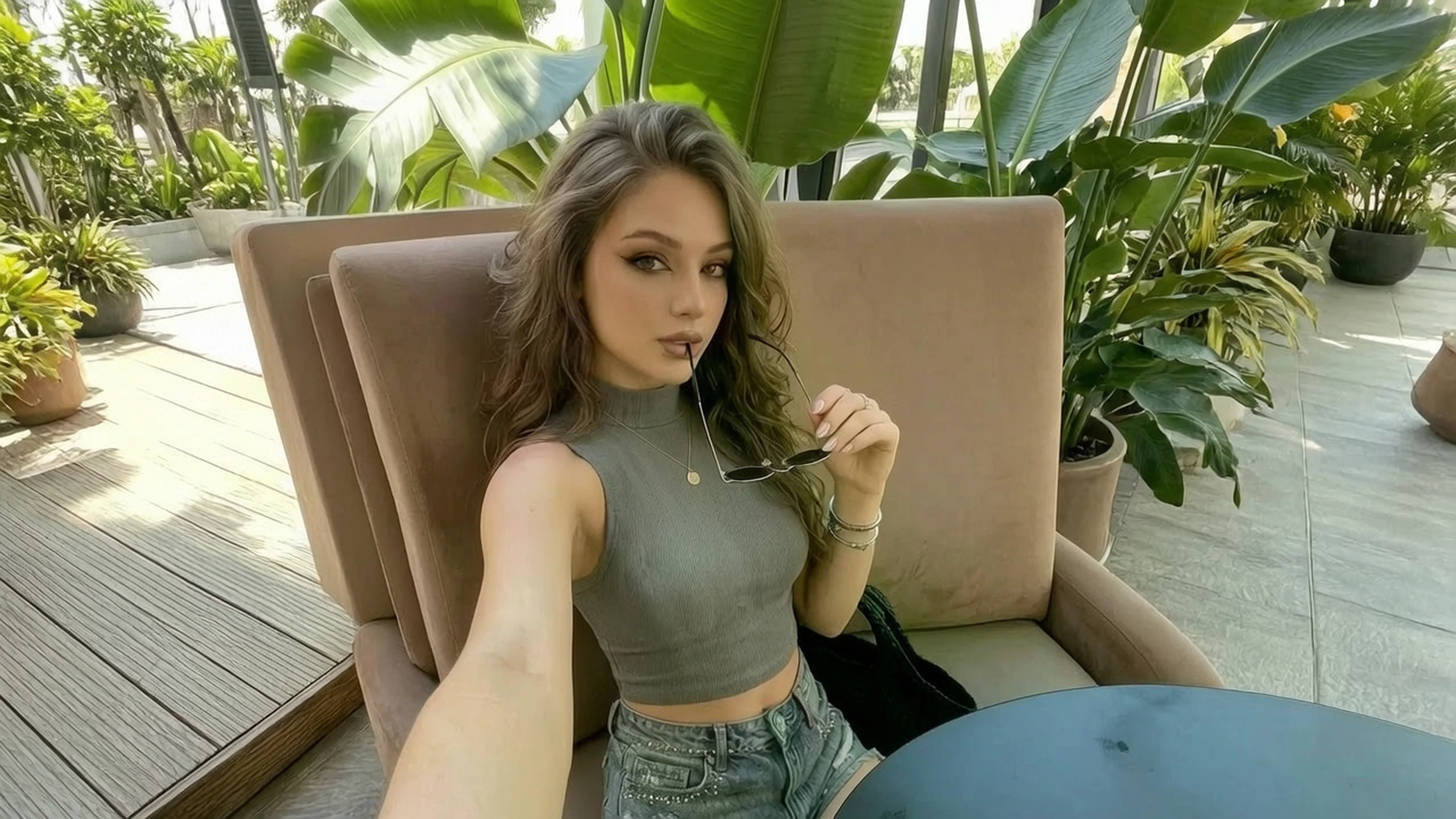
A trailer or a series often needs one readable shot from a note, not a finished film. AI video creator unfiltered gives the room that shot so pace and framing can be discussed. Check that the action matches the verb you wrote. Generate again with a shorter line if the camera or the subject wanders.
Who is VidpexAI's Unfiltered AI Video Generator for?

Trailer editors
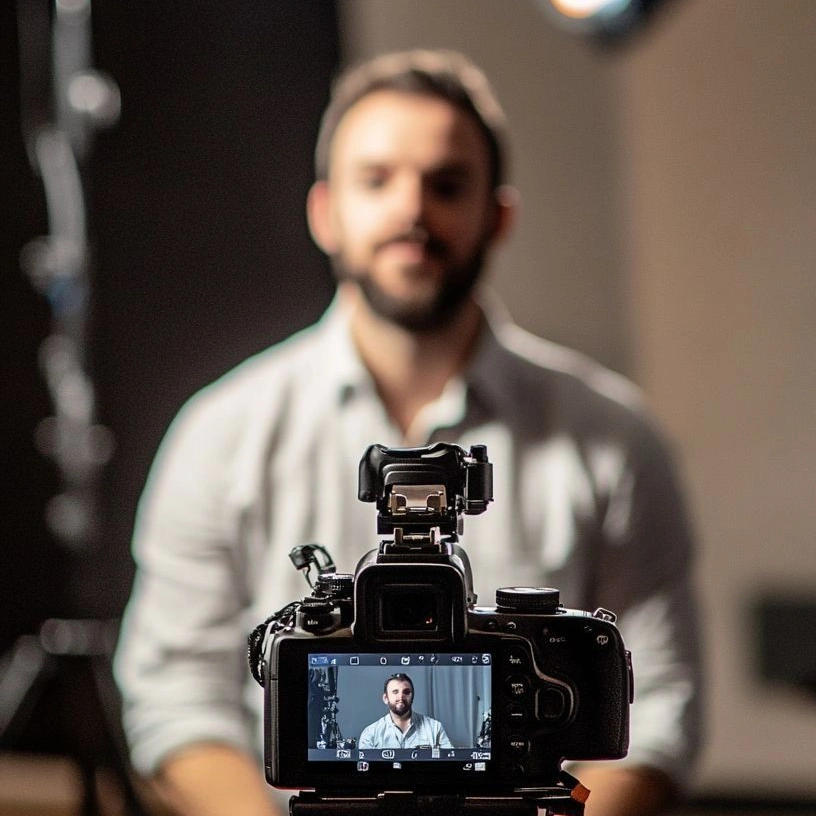
A trailer needs one timed shot before a shoot is on the calendar. AI video creator no filter makes that shot from a line or from a key still. Match the action to the beat before you drop it in the timeline.
Motion designers
A board frame needs motion without a redraw of the design. No filter AI video generator moves the uploaded image and should leave the design intact. If the layout changes, the prompt asked for more than motion.
Series producers
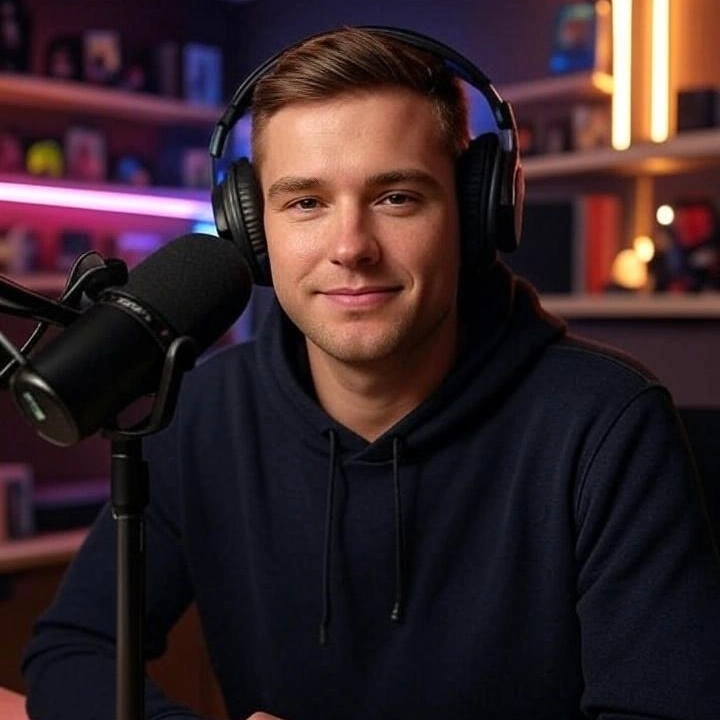
An episode note has to become a visible beat before the schedule locks. Free unfiltered AI video generator shows that beat from the sentence, inside the allowance. One location in the line keeps the clip from wandering.
Why Choose VidpexAI's Unfiltered AI Video Generator?
Your Still Stays in the Shot
Prompt-only video sites throw away a frame you already approved and cast a different subject. AI unfiltered video generator is the path that has to obey the upload. Bring the image when the design is locked. Leave the upload empty when the shot still has to be invented. Switch inputs instead of fighting the wrong one.
Refused Shots Still Play
A filtered host stops the idea before anyone can watch it. Video generator no filter still returns the clip, so the room can reject a bad action or a wrong place on sight. The line has to describe the shot. What you leave unnamed shows up as extra action. You get a clip you can keep or discard for a real reason.
Watch the Clip, Then Choose a Plan
The test clip draws on the free allowance. A mark can stay on that free file until an eligible plan removes it, and commercial use follows that plan's license. Unfiltered AI video editor is the later trim, after this shot exists. Free AI video generator unfiltered still stops at the allowance on the account.