
Unfiltered AI Photo Editor from Texts & Images Free Online
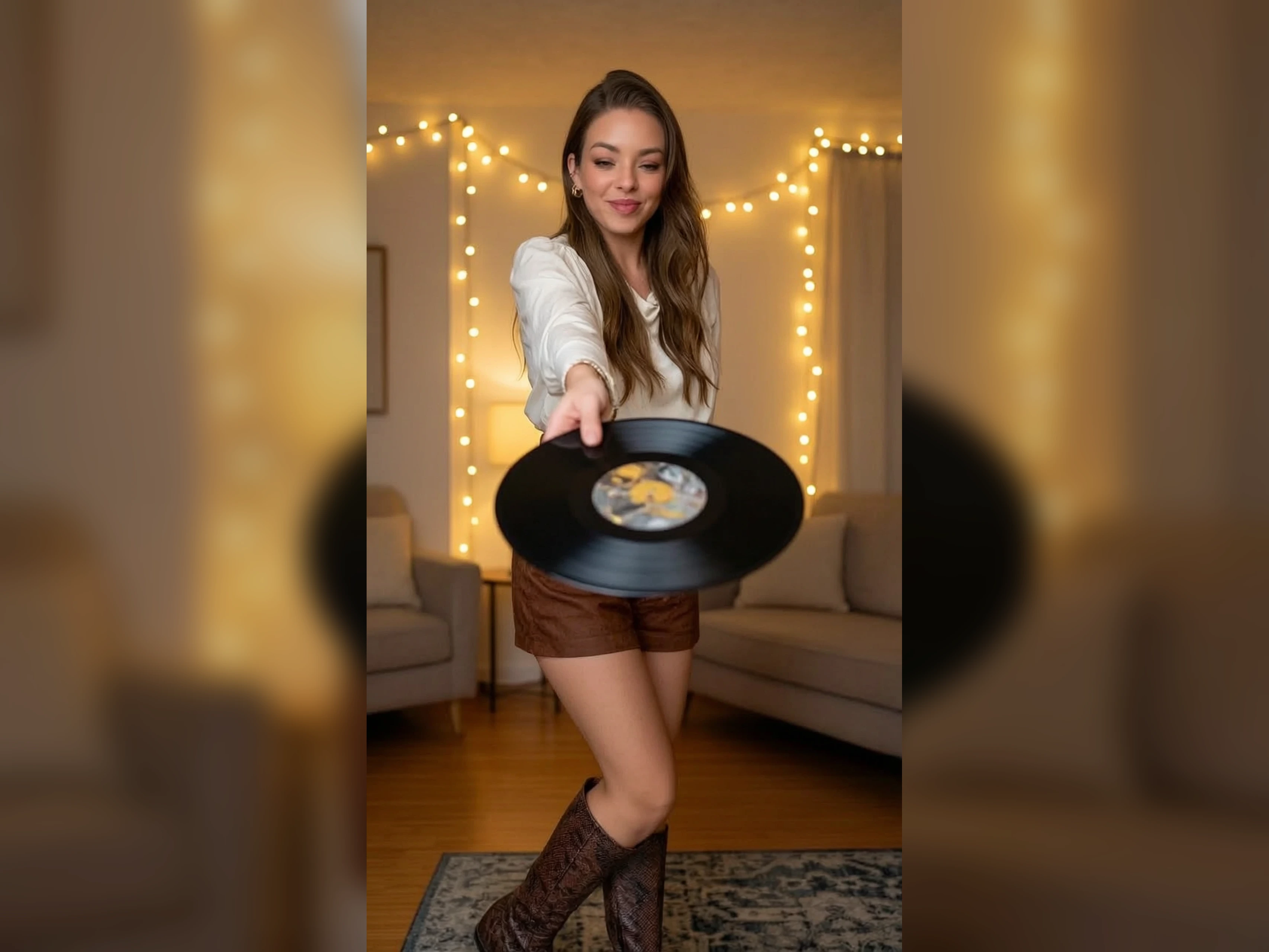
Unfiltered AI photo editors and generators process images and text prompts without content filters, keyword blacklists, or mandatory censorship layers. Change one part of a photograph with VidpexAI's unfiltered AI photo editor. Open the photo and say what should move, or describe a new photograph when you have no file, and keep the edited photograph.
What is VidpexAI's Unfiltered AI Photo Editor?
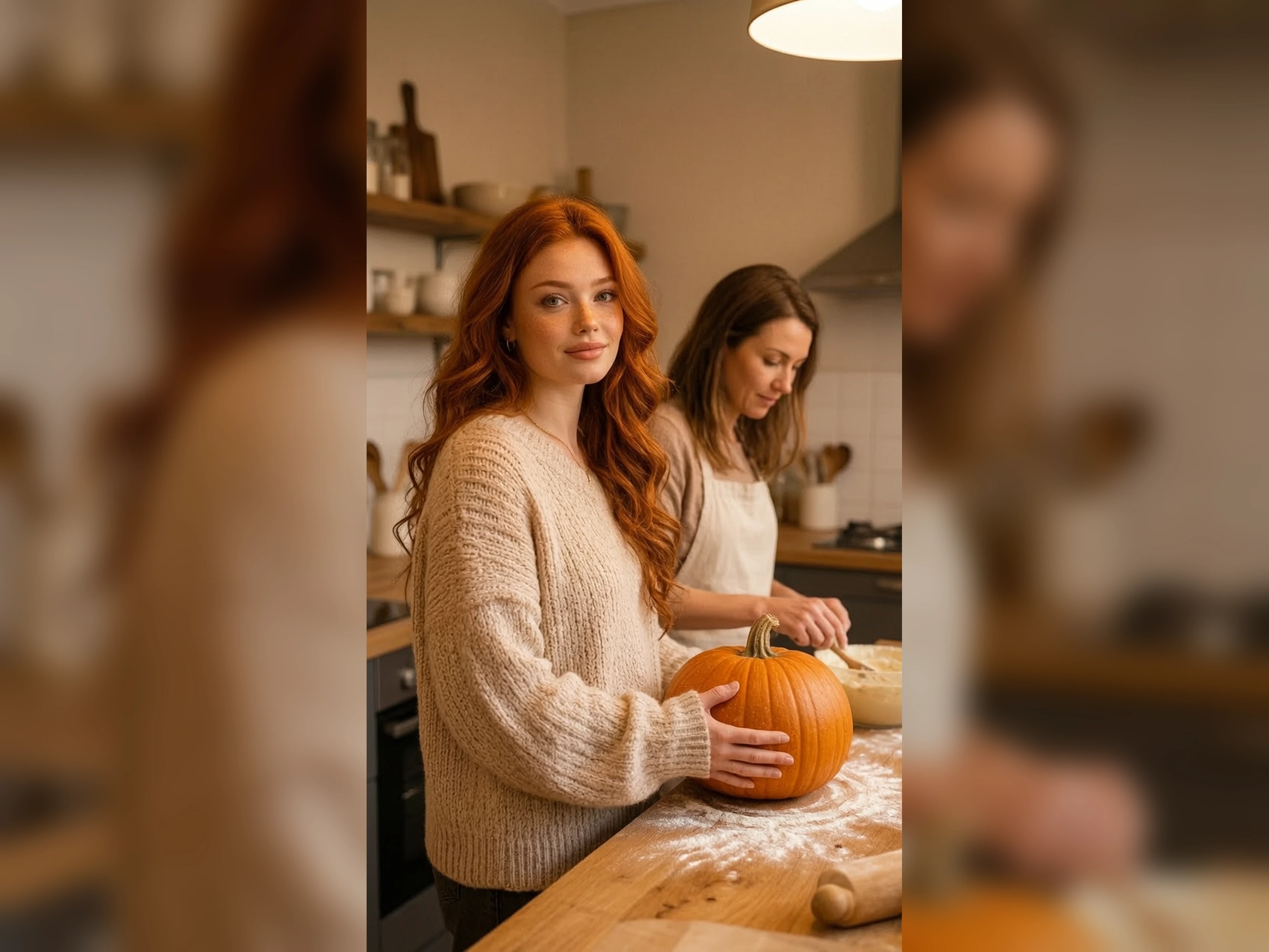
VidpexAI's unfiltered AI photo editor online is the pass that changes a photograph and hands back a new one. You compare that new file with the original. Words alone apply on the day no photograph exists. Sports photographers, beauty photographers, and landscape photographers use it when the photograph has to stay believable. AI photo editor no filter has no brush, so each fix is a new photograph.
How Does VidpexAI's Unfiltered AI Photo Editor Work?
Step 1: Open the Photo
Add the photograph the fix has to respect. Free unfiltered AI photo editor treats that file as the picture.
Step 2: State the Fix
Write one fix, such as a floor, a banner, or a hair color. Unfiltered photo to photo editor applies it to the open photo.
Step 3: Compare the Two
Put the new photo beside the original. Photo editor AI unfiltered counts each extra try against the allowance. Save the one you would deliver.
What You Can Do with VidpexAI's Unfiltered AI Photo Editor?
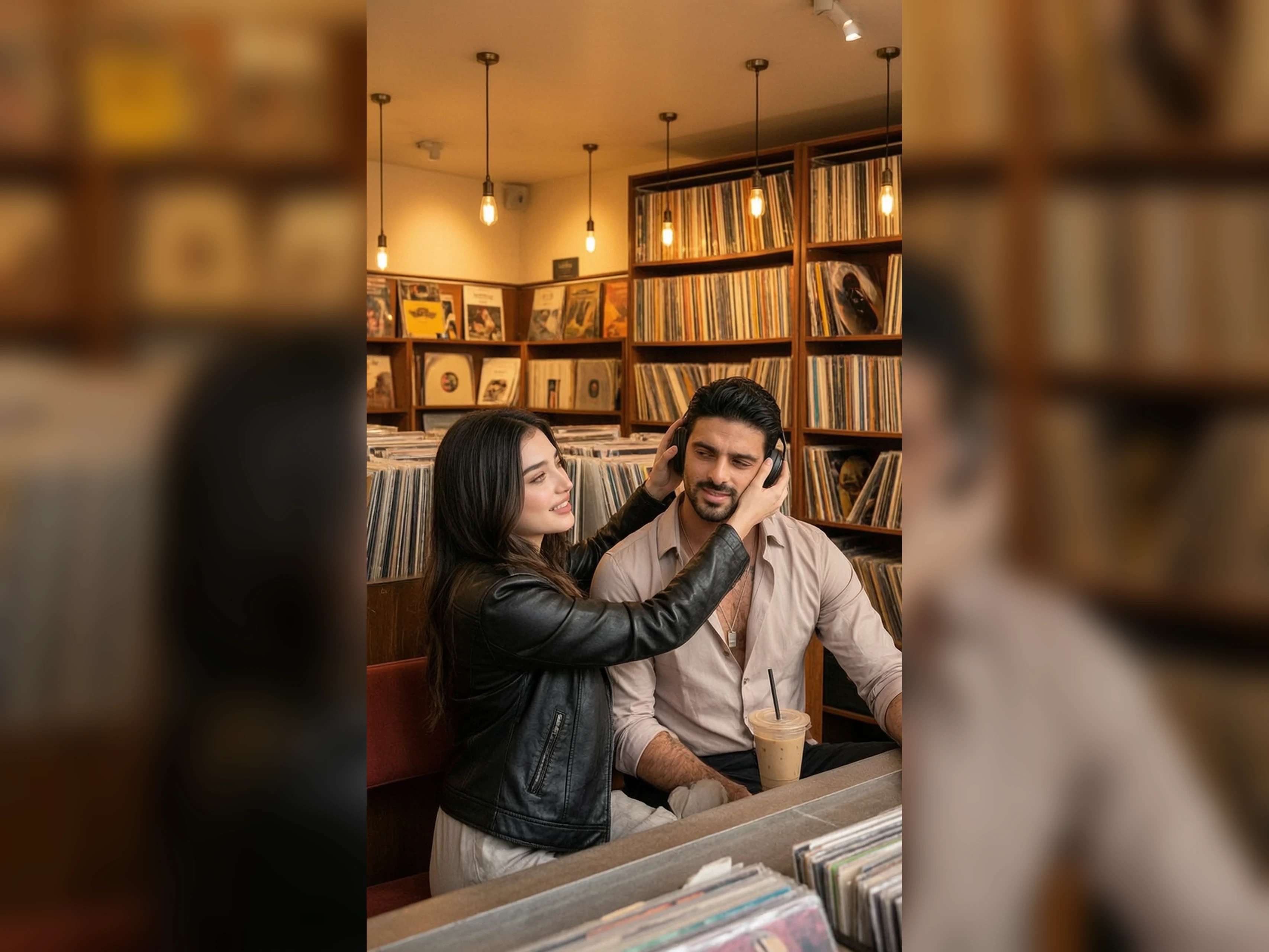
Turn a Practice Kit Into a Match Kit
Match day needs the game kit, and the only file is practice. Unfiltered AI photo maker changes the kit and keeps the athlete. The face and the squad number are the check. The sleeves should still belong to the body you shot. The preview shows that athlete in the match kit.
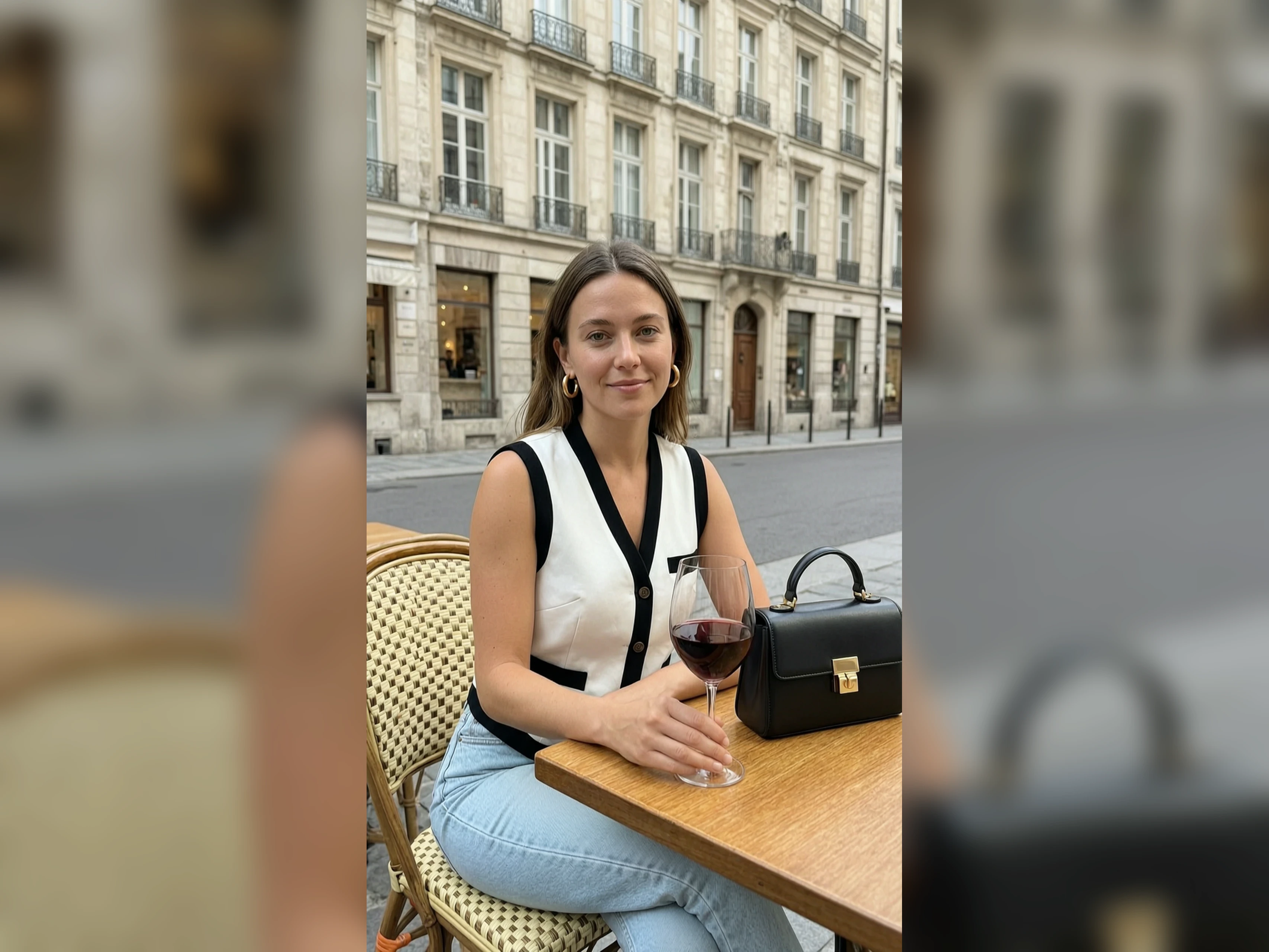
Turn a Flat Sky Into a Storm Sky
The ridge is right and the sky is empty. AI photo maker no filter puts weather over the ridge and should leave the land. The ridgeline is the check against the clear file. Clouds should sit above the land, not through the trees. The magazine runs the same ridge under the new sky.
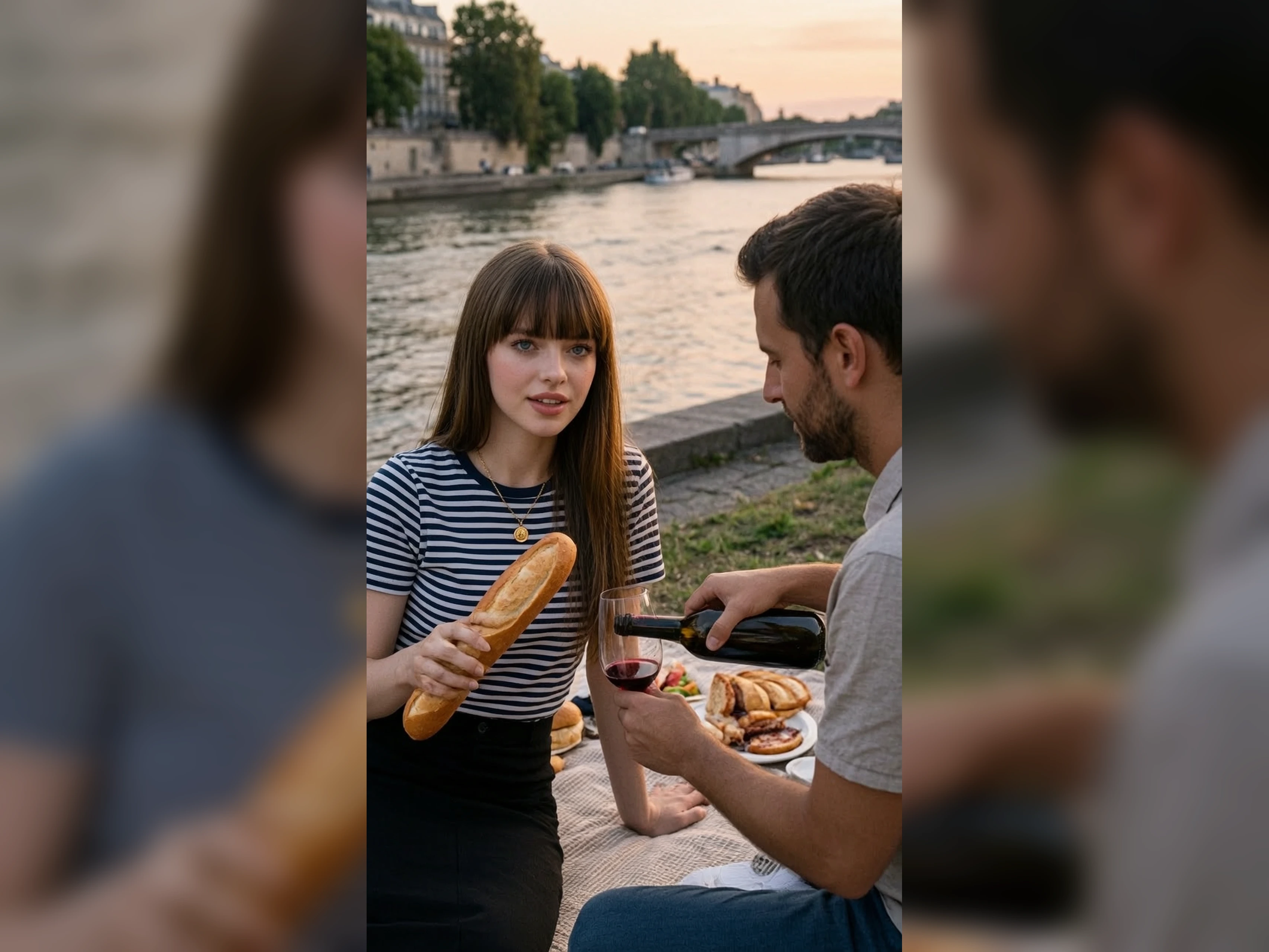
Turn a Blocked Fix Into a Photo
A safety stop can end a retouch before you see the change. No filter AI photo editor still produces the changed photo. Place that photo in the layout that was waiting on the fix for the client. The original photo remains the comparison, and the stop is not an image.
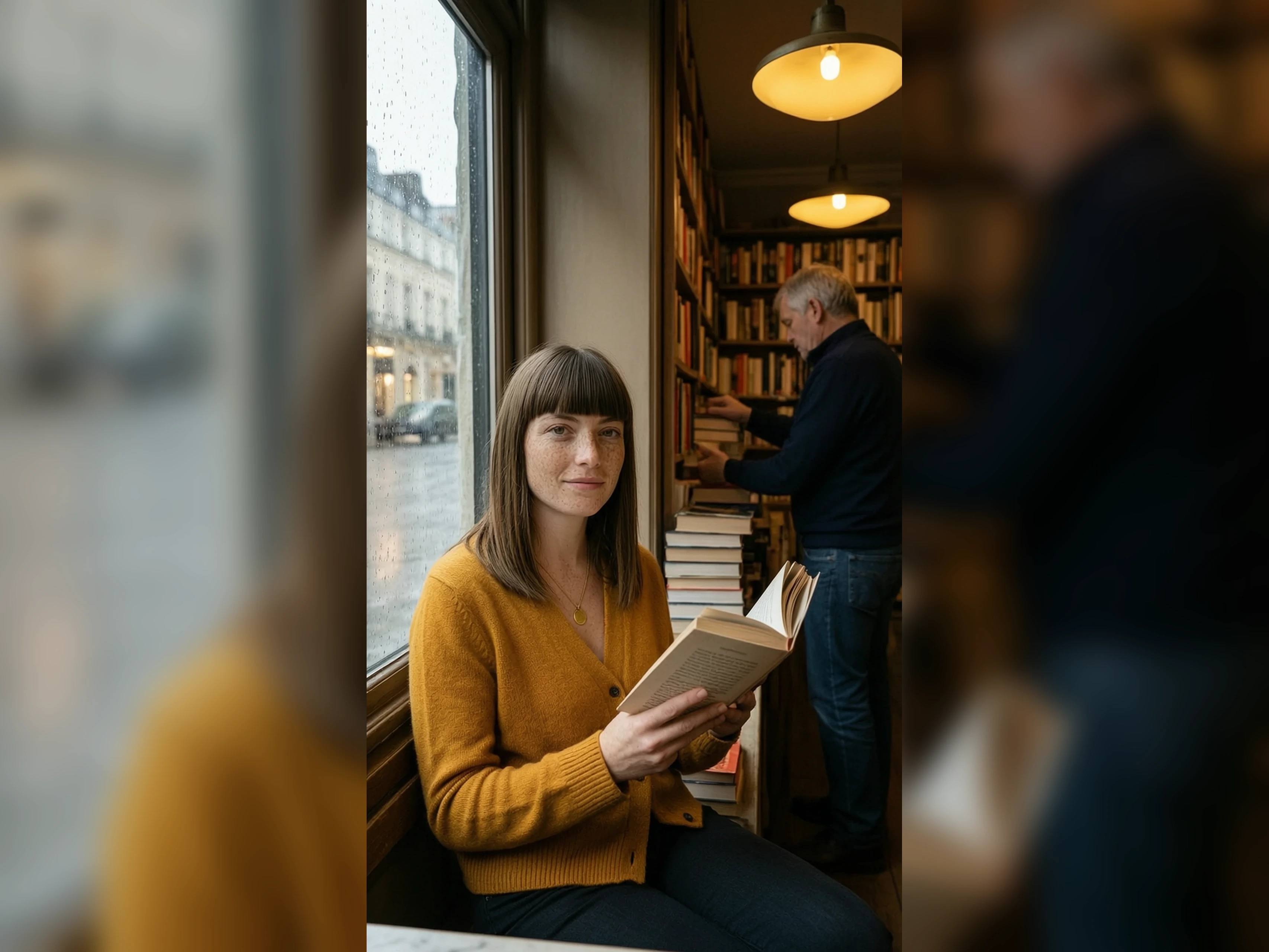
Turn a Look Note Into a Beauty Photo
No portrait exists, and the campaign still needs a face in the look. Unfiltered text to photo editor builds that photo from the note. The layout uses it until the studio portrait arrives. That portrait is the later edit on this same editor, on the same look.
Who is VidpexAI's Unfiltered AI Photo Editor for?
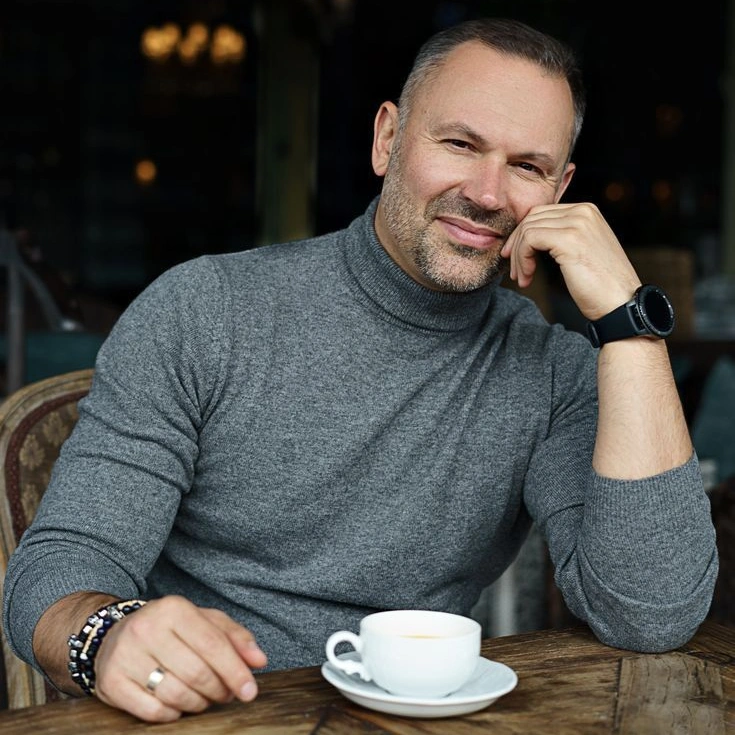
Sports photographers
The athlete is sharp and the crowd is the wrong color story. Photo editor no filter can shift the crowd and leave the athlete. The face should still match the sideline file.
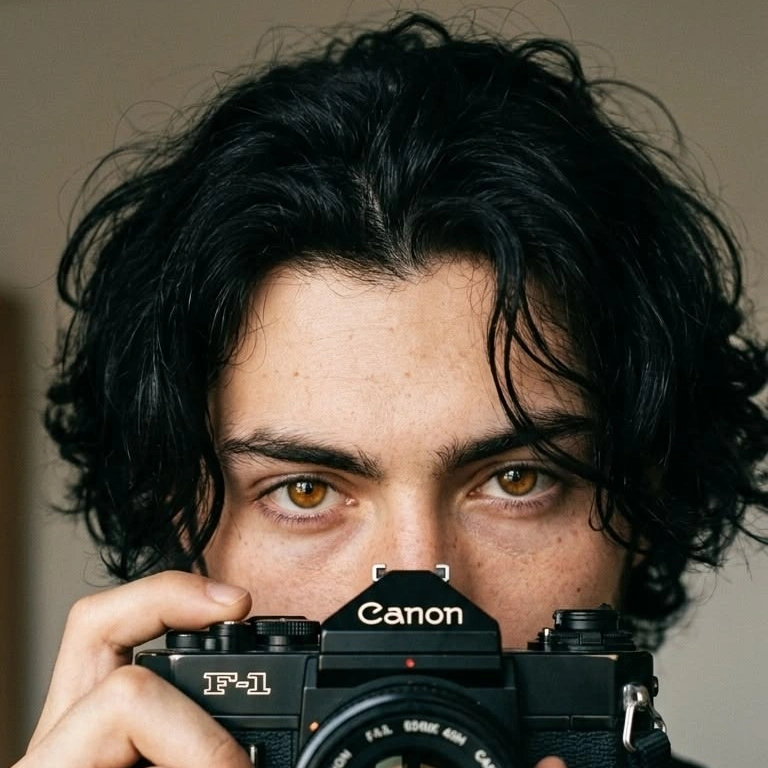
Beauty photographers
The portrait is approved and the backdrop is off-brand. Free AI photo editor no filter swaps the backdrop. Skin and hair should still match the sitting.
Landscape photographers
A ranger sign is wrong for the feature, and the lake has to stay. AI photo editor no filters replaces the sign. The shoreline should still match the file.
Why Choose VidpexAI's Unfiltered AI Photo Editor?
Recognizable After the Fix
A prompt box that ignores your file draws a different subject. Unfiltered photo editor AI holds the file you opened and moves only the named fix. You should still recognize the athlete or the shoreline.
A Stop Still Gives You a Photo
A block ends the job before any comparison is possible. AI photo editor no filter gives you a photo you can set beside the original. The decision is about those two photos.
Try the Fix Before a Plan
Unfiltered AI photo editor free can make the first edit from the allowance. A mark may show until an eligible plan clears it. Client use follows the license on that plan. The follow-up edit starts from the photograph you decided to keep.