Unfiltered AI Image Editor Free Online
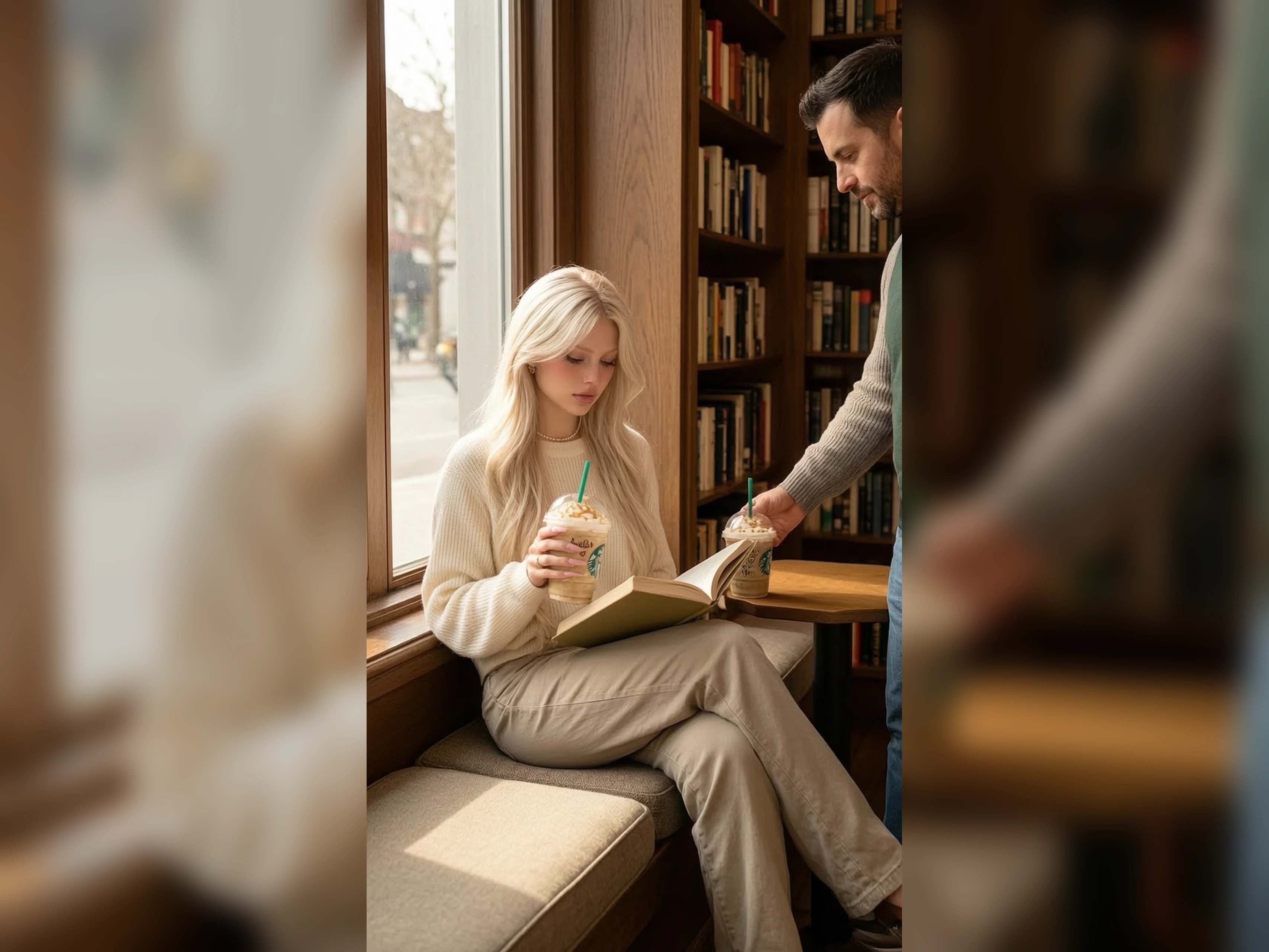
Use VidpexAI's unfiltered AI image editor to correct one part of an image you are keeping. Upload the kept file and name the change, or write a full still if you have no file, then receive the corrected image in seconds.
What is VidpexAI's Unfiltered AI Image Editor?
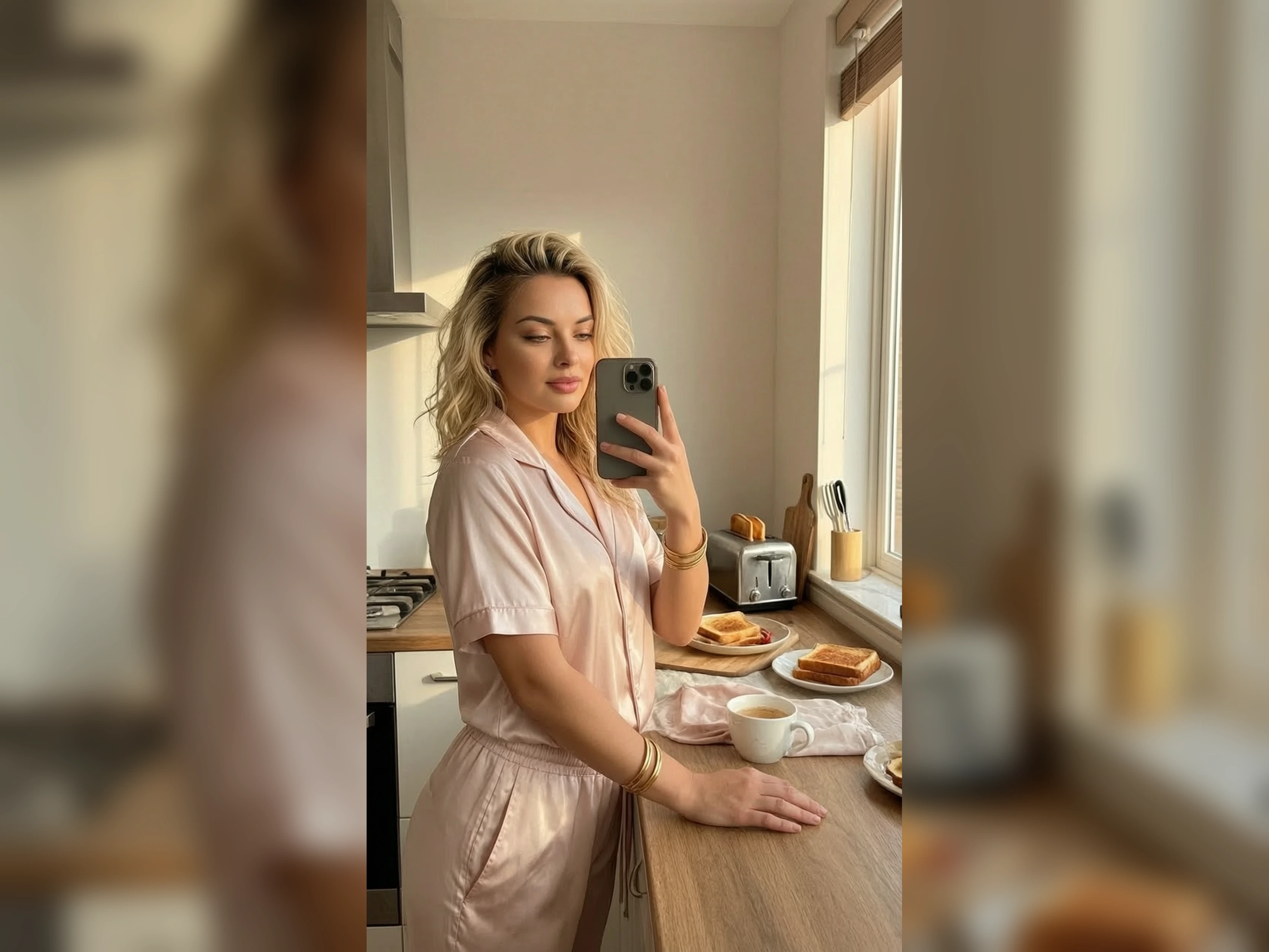
VidpexAI's unfiltered AI image editor rebuilds the frame into a new still that follows the instruction. Areas the instruction never names should stay close to the upload. If the run starts from words alone, the sentence is the whole still. Lookbook editors, exhibition designers, and food stylists bring a file when that file is the piece they must protect. Unfiltered AI image editing does not leave a mask to paint, so the next correction is another full still.
How Does VidpexAI's Unfiltered AI Image Editor Work?
Step 1: Load the Picture
Add the picture the correction has to respect. Free unfiltered AI image editor reads that picture as the base.
Step 2: Name the Correction
Write one correction, such as the backdrop, the hour, or a single object. Unfiltered image to image AI applies that correction to the base.
Step 3: Compare the Pair
Set the new still beside the original. AI image editor unfiltered free draws each new still from the allowance. Keep the still where the correction landed and the rest held.
What You Can Do with VidpexAI's Unfiltered AI Image Editor?
Turn One Colorway Into the Next
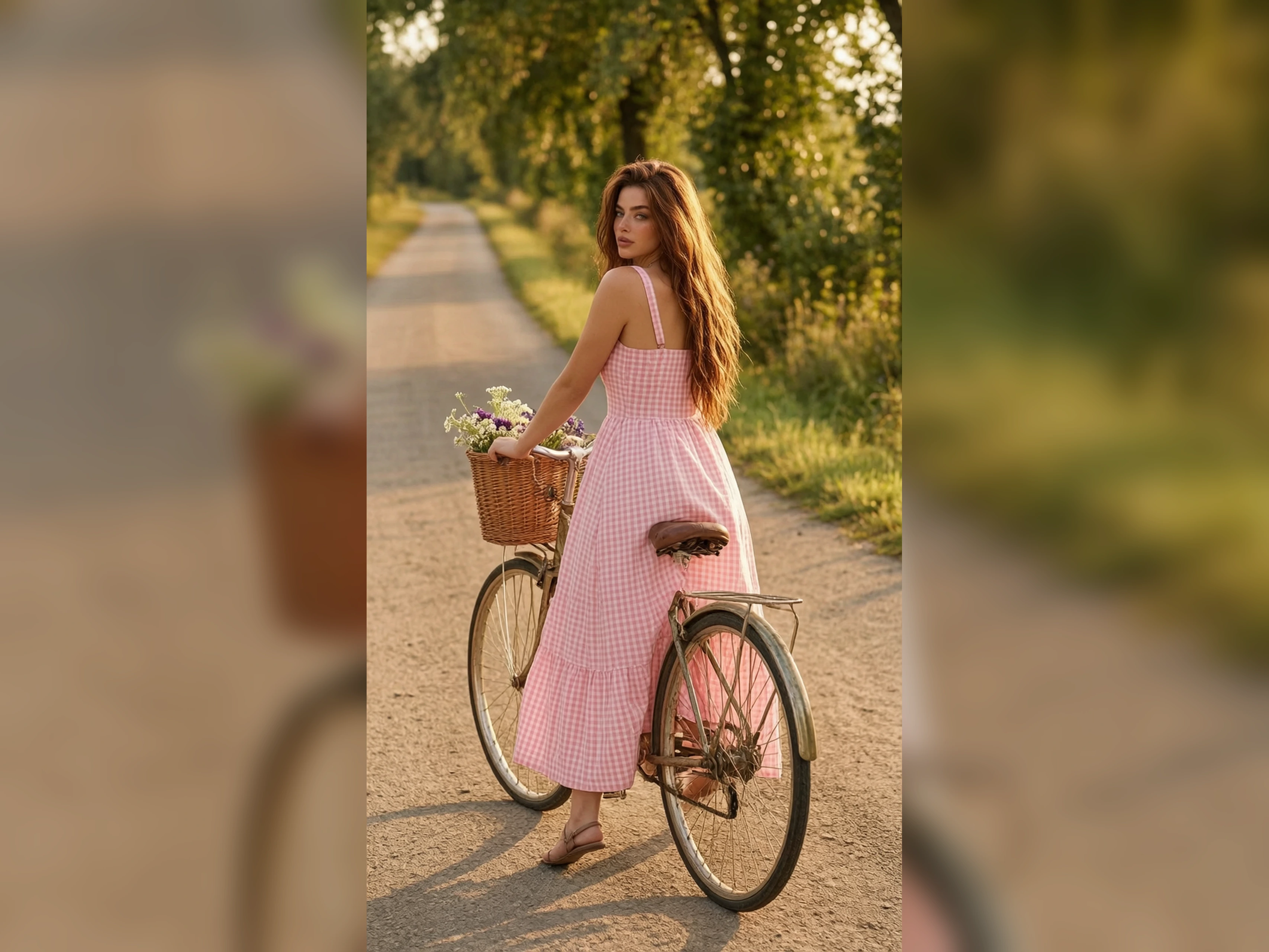
The product shape is approved, and the color is the only open note. Unfiltered AI picture editor changes the color across that shape. Seams and hardware should still sit where they sat. The line sheet can place both colors side by side from that same base file for the buyer.
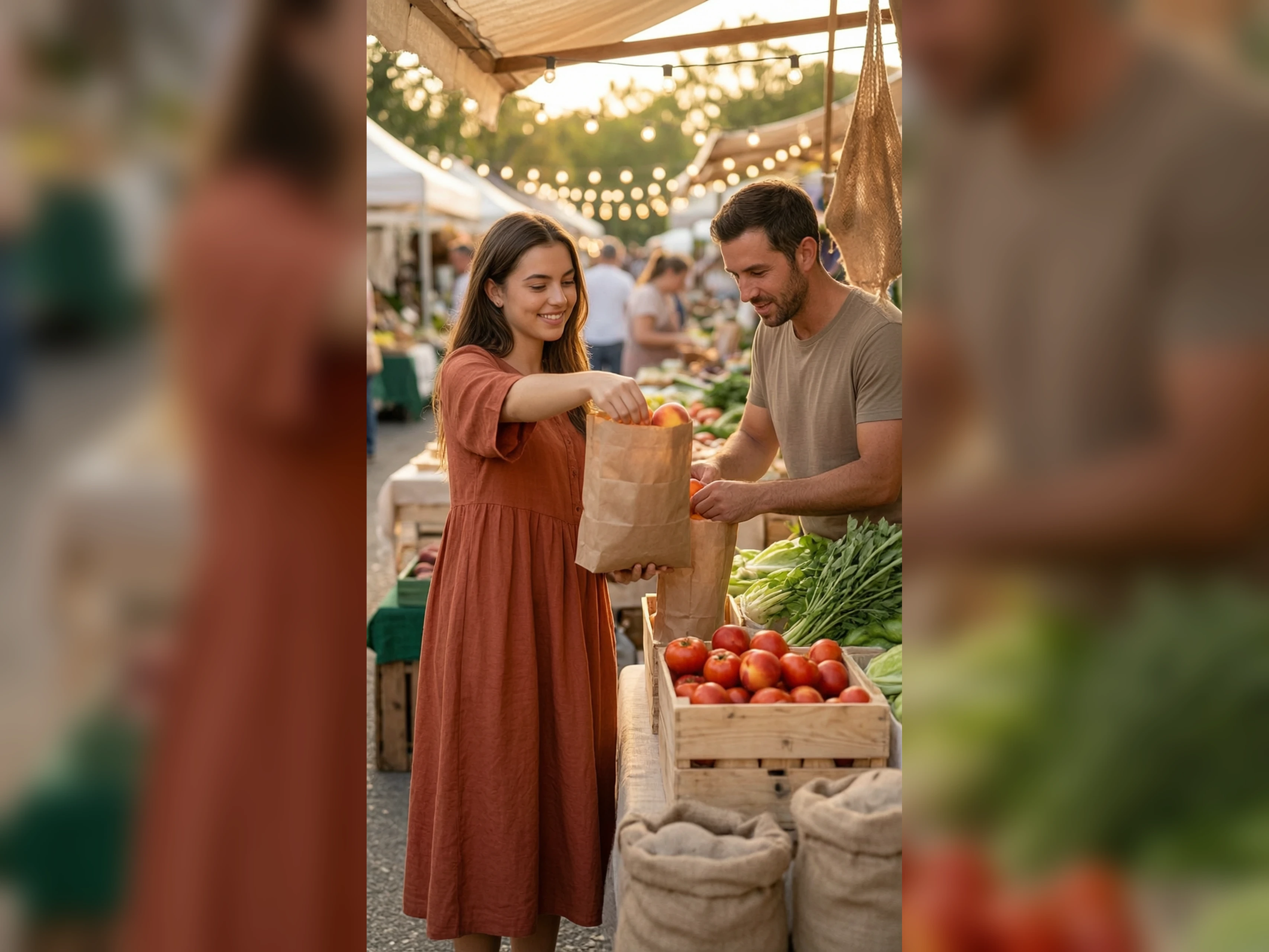
Turn a Daylight Wall Into Evening
The board needs the installation to read as evening. Unfiltered AI image edit moves the light and leaves the wall where it was built. Read the labels in the darker still before the board review. The floor plan should match the daylight file, including the gaps between pedestals.
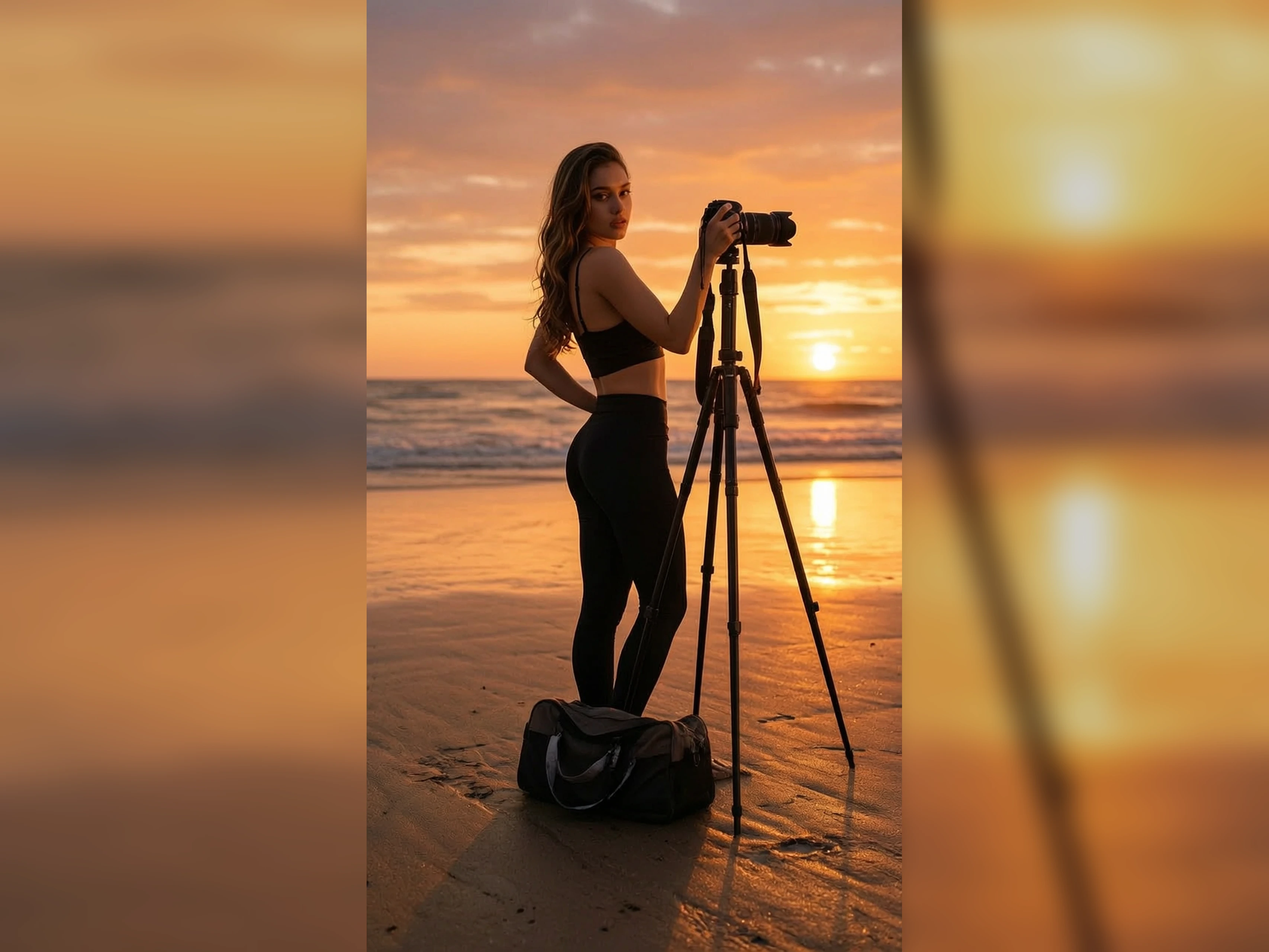
Turn a Stopped Instruction Into a Still
The other editor ends on a safety message and returns nothing. No filter AI image editor returns the still from the instruction you wrote. Put that still on the page that was waiting for the correction. It is the same kind of still this editor returns for any other instruction.
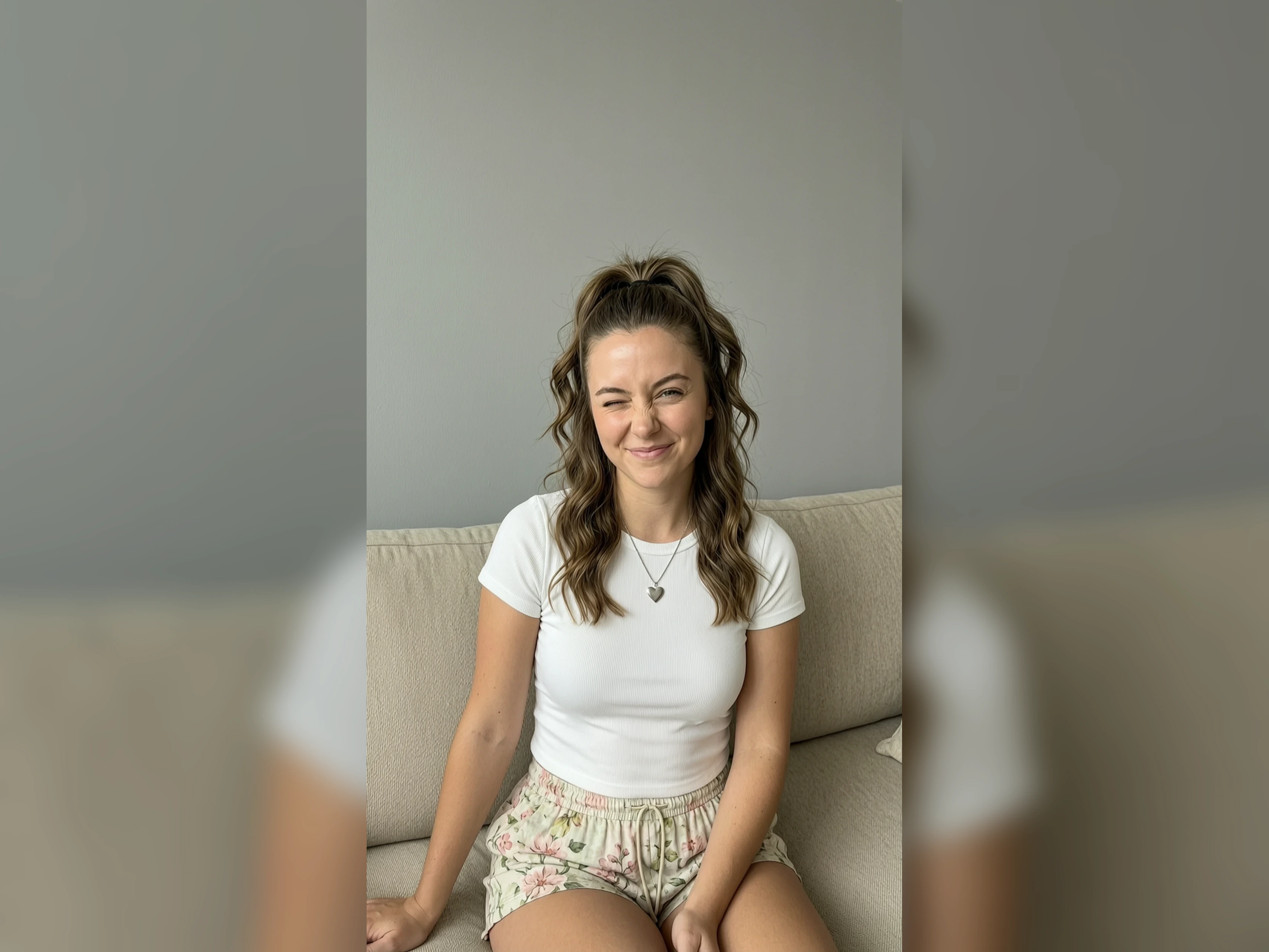
Turn a Menu Note Into a Plate
The kitchen has not shot the dish, and the menu still needs a picture. Unfiltered text to image AI builds the plate from the note. The menu layout uses that plate until a real photo arrives. That photo then becomes the file for a later correction on this editor, for the same menu.
Who is VidpexAI's Unfiltered AI Image Editor for?
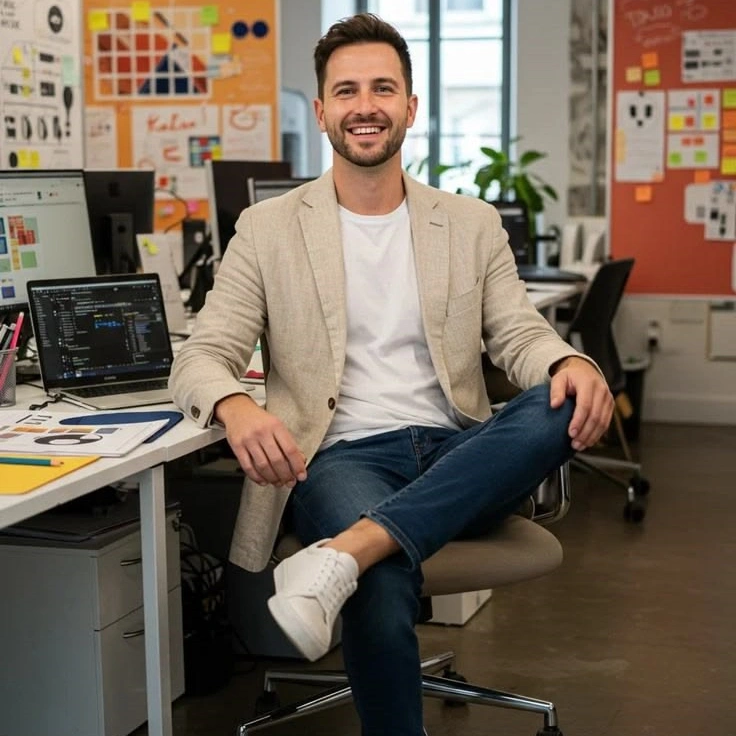
Lookbook editors
Unfiltered image editor can move a signed outfit into a location that fits the story. The clothes stay the approved ones. The location was the part that was wrong for the page.
Exhibition designers
The build cannot move, and a sponsor graphic still has to appear on the wall. AI unfiltered image editor adds that graphic on the existing wall. Edges and the floor line show whether the build shifted.
Food stylists
Brand linen is a color, and the dish photo already has the wrong one. Image editor unfiltered swaps that linen color. The garnish stays as plated in the photo.
Why Choose VidpexAI's Unfiltered AI Image Editor?
Your Signed File Stays
Editors that only read a prompt throw out the picture you already approved. Unfiltered image to image keeps that picture and changes the part named in the line. The subject you signed stays recognizable.
A Blocked Edit Still Returns a File
A blocked edit never gives you a corrected file to compare. AI image editor no filter gives you that corrected file. The choice is between the new still and the original, not a warning screen.
Correct Once Before a Plan
Unfiltered free AI image editor can run the first correction from the allowance. The mark comes off on an eligible plan. Client work waits on that plan's license. The follow-up is another correction of the image you kept.