
Uncensored Photo to Video AI Creator Free Online
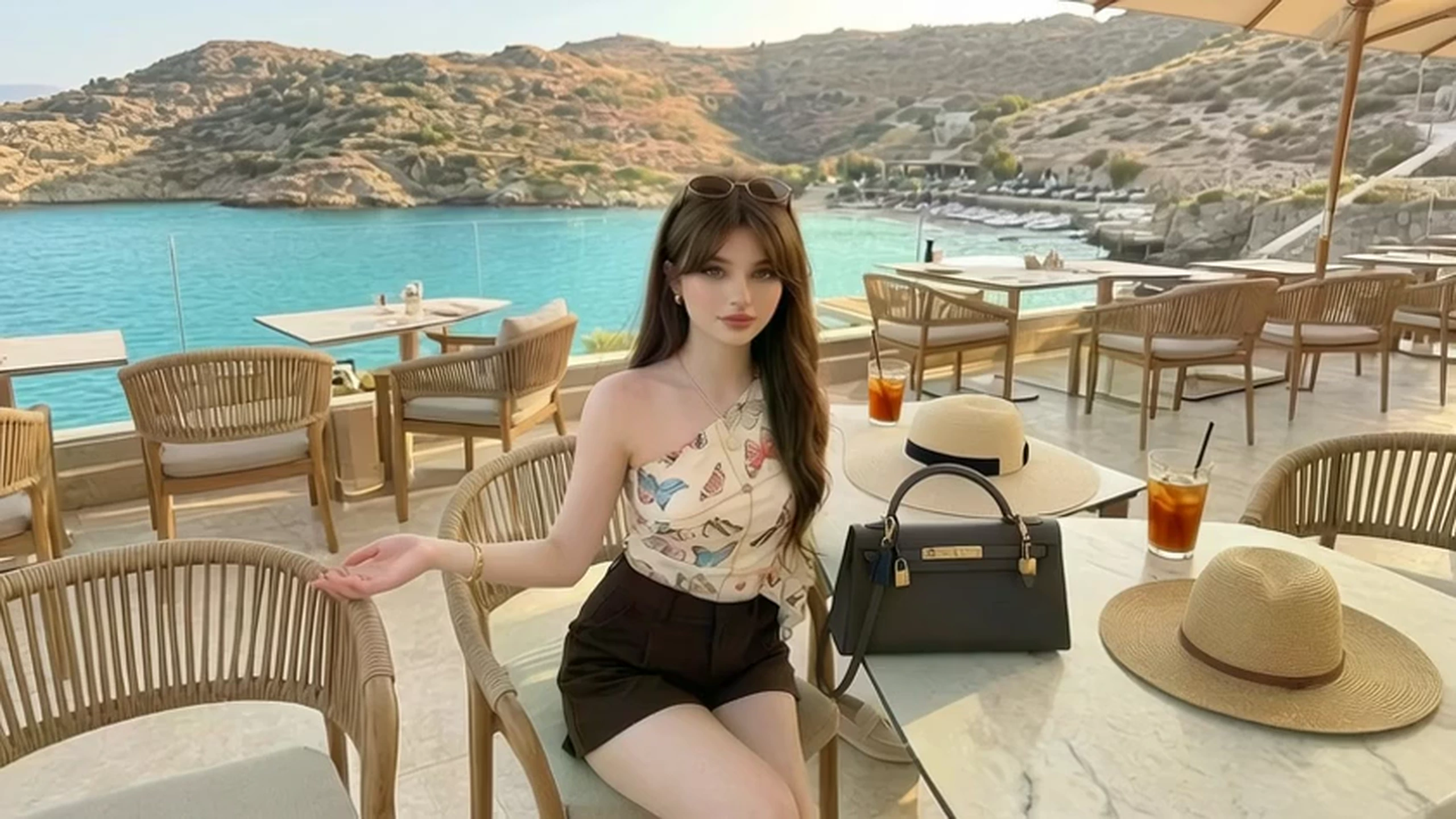
The photograph is already the scene. The face, the product, or the room is in the frame, and VidpexAI's uncensored photo to video is there to let that frame move rather than replace it with a scene written from nothing. A free uncensored photo to video pass on the same file lets you watch the motion before you open a plan.
What is VidpexAI's Uncensored Photo to Video?
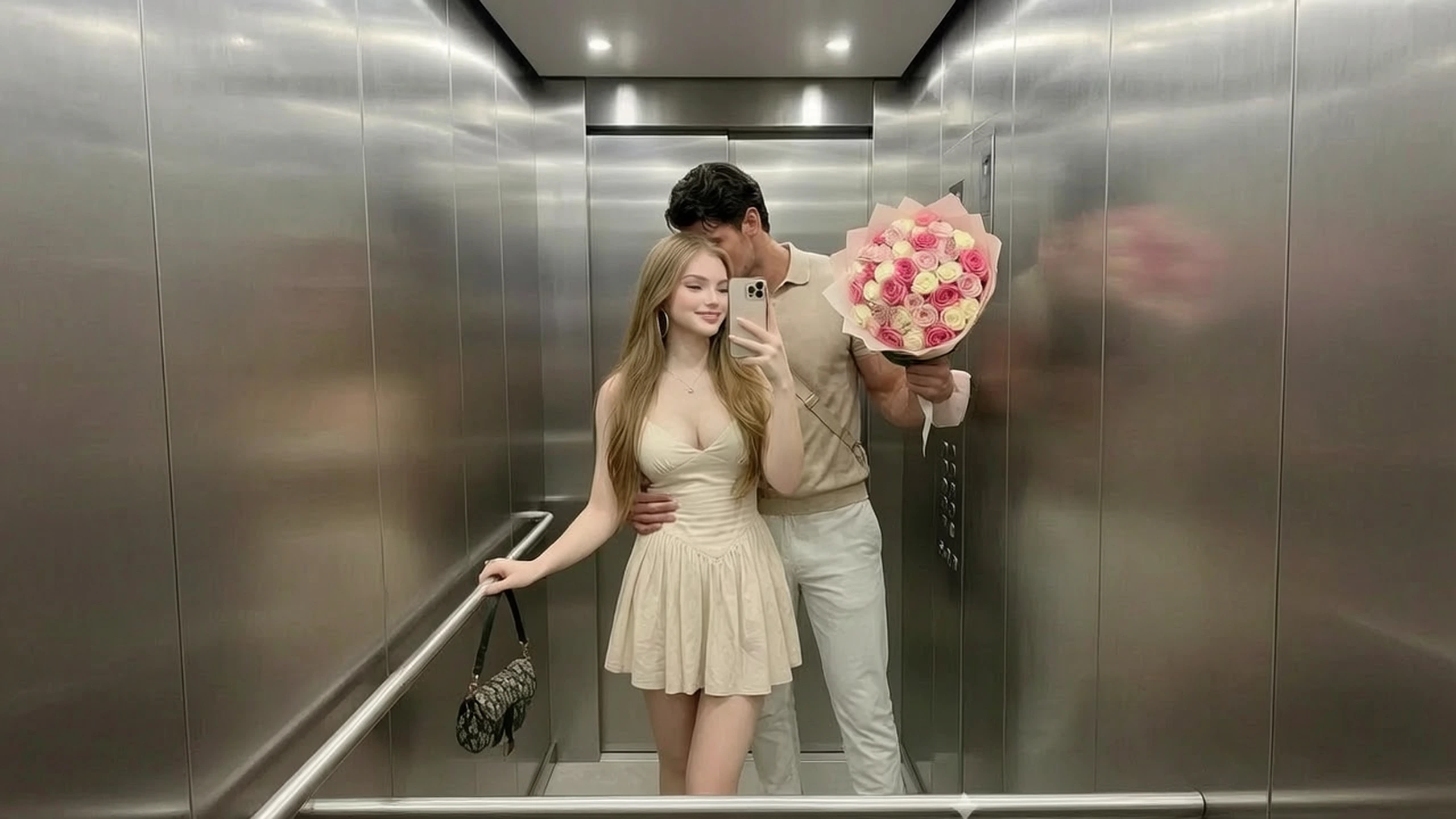
Uncensored AI photo to video begins with a photograph you upload, and the motion line only tells that picture how to move. The file supplies the person, the product, or the place, while a short instruction names one change, such as a blink, a shift of fabric, or a slow move closer. People use it when the still is already the one they want, and a reel, a listing, or an adult post needs motion. Text to video cannot do this job, because it has no photograph to obey. An AI photo to video generator on this page is not a retoucher either: you get a clip, so a bad crop or a color problem belongs in a photo editor before the file is animated. Photo to video AI no restrictions means an adult photograph is not turned away for its subject, and that photograph still has to stay recognizable.
How Does VidpexAI's Uncensored Photo to Video Generator Work?
Step 1, Bring the photograph
Use the file the clip is supposed to resemble, and crop it first if the subject is tiny in the frame. A photo to video AI uncensored pass cannot invent a cleaner subject than the one in that file. Clutter at the edges tends to move too, so take it out before you upload.
Step 2, Brief one movement
Write the motion the way you would brief a camera operator who is not allowed to restage the shot. A photo to video AI unrestricted line falls apart when it asks for a new outfit and a new room on top of the gesture. A tight portrait can look up. A full-length photo can take one step.
Step 3, Keep the still in view
Play the clip beside the photograph and keep it only if you still recognize the file. Each photo to video AI free uncensored attempt on that picture draws from the allowance in your account. When the subject holds and the movement does not, change the line and leave the upload alone.
What You Can Do with VidpexAI's Uncensored Photo to Video?
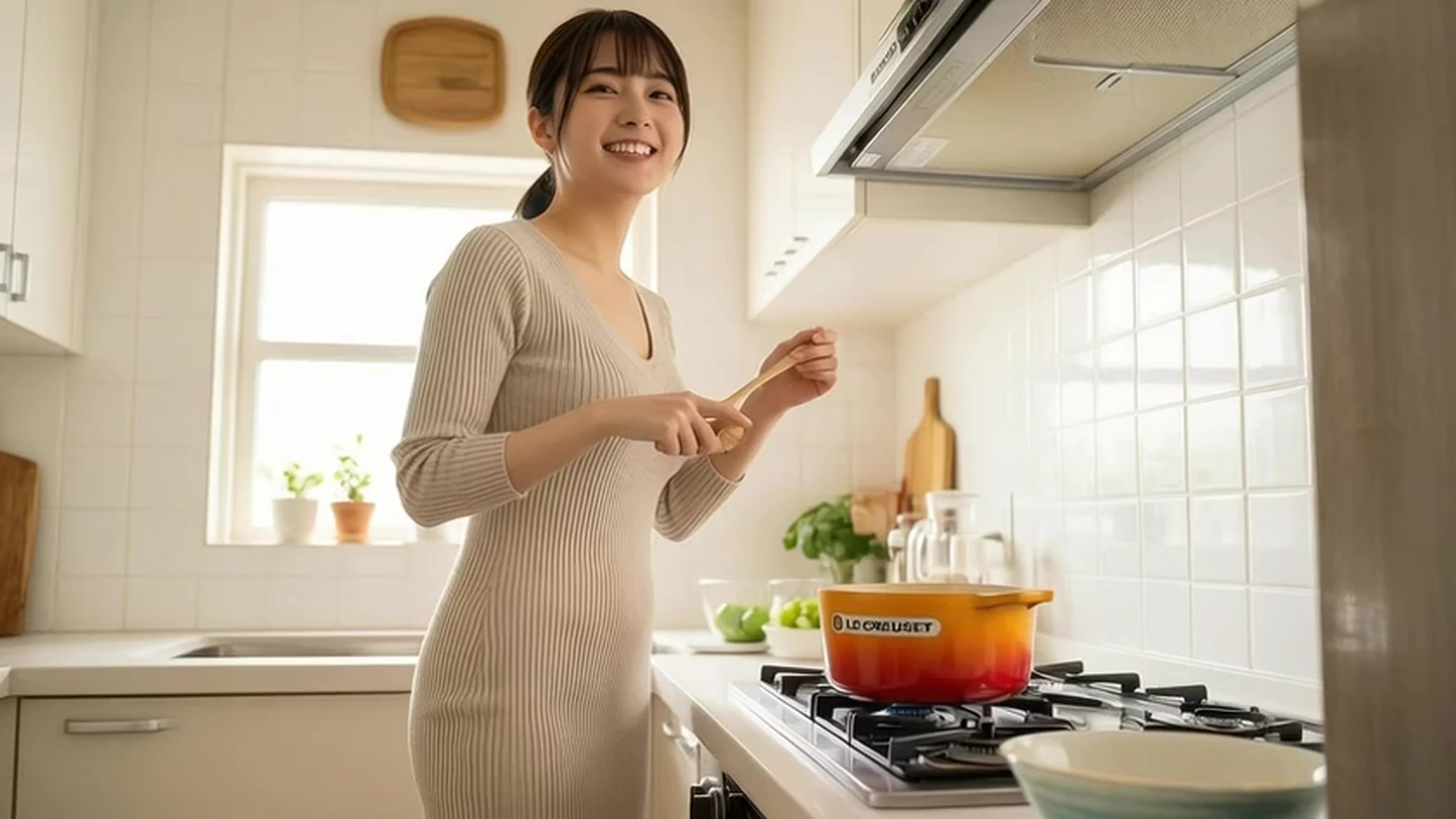
Turn a Headshot Into a Greeting Clip
Photo to video uncensored is how a delivered headshot picks up one gesture, such as looking up from a book, without another sitting. The face in the clip should still be the face in the proof. If the gesture fights the pose, write a smaller motion and run it again.
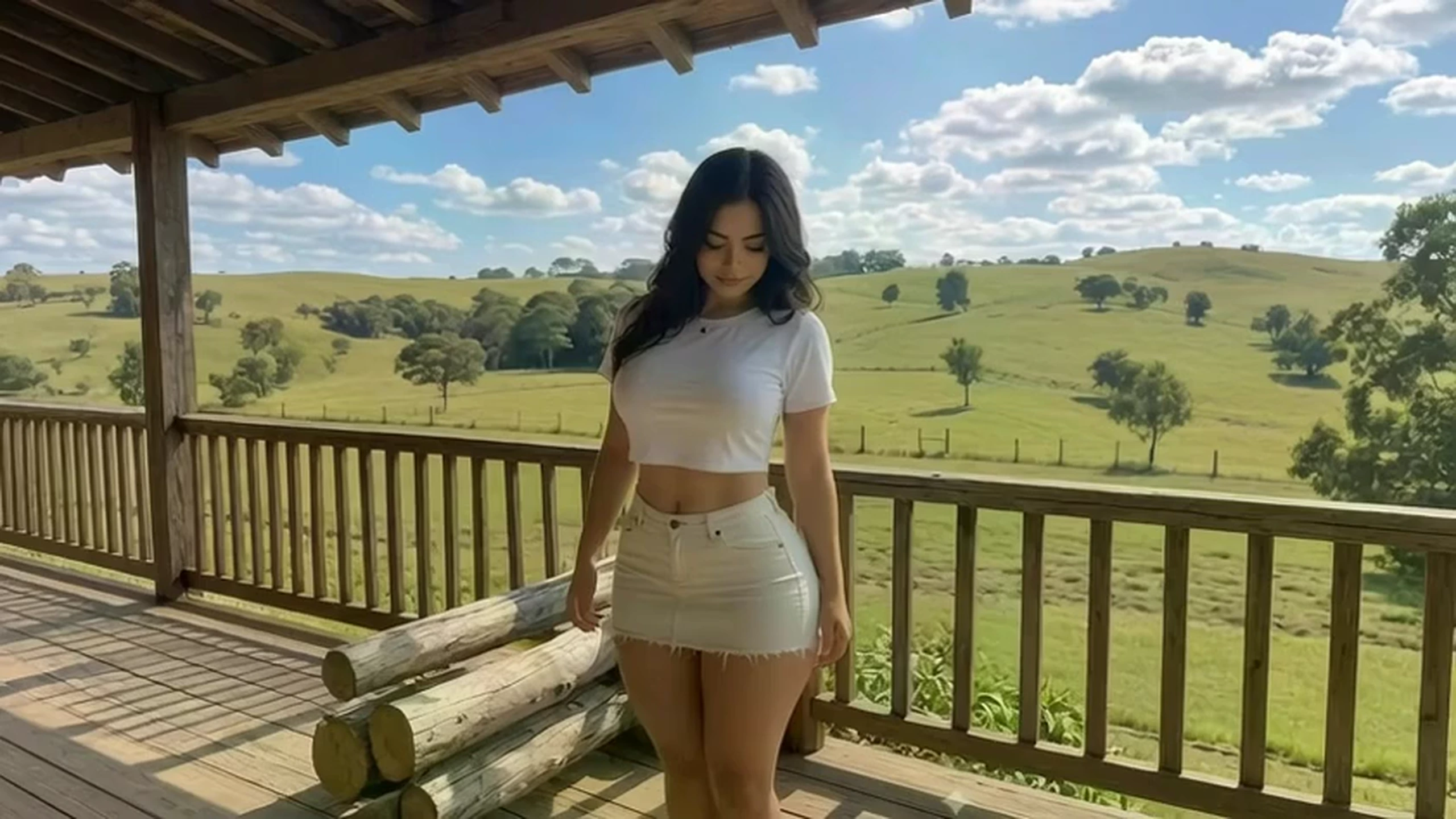
Turn a Packshot Into a Listing Clip
A product photo on a clean ground can turn slightly, or catch a change in light, so the listing is no longer a frozen frame. AI photo to video uncensored matters when that photograph is the hero and a text tool would redraw the label. Read the type on the package after the render, because small lettering is where these clips usually fail.
Turn a Room Photo Into a Slow Approach
A room photograph can suggest a step inside when the only request is a slow move forward. Unrestricted photo to video AI fits once the picture of the place is finished and the listing needs motion. Window lines and furniture edges are the test: if they bow, the move was too large for that still.
Turn an Adult Photograph Into a Clip
An AI porn photo to video request starts from the adult photograph you already have, and the motion sits on top of that file. NSFW photo to video is the same job when a filtered tool has refused the still. Sexy AI photo to video does not mean adding acts that are not already in the photograph.
Who is VidpexAI's Uncensored Photo to Video for?
Portrait photographers
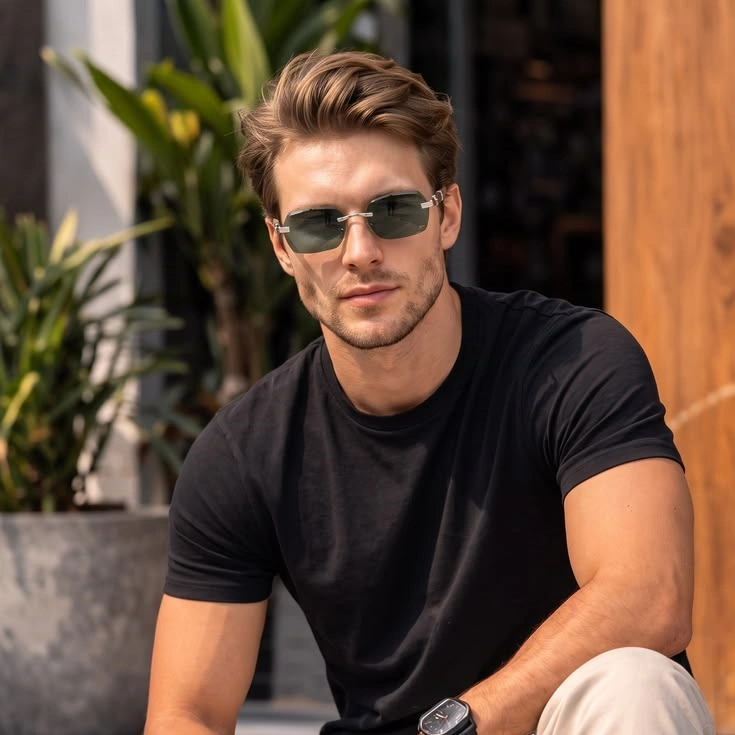
The sitting is over, and the client still wants the portrait moving in a reel or a site header. Uncensored photo to video AI gives that delivered frame one gesture instead of another hour under the lights.
Product photographers
A signed-off catalog frame stops being enough once the marketplace asks for video. Photo to video AI free no restrictions lets you try one packshot on the free tier before the rest of the line is animated.
Adult still photographers
Filtered video tools stop a finished adult photograph at upload, so the post never starts. Free NSFW photo to video spends the free tier on that same file and shows you the motion.
Why Choose VidpexAI's Uncensored Photo to Video?
The photograph is the brief
A tool that starts from a sentence will redraw whoever is in the frame. Here the photograph is the brief, and the line is only the movement. AI photo to video no restrictions free does not relax that rule: a free adult run still has to keep the person in the file.
One change you can check
Pick one change you can see when the clip plays beside the still. Photo to video NSFW AI is the adult case of that same limit, not a different engine. If the face or the label drifts, shorten the motion and render again.
A first clip, a mark and the text path
The first clip comes from the free tier on the account, and a mark may sit on that free file until an eligible plan takes it off. With no photograph to upload, use text to video, because this page will not invent the still. Free AI photo to video no restrictions stays on that free tier even with the filter off.