
Uncensored AI Video Generator Free Online
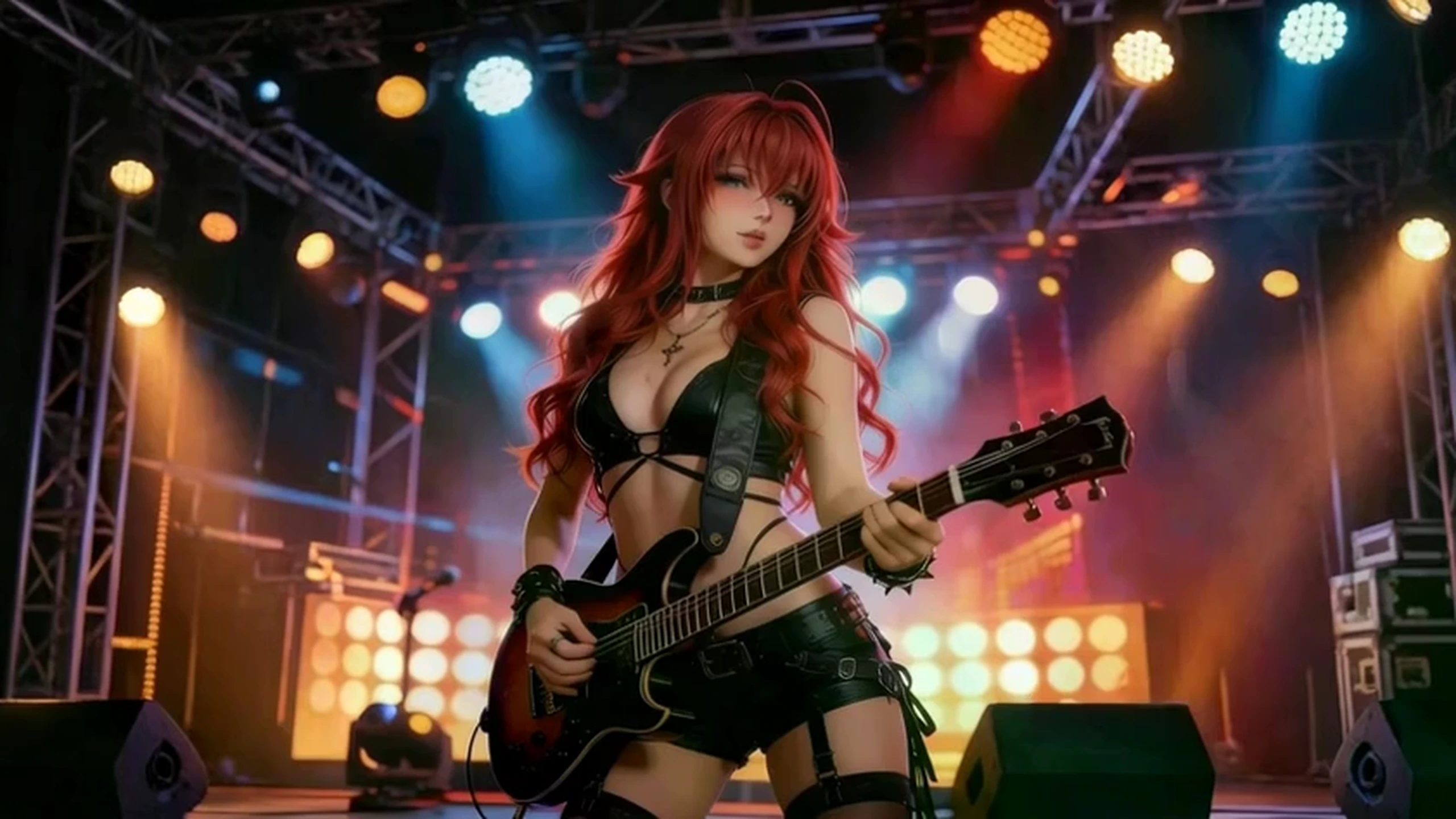
VidpexAI's uncensored AI video generator turns a written prompt into a moving scene without a content filter cutting the idea short. Bring a still or a reference frame when the motion should follow a look you already chose. Start free online and review the first clip before you move to a paid plan.
What is VidpexAI's Uncensored AI Video Generator?
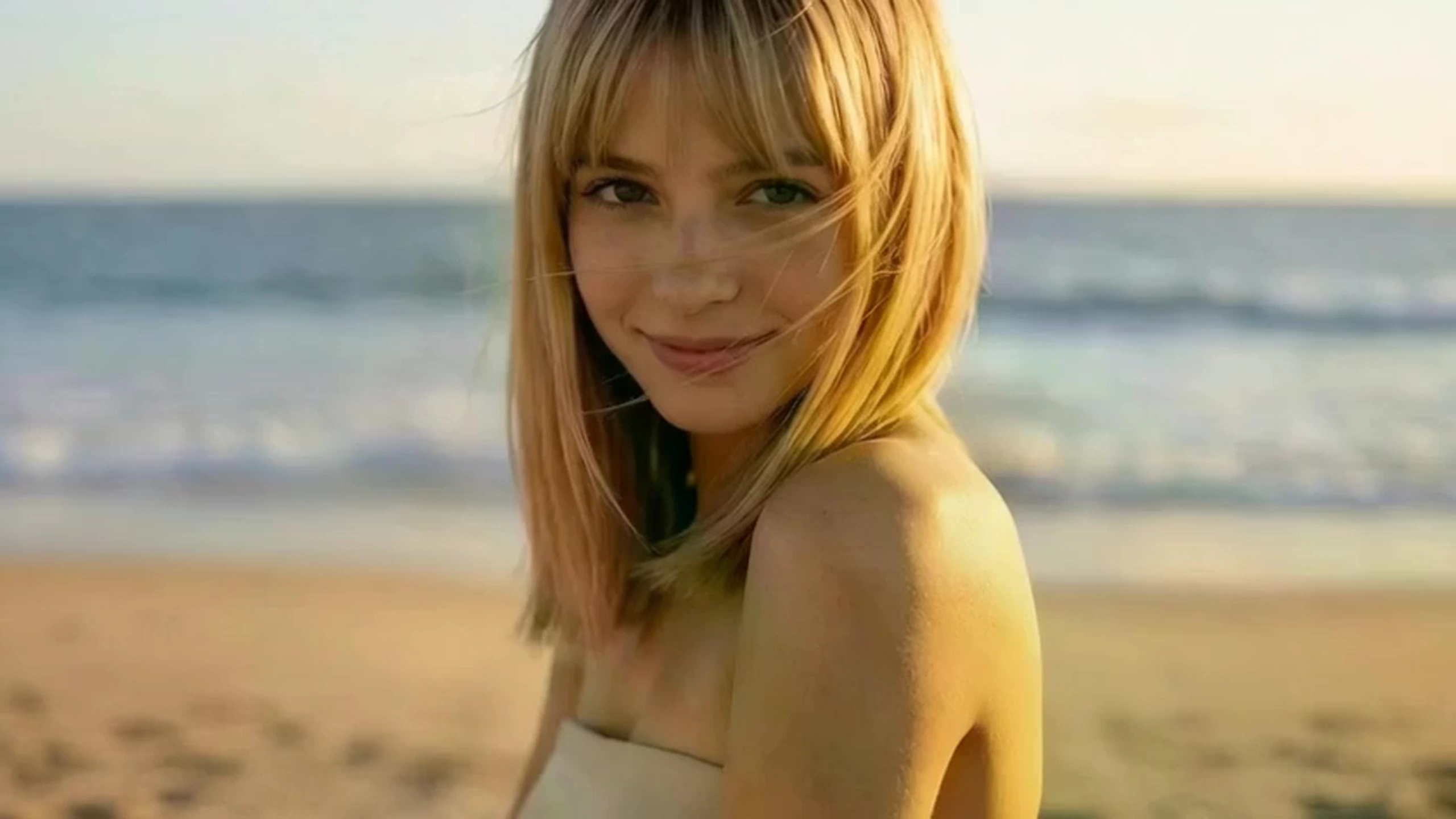
VidpexAI's uncensored video generator builds a clip from your direction instead of a locked template. A text prompt sets the subject and the action, then an uploaded still or a reference frame conditions identity, outfit, and framing while the model synthesizes the frames that follow. It suits filmmakers, character artists, and social editors who need a scene that filtered tools reject. The result is a timed sequence with frame-to-frame continuity, which is the difference from a one-image art tool.
How Does VidpexAI's Uncensored AI Video Generator Work?
Write the scene
State the subject, the action, the setting, and one camera move so the uncensored text to video model has a clear brief.
Add a still or reference
Upload a still for an uncensored image to video result when clothing, face, or style must stay put. Add a reference frame when the pose and the crop should carry into the motion.
Generate and refine
Generate the sequence so each new frame is conditioned on the prompt and the guide image. If the action drifts, tighten the verb or swap the reference. Each unlimited AI video maker retry stays inside the allowance shown on your plan.
What You Can Do with VidpexAI's Uncensored AI Video Generator?
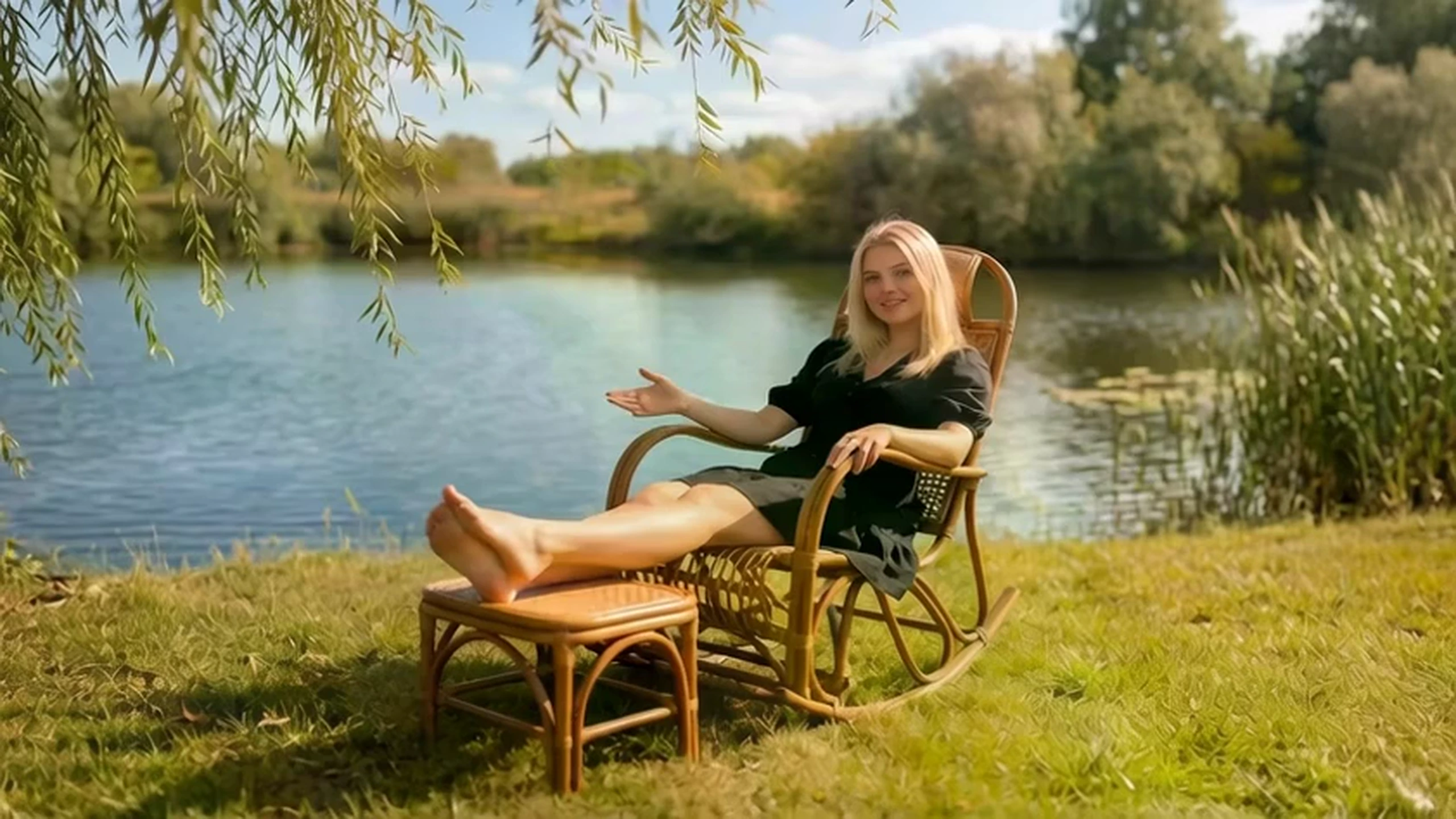
Turn a Prompt Into a Moving Scene
An uncensored prompts to video generator reads the subject, the action, and the camera line, then synthesizes a continuous sequence from that brief alone.
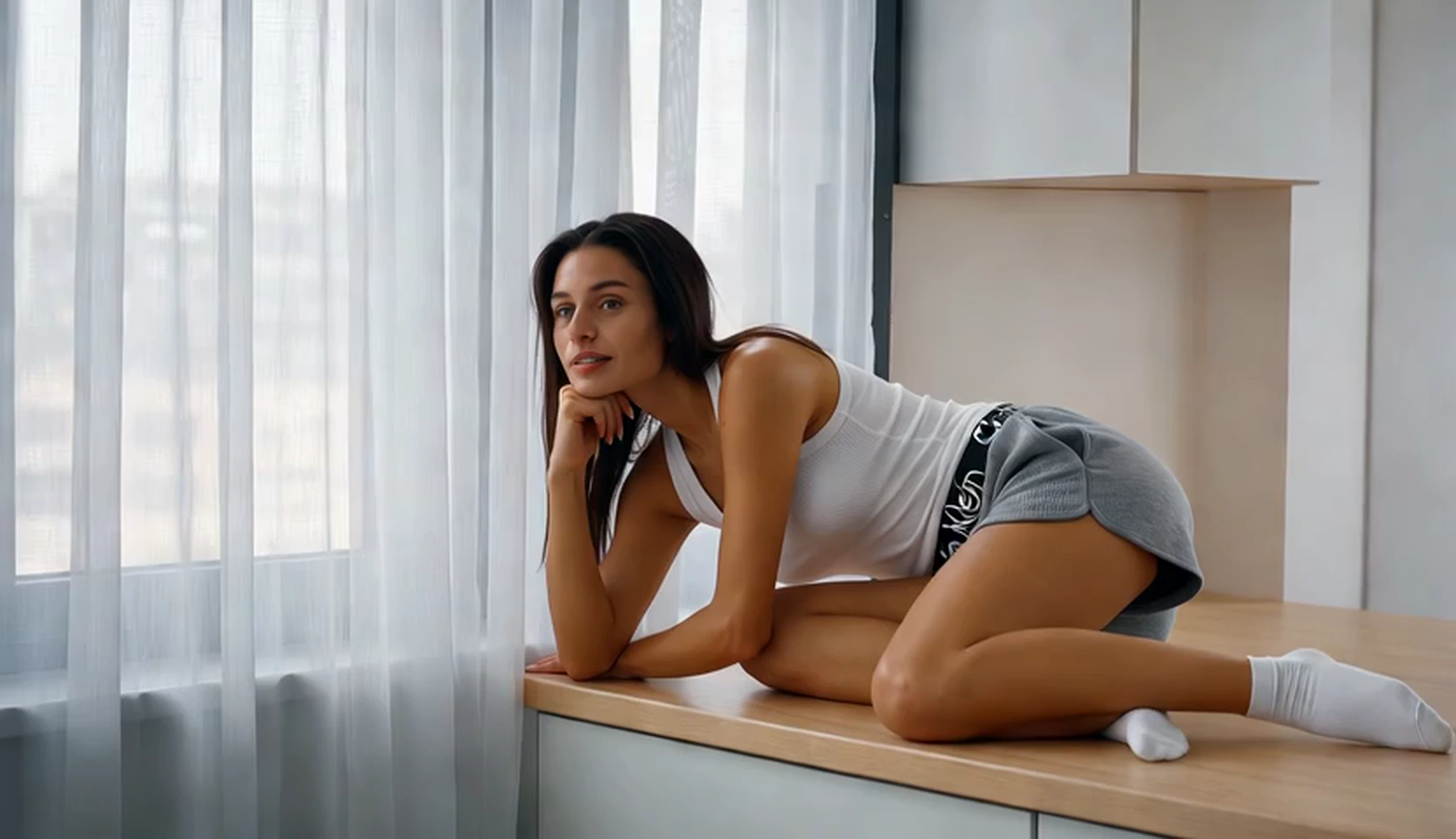
Turn a Reference Into a Guided Clip
The uncensored reference to video generator keeps the pose, the outfit, and the framing of your guide image while it creates the frames that follow.
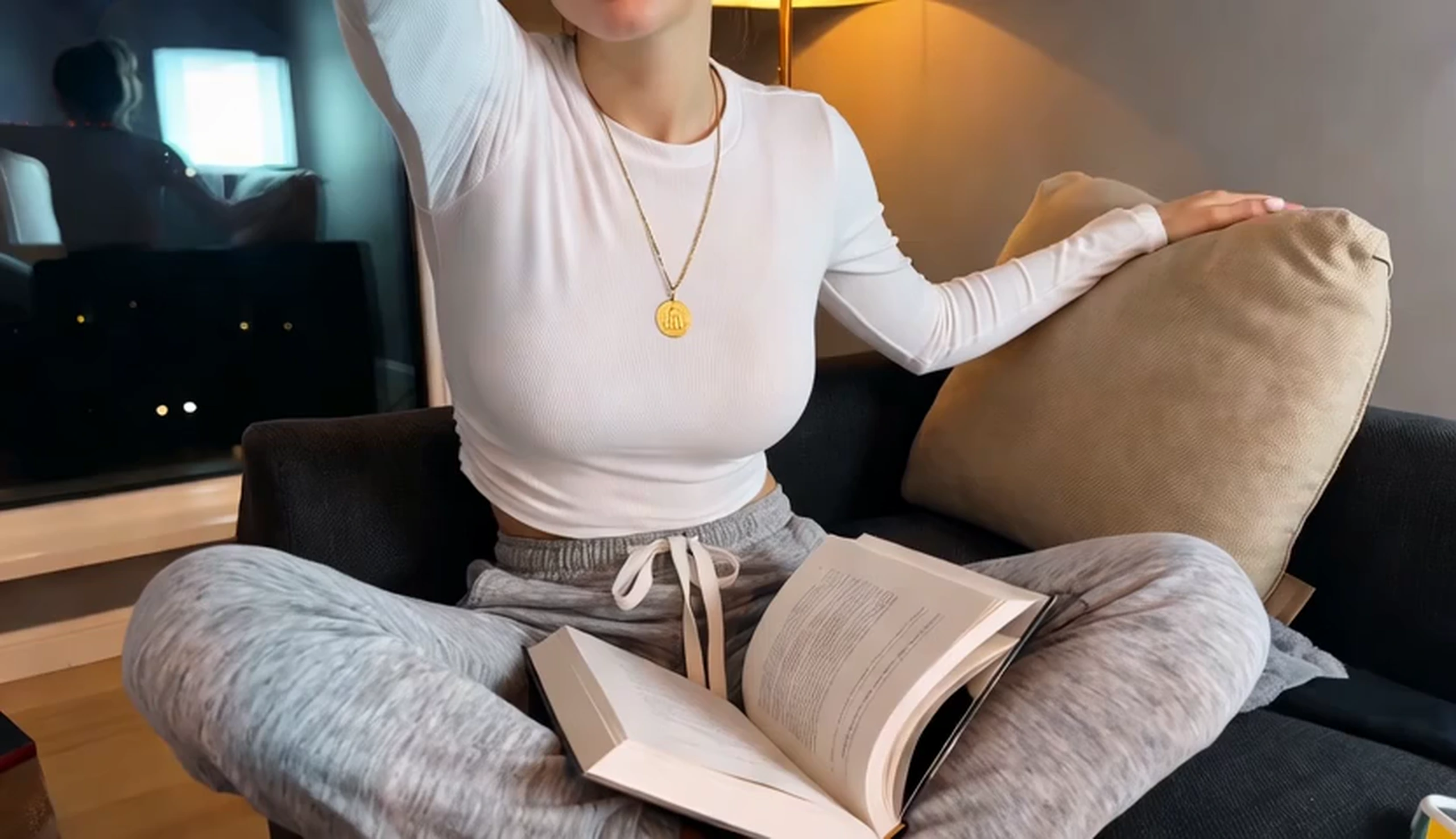
Turn a Still Image Into Motion
This uncensored AI video maker extends a finished still into motion without redrawing the subject from scratch.
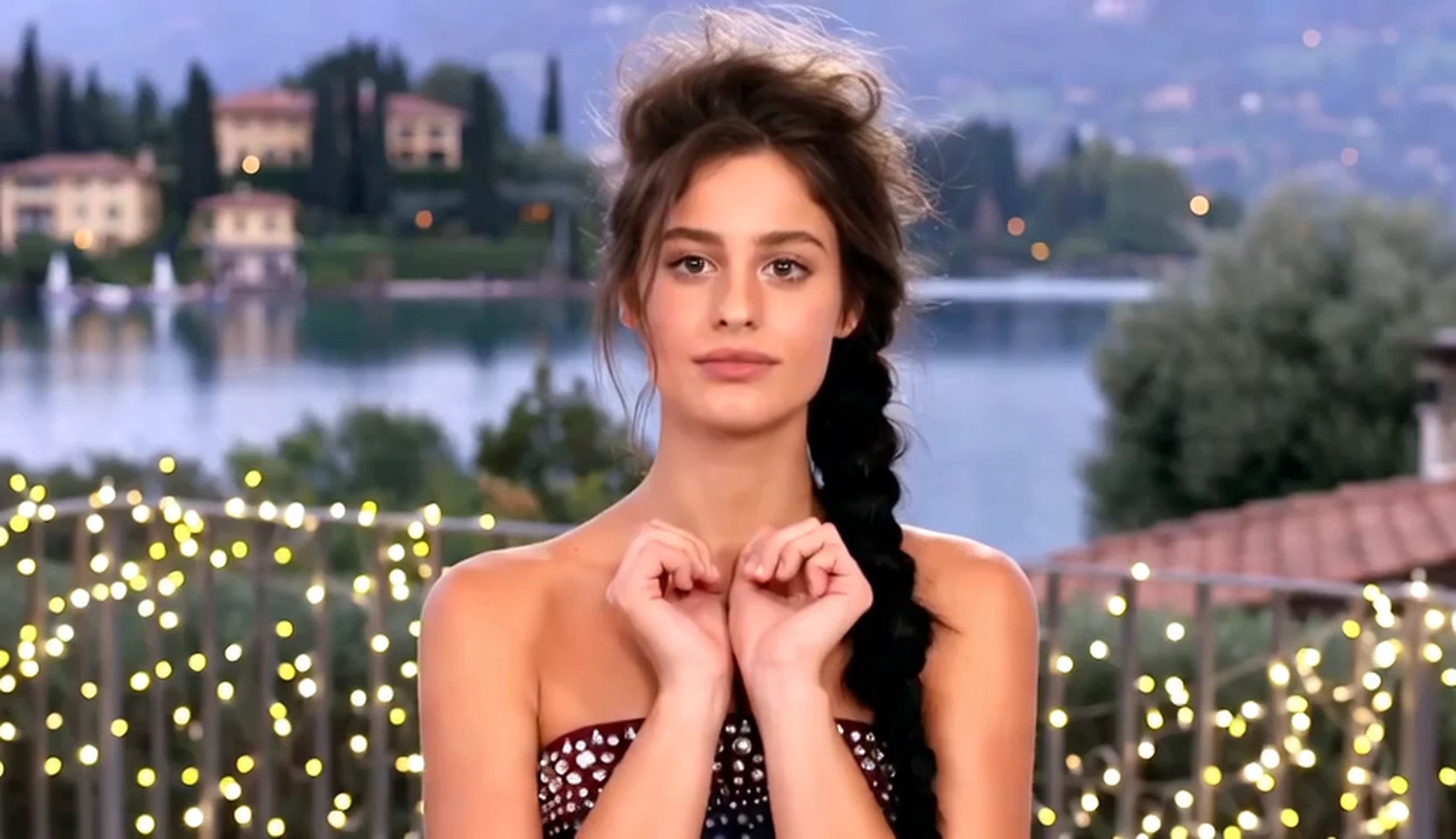
Turn a Rejected Idea Into a Finished Clip
Use an AI video generator no restrictions when another product blocks the subject, so the tone of the prompt can stay as direct as you wrote it.
Who is VidpexAI's Uncensored AI Video Generator for?
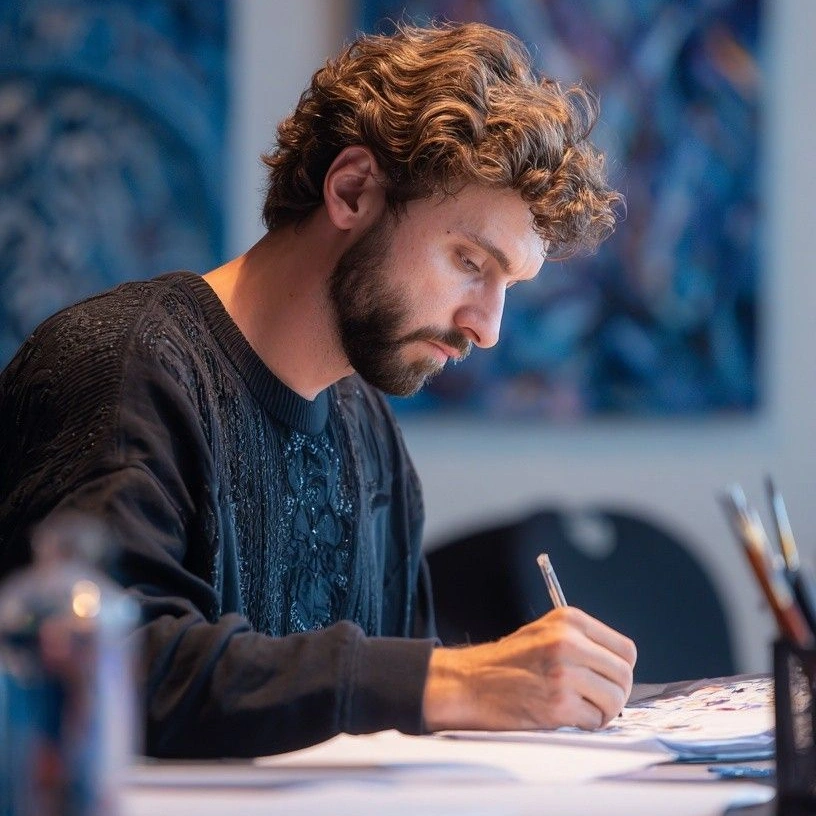
Independent filmmakers
Filtered generators keep rejecting story beats the cut needs. A no filter AI video generator lets you test those scenes and keep the ones that match the script.
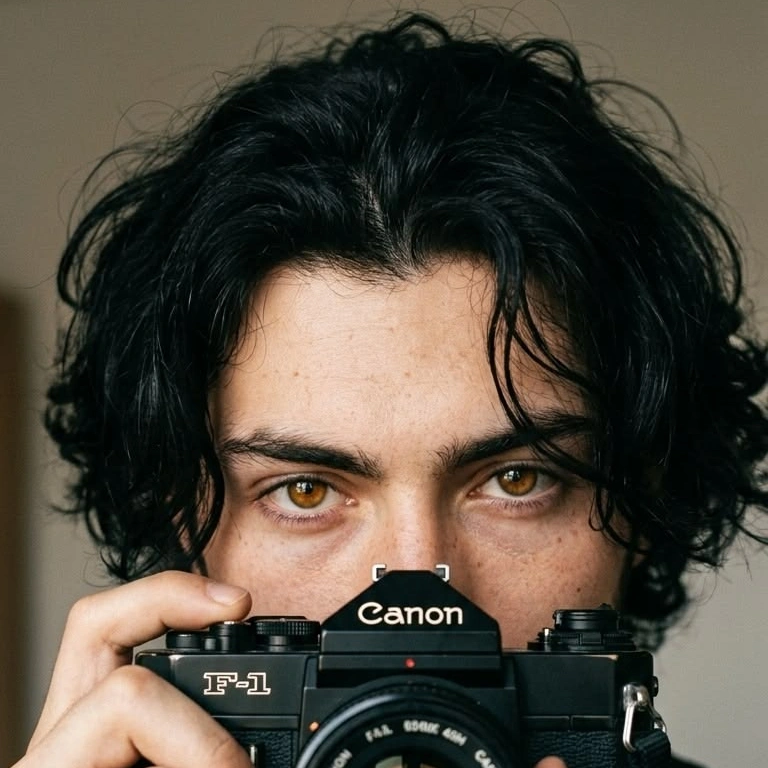
Character artists
A character design stalls when the host tool censors the pose or the outfit. An uncensored AI generator lets you move that design and check whether the look holds across frames.
Social video editors
Short-form drafts stall when the generator blurs or blocks the hook. You can leave with an uncensored AI video that is ready to cut into a post.
Why Choose VidpexAI's Uncensored AI Video Generator?
One flow for prompt, image and reference
An AI uncensored video creator on VidpexAI accepts a prompt, a still, or a reference frame in one flow, so a character test and a full scene do not require two products.
Reference conditioning for a stable look
An unfiltered AI video generator still follows the guide you supply, so identity and framing stay put while the motion changes.
Free start, watermark rules and a next edit
The free tier works as an unlimited free AI video generator within the allowance shown in your account. Eligible plans deliver the export without a watermark. When the cut needs a trim or a new ending, continue in the uncensored AI video editor.