
Free AI tutorial video maker — turns screenshots and step photos into animated tutorials, how-to videos and video lessons online instantly. No filming and no editing skills.
Gallery
AI Tutorial Video Maker Online Free
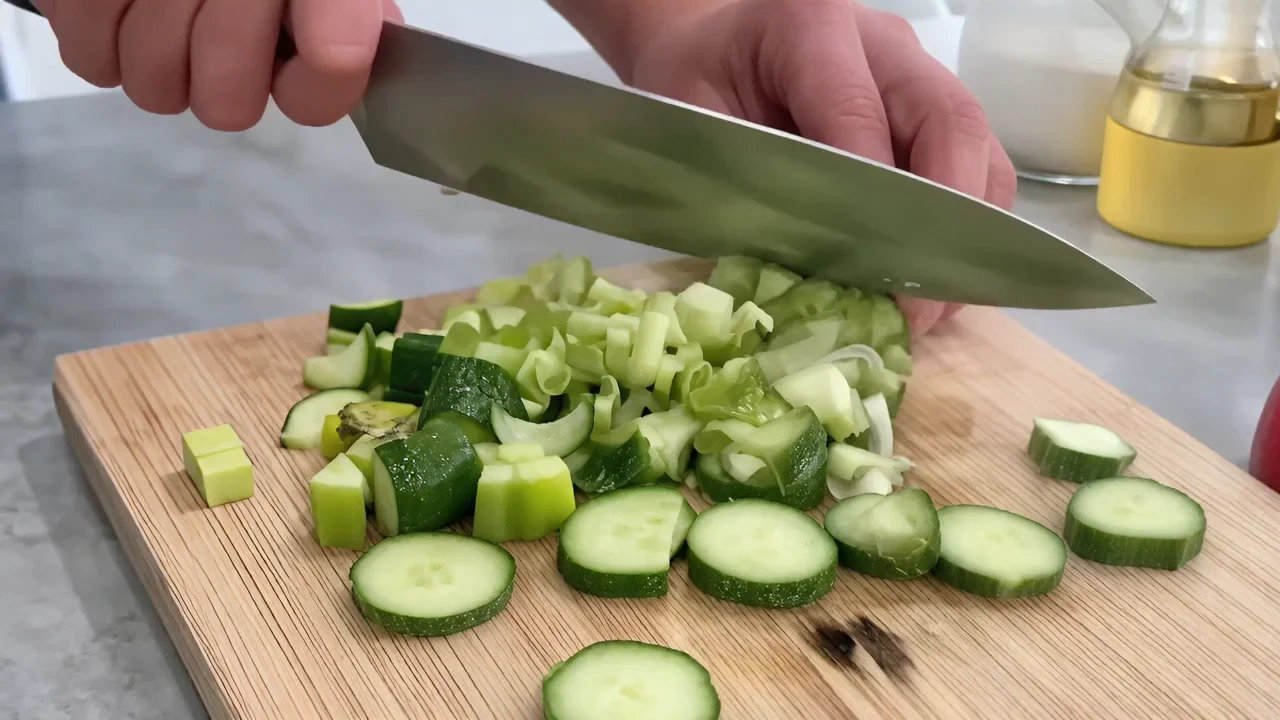
Tutorial video maker for creators and teams who already have UI screenshots, step photos or diagram exports, not a film studio. Upload stills or short screen recordings and get motion, captions and chapter pacing tuned for tutorials, how-to guides and video lessons. It runs as a tutorial video maker online with a free tutorial video maker tier, tutorial video maker app style controls in the browser and AI pacing when you need to create video tutorial software walkthroughs at speed.
What is VidpexAI's Tutorial Video Maker?
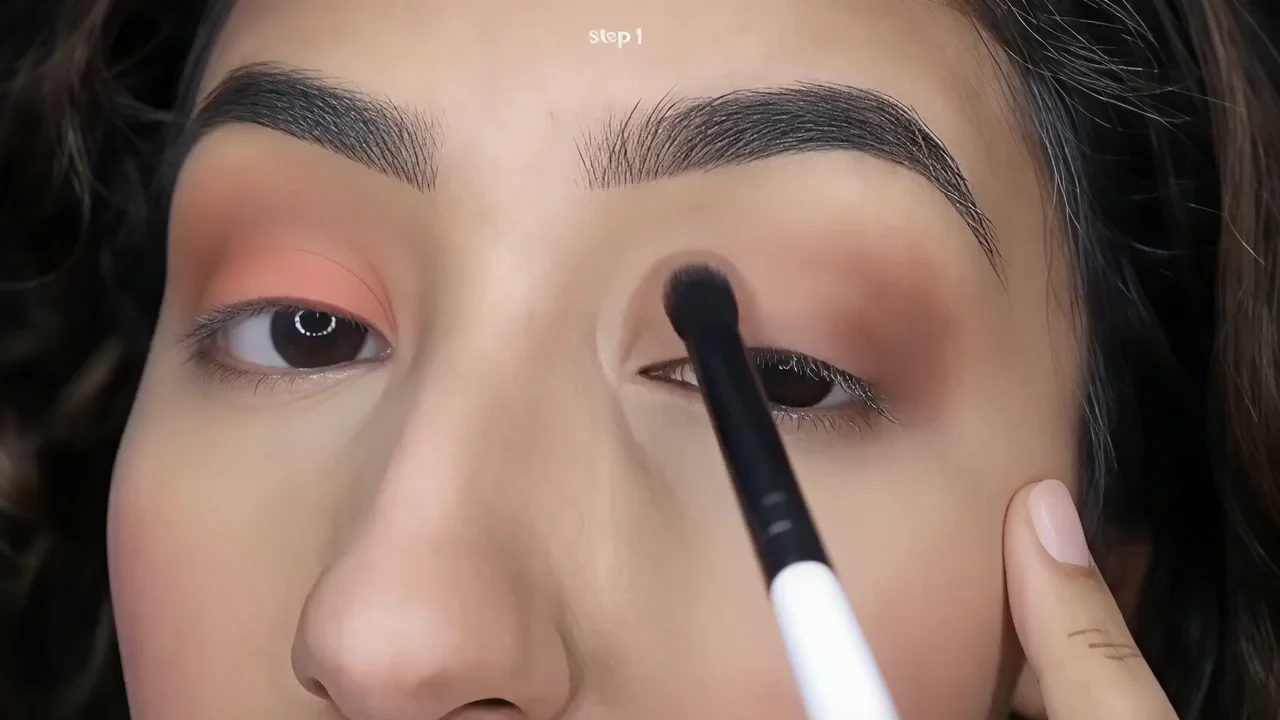
VidpexAI's tutorial video maker is an AI workspace that combines tutorial maker software pipeline in one browser tab. You bring UI screenshots, workflow photos or slide exports and tutorial video maker AI returns animated step-by-step scenes with captions, callout numbers and gentle motion that reads like polished tutorial video examples without asking you to learn video editing tutorials first. Teams comparing the best tutorial video maker lists, create video tutorial software options or an online tutorial video maker quote still pick VidpexAI when their source material is visual documentation they already approve. The stack supports tutorial video maker free previews, free tutorial video maker watermarked HD, free tutorial maker starter exports, tutorial video maker online autosave and tutorial video maker app shortcuts for creators on the go. You can also route outputs through a video lesson maker chapter mode for LMS packaging, an animated tutorial maker lane for cartoon-style overlays, or a youtube tutorial video maker preset for channel-ready 16:9. Unlike avatar-only tools, VidpexAI animates your existing visuals first, then layers optional voice, music and disclaimer slates you license or record separately. It complements any video editing software tutorial, canva video editing tutorial or canva video maker tutorial workflow you already follow by handling the animation step those platforms do not automate.
How Does VidpexAI's Tutorial Video Maker Work?
Step 1: Upload Screenshots, Step Photos or Screen Grabs
Drag PNG, JPG, HEIC or JPEG into the tutorial video maker online workspace. The AI reads headings, numbered steps and UI chrome, then routes assets into a create video tutorial software timeline with 16:9 and 9:16 crops for youtube tutorial video maker or social-first tutorials.
Step 2: Pick How-To, Lesson or Walkthrough Templates
Choose animated tutorial maker layouts, video lesson maker chapters or tutorial video editing app presets. VidpexAI suggests pacing, callout arrows and optional quiz pauses so your tutorial video creation stays beginner-friendly, matching what viewers expect from a video editing tutorial for beginners approach.
Step 3: Export, Share and Embed Anywhere
Download MP4 with caption sidecars, grab a cover frame for YouTube thumbnails or embed via LMS-friendly links. Paid tiers unlock tutorial video maker free download without watermark; free tiers label watermarks clearly for online video editing tutorial review passes.
What You Can Do with VidpexAI's Tutorial Video Maker?
Animated Tutorial Maker and Video Lesson Maker
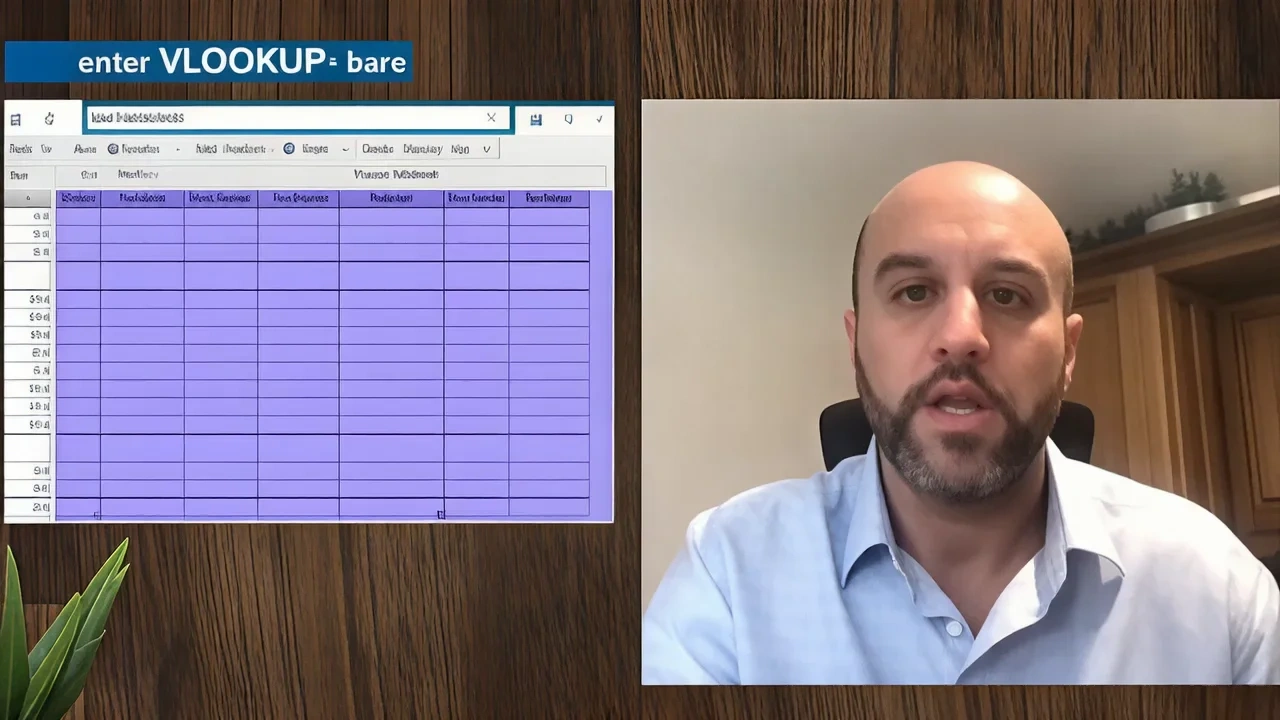
Turn flat UI captures into motion-first step-by-step guides with callout numbers and zoom paths. The animated tutorial maker lane supports a video lesson maker chapter mode so each section earns its own LMS progress marker and caption export, matching tutorial video examples your audience already expects.
Best YouTube Tutorial Video Maker
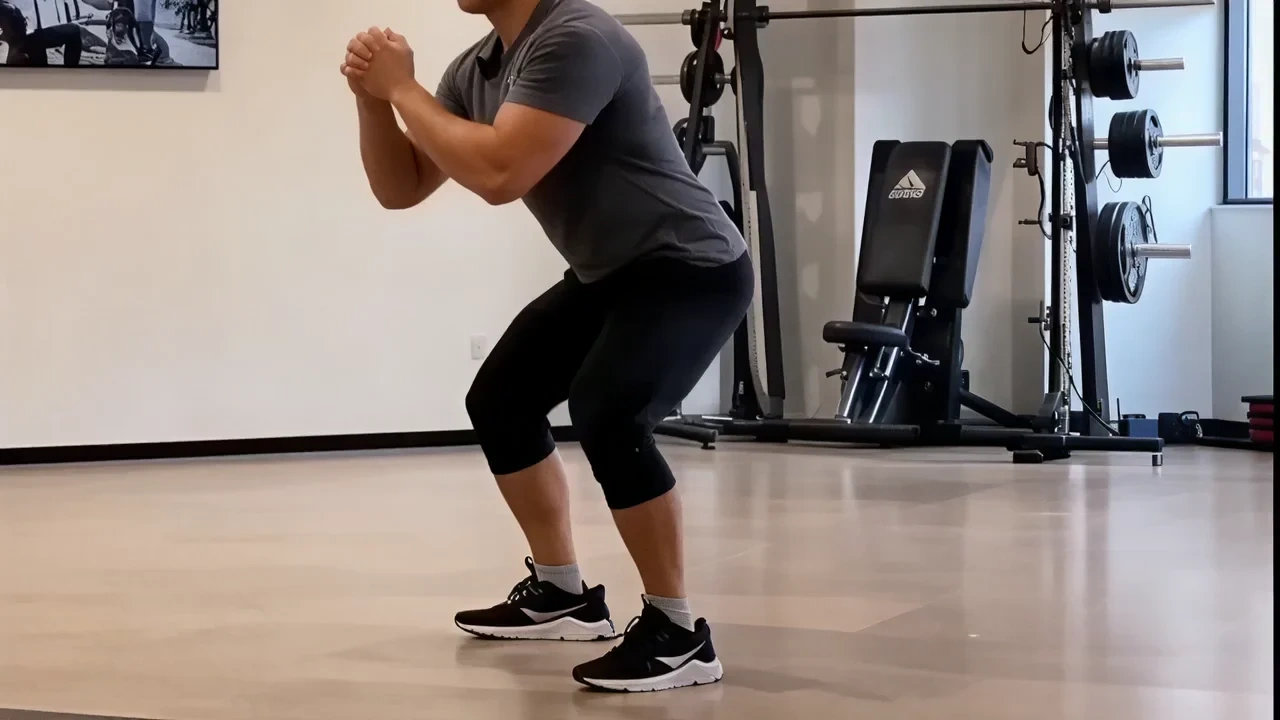
Ship 16:9 how-to videos with cold-open hooks, chapter timestamps and retention-safe pacing. The youtube tutorial video maker preset mirrors what reviewers shortlist as the best video editor for tutorials: fast assembly, caption burns and cover-frame export in one session.
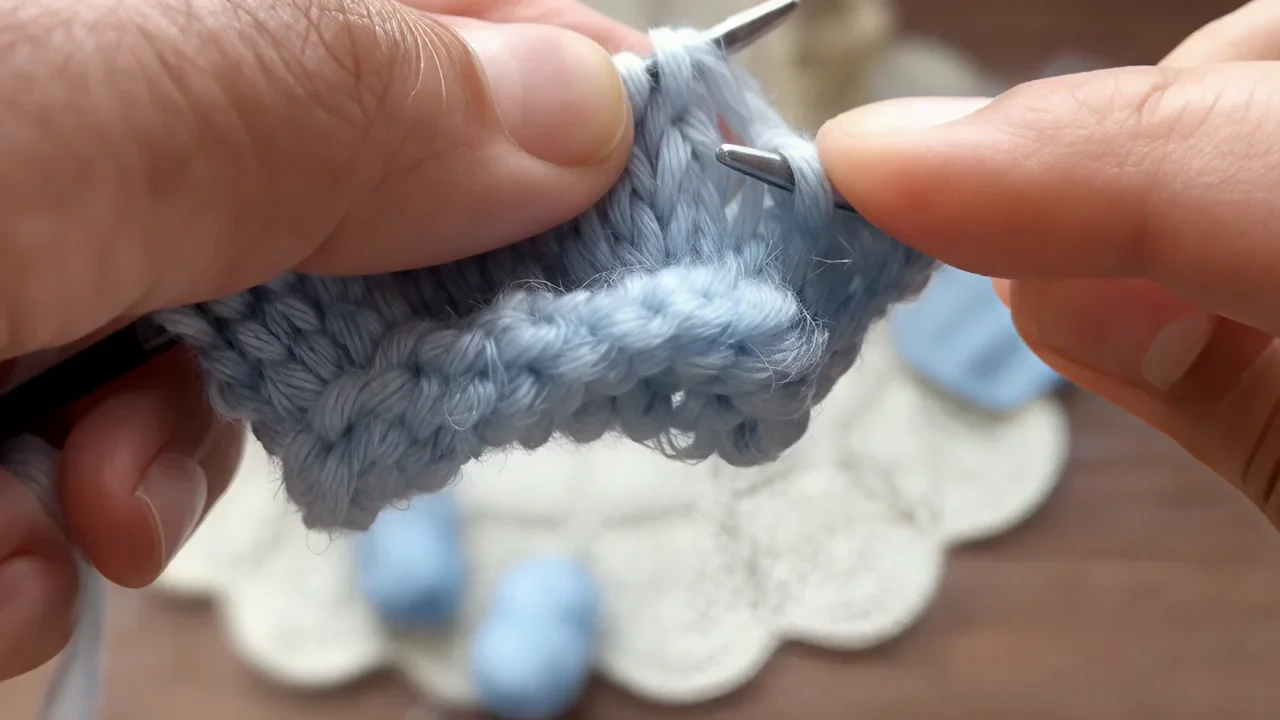
Video Editing Tutorials for Beginners
Internal teams also use VidpexAI as a guided sandbox for video editing tutorials: juniors learn caption timing, cut logic and motion pacing on real assets in a protected mode, which doubles as a video editor tutorial for beginners without the risk of publishing unreviewed content.
Create Video Tutorial Software Walkthroughs
Document product features, onboarding flows and release notes by feeding live screenshots into a create video tutorial software pipeline. The tutorial video editing app controls add blur for sensitive data, highlight for CTAs and badge-style version markers between scenes.
Who is VidpexAI's Tutorial Video Maker for?
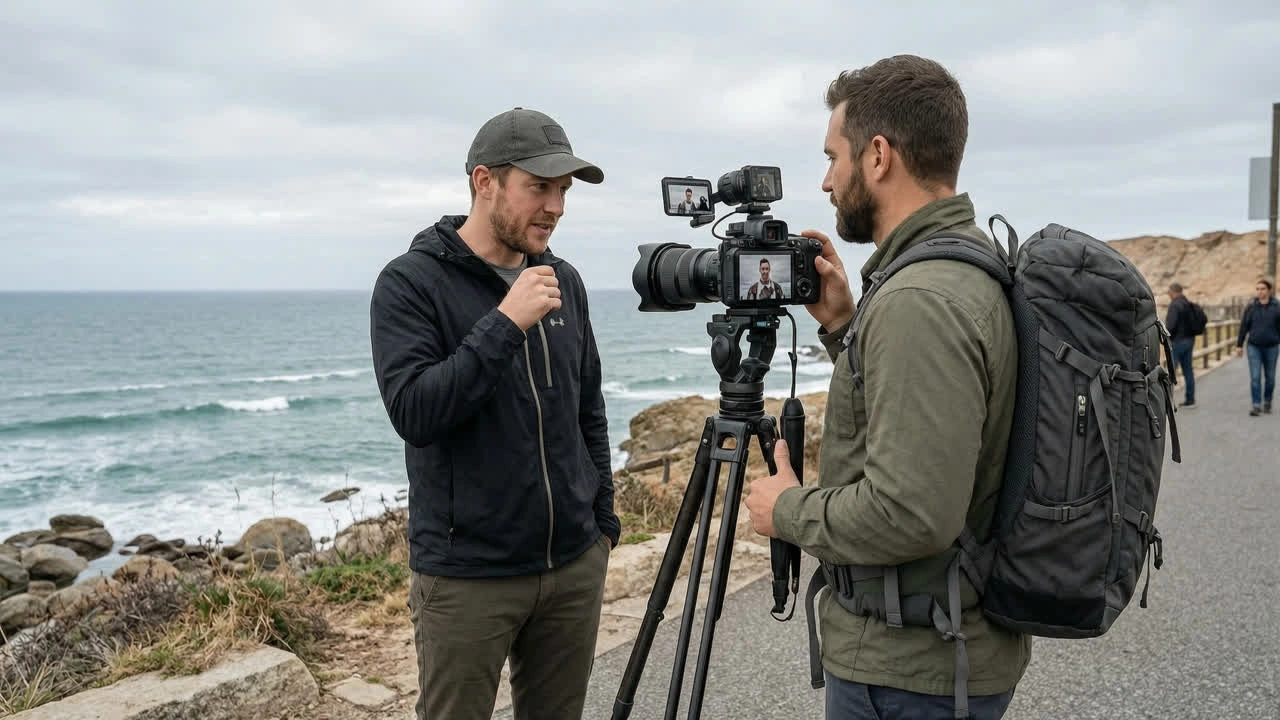
SaaS Product Teams and Technical Writers
Teams that screenshot every release but struggle to make tutorials before the next sprint closes. VidpexAI works as an online tutorial video maker that turns approved captures into step-by-step clips faster than scheduling a screen-recording session.
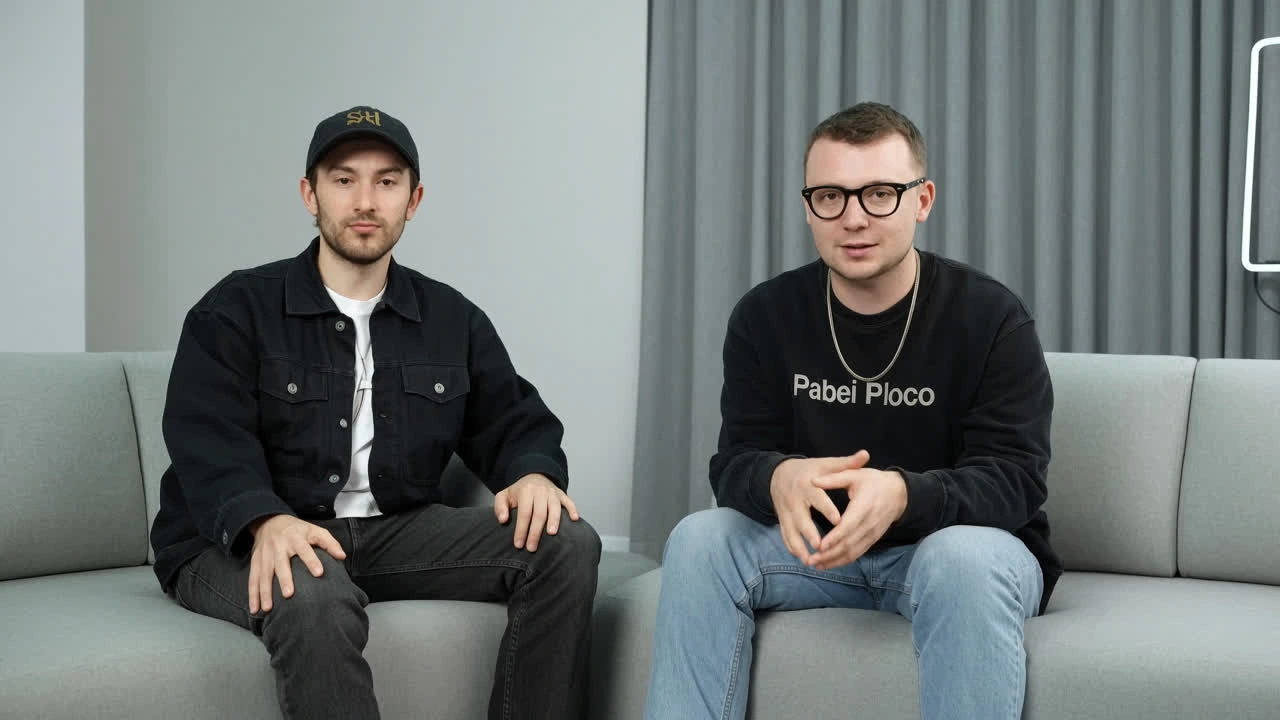
YouTubers and Course Creators
Educators shipping a youtube video editing tutorial, best video editing tutorial or canva video editing tutorial series who need B-roll assembly between talking-head segments. VidpexAI handles the motion; you handle the voice track.

Customer Success and Support Teams
CS reps who answer the same question fifty times a week. A free tutorial maker sandbox lets them capture UI, animate steps and embed the clip in a help center article before the next ticket arrives.
Why Choose VidpexAI's Tutorial Video Maker?
Screenshot-First Animation, Not Avatar-Only Talking Heads
Models prioritize your UI captures, workflow photos and diagram exports before stock B-roll. That is why teams shortlist VidpexAI as the best tutorial video maker when the proof is the product itself, not a digital presenter reading a script.
Free Online Tier with Clear Upgrade Path
The tutorial video maker free lane covers previews, autosave and watermark-labeled HD. Upgrade when you need watermark-free exports, longer renders or shared brand kits matching tutorial maker software governance expectations at scale.
Edit After Publish Without Reshooting
Because projects store structured scenes and captions, you can refresh steps when features change without re-recording. VidpexAI is independent software and not affiliated with Synthesia, Vmaker, InVideo or any screen-recording vendor.