
Free AI training video maker — turns procedure photos, SOP stills and slides into animated training clips and e-learning modules online. No filming and fast export.
Gallery
Free Training Video Creator - Photo to Learning Video AI
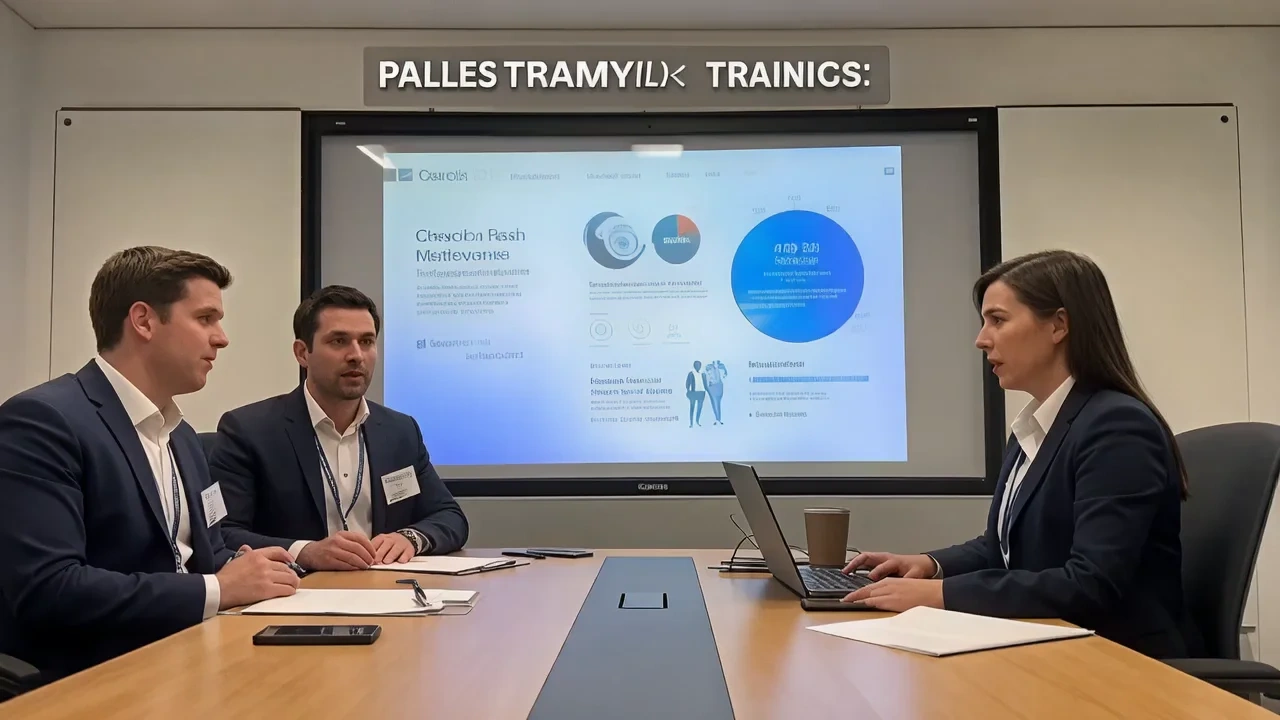
Training video maker for L&D, compliance and ops teams who already have procedure photos and SOP screenshots, not a blank studio. Upload stills or short screen recordings and get motion, captions and chapter pacing tuned for onboarding, skills labs and policy refreshers. It runs as a training video maker online with a free training video maker tier, training video maker app style controls in the browser and AI-assisted assembly when you need to create a training video with AI speed. Animated sop clips, e-learning modules and onboarding videos from photos online
What is VidpexAI's Training Video Maker?
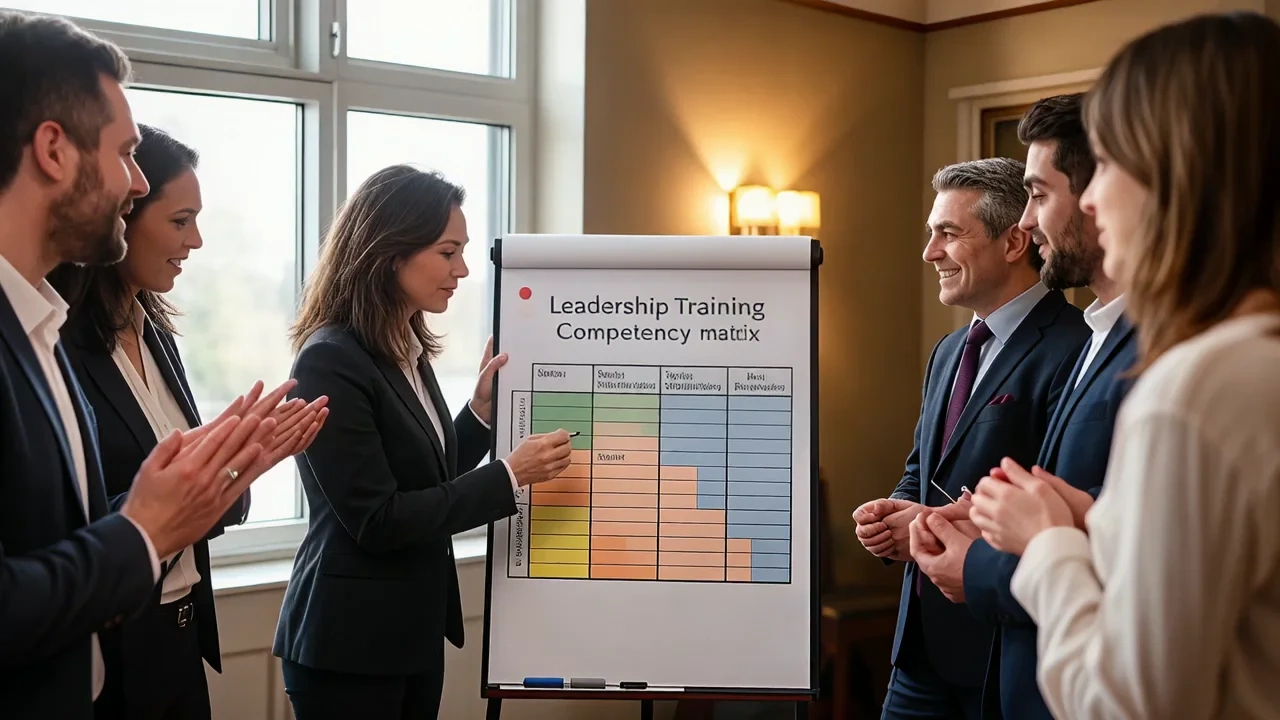
VidpexAI's training video maker is an AI workspace that combines a training video creator, training video editing suite and training video creation software pipeline in one browser tab. You bring procedure photos, policy slide exports or safety signage stills, and the training video maker AI returns animated modules with narration-ready captions, step numbers and gentle motion that reads like professional e-learning, not a static deck recording. Teams comparing the best training video creation software, animated training video maker options or online training video creator quotes still pick VidpexAI when visual documentation is the source of truth. The stack supports training video maker online free previews, learning video maker free watermarked HD, learning video maker online autosave, create animated training videos batching and training video maker app shortcuts for field trainers. You can also route outputs through a learning video maker app workflow for mobile review, an e learning video maker chapter mode for LMS packaging, or a video editing training preset for teams that want internal editing upskilling. Unlike avatar-only tools, VidpexAI animates your existing visuals first, then layers on optional voice, music and compliance stamps you license or record separately.
How Does VidpexAI's Training Video Maker Work?
Step 1: Upload SOP Photos, Slides or Screen Recordings
Drag PNG, JPG, HEIC or JPEG into the training video maker online workspace. The AI reads headers, numbered steps and safety labels, then routes assets into a training video creation software timeline with 16:9 classroom and 9:16 mobile crops for field teams.
Step 2: Pick Onboarding, Compliance or Skills-Lab Templates
Choose animated training video maker layouts, e learning video maker chapter cards or editing training videos presets. VidpexAI suggests pacing, knowledge-check pauses and optional quiz overlays so your create a training video with AI cycle stays on-message.
Step 3: Review, Export and Embed in Your LMS
Export MP4 with caption sidecars for accessibility, grab training video download masters or package as SCORM-compatible chapters. Paid tiers support training video maker app shortcuts and longer renders; free tiers label watermarks clearly on learning video maker free previews.
What You Can Do with VidpexAI's Training Video Maker?
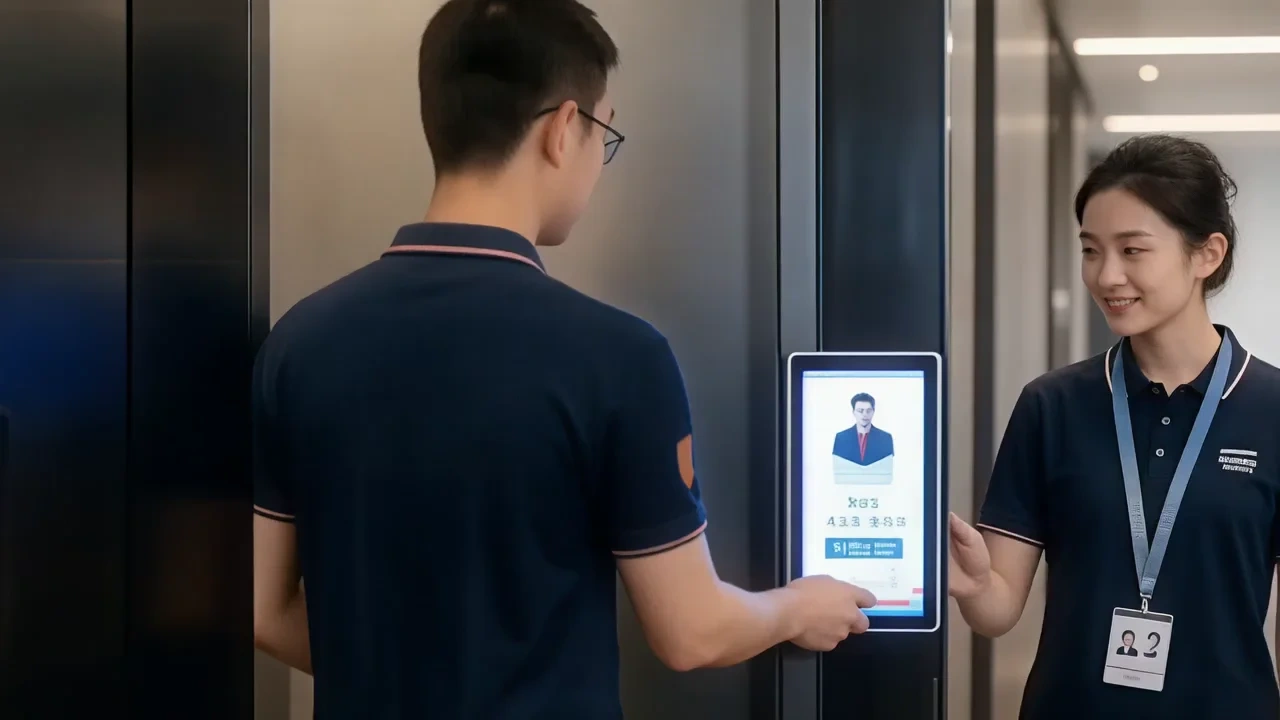
AI Animated Training Video Maker Online
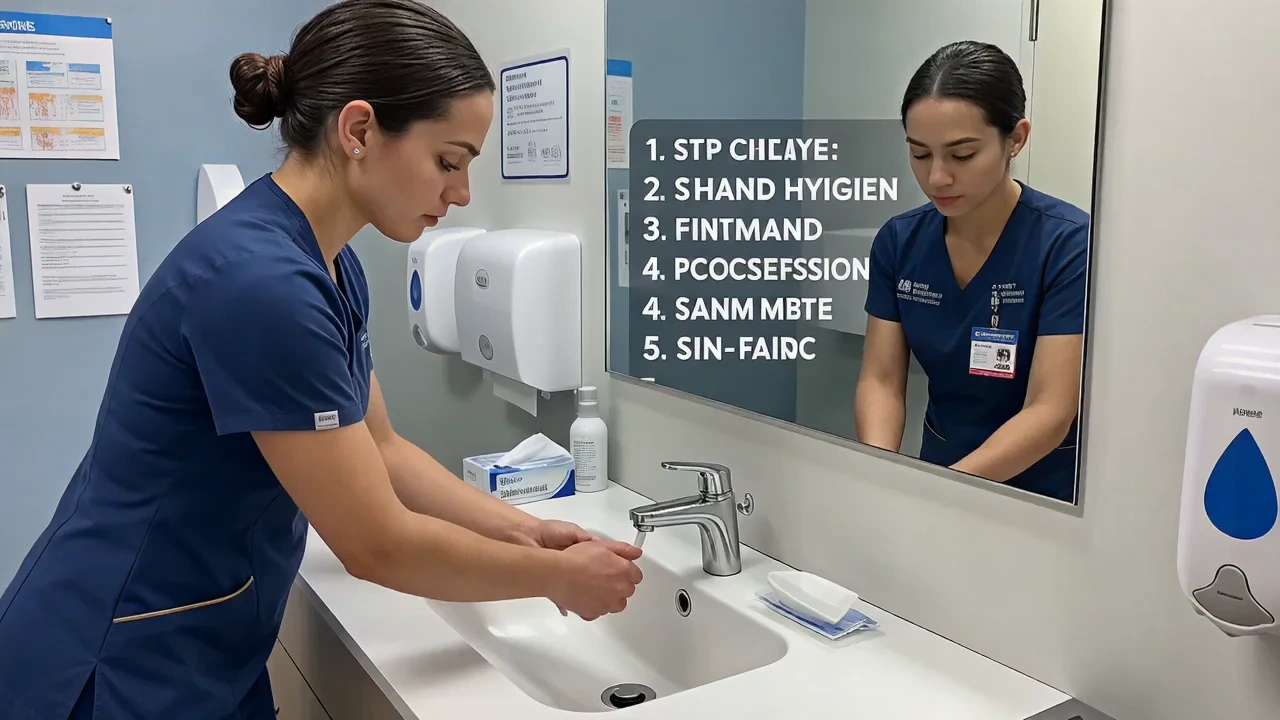
Turn flat procedure photos into motion-first modules with step numbers, callout arrows and zoom paths. The animated training video maker lane lets you create animated training videos with watermarked previews before you spend credits on training video examples you actually ship to the LMS.
E Learning Video Maker Online
Build LMS-ready chapters with progress markers, quiz pause points and export metadata your platform can parse. The e learning video maker flow and online training video creator presets keep SCORM-friendly pacing while the video editing online training path logs completion breadcrumbs.
Best Training Video Editing Software
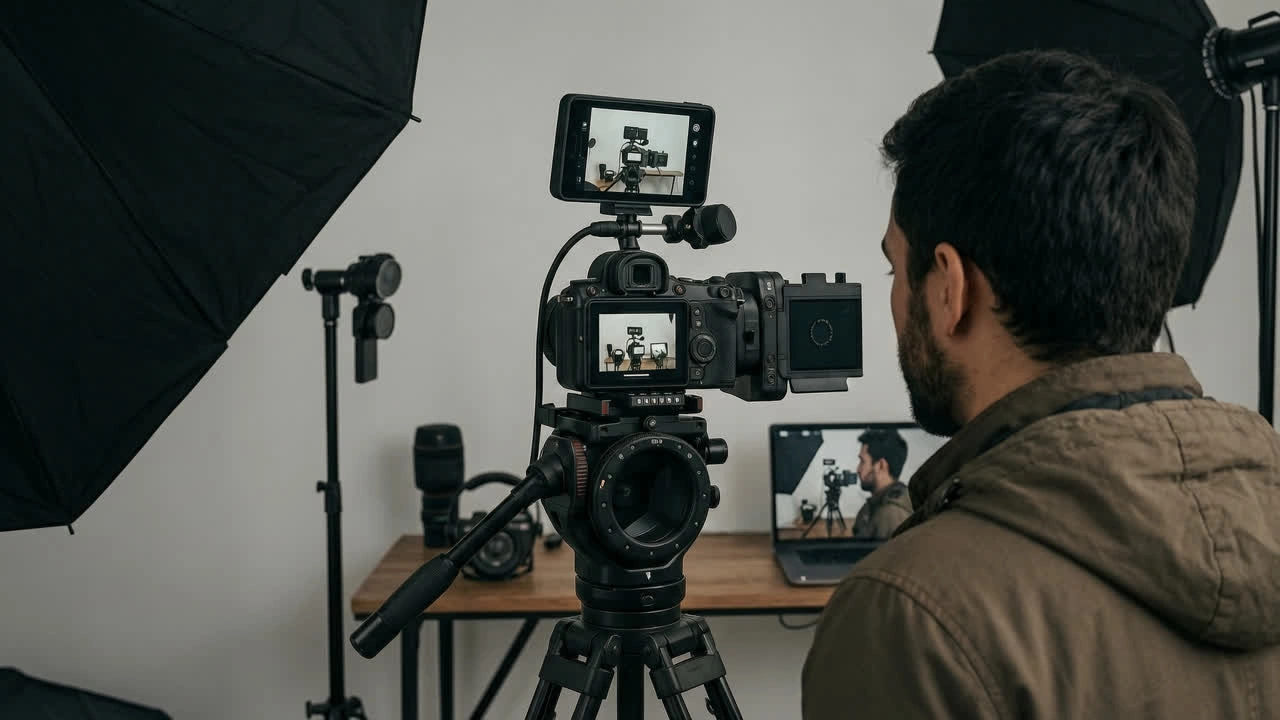
Teams that still want manual timeline control can use VidpexAI as training video editing software for first-pass assembly, then hand off to desktop suites for color or voice polish. Many reviewers shortlist it alongside best video editing software for training videos when the source material is photographic, not raw camera footage.

Online Video Editing Training and Learning
Internal L&D teams also use VidpexAI as a video editing training sandbox: juniors learn pacing and caption logic on real assets in a guided mode, while learning video editing online without the risk of publishing unreviewed content to public channels.
Who is VidpexAI's Training Video Maker for?

L&D and Instructional Designers
Teams shipping onboarding, compliance refreshers and skills labs who already photograph procedures. VidpexAI animates those photos so you can ship as a training video creator without scheduling a shoot or waiting for an agency timeline.
Operations, EHS and Field Trainers
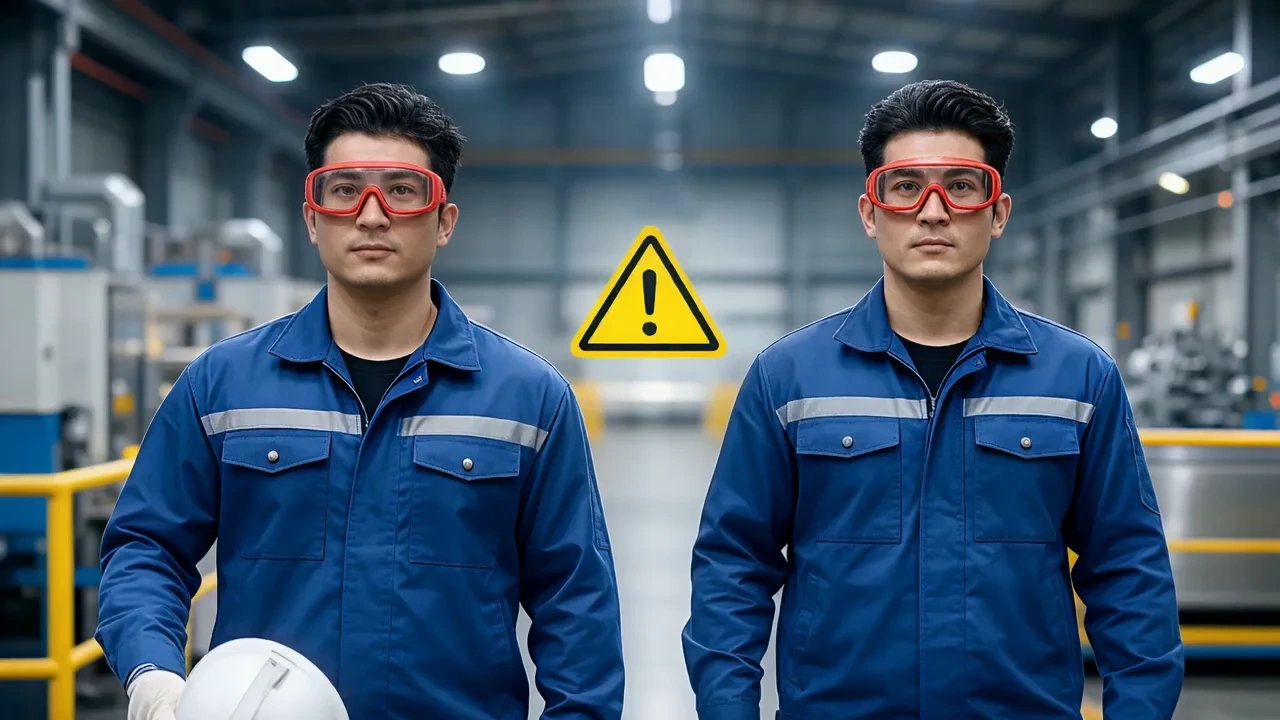
Safety and ops teams that capture site photos daily but lack editing bandwidth. The learning video maker online workflow turns PPE checks and equipment labels into shareable clips before the next shift starts.

HR, Managers and Internal Comms
People teams that need policy explainers and culture onboarding without video production budgets. A free training video maker sandbox lets HR preview and redline before anything reaches the all-hands channel.
Why Choose VidpexAI's Training Video Maker?
Photo-First Training, Not Avatar Talking Heads
Models prioritize your SOP stills, safety labels and UI captures before stock assets. That is why compliance leads shortlist VidpexAI as training video creation software when the proof lives in real photos, not avatar scripts.
Free Online Tier with Clear Access Controls
The training video maker online free lane covers previews, autosave and reviewer links. Admins can disable public sharing, set retention schedules and track who exported what, matching video editing software training governance expectations.
Update After Launch Without Reshooting
Because projects store structured scenes and captions, you can refresh policy language, safety numbers or UI changes without reshooting. VidpexAI is independent software and not affiliated with Animoto, Synthesia or any LMS vendor.