
Multiple Photo Face Swap – Instantly Swap Faces in Group Photos
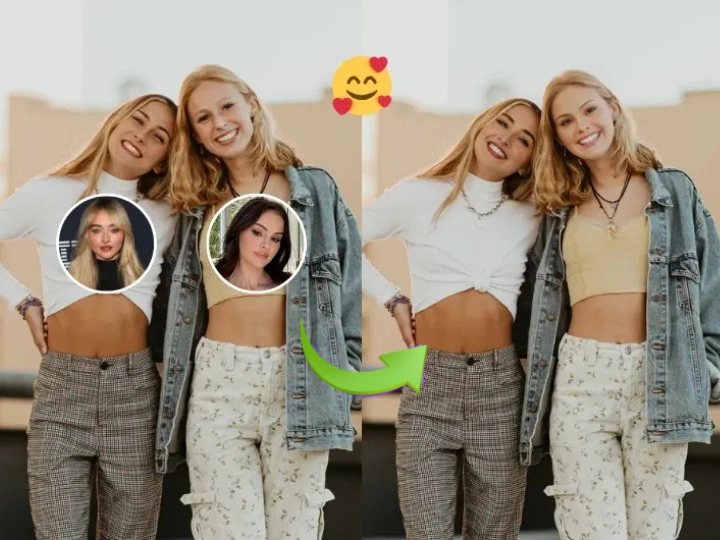
VidpexAI automatically detect group image and swap multiple faces at once. Create seamless group photo face swap edits, exchange faces between pictures or replace several faces in one photo with AI-powered precision.
What is VidpexAI's Multiple Photo Face Swap?
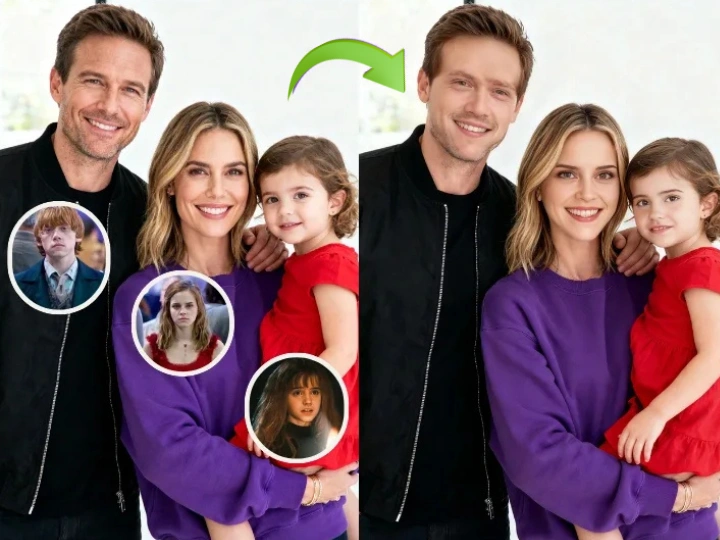
VidpexAI’s multiple photo face swap is an advanced AI tool that allows you to swap multiple faces in one photo or perform a group photo face swap with just a few clicks. The AI automatically detects each face in the image and lets you replace them using faces from other photos. Whether you want to swap faces between two pictures, create fun multi face swap edits or replace faces in group photos, VidpexAI delivers realistic results with accurate alignment, lighting matching and natural facial blending.
How Does VidpexAI’s Multiple Photo Face Swap Work?
Step 1: Upload Your Group Photo
Start by uploading the image where you want to swap multiple faces in one photo or perform a group face swap.
Step 2: Add Target Face Images to Replace
Upload the faces you want to insert. VidpexAI detects facial landmarks and matches them automatically for accurate face swap multiple pictures editing.
Step 3: Generate Your Multi Face Swap Photo
Click generate and the AI instantly creates a realistic multiple photo face swap, blending each face naturally into the group image.
What You Can Do with VidpexAI’s Multiple Photo Face Swap
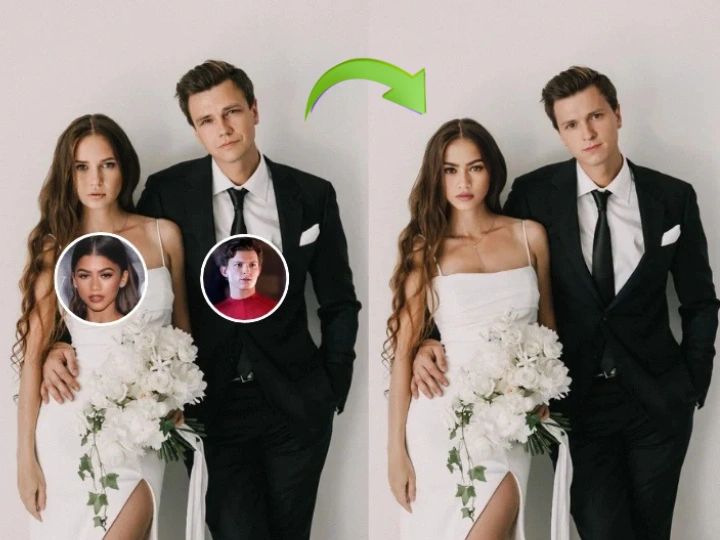
Swap Multiple Faces in One Photo Instantly
VidpexAI allows you to swap multiple faces in one photo with a single AI process. Instead of editing each face separately, the system automatically detects every person in the image and performs a seamless multi face swap across the entire photo. This is especially useful for editing group portraits, team photos or event pictures where several faces need to be replaced at once.
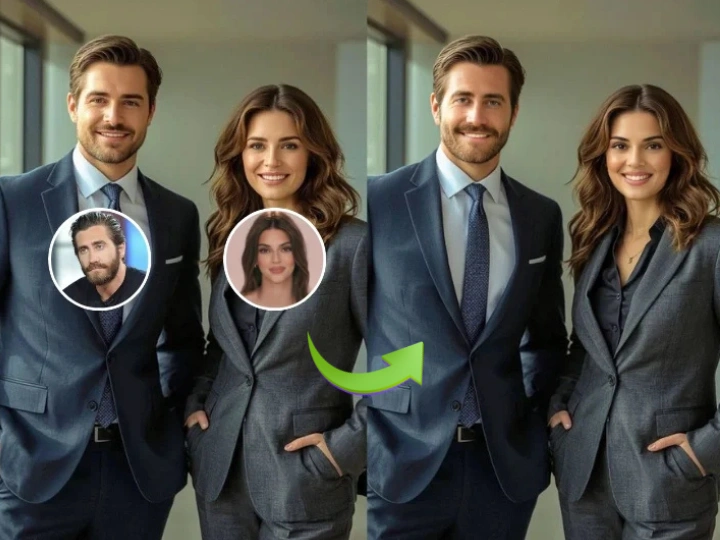
Create Fun Group Photo Face Swap Edits
Group photos are one of the most popular use cases for group photo face swap. With VidpexAI, you can replace faces in family photos, friend selfies or party pictures to create entertaining edits. The AI maintains facial proportions and lighting so the final face swap group photo looks natural rather than artificially edited.
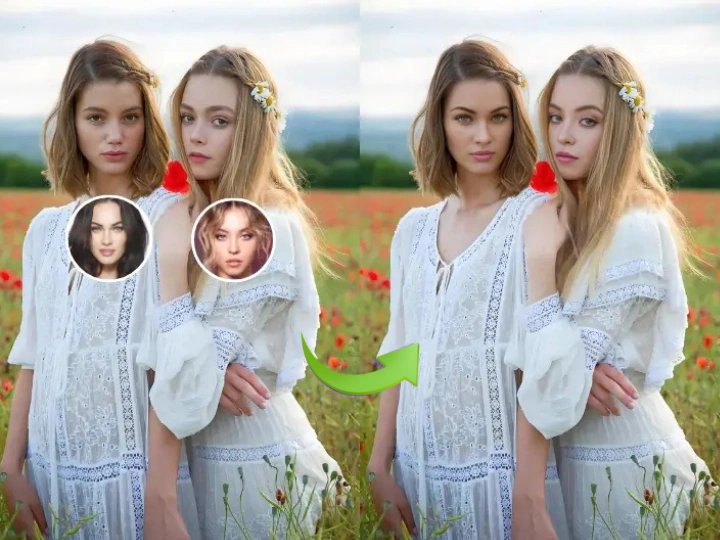
Exchange Faces Between Two Photos
VidpexAI also supports swapping faces between different images. You can face swap two photos or perform a two picture face swap by uploading two separate images and letting the AI exchange faces automatically. This is commonly used for creative edits, parody images or experimenting with different looks in portrait photos.
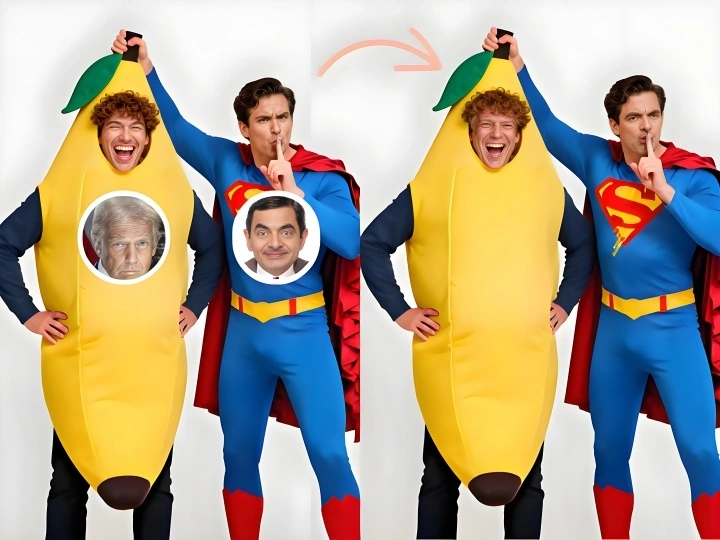
Replace Faces Across Multiple Pictures
For creative image editing projects, VidpexAI can face swap multiple pictures and apply different faces across a single composition. Whether you want to group photo face replace for design concepts or test variations in visual storytelling, the multiple photo face swap engine blends facial features and angles for realistic results.
Who is VidpexAI’s Multiple Photo Face Swap for?
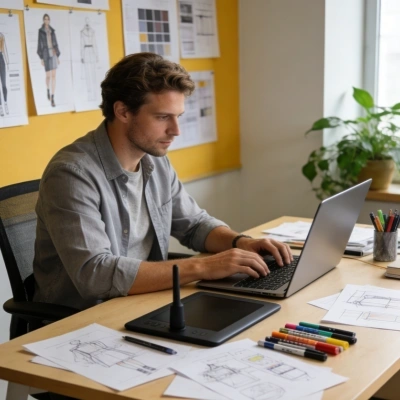
Content Creators & Meme Makers
Create entertaining swap multiple faces edits and viral group photo memes for social media content.
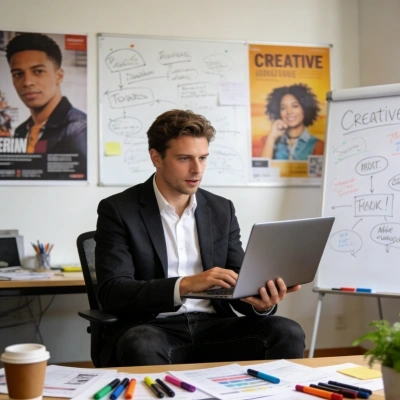
Graphic Designers & Digital Artists
Use face swap multiple pictures technology to experiment with creative visuals, concept art or design mockups.

Social Media Users & Enthusiasts
Easily perform face swap two photos or generate fun multiple photo face swap free edits for personal images and shareable posts.
Why Choose VidpexAI’s Multiple Photo Face Swap?
AI Accurate Multi Face Detection
VidpexAI uses intelligent facial recognition to detect and map every face in a group image. This allows the system to perform a precise face swap multiple faces process, generating consistent results even in complex group face swap scenarios.
Fast Multiple Face Swap Online
Unlike traditional editors that require manual layer adjustments, VidpexAI enables multiple face swap online free for group photos directly in your browser. Simply upload your images and generate a complete multi face swap result in seconds.
Natural Results Across Group Photos
The AI engine analyzes facial angles, skin tone and lighting conditions before performing the swap. This ensures the final group photo face swap or 2 image face swap blends naturally into the original picture, producing realistic edits suitable for social media or creative projects.