
Create native 4K stills from text prompt or up to 16 reference images. MiniMax H3 Image AI model handles text to image and image to image with sharp, crop-ready detail.
MiniMax H3 AI Image Generator Free Online
Create a native 4K product still, a poster with readable text prompts or a scene assembled from up to 16 reference images. VidpexAI runs the official MiniMax H3 image AI generator in the browser for text to image and multi image editing. Crop it for an ad, a thumbnail or a layout, and the fine detail stays in the frame.
Key Features of MiniMax H3 Image
Native 4K Without an Upscaler: MiniMax H3 Image renders about 16 megapixels natively, including a 4096 by 4096 frame. You can crop a poster or product shot and still keep texture that a typical 1K or 2K export loses.
Up to 16 Reference Images: One MiniMax H3 image edit accepts 1 to 16 reference images, and the prompt assigns a job to image 1 and image 2. You can hold a person, a product, and a place where a single-image editor needs another pass.
Text to Image and Image Edit: Generation and editing share one MiniMax H3 image checkpoint, so a prompt creates a scene and references turn that same model into an edit. You can move from a blank brief to a controlled revision without a second image model.
Six-Step Sampling and Highspeed: The checkpoint is distilled to 6 sampling steps, and MiniMax reports a 4096 by 4096 image in under 10 seconds. Highspeed mode keeps the same limits and is published at 3 to 4 times mainstream speed.
Strongest Open-Weight Prompt: MiniMax describes H3 Image as the strongest instruction following among open-weight image models. You can set counts, positions, and the parts that must stay still, and the result tracks that brief more closely than a loose style line.
What is MiniMax H3 Image?
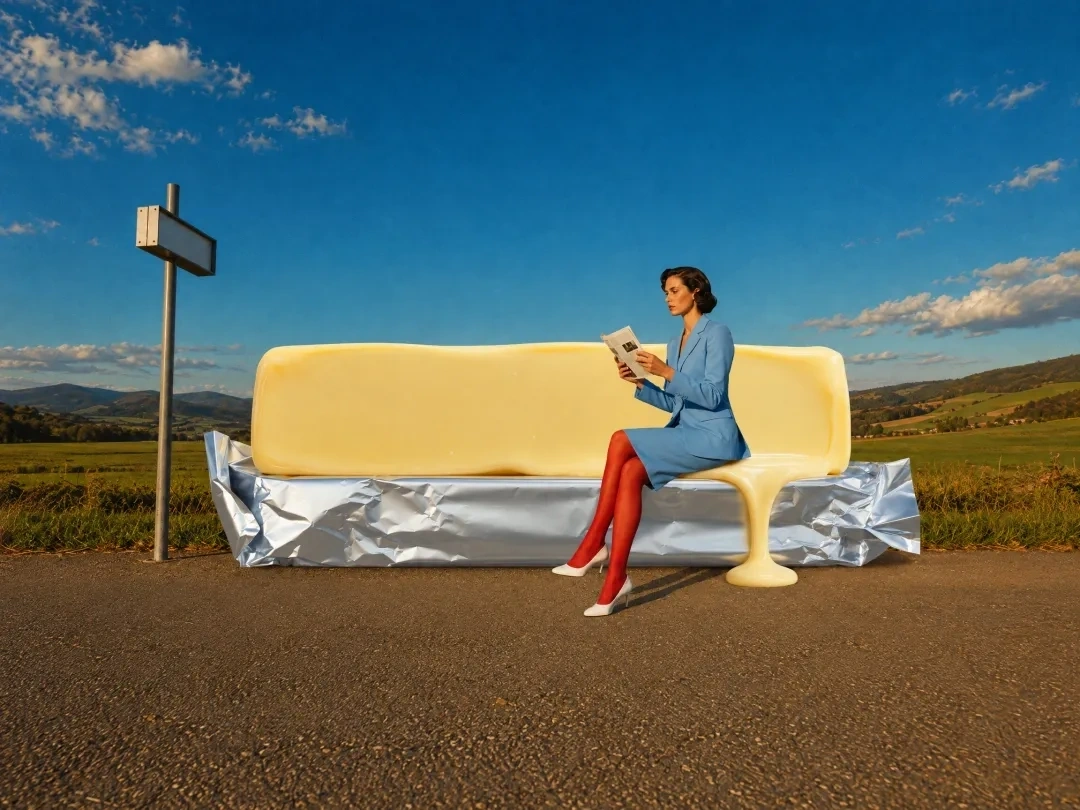
MiniMax H3 image is the open-weight image model MiniMax released in November 2026 as part of the H3 family, with text to image and image editing in one checkpoint. Prompt enhancement turns a short brief into a detailed scene description, then the model samples in 6 steps and decodes a native image of about 16 megapixels, inside an official range that reaches 20 megapixels. VidpexAI serves this published MiniMax H3 image AI model, so the page uses the same generator MiniMax documents for its API.
How Does VidpexAI's MiniMax H3 Image Work?
Step 1. Add a prompt or references
Start with text to image by describing the subject, the layout, and the light. For a MiniMax H3 image edit, upload 1 to 16 reference images in the order you will name them, then give image 1 and image 2 a clear job.
Step 2. Generate the MiniMax H3 image
The MiniMax H3 image model accepts an aspect ratio and a 1K, 2K, or 4K area, with 4K as the published default. A short prompt is expanded before sampling, and image edits always use that enhancement.
Step 3. Preview and download
Compare the product, the small type, and the frame edges with your brief. Download the JPEG, PNG, or WebP, and send that still back as a reference when you want another MiniMax H3 image edit.
What You Can Do with VidpexAI's MiniMax H3 Image?
Product Campaign Stills with MiniMax H3 Image Model
Use text to image for a packshot, a material study, or a campaign frame that puts glass, fabric, and metal in the same light. MiniMax H3 Image holds the product large in the frame and keeps surface detail at native 4K. A brand team can review the still before booking another studio day.
MiniMax H3 Image Posters With Readable Type
Brief a poster, a menu, or a simple interface, and place the exact wording, its size relationship, and its position in the prompt. This MiniMax H3 AI image maker is aimed at dense layouts, and public examples include readable English and Chinese lettering. Read the smallest lines before the file goes to print.
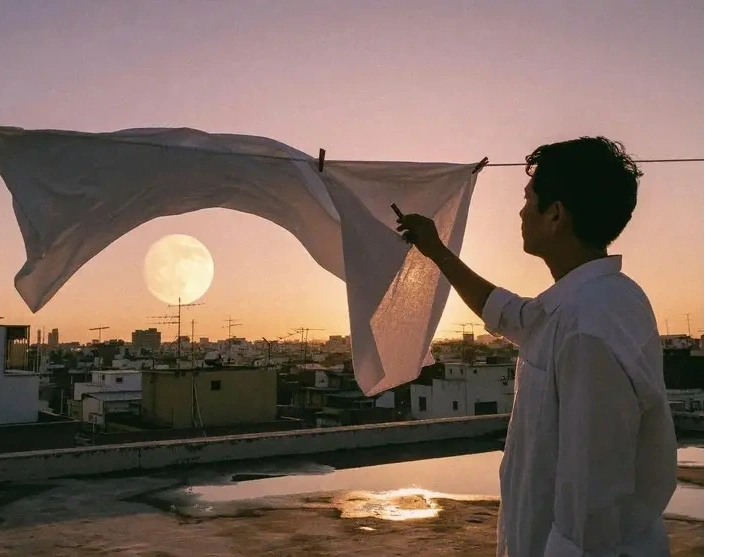
Generate Image Scenes From Many References
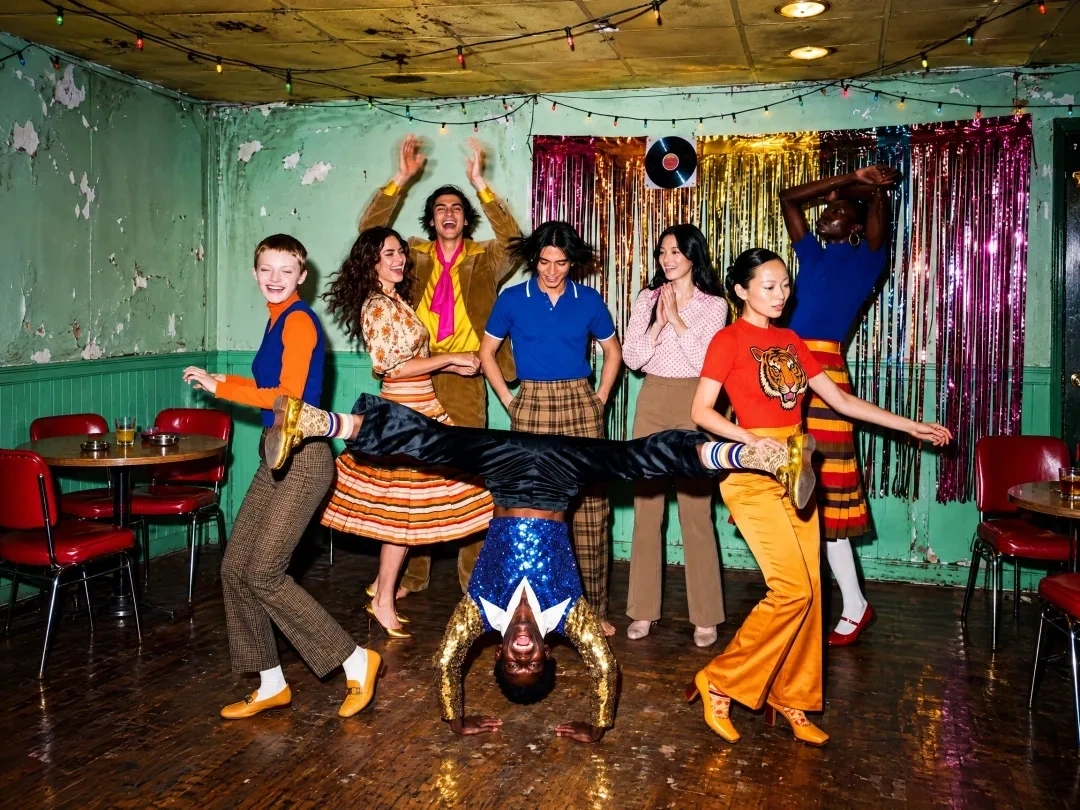
Combine multiple reference images when the person, the clothing, the product, and the location begin as separate files. Name them in upload order and state what each one contributes, using up to 16 reference images in one edit. That single scene is the image to image path on this model.
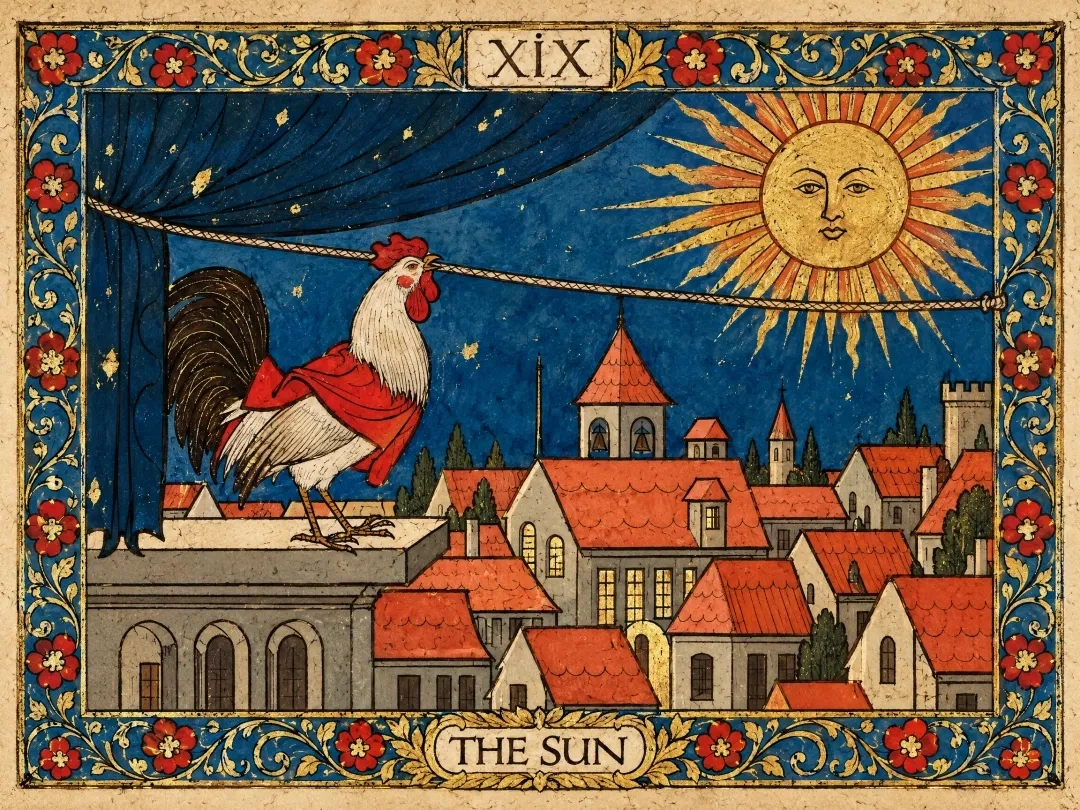
MiniMax H3 Image Concept Frames and Key Art
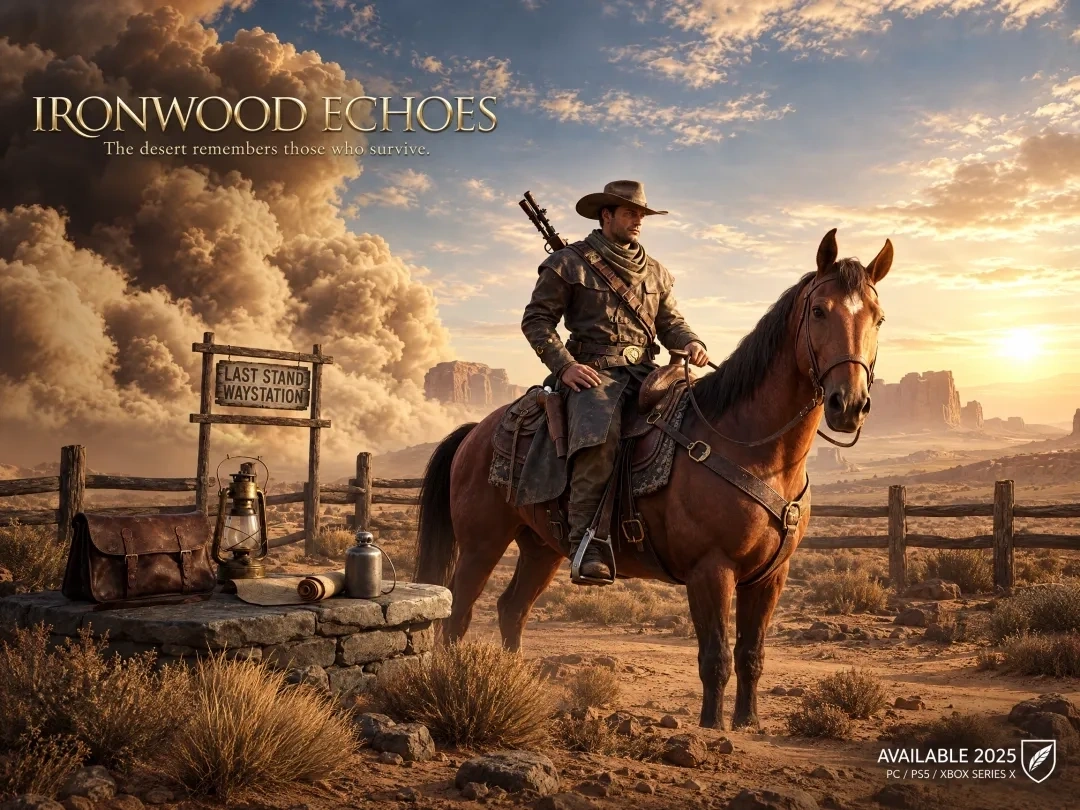
Explore an environment, a prop, or a character sheet from a written brief or from one portrait reference. Public examples include a game view rebuilt from a map, a lunar-base film still, and a room assembled from many furniture photos. An art team can lock the frame before painting the final board.
Who is VidpexAI's MiniMax H3 Image Model for?
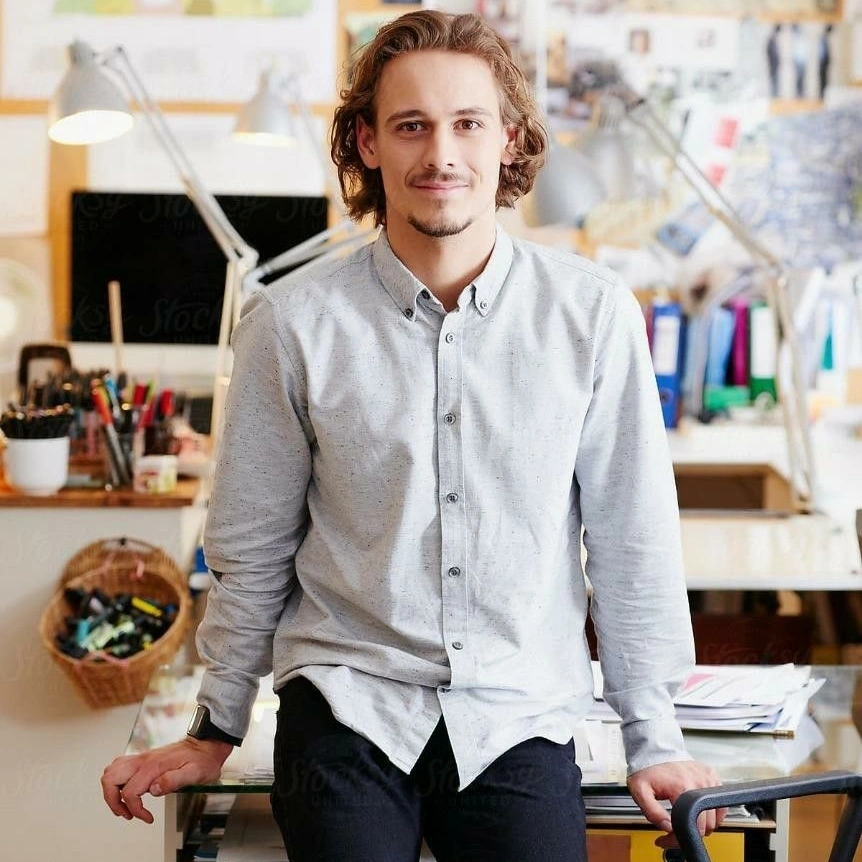
Ecommerce and Brand Designers
A reshoot slips in when a label, a colorway, or a background changes after the studio day. MiniMax H3 Image lets you rebuild the product scene from references and keep a native 4K file for the campaign crop.
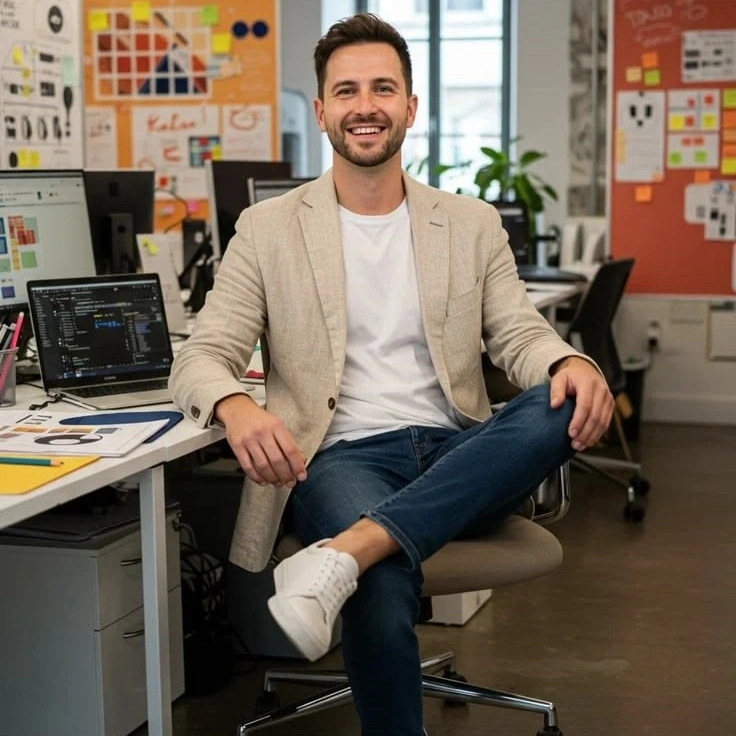
Concept Artists and Art Directors
Early boards stall when one prompt cannot hold a character, a prop, and a place at the same time. Multiple reference images add that control, and the same MiniMax H3 AI image creator can still start from text alone.

Marketing and Content Teams
Channel sizes change faster than a design queue can redraw every poster. Generate one sharp master still, then crop it for a story, a wide banner, or a thumbnail.