
Create New Scenes with Free Kling 3.0 Motion Control
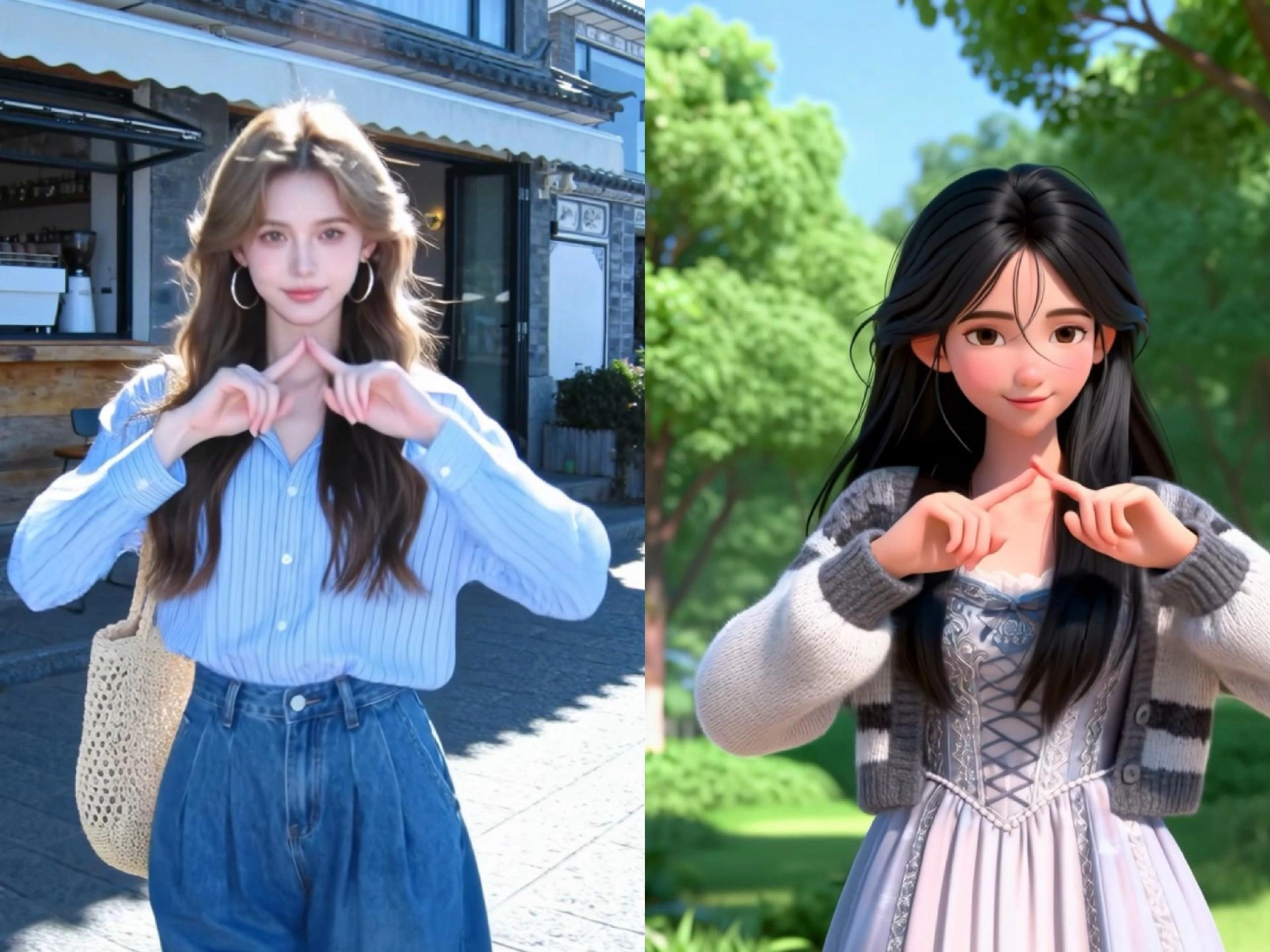
Kling V3.0 motion control enables precise control of a character's movements and facial expressions based on a reference image. Preserve character identity and create cinematic, production-ready visuals. The motion can be extracted from an uploaded video or selected directly from the motion library. The result is a character video with accurately controlled actions and expressions.
Key Features of Kling V3 Motion Control
Precise Motion Transfer: Captures detailed limb angles, gestures, and facial expressions from the source video and applies them to the character.
Character Identity Preservation: Maintains consistent facial features and clothing, even through rapid or complex movements.
Advanced Camera Controls: Features options to match or synchronize camera movements from the reference video, including pan, zoom and tilt.
Flexible Input Methods: Allows for either uploading a custom reference video (3-30 seconds) or selecting motion templates from an built-in library.
Multi-Modal Support: Works on portraits, full-body shots, illustrations and 3D characters.
What is VidpexAI's Kling V3 Motion Control?
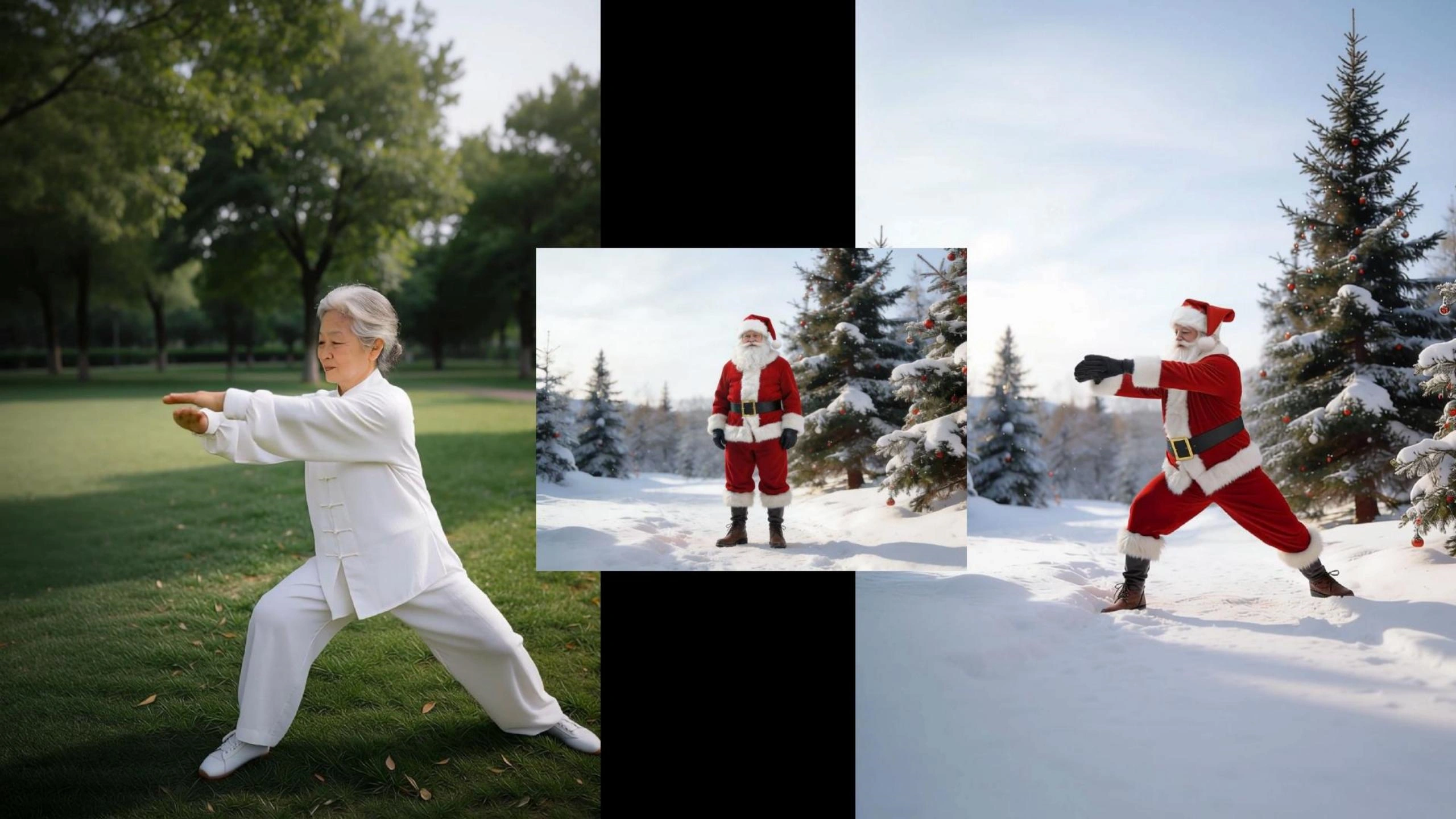
Kling V3 motion control is a powerful AI feature, available on Kling AI, that allows users to transfer precise movements and expressions from a reference video onto a static target image. It provides high-fidelity character animation, maintaining facial consistency and structural integrity over 30-second videos, ideal for dance, gestures and cinematic scenes.
How Does VidpexAI’s Kling V3 Motion Control Work?
Step 1. Upload Your Source Video or Image
Start by uploading your base content and a reference motion clip. The Kling V3 motion control system uses this input to understand movement patterns for accurate motion transfer AI.
Step 2. Apply Precision Motion Control Settings
Select or fine-tune motion parameters with AI motion control video generator tools. The Kling v3.0 engine enables precise motion mapping, allowing smooth AI video motion control and realistic animation alignment.
Step 3. Generate & Export Controlled Motion Video
Click generate to produce your final video with seamless motion control AI video output. Download or share instantly, powered by optimized AI motion control video generator online performance.
What You Can Do with VidpexAI’s Kling V3 Motion Control?
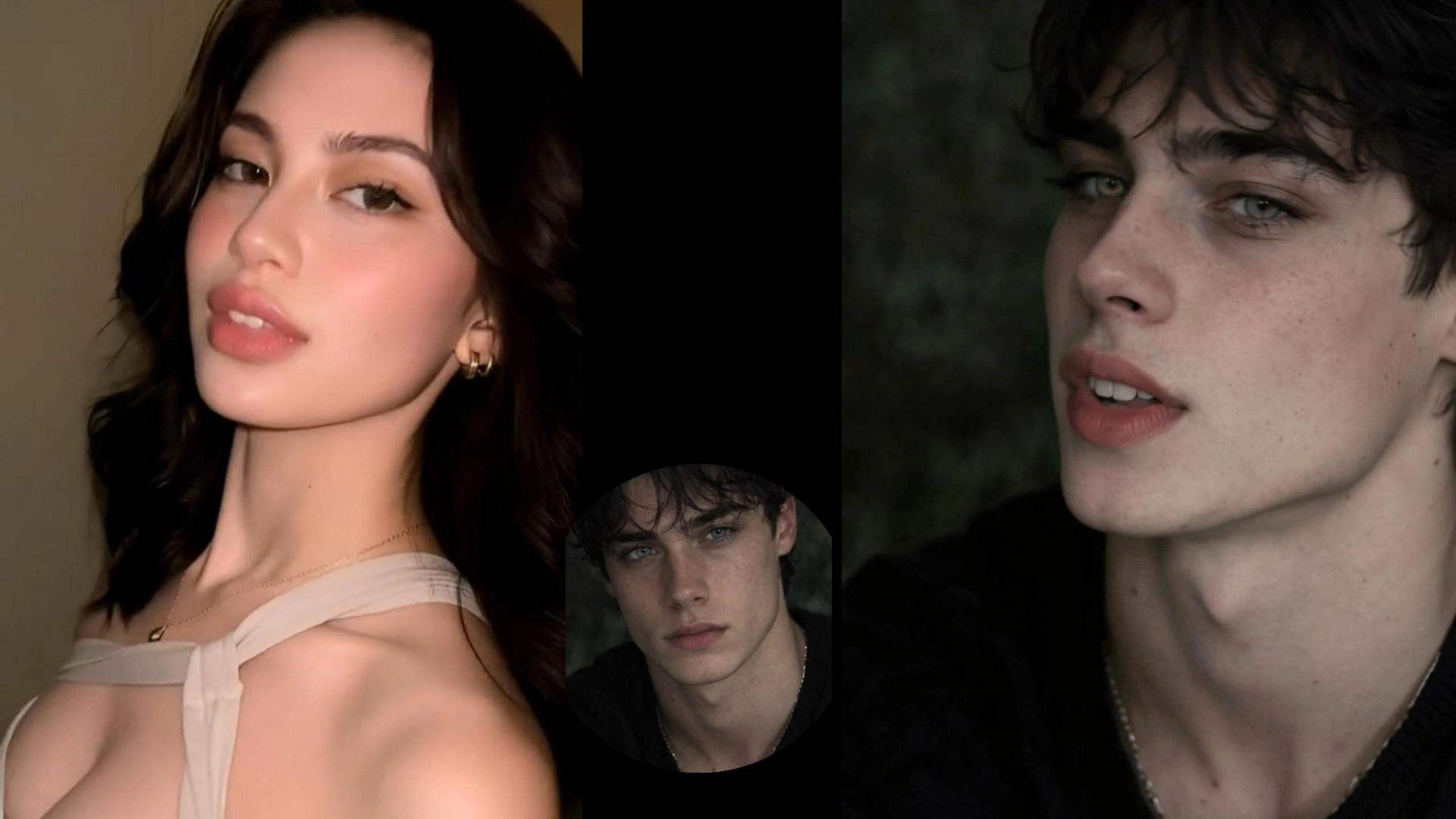
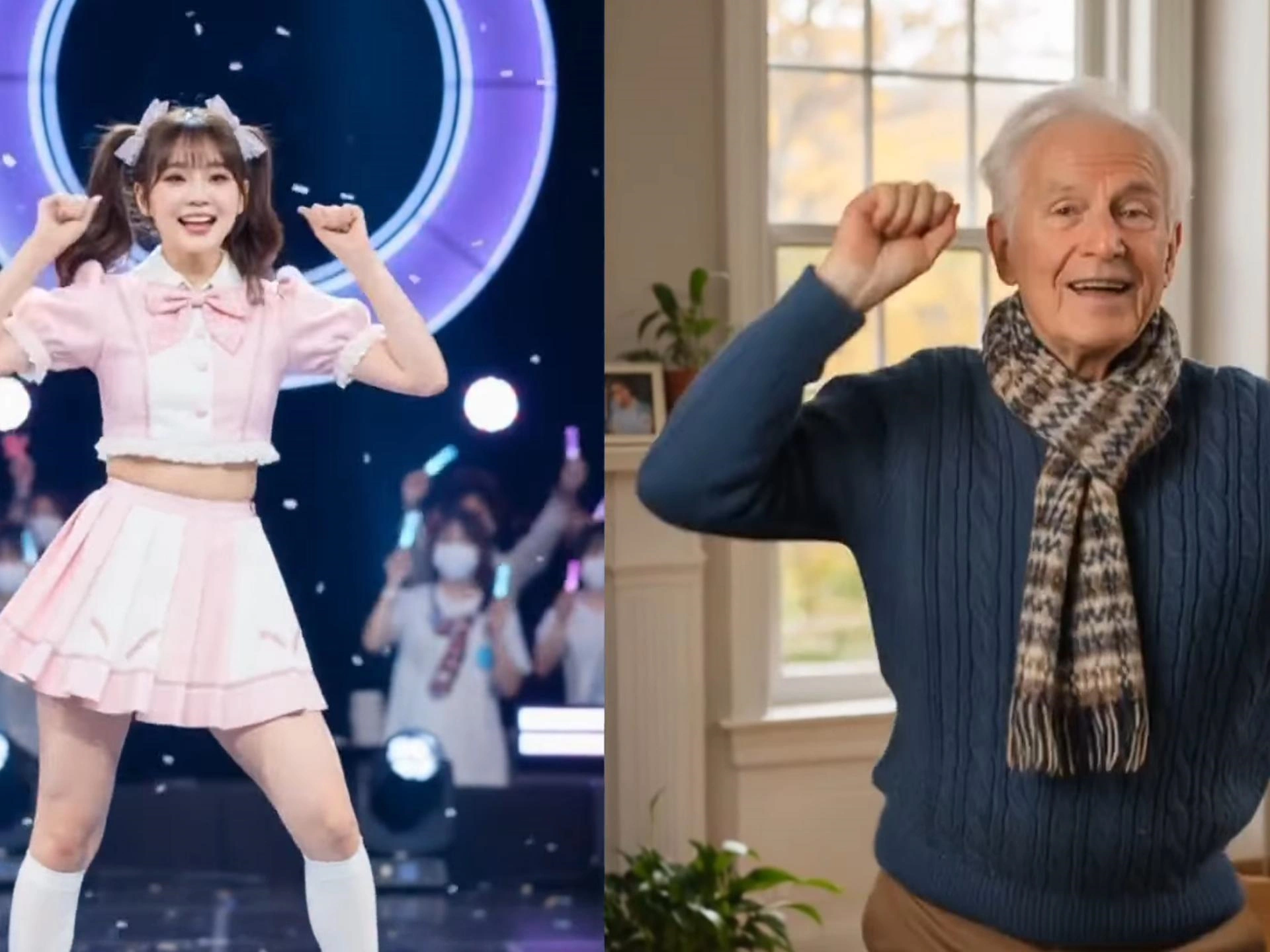
Viral Dance Motion Control with Kling V3.0 Engine
Use Kling V3 motion control to transfer trending dance moves directly into your videos with high-precision motion mapping. Whether you’re creating TikTok-style clips or short-form content, this AI motion control video generator lets you replicate choreography onto any character or subject, making it ideal for producing viral-ready dance videos with smooth, natural movement.
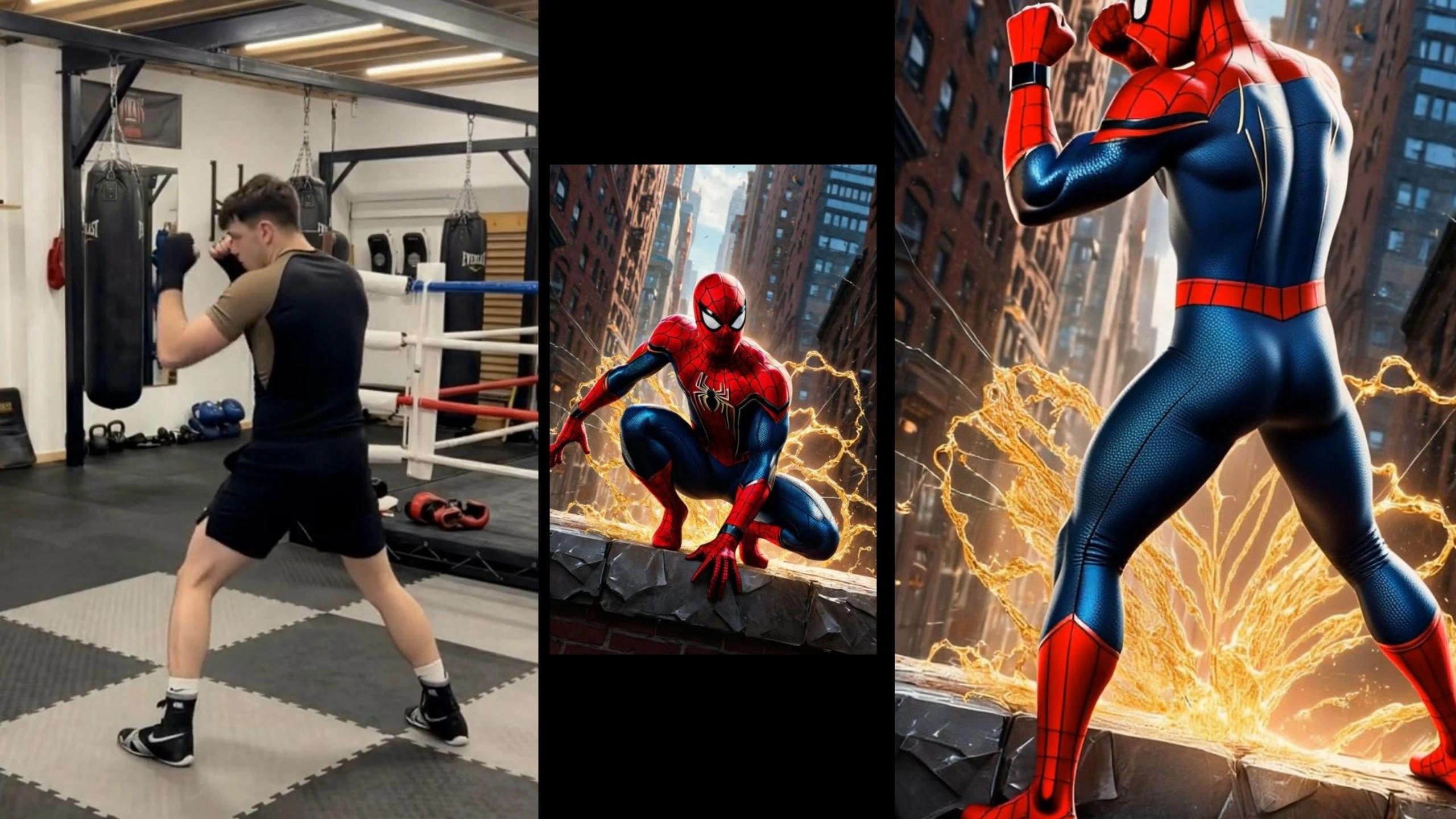
Precision Yoga & Fitness Motion Transfer
Apply motion transfer AI to accurately recreate structured body movements like yoga flows, workouts, or guided training sequences. With the Kling v3.0 engine, you can generate consistent, frame-by-frame motion alignment, making it perfect for instructional fitness videos or wellness content that requires stable and realistic motion control AI output.
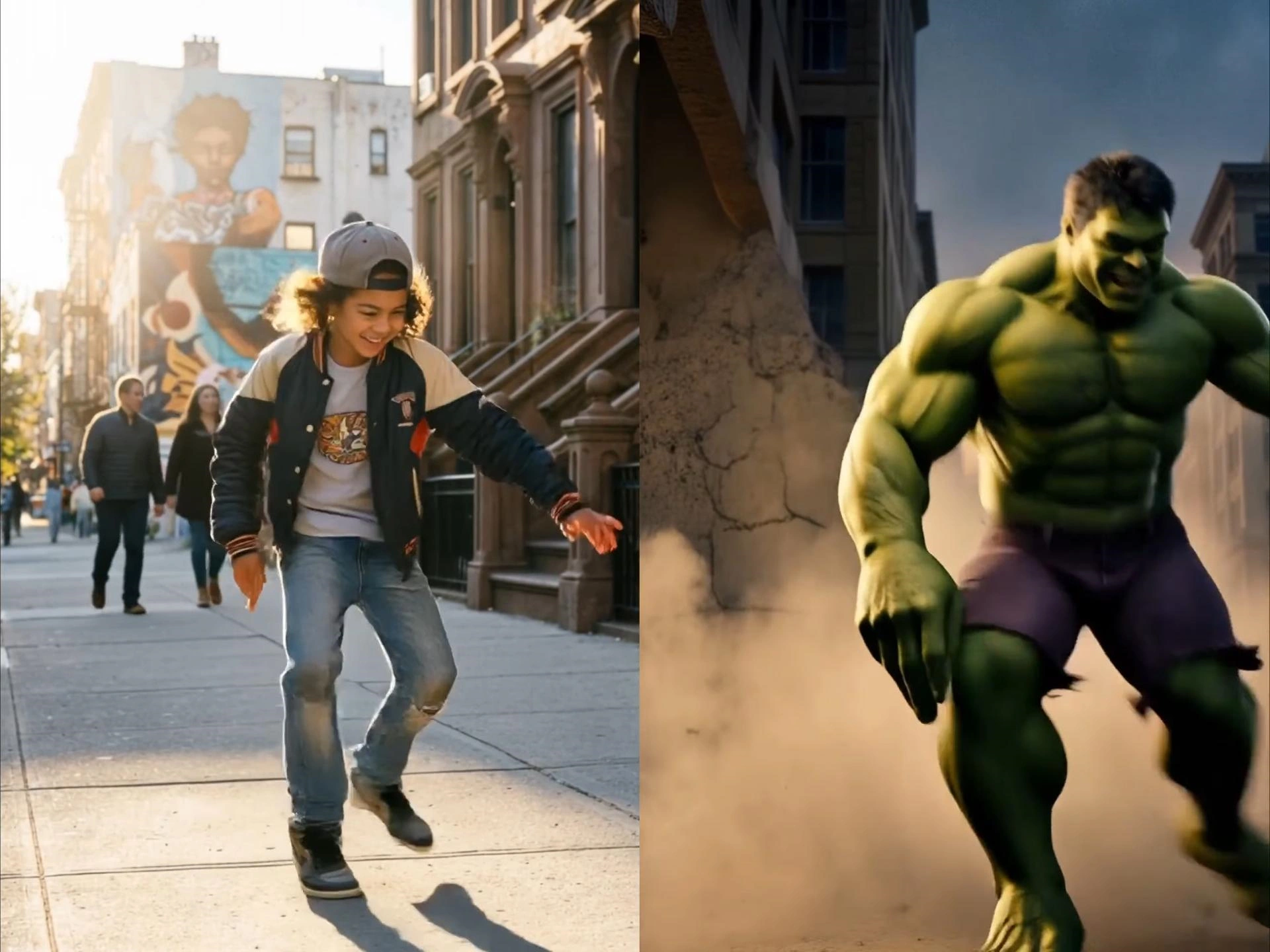
Cinematic Action & Kung Fu Animation
Bring high-impact scenes to life using AI video motion control for action choreography. From martial arts sequences to cinematic fight scenes, this motion control AI video generator online allows you to simulate complex body dynamics and powerful gestures, enabling creators to produce dramatic, story-driven visuals without traditional filming.
Character Animation with Real Motion Data
Transform static characters into lifelike performers using precision motion transfer powered by kling AI motion control. Ideal for storytelling, branded content, or animation workflows, this free motion control AI video generator helps you animate avatars or digital characters with real human motion, creating engaging and scalable video content for multiple platforms.
Who is VidpexAI’s Kling V3 Motion Control for?
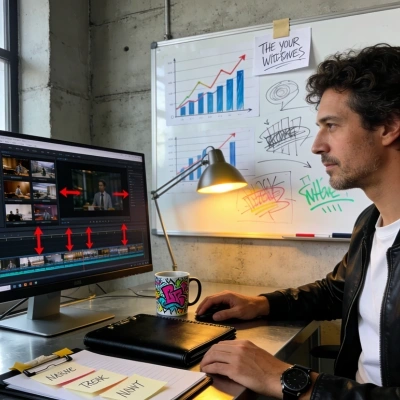
Content Creators & Influencers
Create viral-ready clips using AI motion control video generator tools for dance, memes, and social content.
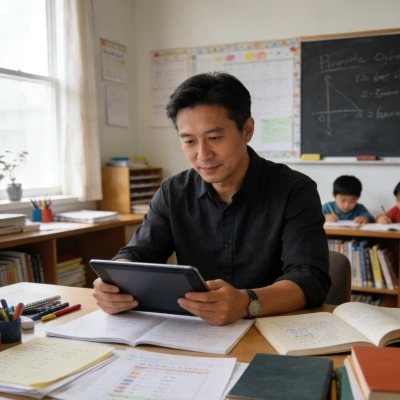
Fitness & Training Content Makers
Use motion transfer AI to produce accurate yoga, workout, and instructional videos with consistent motion output.
Animators & Digital Storytellers
Leverage Kling V3 motion control to animate characters and build cinematic scenes with realistic motion behavior.