
संगीत वीडियो जनरेटर मुफ्त ऑनलाइन
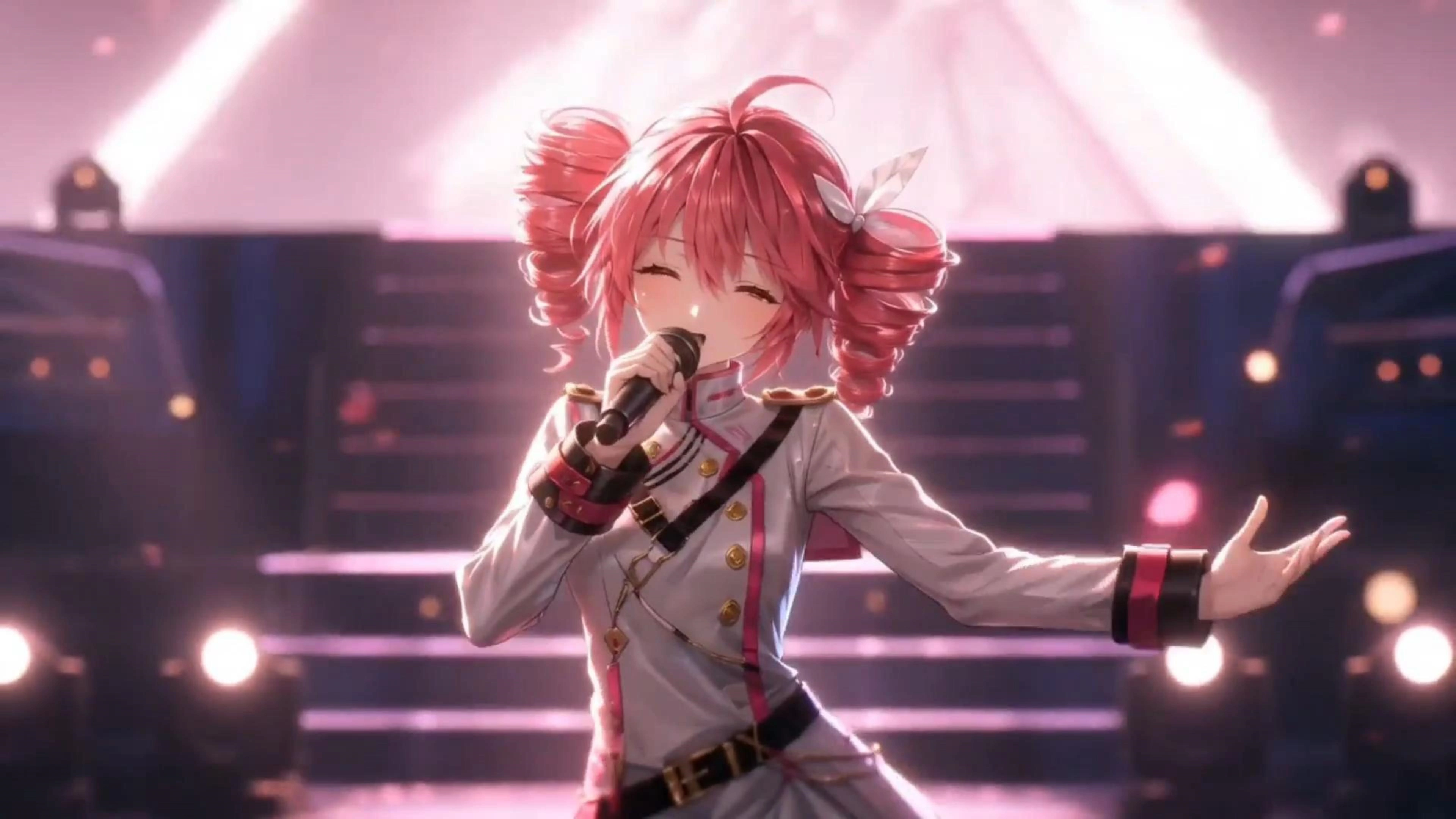
ट्रैक मिश्रित और महारत हासिल है, और दृश्य अभी भी एक खाली YouTube थंबनेल हैं। Vitpexai आपको तीन मार्ग देता हैः एक चित्र अपलोड करें और नई संगीत वीडियो जनरेटर को होंठ सिंक में पूरे गीत गाने के लिए, एक कहानी-संचालित कट के लिए मॉडल संदर्भ चित्र प्लस लिखित दृश्य नोट्स दें, या एक कलाकृति छोड़ दें और स्क्रीन पर अपने गीत शीर्षक के साथ एक साफ रिलीज दृश्य प्राप्त करें। ऑडियो आठ मिनट तक चलता है, इसलिए आप एक टीज़र को ट्रिमिंग के बजाय पूरा गाना अपलोड करें। ब्राउज़र में शुरू करने के लिए स्वतंत्र, कोई संपादन समयरेखा नहीं है।
विप्पेक्साई संगीत वीडियो जनरेटर क्या है?
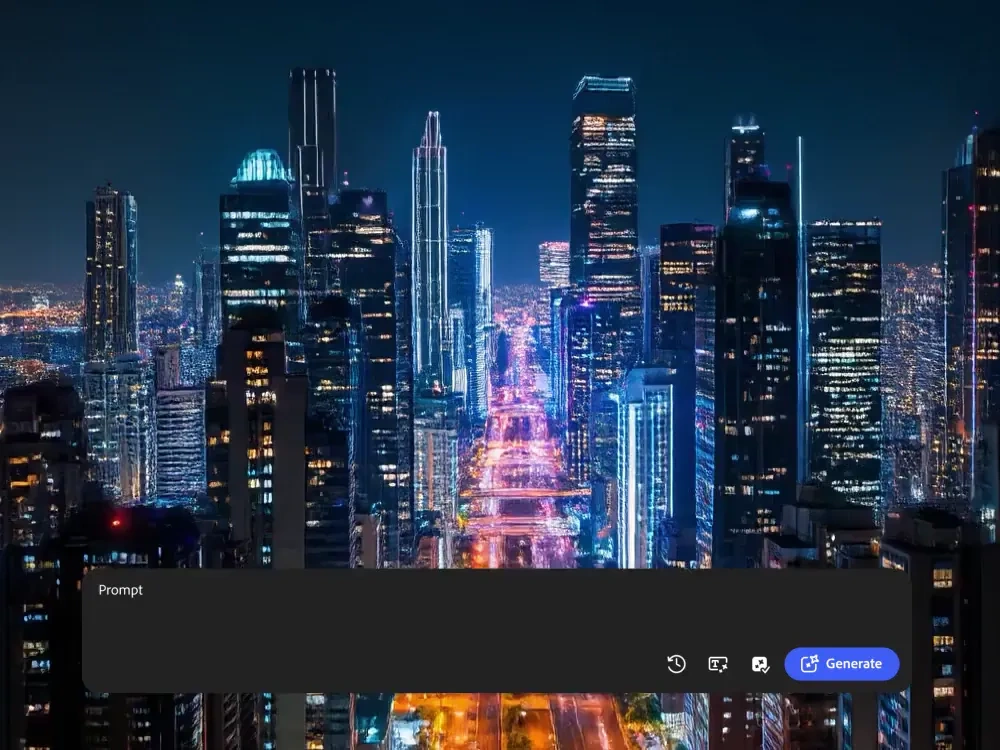
Vidpexai Music वीडियो जनरेटर एक तीन-मोड वीडियो स्टूडियो है जो आपके द्वारा अपलोड की गई एक ऑडियो फ़ाइल के आसपास दृश्यों का निर्माण करता है, प्रत्येक मोड एक अलग इनपुट लेता है ताकि आप एक वर्कफ़्लो में मजबूर न हों। गायन वीडियो एक व्यक्ति का ऊपरी-शरीर का एक स्पष्ट ऊपरी-शरीर का चित्र लेता है और गायन के साथ सिंक में प्रदर्शन को दर्शाता है। कहानी संगीत वीडियो ट्रैक प्लस को नौ संदर्भ छवियों और आपके लिखित दृश्य विवरण तक ले जाता है, फिर गीत को खंडों में तोड़ता है और उन्हें एक कथा के रूप में चरण देता है। फोटो संगीत वीडियो एक एकल अभी भी छवि लेता है, गति और एक वैकल्पिक गीत नाम कार्ड जोड़ता है, और एक रिलीज-तैयार दृश्य प्रस्तुत करता है। ऑडियो mp3, wav, ogg और m4a को 50mb और 8 मिनट तक स्वीकार करता है, यही कारण है कि पूर्ण-लंबाई अपलोड करता है। यह वीडियो निर्माता पूरी तरह से ब्राउज़र में चलता है और शुरू करने के लिए स्वतंत्र है।
विप्पेक्साई संगीत वीडियो जनरेटर कैसे काम करता है?
चरण 1: अपनी संपत्ति से मेल खाता है
अच्छा चित्र है? गाने का वीडियो चुनें। एक अवधारणा और कुछ दृश्य संदर्भ हैं? संगीत वीडियो चुनें। केवल कवर कला है? फोटो संगीत वीडियो चुनें। आप जिस मोड का चयन करते हैं वह तय करता है कि ai संगीत वीडियो निर्माता अगले के लिए क्या पूछता है, इसलिए कुछ भी नहीं बचा है।
चरण 2: ऑडियो, फिर छवियों या दृश्य नोट्स अपलोड करें
एक mp3, wav, gug या m4a फ़ाइल को 50mb और 8 मिनट लंबे समय तक छोड़ दें। गायन मोड फ्रेम में एक व्यक्ति के साथ एक स्पष्ट ऊपरी शरीर का चित्र चाहता है। कहानी मोड शून्य से नौ संदर्भ छवियों और मुफ्त पाठ दृश्य विवरण स्वीकार करता है। फोटो मोड एक jpg, jpg, pg, png या webp को 20mb तक स्वीकार करता है, साथ ही स्क्रीन पर प्रदर्शित करने के लिए एक वैकल्पिक गीत नाम है।
चरण 3: अपने प्लेटफॉर्म के लिए उत्पादन, समीक्षा, निर्यात करें
मॉडल रेंडरिंग से पहले गीत संरचना का विश्लेषण करता है, इसलिए मनमाने अंतराल के बजाय खंड परिवर्तन पर भूमि को काट देता है। परिणाम का पूर्वावलोकन करें, दृश्य नोट्स को समायोजित करें या एक संदर्भ छवि को स्वैप करें, फिर अपने मंच की आवश्यकता वाले अनुपात में निर्यात करें। पूर्वावलोकन शुरू करने के लिए स्वतंत्र हैं; भुगतान किए गए क्रेडिट अनलॉक पूर्ण-लंबाई रेंडर और स्वच्छ डाउनलोड.
आप विप्पेक्साई संगीत वीडियो जनरेटर के साथ क्या कर सकते हैं?

पूरे गीत का एक चित्र बनाएं
आपने वोकल रिकॉर्ड किया, लेकिन कभी खुद को फिल्म नहीं करना चाहते थे। गायन वीडियो एक एकल स्पष्ट ऊपरी शरीर का चित्र लेता है और मुंह के आकार, जबड़े की गति और माइक्रो-अभिव्यक्तियों को ड्राइव करता है, यही कारण है कि निर्धारण नियम मायने रखता हैः एक व्यक्ति, चेहरे से अनब्लॉक, कंधे पर परिणाम एक प्रदर्शन क्लिप के रूप में एक प्रदर्शन क्लिप के रूप में पढ़ता है, और यह छह-सेकंड लूप के बजाय एक पूर्ण कविता और कोरस के पार रहता है।
संदर्भ छवियों के साथ एक कहानी संगीत वीडियो
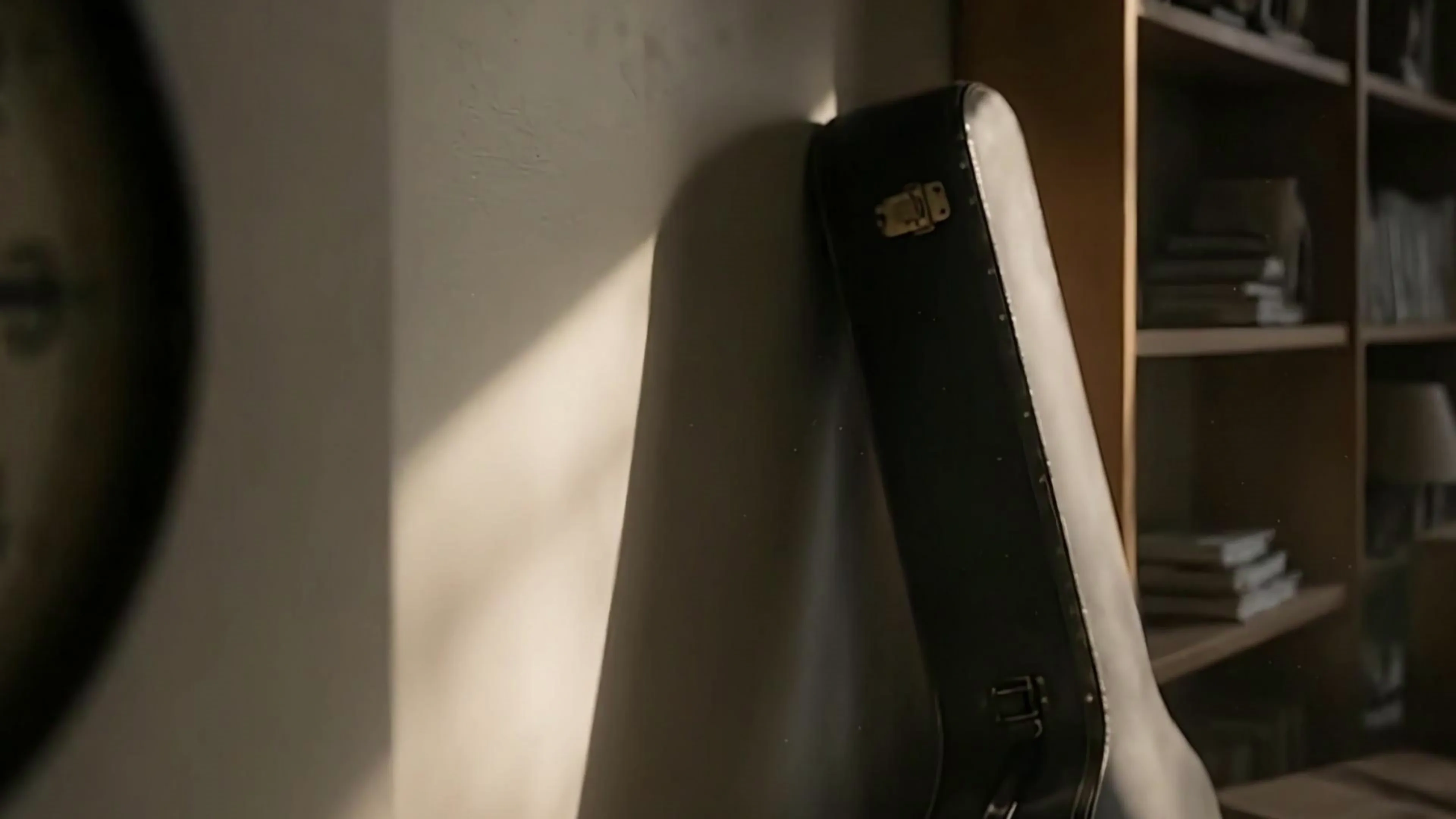
यह तब के लिए मोड है जब गीत पहले से ही आपके सिर में एक दुनिया हैः एक रात ड्राइव, बस स्टॉप पर एक ब्रेकअप, एक विजय मोंटेज सादे भाषा में दृश्य लिखें और चरित्र, अलमारी या स्थान को पिन करने के लिए नौ संदर्भ छवियों तक संलग्न करें, और मॉडल अपने नोट्स को आयत, कोरस और पुल सीमाओं पर मैप करता है। क्योंकि प्रत्येक शॉट का संदर्भ स्थिति, एक ही चेहरा और सेटिंग क्लिप के बीच बहाव के बजाय पहले खंड से अंतिम तक जीवित रहता है।
एक दृश्य और एक mp3 को एक रिलीज दृश्य में बदल दें
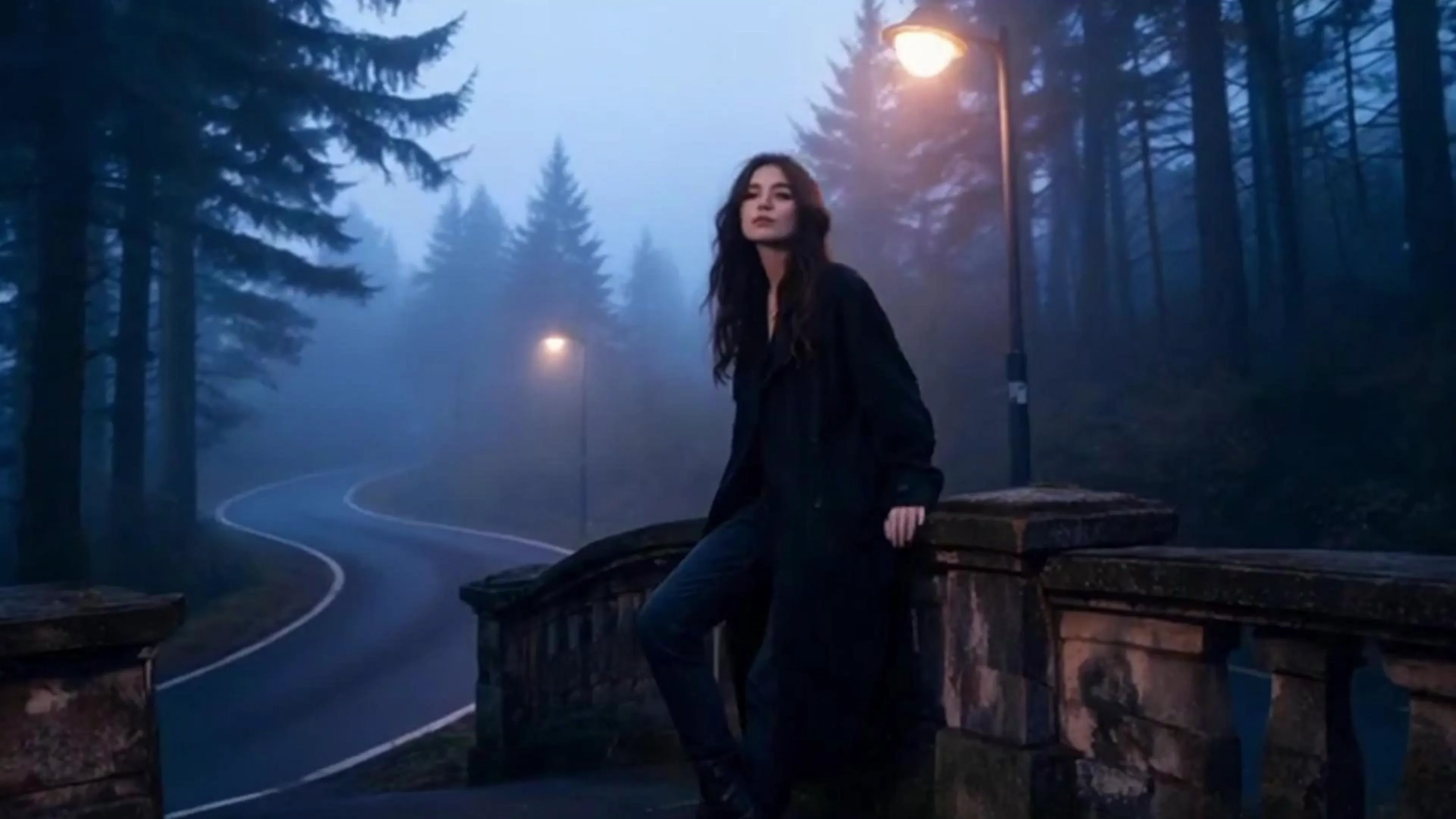
वितरण की समय सीमा का इंतजार नहीं करते हैं। फोटो संगीत वीडियो एक jpg, png या 20mb तक ले जाता है, प्रतिबंधित कैमरा गति और प्रकाश प्रतिक्रिया जोड़ता है, इसलिए अभी भी कला को गर्म किए बिना सांस लेता है। और शीर्षक कार्ड के रूप में फ्रेम पर अपना नाम जला दें। यह संगीत से इस ई वीडियो जनरेटर में सबसे तेज़ लेन है, और कैनवास शैली लूप, YouTube फुल-गीत अपलोड और घोषणा पोस्ट को स्पॉटिफाई करने के लिए सामान्य विकल्प है।
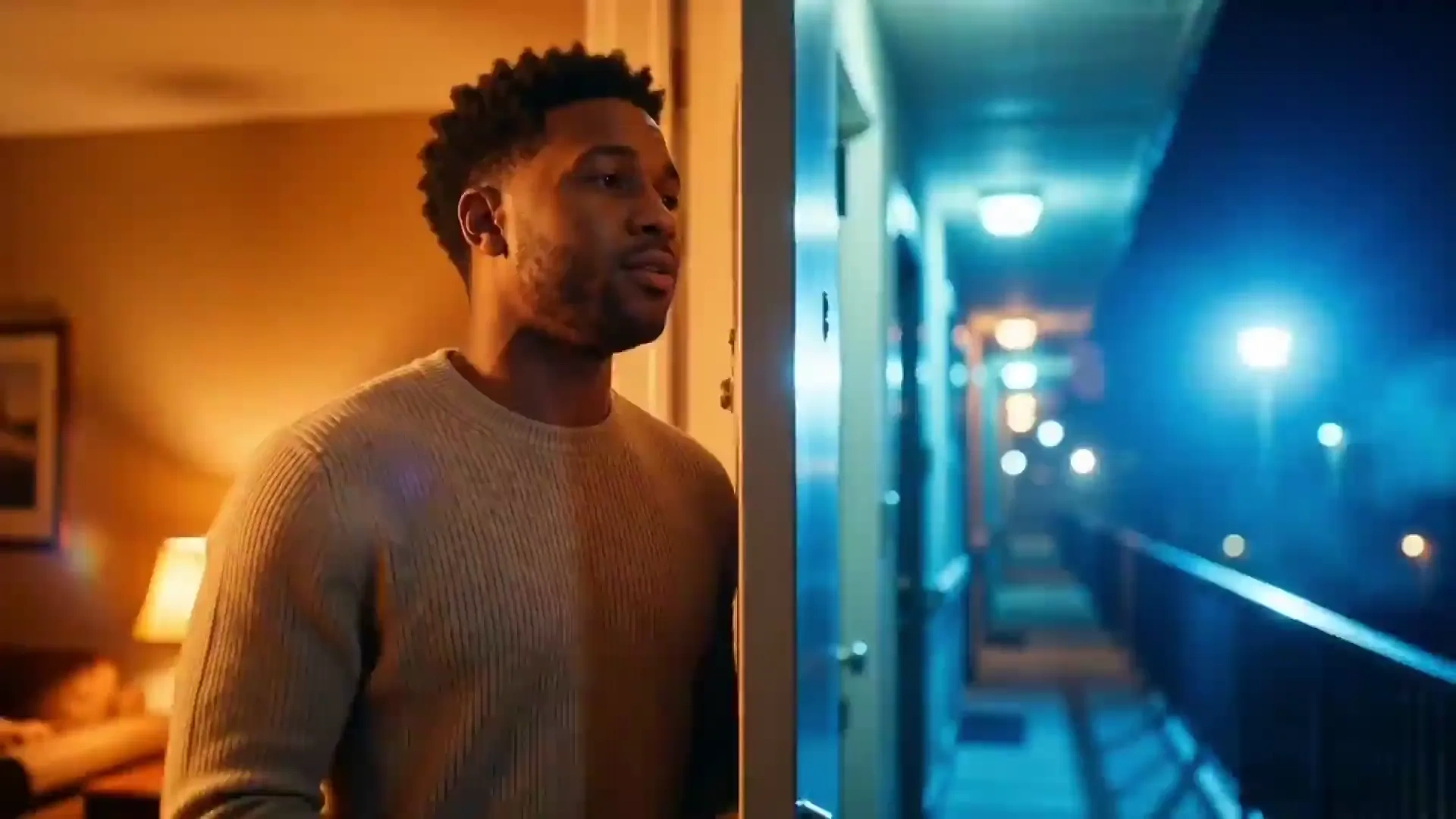
एक ट्रैक से पूर्ण लंबाई कट और छोटे हुक
आठ मिनट की छत का मतलब है कि एल्बम पूरे YouTube पर करीब जाता है, न कि एक टीज़र में कटा हुआ है। लंबे संस्करण को एक बार प्रस्तुत करें, फिर कोरस को शॉर्ट्स, रील्स और टिक्टोक के लिए एक ऊर्ध्वाधर क्लिप के रूप में खींचें। निर्माता जो साप्ताहिक रूप से एक ही संदर्भ छवियों और दृश्य नोट्स का पुनः उपयोग करते हैं, इसलिए एपिसोड 9 ऐसा लगता है जैसे यह एपिसोड एक ही दृश्य पहचान से आया है।
विप्पेक्साई संगीत वीडियो जनरेटर कौन है?
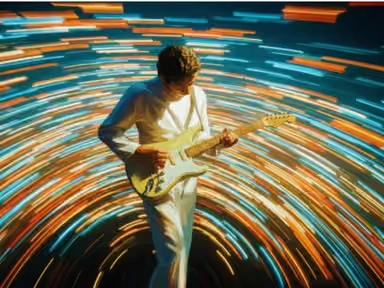
स्वतंत्र कलाकार और बेडरूम के निर्माता
रिलीज के दिन को एक दृश्य की आवश्यकता होती है, और एक भी चालक दल को नियुक्त करना नहीं होता है। फोटो मोड में कलाकृति लूप शामिल है, गायन मोड प्रदर्शन क्लिप को कवर करता है, और दोनों पहले से ही आपके डेस्कटॉप पर बैठे फाइलों से आते हैं।
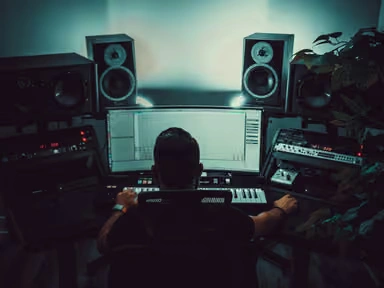
लघु रूप निर्माता और गीत चैनल
साप्ताहिक अपलोड धीमी पाइपलाइनों को दंडित करता है। एक अपलोड से लंबे कट और ऊर्ध्वाधर हुक उत्पन्न करने से अनुसूची को जीवित रखता है, और पुनः प्रयोज्य दृश्य नोट्स चैनल को पांच अलग-अलग शो की तरह दिखने से रोक देते हैं।
टीम, इवेंट होस्ट और व्यक्तिगत परियोजनाएं
ब्रांड जिंगल्स, शादी के पहले नृत्य संपादन, श्रद्धांजलि वीडियो और कक्षा के गीत कहानी मोड कथा को संभालता है, और संदर्भ चित्र लोगों और स्थानों को वीडियो में देखने वाले लोगों को पसंद करते हैं।
विप्पेक्साई संगीत वीडियो जनरेटर क्यों चुनें?
3 तरीके जो आप पहले से ही चुने गए हैं
अधिकांश उपकरण एक पाइप लाइन प्रदान करते हैं और आशा करते हैं कि आपकी संपत्ति इसे फिट करते हैं। यहाँ मोड निर्णय हैः एक चित्र वीडियो गायन के लिए जाता है, एक अवधारणा प्लस संदर्भ कहानी में जाता है, एक एकल कलाकृति फोटो के लिए जाता है। कम बर्बाद रेंडर, क्रेडिट खर्च करने से पहले स्पष्ट उम्मीदें
पूरे गाने के लिए तैयार, साठ सेकंड के लिए नहीं
ऑडियो समर्थन mp3, wav, ogg और m4a में 8 मिनट और 50mb तक पहुंच जाता है, और मॉडल गीत संरचना पढ़ता है, इसलिए खंड परिवर्तन पर भूमि. यह एक पूर्ण-लंबाई अपलोड और एक क्लिप के बीच अंतर है जिसे आपको विवरण बॉक्स में समझाने की आवश्यकता है।
टाइमलाइन संपादक के बिना
नौ संदर्भ चित्र लॉक वर्ण, वार्डरोब और स्थान तक, जबकि लिखित दृश्य नोट कथा और एक वैकल्पिक गीत नाम कार्ड हैंडल पर-स्क्रीन टाइपोग्राफी को चलाते हैं। आप कीबोर्ड के बजाय विवरण के माध्यम से रचनात्मक नियंत्रण प्राप्त करते हैं, जो पहली बार उपयोगकर्ताओं को फ्रेम-बाय-फ्रेम संपादन से बाहर रखता है।