
Animated educational video maker free online, AI turn slides, photos and notes into animated lessons, teaching clips and explainers for teachers, students and L&D.
Gallery
Animated Educational Video Maker Online Free
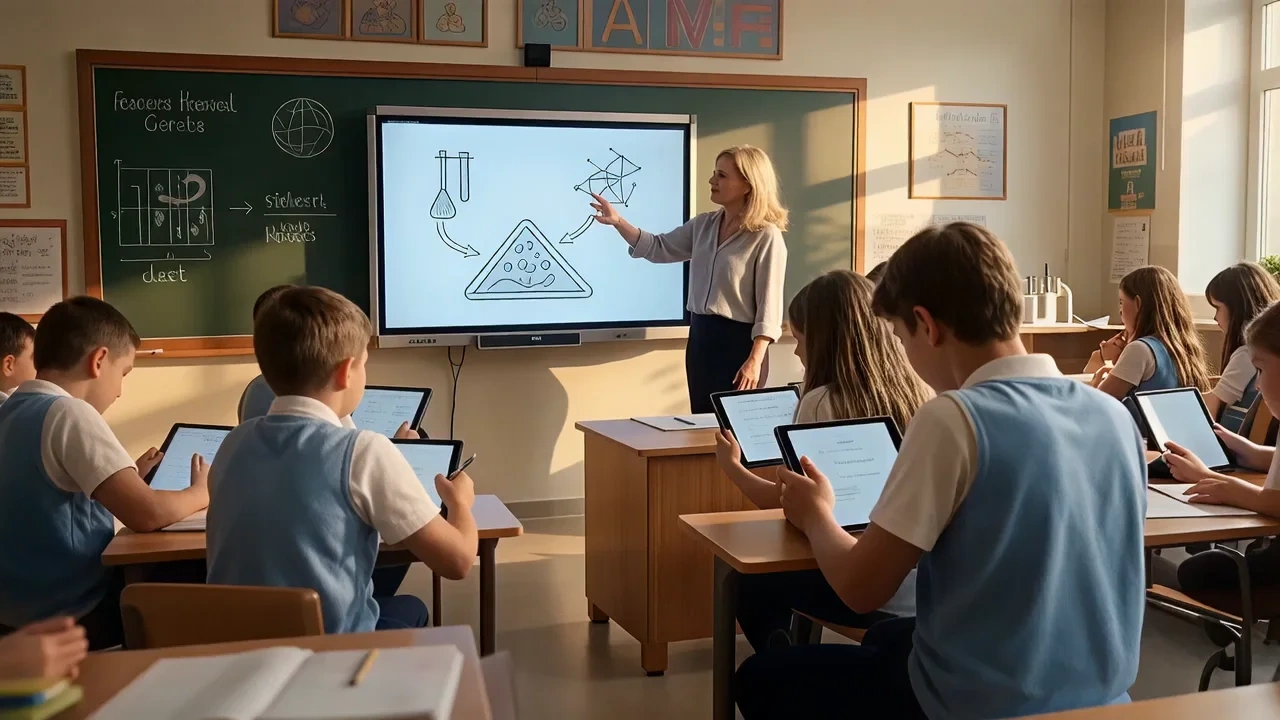
Educational video maker for teachers, trainers and students who start with real classroom assets, not blank timelines. Upload slide exports, whiteboard photos or lab stills and get motion, captions and chapter-friendly pacing tuned for lessons and micro-units. It runs as an educational video maker online with a free educational video maker tier, educational video maker app style controls in the browser and optional HD export when you upgrade. Create lesson clips, teaching videos and AI explainers from photos online.
What is VidpexAI's Educational Video Maker?
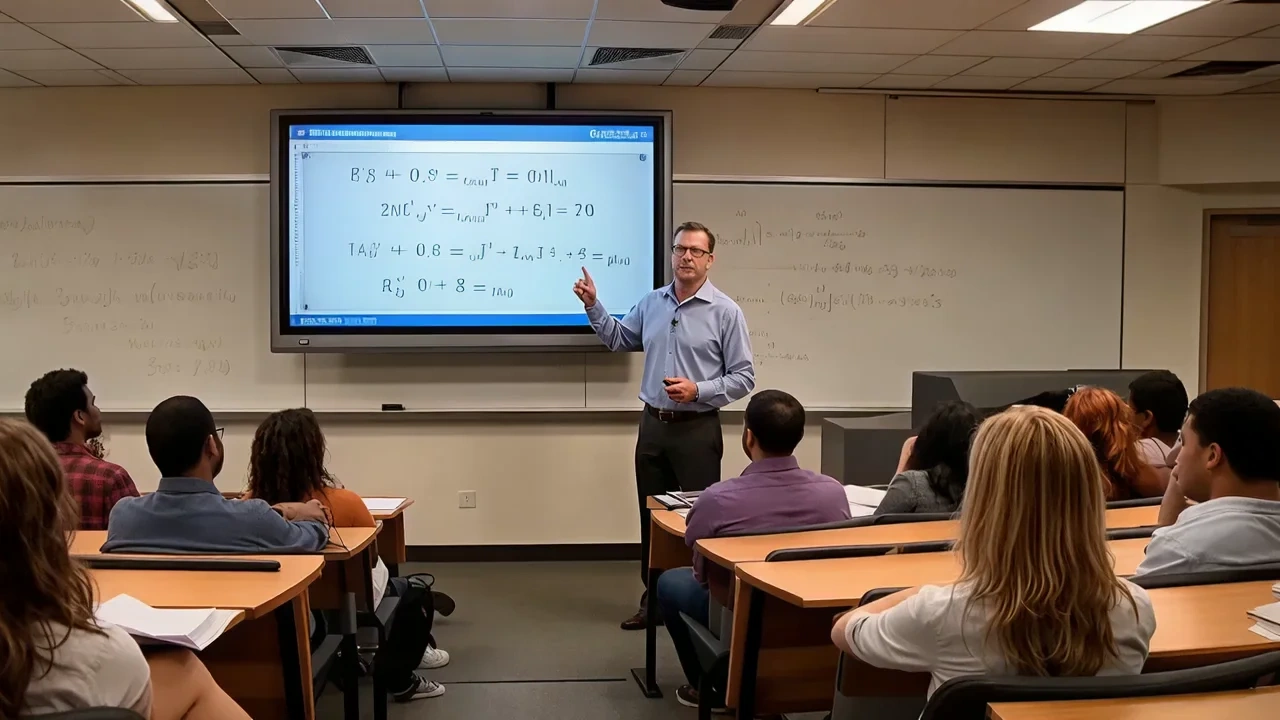
VidpexAI's educational video maker is an AI workspace that combines an educational video editor, instructional video maker and educational video creator in one browser tab. You bring lesson stills, diagram photos or PDF page grabs, and the educational video maker AI returns animated explainers with narration-ready caption tracks, gentle Ken Burns motion and quiz-friendly pause points. Teams comparing educational video maker software, best educational video maker lists or good editing software for YouTube-style explainers still use VidpexAI when the source material is photographic or slide-based rather than a blank prompt. The stack supports create educational videos with AI free previews, educational video maker free watermarked HD, educational video maker online autosave and educational video maker AI batching for departments. You can publish through an online teaching video maker workflow, build animated educational video maker chapters, or pair outputs with an interactive video maker for education review links. Unlike whiteboard-only tools some teams know from simpleshow video maker free for education trials, VidpexAI animates your existing visuals first, then lets you add voice, music and disclaimers you license separately.
How Does VidpexAI's Educational Video Maker Work?
Step 1: Upload Slides, Photos or Lesson Notes
Drag PNG, JPG, HEIC or short screen recordings into the educational video maker online workspace. The AI reads headings, diagrams and bullet lists, then routes assets into a video maker for education timeline with 16:9 classroom and 9:16 mobile crops for how to make teaching videos on mobile.
Step 2: Pick Lesson, Microlearning or Lab-Safety Templates
Choose teaching video maker layouts, education animation video maker motion, or instructional video maker chapter cards. VidpexAI suggests pacing, learning-objective callouts and optional knowledge-check pauses without forcing you through desktop NLE rabbit holes.
Step 3: Review, Export and Share to LMS or Classroom
Export MP4, grab captions for accessibility, and embed in your LMS or class site. Paid tiers document educational video maker app shortcuts and longer renders; free tiers stay honest about watermarks on create animated educational videos previews.
What You Can Do with VidpexAI's Educational Video Maker?
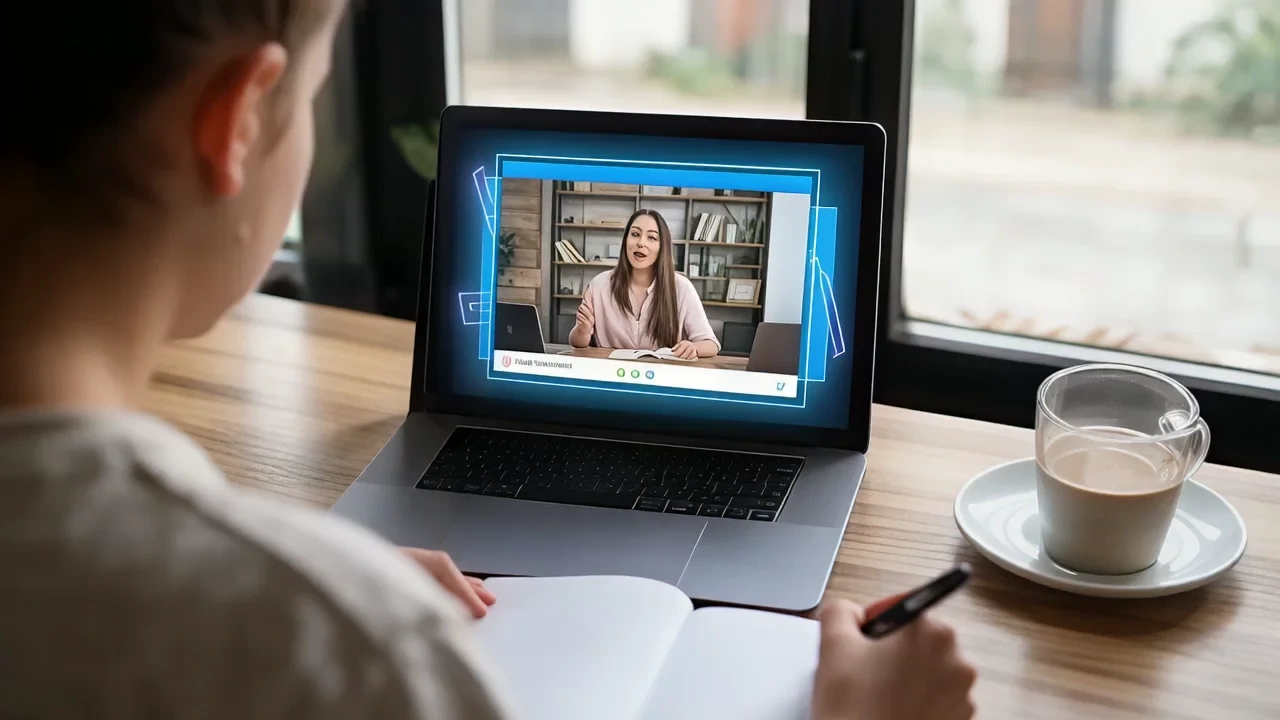
Animated Educational Video Maker
Turn static diagrams into motion-first explainers with callouts, step numbers and gentle zooms. The animated educational video maker free lane previews watermarked HD so you can validate pedagogy before you spend credits, while paid exports support create animated educational videos for full units.
Instructional Video Maker and Teaching Video Maker
Ship SOP walkthroughs, lab procedures and faculty enablement in one instructional video maker flow. The teaching video maker presets add chapter markers, sponsor-safe pauses and reusable intro cards so every module feels like the same course brand.
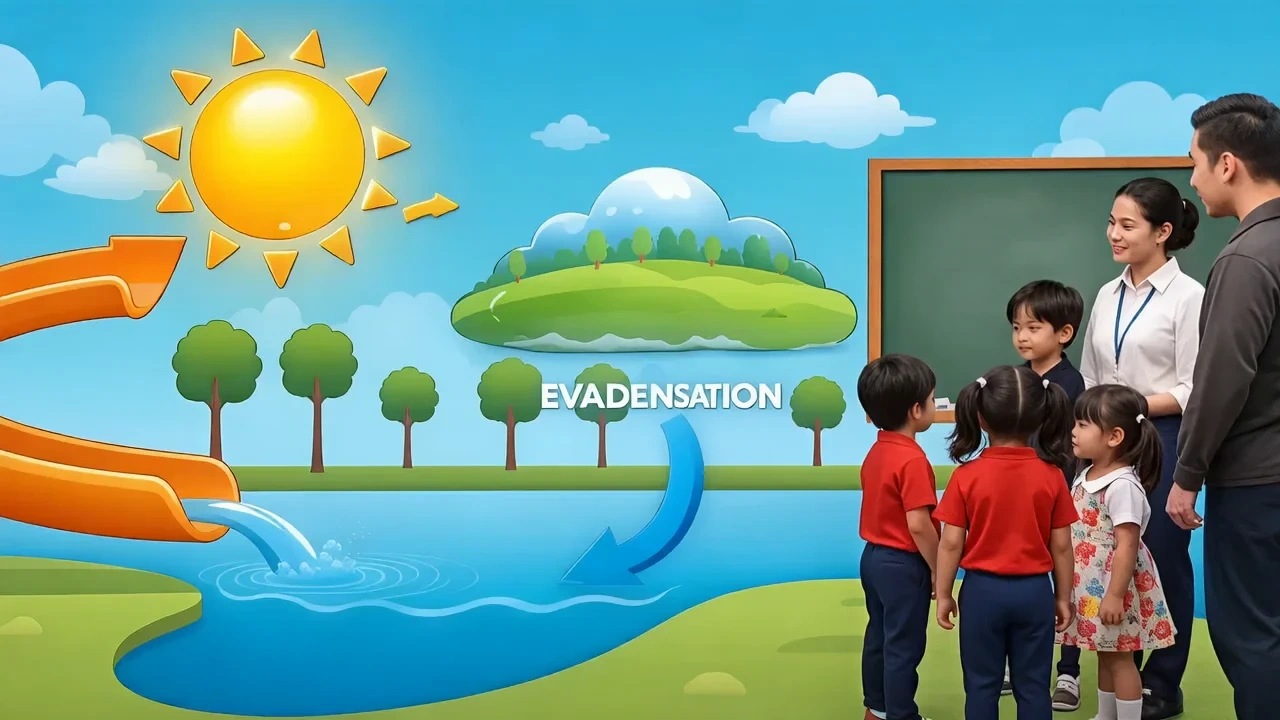
Interactive Video Maker for Education and Video Editor
Insert pause-and-reflect beats, on-screen prompts and optional quiz overlays for an interactive video maker for education review pass. The video editor for teachers lane keeps grade-level fonts readable, while video editor for students mode locks branding so learners focus on content, not filters.
Educational Video Maker for Students and Teachers
Give learners a browser-first video making websites for students experience without installing heavy suites. The video maker for students workflow respects school privacy toggles, while video maker for education admins can approve exports before they hit a public channel.
Who is VidpexAI's Educational Video Maker for?

K-12 Teachers and Higher-Ed Faculty
Educators who need an educational video editor that respects bell schedules. The educational video creator flow turns whiteboard photos and slide PDFs into flipped-class clips you can post before homeroom, with captions your accessibility office can audit.

Corporate L&D and Instructional Designers
Teams shipping onboarding, compliance refreshers and skills labs. VidpexAI complements prompt-first suites when your source of truth is still slide decks and photo documentation from the field, not a blank text box.

Students, Clubs and Campus Media Labs
Learners building portfolio explainers or club recap reels. A free educational video maker sandbox lets advisors review exports before publish, matching how video making websites for students should behave on shared school accounts.
Why Choose VidpexAI's Educational Video Maker?
Photo-First Pedagogy, Not Generic B-Roll
Models prioritize your diagrams, lab stills and worksheet photos before stock filler. That is why curriculum leads shortlist VidpexAI when they need an education animation video maker that honors existing materials instead of replacing them.
Free Online Tier with Clear School-Friendly Controls
The educational video maker free lane covers previews, autosave and role-based review links. Admins can tighten retention, disable public sharing by default and document who exported what, without forcing every teacher through a desktop install.
Accessible Outputs Teachers Can Defend
Caption tracks, contrast-safe text styles and chapter markers export alongside MP4 so accessibility reviewers see intent, not afterthoughts. You still choose licensed music and voice talent; VidpexAI does not claim affiliation with any LMS or publisher.