
AI Video Extender — Extend Video Length Free
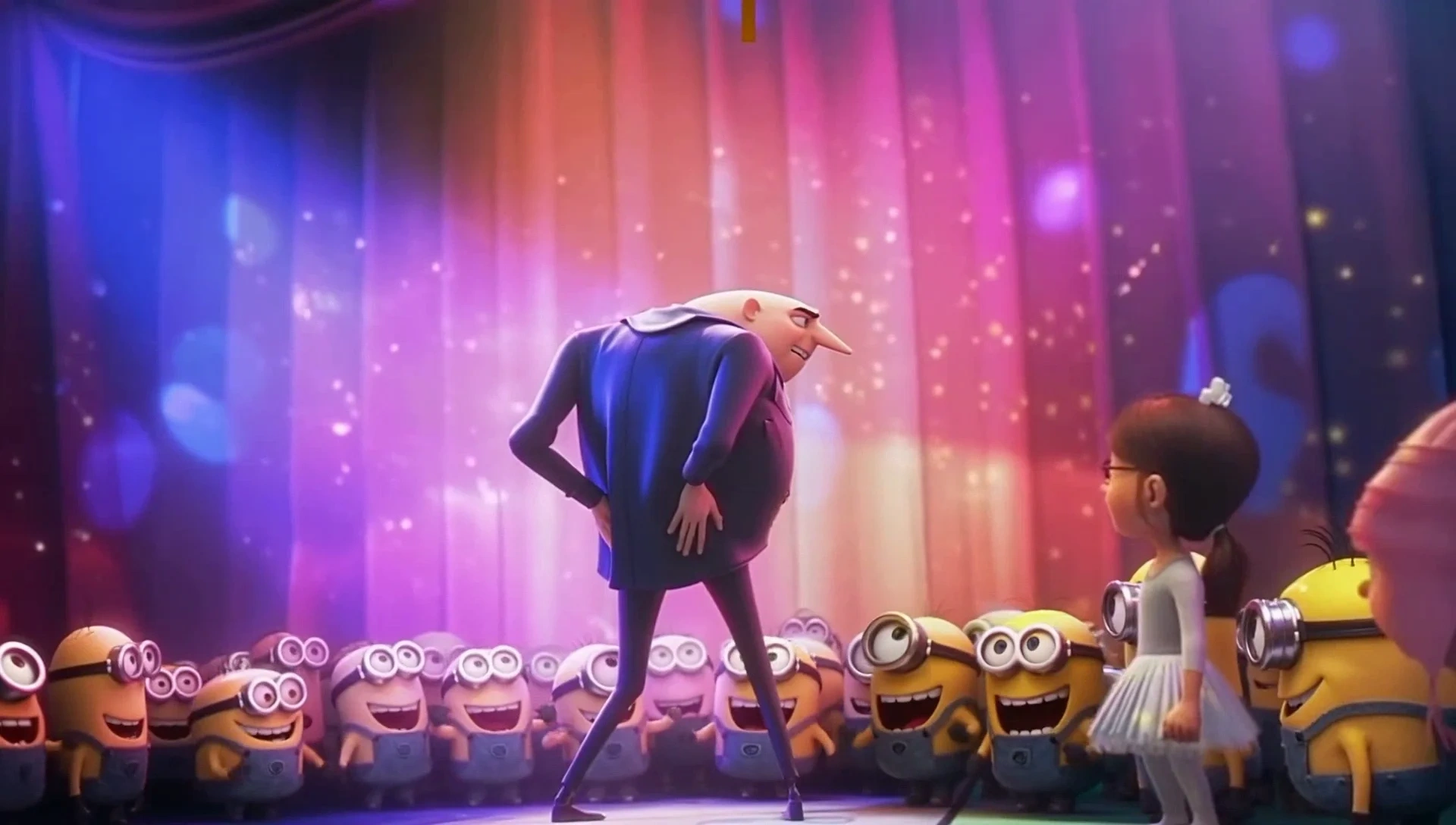
VidpexAI's AI video extender lets you extend video length, expand the background canvas and convert aspect ratios in one workflow. Upload any clip and the AI generates new frames that continue motion, lighting and style seamlessly — forward, backward or outward. It runs as an AI video extender online with a free AI video extender no sign up preview lane, AI video extender free watermarked exports and optional HD masters when you upgrade. No reshoots, no manual keyframes, no visible cuts.
What is VidpexAI's AI Video Extender?
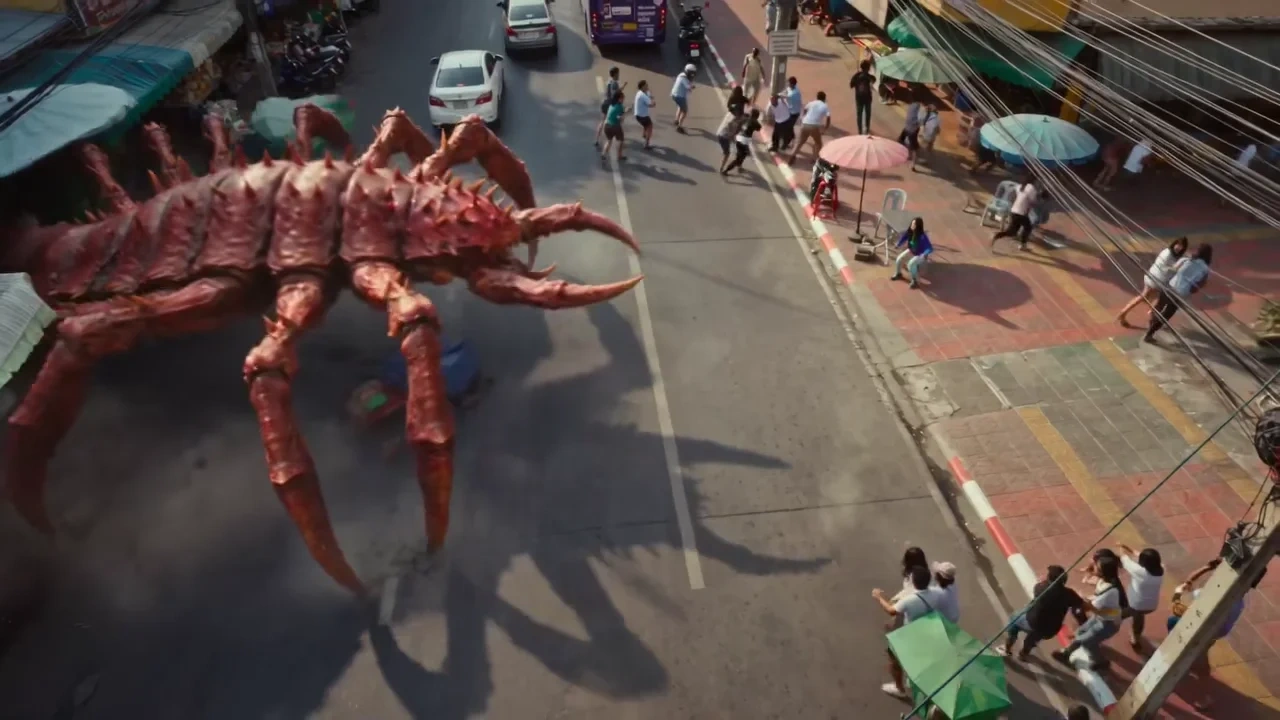
VidpexAI's AI video extender is a generative tool that extends existing video beyond its original boundaries — in time, in frame and in canvas — without reshooting or looping. Feed a 5-second clip and the AI video duration extender generates seamless continuation to 15, 30 or 60+ seconds, maintaining motion flow, lighting and style consistency across every new frame. The AI video background extender mode expands the visible canvas outward (generative outpainting), so you can convert a tight crop into a wide establishing shot or turn a vertical into landscape with the AI video aspect ratio extender. It functions as a video extender AI, AI video length extender, AI video frame extender and AI extend video background tool in one workspace. Teams comparing best AI video extender lists or looking for a free AI video extender no sign up option use VidpexAI when they need extend video with AI capabilities that go beyond simple duration padding — background expansion, aspect-ratio conversion and prompt-guided direction changes are all handled in the same session. The pipeline supports AI video extender free online previews, AI video extender no sign up guest access, extend video AI free watermarked drafts and commercial-ready exports on paid tiers. Chain extensions to build longer sequences, or run the AI vertical video extender to reformat 9:16 into 16:9 without letterboxing.
How Does VidpexAI's AI Video Extender Work?
Step 1: Upload Your Clip or AI-Generated Video
Drop MP4, MOV or WebM (up to 500 MB) into the AI video extender online workspace. Works on real footage, AI-generated clips from any model, animations and screen recordings. No sign-up required to upload and preview — the free AI video extender no sign up lane starts here.
Step 2: Choose Extension Mode — Duration, Background or Aspect Ratio
Pick AI extend video length to add seconds forward or backward, AI extend video background to expand the canvas outward, or AI video aspect ratio extender to convert 9:16 ↔ 16:9 ↔ 1:1 without cropping. Optionally describe what happens next — camera pulls back, subject turns, scene transitions — or let the AI continue naturally.
Step 3: Generate, Chain and Export
The AI generates new frames in seconds. Chain extensions to keep building length, preview watermarked on the free tier, then export watermark-free HD on paid plans. Every extended video is original generated content you own with commercial rights.
What You Can Do with VidpexAI's AI Video Extender?

AI Video Duration Extender and AI Video Length Extender
Turn a 5-second clip into 15, 30 or 60+ seconds. The AI video duration extender and AI video length extender generate seamless continuation frames that maintain motion physics, lighting and subject consistency. Chain extensions to build minute-long sequences from short source clips — ideal for extend video length AI workflows on TikTok, Reels and Shorts where longer watch time drives algorithmic reach.
AI Video Background Extender and AI Extend Video Background
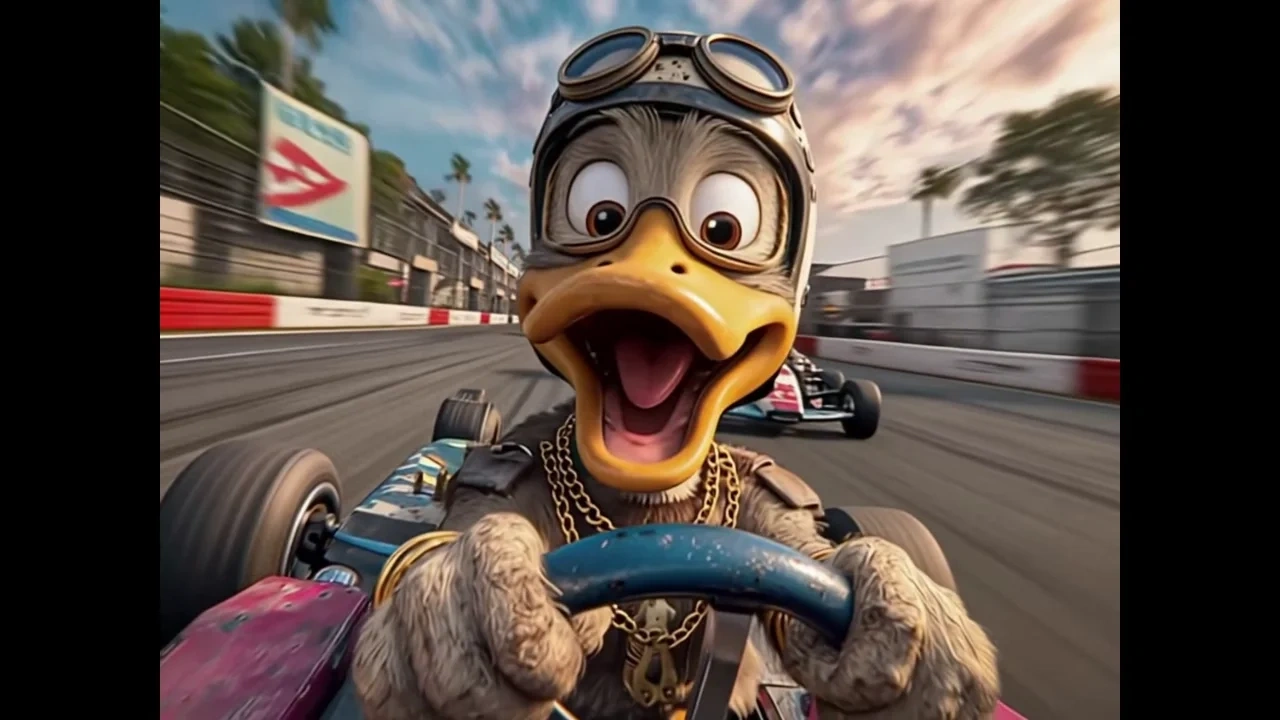
Expand the visible canvas beyond the original frame edges. The AI video background extender generates consistent scenery, context and depth outside the crop — turning close-ups into medium shots or tight verticals into cinematic wides. Use AI extend video background when you need to reveal surroundings without reshooting or when extend video frame AI canvas expansion saves a shot that was framed too tight.
AI Video Aspect Ratio Extender and AI Vertical Video Extender
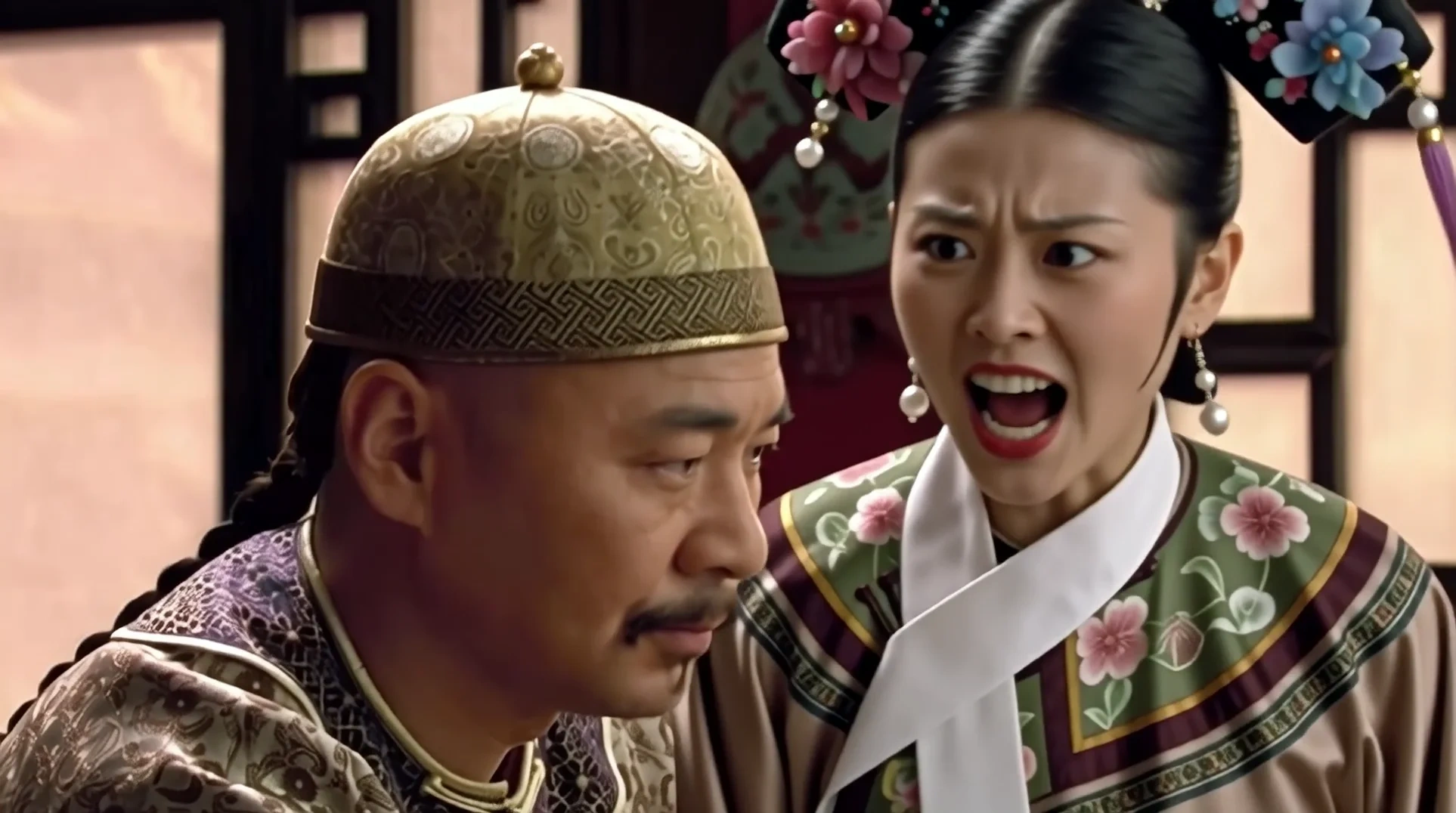
Convert 9:16 to 16:9, 1:1 to 9:16, or any ratio without cropping or letterboxing. The AI video aspect ratio extender generates matching environment on the new edges while preserving the original center. The AI vertical video extender is tuned for creators who shot vertical but need landscape deliverables for presentations, ads or YouTube without losing subject framing.

AI Video Frame Extender and Generative Extend Video AI
Add frames at the start or end of any clip for smoother editing handles, slow reveals or extended establishing shots. The AI video frame extender generates footage that matches existing camera movement so editors get more cutting room. The generative extend video AI mode also supports prompt-guided direction changes — describe what happens next and the AI builds it seamlessly.
Who is VidpexAI's AI Video Extender for?
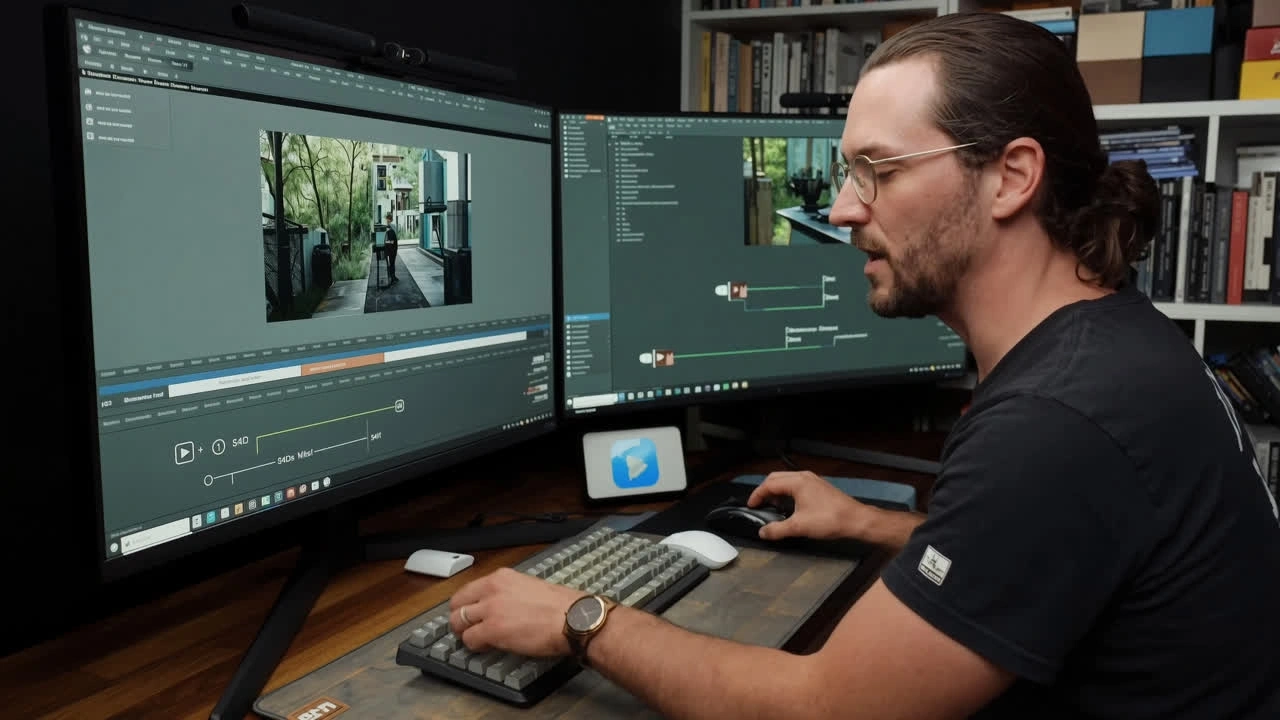
Short-Form Creators and Social Media Editors
Creators who need extend video AI online tools to stretch hooks, build watch time and meet minimum duration thresholds on TikTok, Reels and Shorts. The video extender AI free preview lane lets you test extensions before publishing.
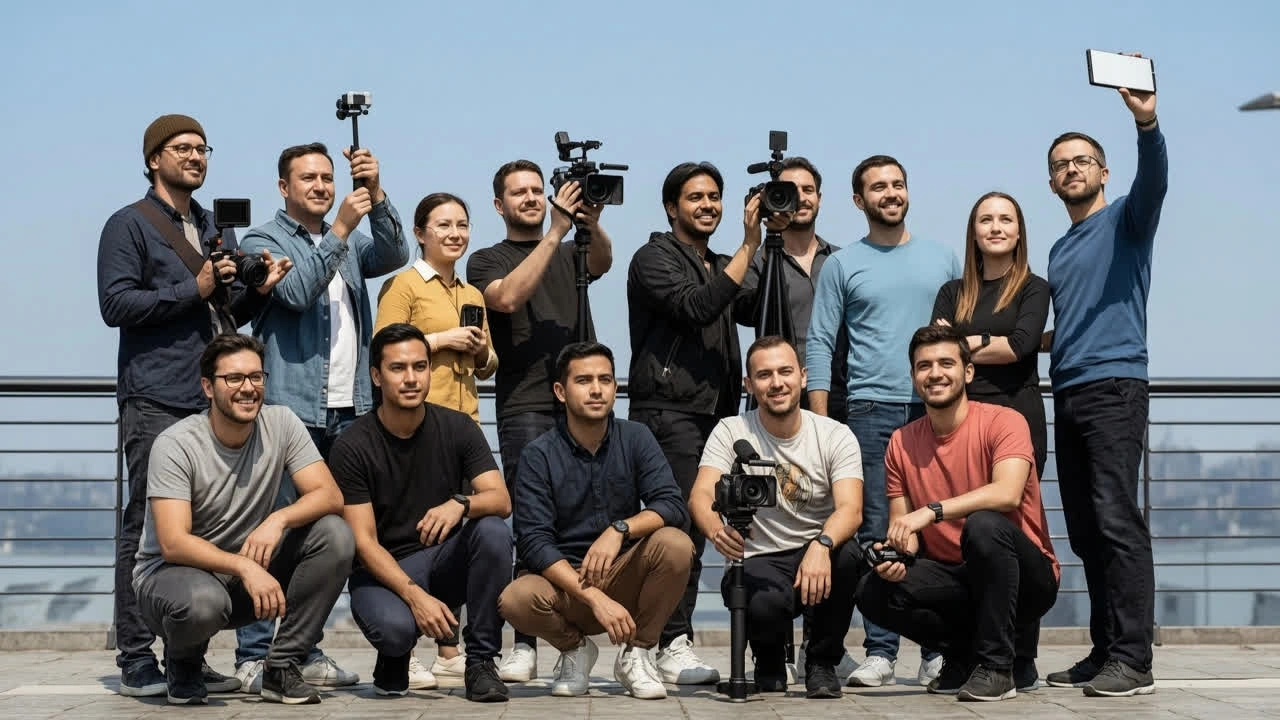
Filmmakers, Editors and Post-Production Teams
Editors who need extra editing handles, slow reveals or B-roll extension without scheduling a reshoot. VidpexAI works like extend video AI premiere workflows but runs in the browser — generate new footage, then pull into your NLE timeline.
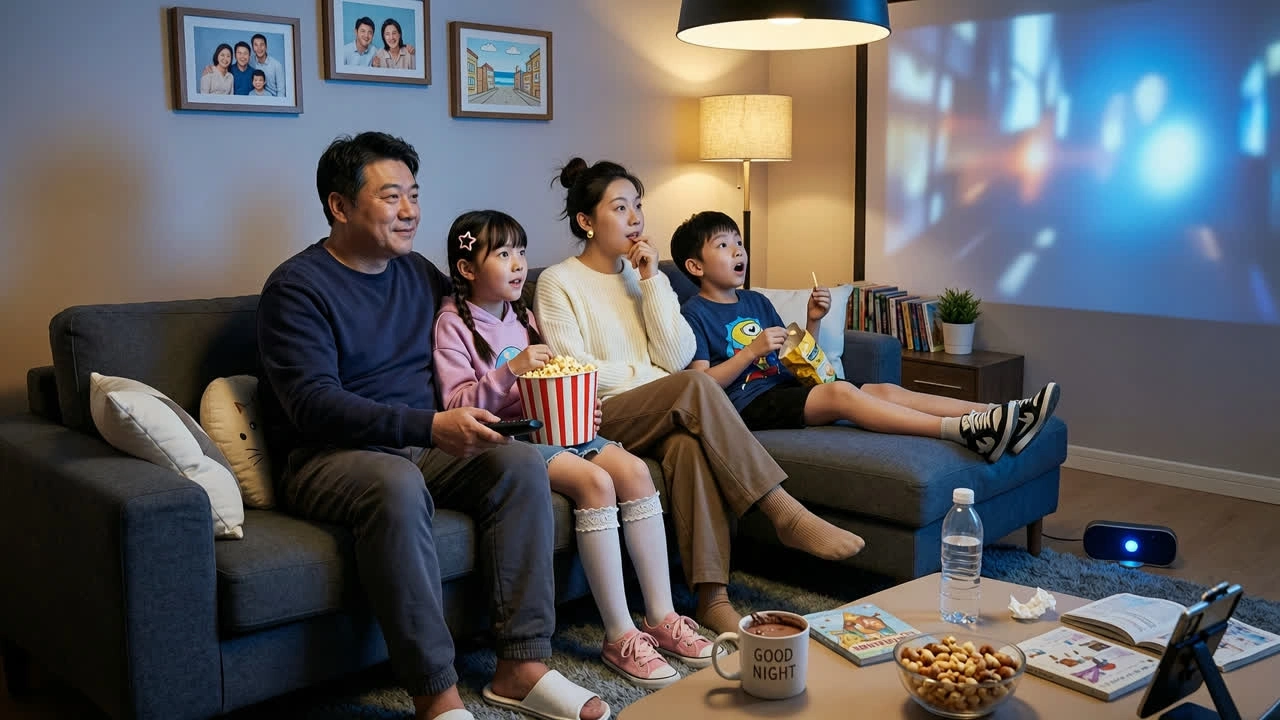
Marketers, Agencies and Product Teams
Teams repurposing one hero asset across multiple platforms and aspect ratios. The AI video aspect ratio extender and AI video background extender eliminate the need for multiple shoots when a single clip must ship as vertical, landscape and square simultaneously.
Why Choose VidpexAI's AI Video Extender?
Three Extension Modes in One Tool
Most competitors handle only temporal extension. VidpexAI also extends spatially — outpainting the frame and converting aspect ratios — so you solve three problems in one session. That is why teams shortlist it as the best AI video extender when multi-format delivery is required.
Free No-Signup Preview with Transparent Upgrade Path
The free AI video extender no sign up lane lets you upload, extend and preview watermarked results without creating an account. Paid tiers document watermark-free HD, commercial rights and batch processing. Failed generations refund credits automatically.
Prompt-Guided Direction and Seamless Chain Extensions
Describe what happens next — camera pulls back, subject turns, scene transitions to sunset — and the AI follows. Chain extensions to build minute-long sequences from a 5-second seed clip, with no visible cuts or style shifts between segments.